Quick Answer
To install the SquareHood Model P, screw it onto any compatible adapter (GA-1, GA-2, or NISI) attached to your Ricoh GR III or GR IIIx, then align it using the included tool.
Why Adapter Compatibility Matters
The SquareHood Model P doesn't attach directly to the camera body. It screws into the female 49mm thread on an adapter, so the adapter you choose determines the fit and the look. Both native Ricoh adapters (GA-1 and GA-2) work, as does the NISI adapter, giving you flexibility based on your preferred lens profile.
The key difference between the GA-1 and GA-2 is the overall length and how the hood sits relative to the lens. The GA-1 is slimmer, while the GA-2 adds a bit more bulk but also provides a deeper recess for the lens. Choose based on whether you prioritize a compact setup or extra shading.
Filter Attachment: What You Can Do
The hood itself has a 49mm thread on the front, so you can attach a 49mm filter directly to the hood. This is handy if you want to use a haze or UV filter without needing a separate step-up ring. Just remember that adding a filter increases the overall depth, so check that it doesn't interfere with your grip or your camera bag fit.
Installation Steps
- Attach the adapter: Screw the GA-1, GA-2, or NISI adapter onto your Ricoh GR III or GR IIIx lens thread. Make sure it's snug but not over-tightened. Check that the adapter is fully seated; a loose adapter can cause the hood to wobble.
- Screw on the hood: Take the SquareHood Model P and screw it into the female 49mm thread on the adapter. Turn it clockwise until it stops, but avoid forcing it. If it doesn't screw smoothly, check for cross-threading; don't force it as it can damage the threads.
- Align the hood: Use the included alignment tool to rotate the hood until it is perfectly square with the camera body. This ensures even shading and prevents vignetting. If you plan to attach a filter, do so after alignment to avoid disturbing the hood position.
Product Facts
-
SquareHood Model P for Ricoh GR III & GR IIIx: The SquareHood Model P screws straight onto any adapter for the Ricoh GR III and GR IIIx, including the native GA-1, GA-2, and NISI adapters. This means you can use the same hood with either adapter you already own, saving you from buying a new one.
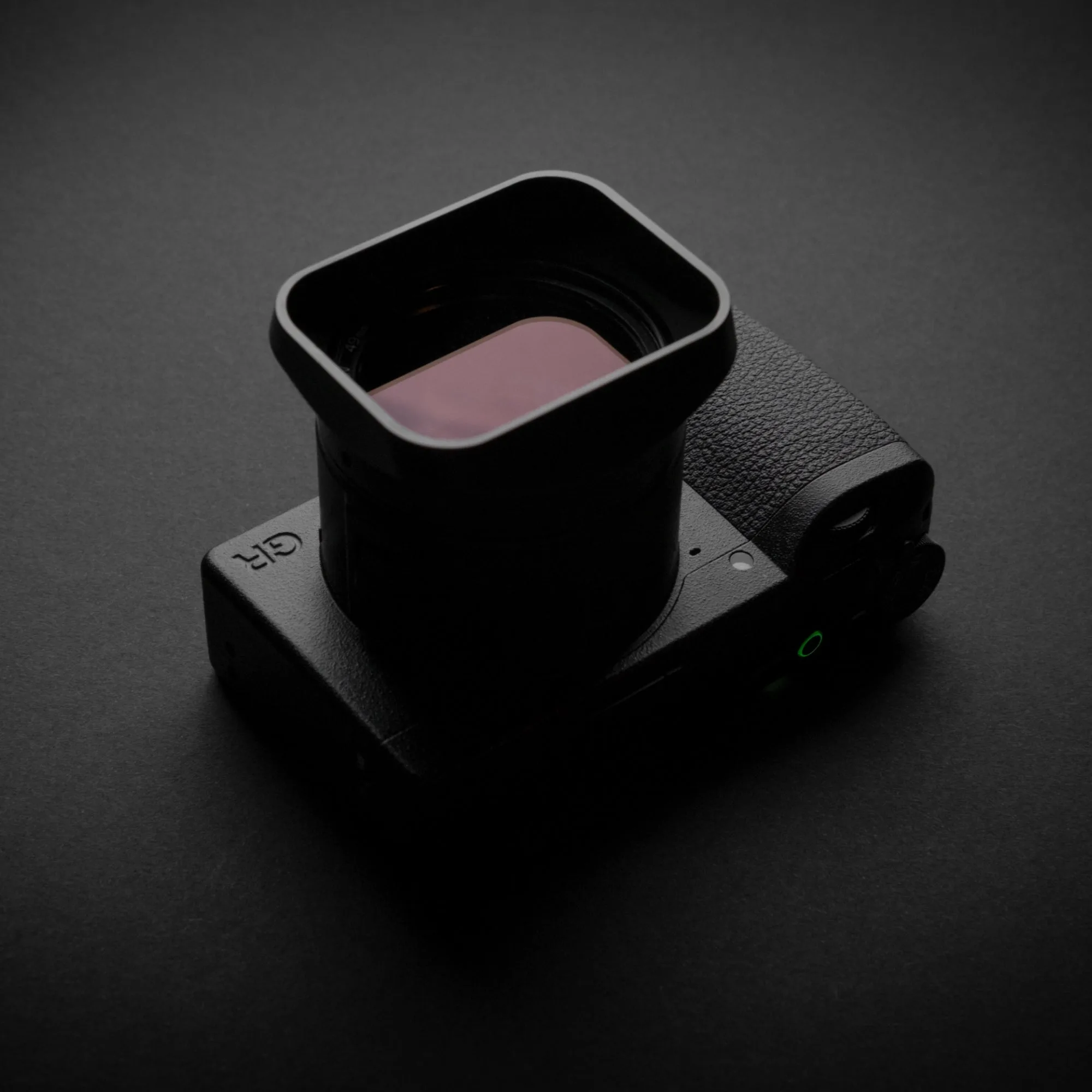
SquareHood Model P for Ricoh GR III & GR IIIx
-
SquareHood Model P for Ricoh GR III & GR IIIx: The hood has a 49mm filter thread on the front, allowing you to attach a 49mm filter directly. You can combine the hood with a filter without needing an extra adapter, keeping your setup simple.
-
SquareHood Model P for Ricoh GR III & GR IIIx: The hood comes with a rubber cap and a tool for alignment. The cap protects the hood when not in use, and the alignment tool ensures the hood sits square to avoid vignetting.