Quick answer
Choose the Rose FX Filter if you want an in-camera vintage look with soft highlights and subtle pink skin tones. Choose the Flare FX Filter if you want to add an anamorphic-style streak to point-source highlights and control its position by rotating the filter. They solve different problems, so the right pick depends on whether you are shaping skin and mood or adding a light streak.
What each filter actually does
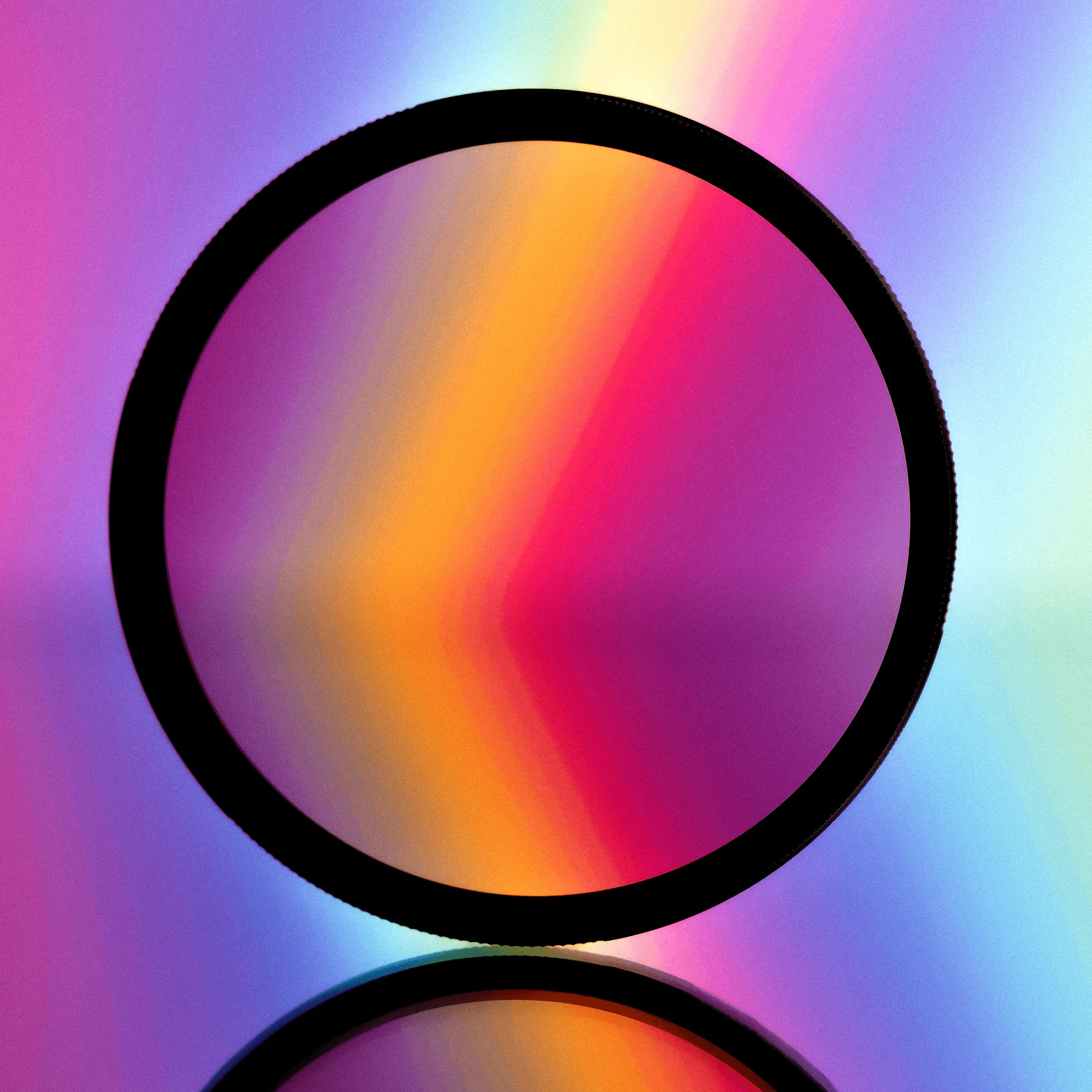
The Rose FX Filter is a rose-tinted glass paired with the Nostalgia Filter, creating subtle pink hues while softening highlights and skin tones. That makes it a skin-and-mood tool: it changes the overall color cast of the frame and takes the edge off bright areas.
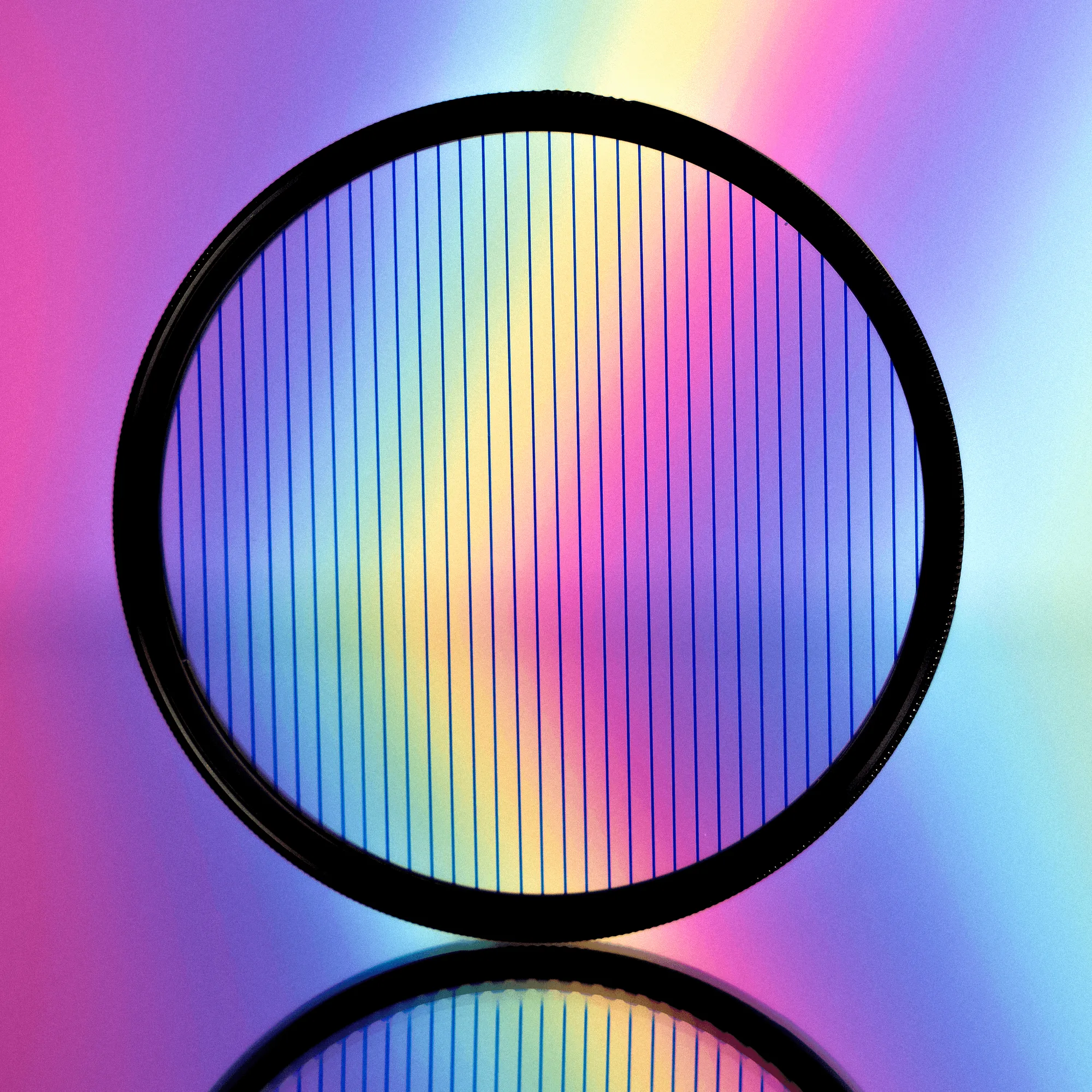
The Flare FX Filter creates an anamorphic-style flare on point-source highlights in your frame. Its rotating design lets you adjust where the flare sits, so you can aim the streak rather than accept wherever it lands. It is a light-effect tool, not a color or skin treatment.
How they behave on set
With Rose FX, the effect is baked across the frame, so you commit to a warmer, softer palette for the whole shot. It rewards scenes where skin tones and highlight roll-off matter more than crisp contrast, and it can reduce the need for heavy color grading later.
With Flare FX, the effect is localized to bright point sources. You rotate the filter until the flare lines up with your composition, which means the look can change as the camera or light moves. That makes it more interactive on set, but also more dependent on where your highlights are.
Stacking and combining them
Because they target different parts of the image, some shooters stack a soft-look filter with a flare filter to get both skin softening and a streak. The Moody FX Filter is a factory example of that logic: it pairs the Dream and Starburst effects into one filter, so you can see how a combined look behaves before committing to a stack.
Stacking adds glass and can introduce reflections or reduced contrast, so test the combination before a paid shoot. If you only need one effect, buying a single filter is simpler and avoids extra surfaces in front of the lens.
Size and mount decisions
Rose FX is offered in 67mm, 77mm, and larger sizes, so you match it to your lens thread. Flare FX is available in multiple colors and sizes, which matters if you want a blue streak versus a rainbow that shifts with the light.
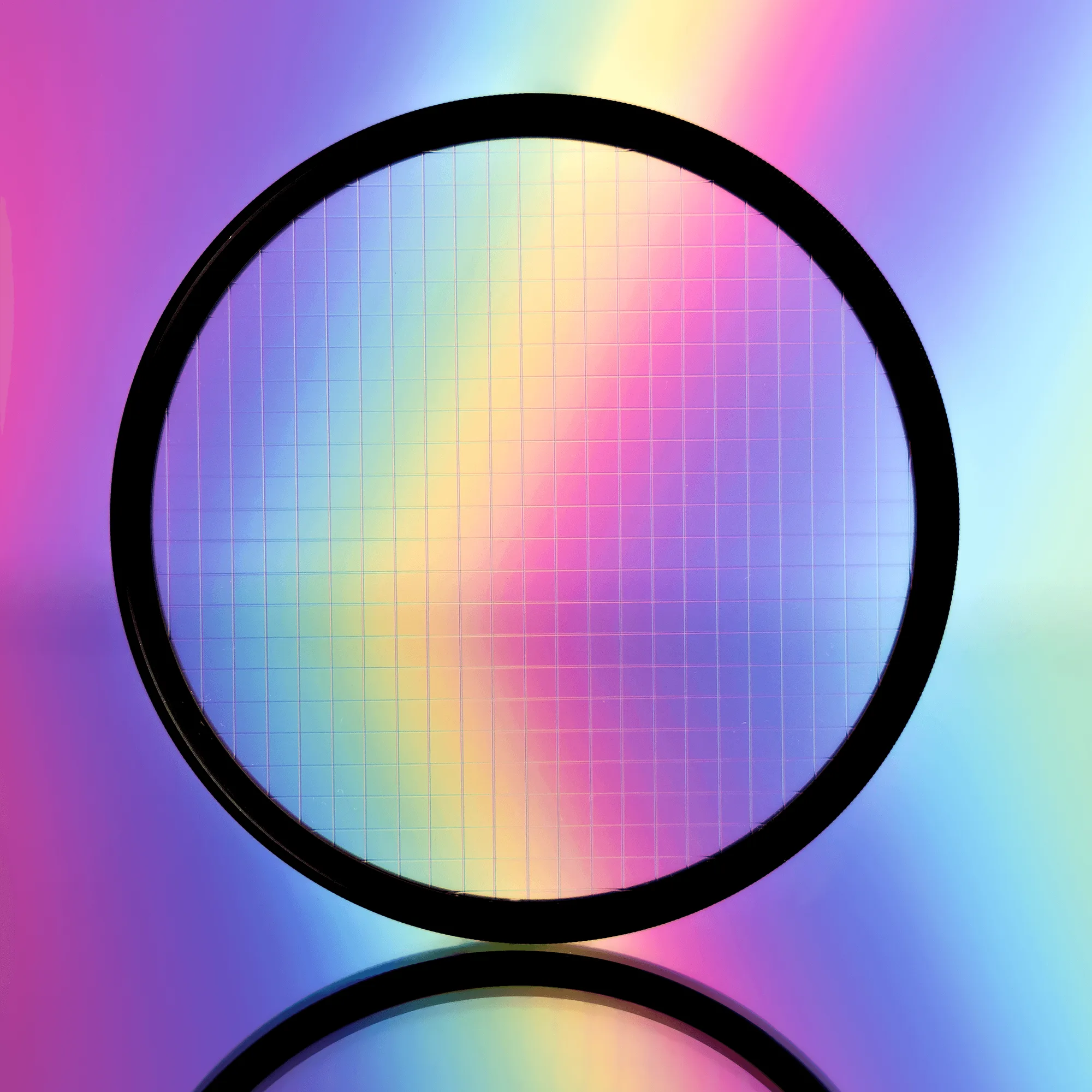
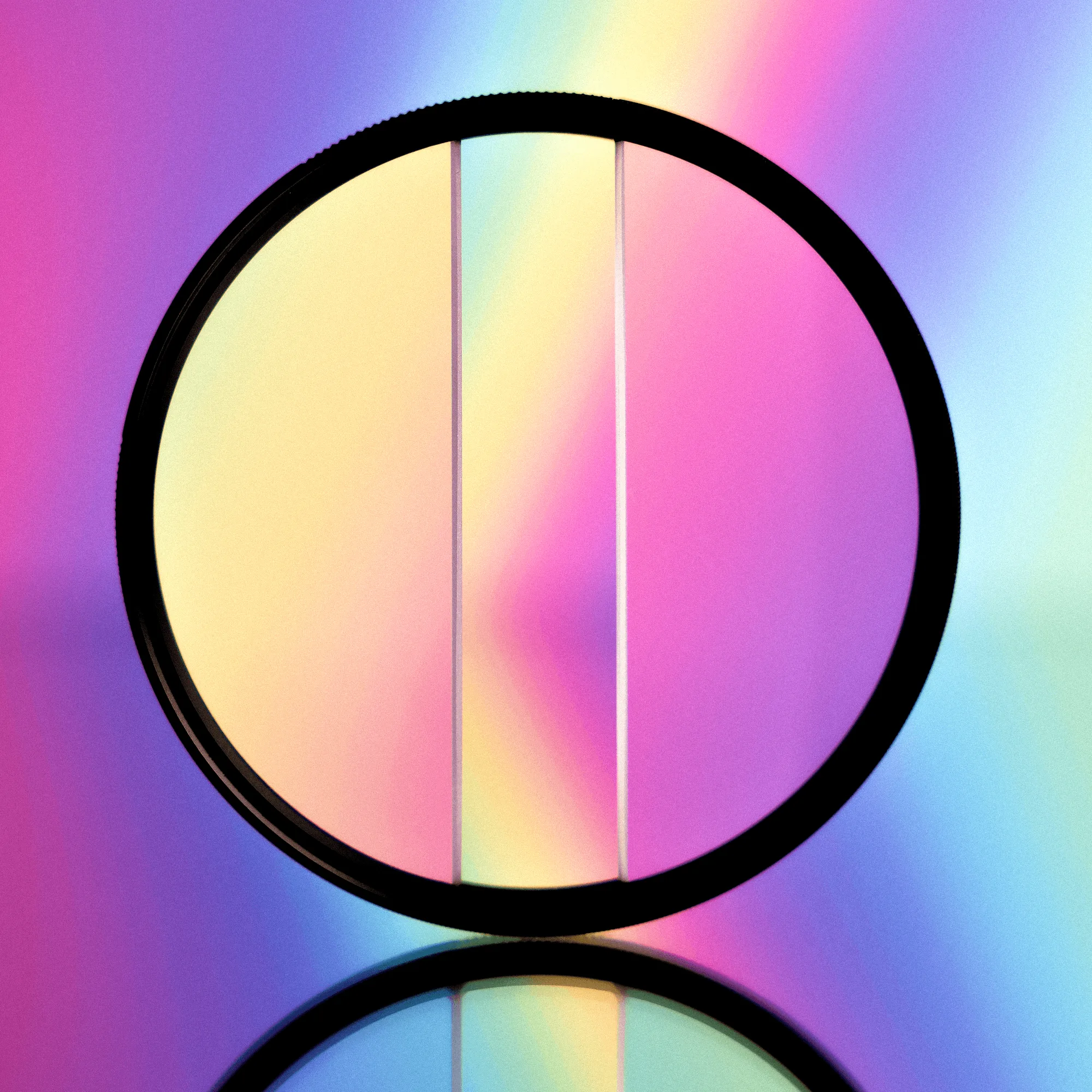
If you work with a matte box, check the mount type before buying. The Moody FX Filter, for example, comes in both rotating filter sizes and a 4x5.65 matte box option, so mount compatibility is a real decision point in this lineup. The Centerfield Split Diopter FX Filter is another mount-sensitive option, available in 67mm, 77mm, and 82mm rotating filters.
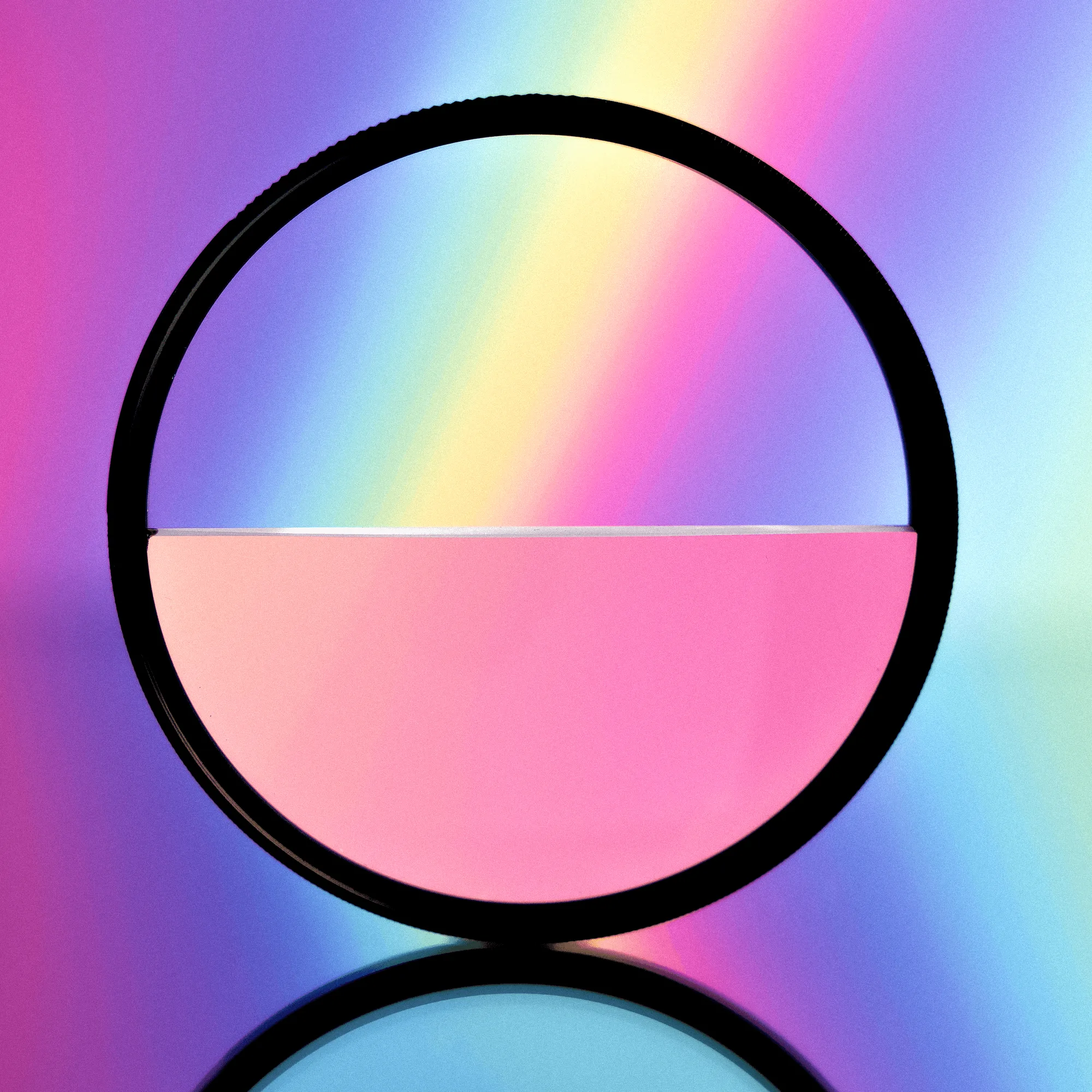
Split Diopter FX Filter
Trade-offs at a glance
- Rose FX: whole-frame look vs. local control: Rose FX tints and softens the entire frame, so you commit to that palette for the shot. Flare FX only affects point-source highlights, so the rest of the image stays closer to your lens's native rendering. Pick Rose FX for mood and skin; pick Flare FX for a targeted light effect.
- Flare FX: rotation control vs. highlight dependence: The rotating Flare FX lets you position the streak, but the effect only appears where bright point sources exist. Rose FX does not depend on highlights to show its effect. If your scene has no strong point sources, Flare FX may do little; Rose FX still changes the look.
- Stacking: more effect vs. more glass: Combining a soft filter with a flare filter can deliver both looks, but adds surfaces that can reduce contrast or cause reflections. A combined filter like Moody FX reduces that risk by building two effects into one. Test any stack before a paid shoot, or choose a single combined filter if you want both effects with less glass.
Product facts
- Rose FX Filter: Rose FX Filter is a combination of rose-tinted glass and the Nostalgia Filter, creating subtle pink hues while softening highlights and skin tones. If your goal is a vintage or nostalgic look in camera, this filter changes color and skin rendering at once, which can reduce grading time.
- Flare FX Filter: Flare FX Filter creates an anamorphic-style flare on point-source highlights, with a rotating design that lets you adjust the flare's position. It is available in Blue and Rainbow versions. If you want a controllable streak rather than an overall tint, the rotation and color choice give you direct control over where and how the flare appears.
- Moody FX Filter: Moody FX Filter is a collaboration with photographer Moody Darkroom that combines the Dream FX and Starburst FX effects into one filter, available in rotating sizes and a 4x5.65 matte box option. If you like the idea of stacking a soft look with a star effect but want fewer glass surfaces, this is a single-filter alternative to combining two separate filters.
- Centerfield Split Diopter FX Filter: Centerfield Split Diopter FX Filter creates blurry refraction effects while leaving the middle open for focus on the subject, with different effects at different focal lengths and a +4 diopter strength. If your priority is selective focus rather than color or flare, this is a different tool than Rose FX or Flare FX and should be chosen for composition, not mood.
Which one fits your shoot
Best for
- Portrait and lifestyle shooters who want softer skin tones and a vintage pink cast without heavy grading
- Video or photo work where you want a consistent nostalgic mood across the whole frame
- Shooters who want an in-camera color treatment rather than a light streak
Not for
- Scenes where you need neutral color and accurate skin tones
- Shooters who want a localized anamorphic streak rather than an overall tint
- Anyone who needs a selective-focus effect instead of a color or flare look