Quick Answer
Replace your RVR+ battery when runtime drops below 45 minutes or the robot fails to hold a charge. Use a genuine Sphero RVR+ Battery for a simple swap that restores full performance.
Why Battery Life Degrades Over Time
Lithium-ion batteries naturally lose capacity after hundreds of charge cycles. In a classroom setting where RVR+ robots run daily, you may notice reduced runtime within 12-18 months. This is normal and not a sign of a defective unit.
Extreme temperatures or leaving the battery at 0% charge for weeks accelerates degradation. If your RVR+ struggles to complete a single lesson or coding session, the battery likely needs replacement rather than a software fix.
When to Replace vs. When to Troubleshoot
Before buying a new battery, rule out charging cable or port issues. If the robot charges but drains quickly, the battery is the culprit. If it doesn't charge at all, try a different cable and power source first.
Replacement is straightforward: the RVR+ Battery is a user-serviceable part. You can swap it in minutes without tools. Buying an extra battery lets you charge one while the other is in use, minimizing downtime.
Diagnose and Replace Your RVR+ Battery
- Symptom: RVR+ runs for less than 45 minutes on a full charge, shuts down unexpectedly during movement, or won't power on even after charging overnight. If runtime is still above 45 minutes, try recalibrating the battery gauge in the Sphero Edu app before replacing.
- Likely Cause: Aged lithium-ion battery that can no longer hold sufficient charge. This is the most common reason for power issues after months of regular use.
- Corrective Action: Power off the RVR+, remove the battery compartment cover, disconnect the old battery, and connect the new RVR+ Battery. Reattach the cover and charge fully before first use. Use only a genuine Sphero battery to ensure proper fit and safe charging. Third-party batteries may not match the connector or voltage requirements.
- When to Stop or Choose Another Option: If the robot still doesn't power on after a new battery, the issue may be internal electronics. Contact Sphero support or consider a replacement plan instead of further DIY repairs. Stop here and seek professional service if the new battery does not resolve the problem.
What You Need
-
RVR+ Battery: High-capacity battery compatible with RVR+ and RVR, delivering enough juice to power the robot and any attached accessories. One battery keeps your robot running while the other charges, so classroom coding sessions never have to pause.
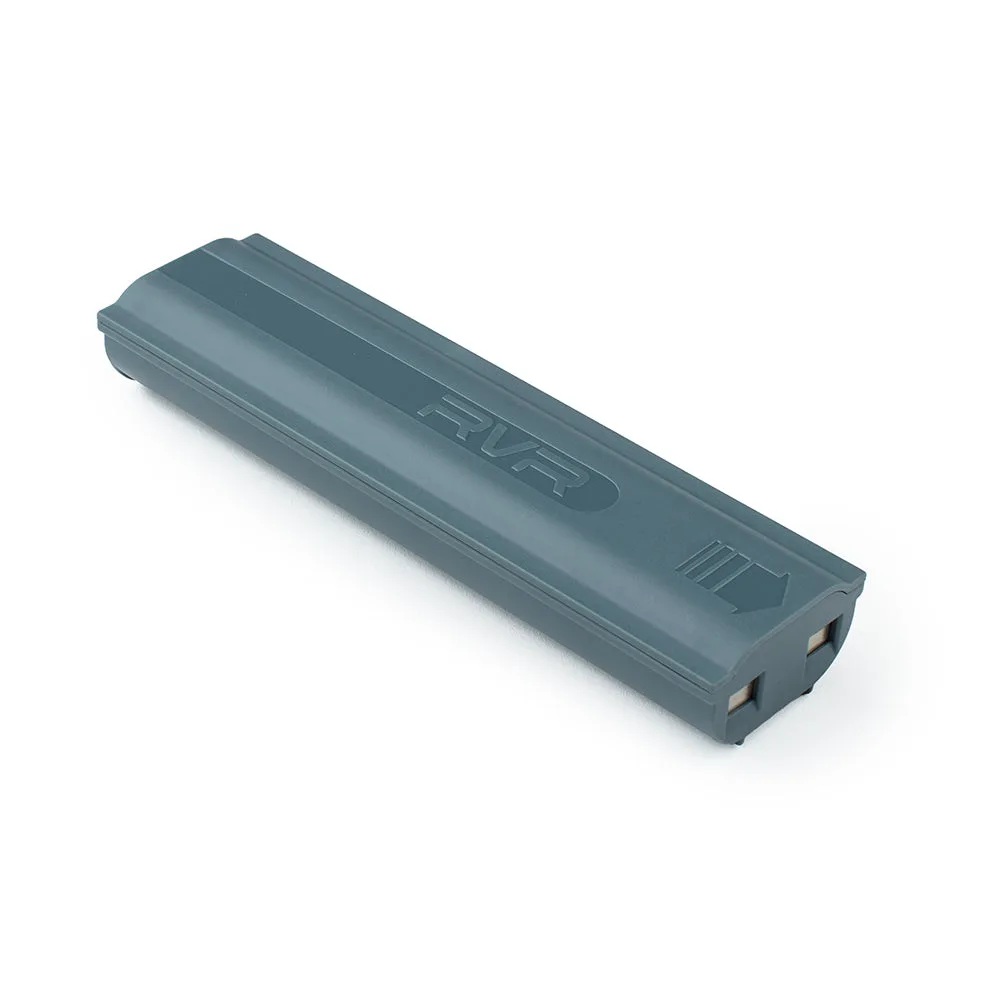
RVR+ Battery