Quick Answer
S-Video is the better choice when both your console and display support it, because it separates brightness and color into different signal paths for a cleaner image than composite. Composite remains the simpler fallback because it works on virtually every retro console and TV. Check your console's output and your TV's inputs before buying; if either lacks S-Video, composite is your only option without an adapter or mod.
Why S-Video Looks Sharper Than Composite
Composite video carries brightness and color information together on a single signal path. That combined signal causes color bleed, dot crawl, and softer edges, especially on reds and blues. S-Video splits luma (brightness) and chroma (color) into separate paths, which reduces those artifacts and produces a cleaner, more defined picture. On a CRT, the improvement is often obvious in text and fine details. On a modern flat panel, the difference is still visible but depends on how well the TV processes 480i signals.
What to Check Before You Buy
Start with your console's video output. Not every retro console supports S-Video natively; some require a mod or adapter. Next, check your TV or capture device for an S-Video input. Many modern displays dropped S-Video entirely, so composite may be your only direct option. Finally, consider cable quality. A shielded cable with gold-plated connectors reduces interference and signal loss, which matters more as cable length increases.
- Console output: confirm S-Video is available without a mod.
- Display input: look for a 4-pin mini-DIN S-Video port.
- Cable length: shorter runs generally preserve signal integrity better.
- Shielding: shielded cables help prevent audio interference and video noise.
Matching the Cable to Your Console
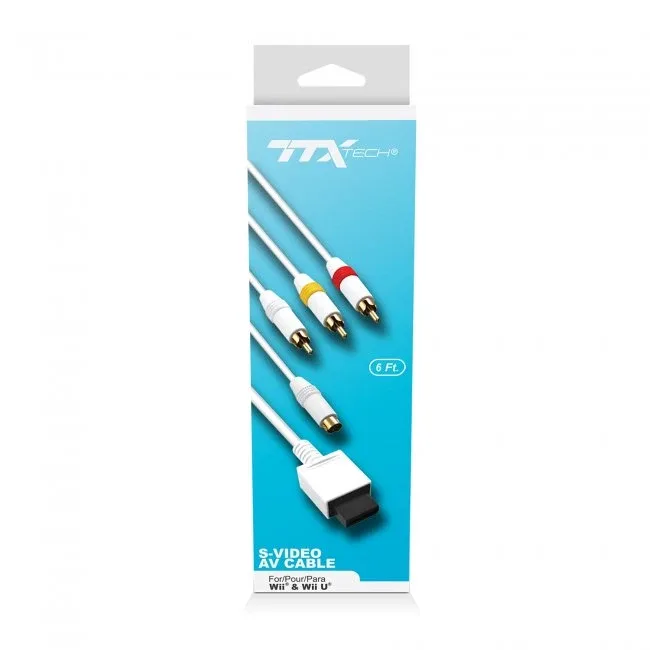
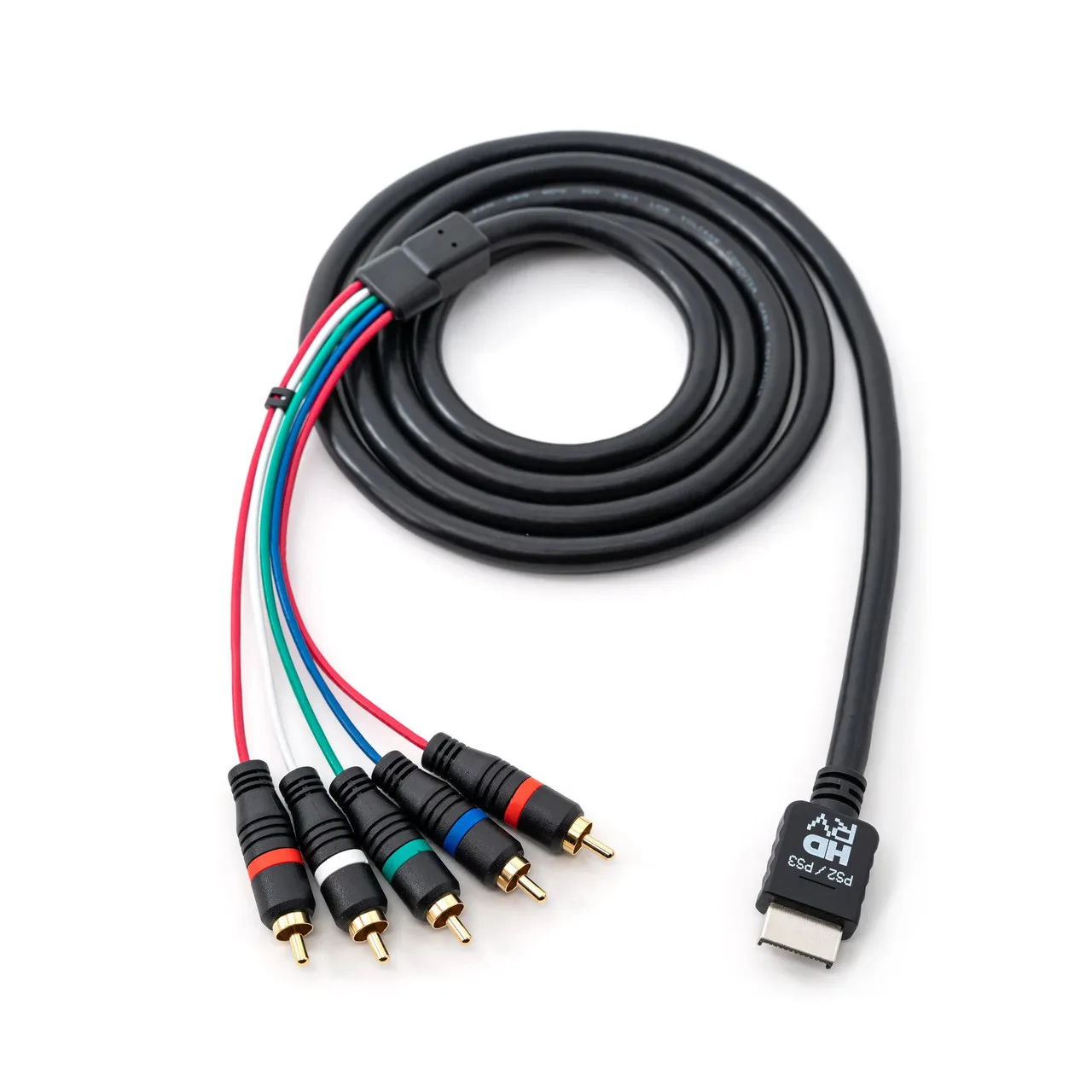
Different consoles use different connectors, so a cable that fits a Wii will not fit a PlayStation 2. The S-Video AV Cable for Wii and Wii U - TTX is built for Nintendo's Wii and Wii U systems and provides stereo sound along with 480i picture over a 6-foot shielded cable. For Sony systems, the YPbPr Component Cable for PlayStation 2 and PlayStation 3 - HD Retrovision uses component video rather than S-Video, which is a further step up in signal separation if your display supports it. Component splits video into three channels and can carry higher resolutions, but it requires component inputs and is not the same as S-Video. If your TV only has S-Video, the Wii cable is the relevant option; if it has component inputs and you are on a PS2 or PS3, the HD Retrovision cable is the stronger choice.
Trade-Offs to Weigh
- S-Video picture quality vs. compatibility: S-Video reduces color bleed and dot crawl compared to composite, but fewer modern TVs have an S-Video input, so you may need an adapter or a different display. Choose S-Video if your display has the input; otherwise composite is the practical route.
- Component vs. S-Video: Component video separates signals further and supports higher resolutions on PS2 and PS3, but it requires component inputs and is not available on every console. If your TV has component inputs and your console supports it, component is the better upgrade.
- Cable shielding and length: Shielded cables with gold-plated connectors help prevent interference, but longer cables can still degrade signal quality. Use the shortest cable that reaches your setup and prefer shielded construction.
Product Facts
- S-Video AV Cable for Wii and Wii U - TTX: S-Video AV Cable for Wii and Wii U - TTX provides stereo sound and 480i picture using 4-pin mini-DIN S-Video technology, with a 6 ft. gold-plated shielded cable. If you have a Wii or Wii U and a TV with an S-Video input, this cable delivers a cleaner image than composite without needing a mod.
- YPbPr Component Cable for PlayStation 2 and PlayStation 3 - HD Retrovision: YPbPr Component Cable for PlayStation 2 and PlayStation 3 - HD Retrovision is a fully shielded cable supporting all available PS2 and PS3 YPbPr video resolutions. For PS2 or PS3 owners with component inputs, this cable offers better signal separation than S-Video and supports higher resolutions, but it is not an S-Video cable.
Which Cable Fits Your Setup?
Best for
- Wii or Wii U owners with a TV that has an S-Video input
- Retro gamers who want a cleaner picture than composite without modding their console
Not for
- Consoles without S-Video output and no available mod
- PS2 or PS3 owners with component inputs who want the highest analog resolution