Quick answer
Replace your Samsung Galaxy Camera battery with a CELLONIC EB-F1A2G compatible cell. The swap takes a few minutes and requires no special tools.
Why replace the battery yourself?
The original Samsung EB-F1A2G battery for the Galaxy Camera series (EK-GC100, EK-GC110, EK-GC120) is no longer manufactured. Aftermarket options like the CELLONIC 1600mAh cell offer a reliable, affordable alternative with a three-year warranty. Replacing it yourself saves time and money compared to sending the camera in for service.
What to watch for
Not all replacement batteries match the original dimensions. The CELLONIC version is designed to fit the Galaxy Camera's battery compartment exactly. If you use a generic cell, it may be too thick or have the wrong connector orientation. Always verify the model number (EB-F1A2G) and the voltage (3.7V) before ordering.
Step-by-step replacement
- Power off the camera and remove the old battery: Turn the camera off. Slide the battery compartment latch on the bottom of the camera to open the door. Gently lift the old battery out by its pull tab. If the battery is swollen, do not force it—contact a recycler. Never use metal tools to pry out a stuck battery; you risk puncturing the cell.
- Insert the new CELLONIC battery: Align the new battery so the contacts face the camera's internal pins. Slide it in until it clicks into place. Close the compartment door and ensure the latch is secure. If the battery does not slide in easily, check that you have the correct orientation—the label should face up.
- Charge the battery fully before first use: Connect the camera to its charger or a USB power source. Let the battery charge for about 2–3 hours until the indicator shows full. A fresh lithium-ion cell needs a full cycle to calibrate its gauge. Do not interrupt the first charge early; partial cycles can shorten the battery's reported runtime.
- Test the camera: Turn the camera on and take a test shot. Check that the battery indicator shows the correct level. If the camera does not power on, re-seat the battery and verify the contacts are clean. If the camera still won't start, the old battery's connector may have damaged the internal pins—inspect with a flashlight.
What you need
-
Batterij voor Samsung EK-GC100 Galaxy Camera, EK-GC110 Galaxy Camera, EK-GC120 Galaxy Camera EB-F1A2G Accu (1600mAh, 3.7V) van CELLONIC: 1600mAh capacity, 3.7V, compatible with Samsung Galaxy Camera EK-GC100, EK-GC110, EK-GC120 Matches the original specs, so your camera powers on and holds a charge as expected.
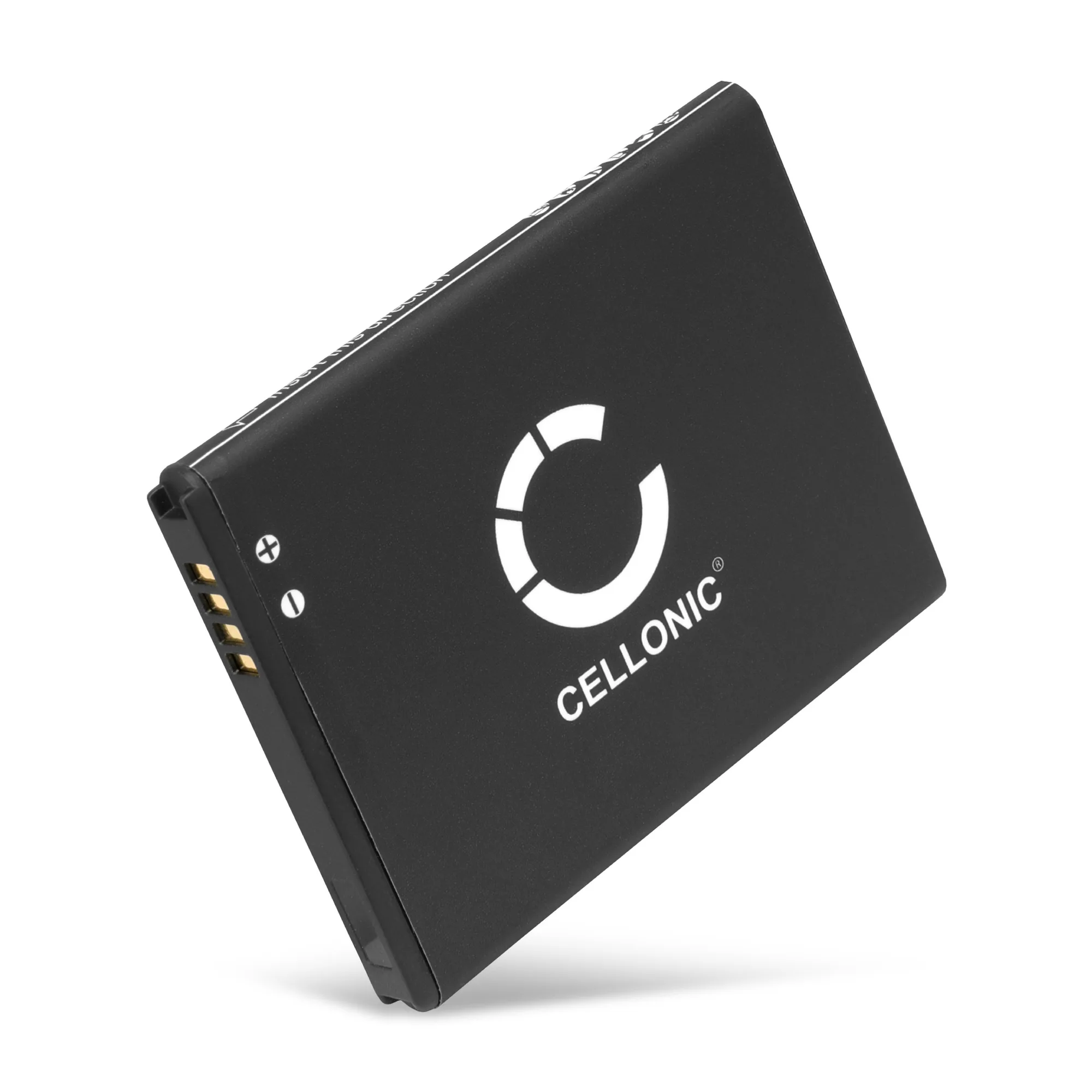
Batterij voor Samsung EK-GC100 Galaxy Camera, EK-GC110 Galaxy Camera, EK-GC120 Galaxy Camera EB-F1A2G Accu (1600mAh, 3.7V) van CELLONIC


