Quick answer
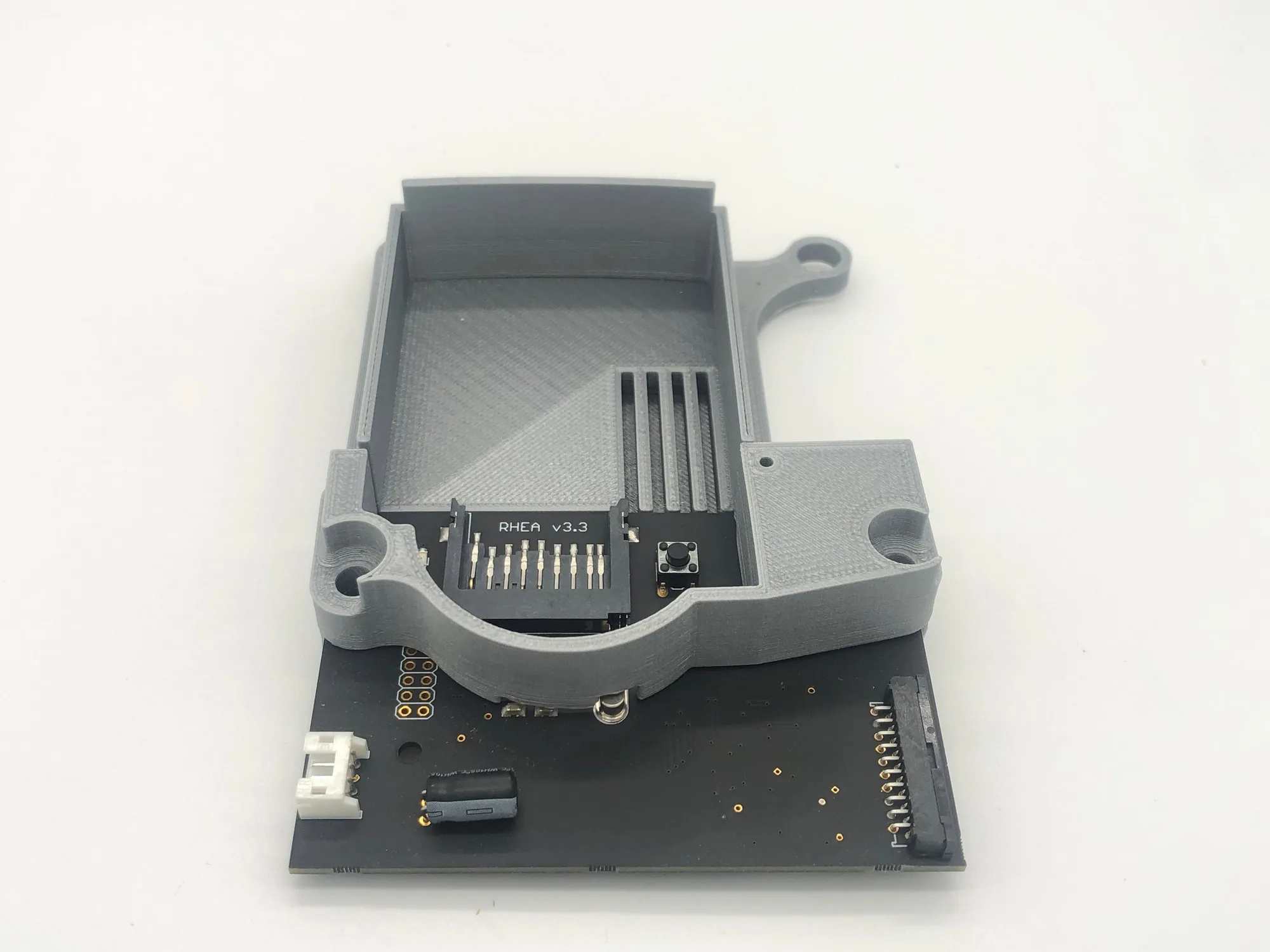
If your Saturn disc drive still reads discs reliably and you mostly play original discs, keep it. If it skips, grinds, or you want to stop worrying about a 30-year-old laser, a Saturn ODE is the better long-term setup. Powr Up Gaming's Saturn ODE Options let you choose the M.O.D.E. with SD Card Mount by Laser Bear or supply your own kit, so the right call depends on whether you want a complete drop-in solution or already own compatible hardware.
What each setup actually asks of you
A working disc drive asks almost nothing up front: you insert a disc and play. Its hidden cost is mechanical wear. Lasers, spindles, and gears age, and replacement parts for a console that is no longer manufactured are hard to source. An ODE replaces that mechanism with an SD card based solution, so there is no laser to fail and no disc to resurface. The trade is that your library has to exist as files, and you take on the setup work of moving games to a card and navigating a menu instead of a disc tray.
Where the Saturn ODE Options fit
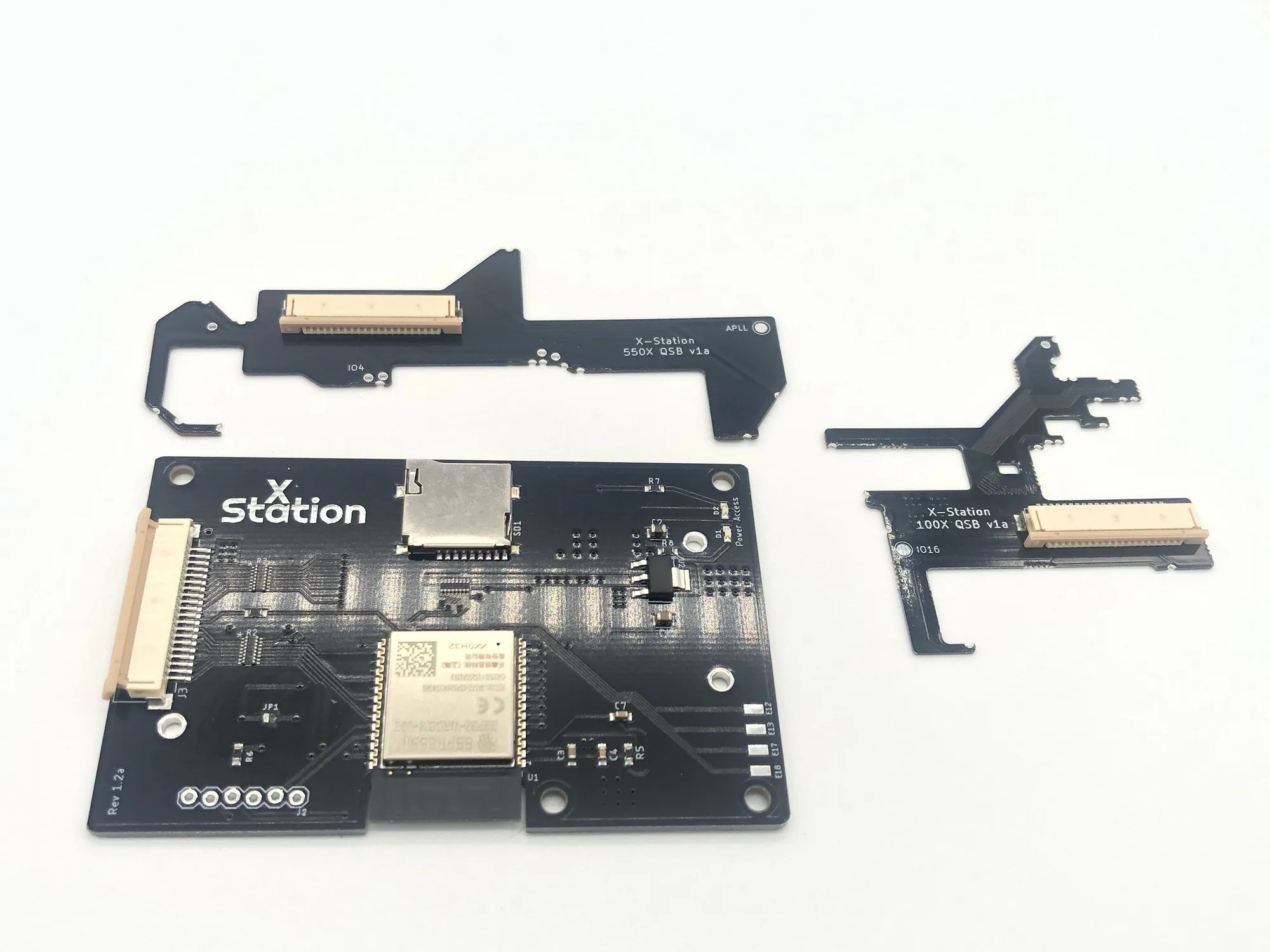
Powr Up Gaming lists the Saturn ODE Options as a configuration product, not a one-size kit. The first option bundles the M.O.D.E. with an SD Card Mount by Laser Bear for a complete solution. The alternative 'No' option exists for players who already have their own setup and only need the console-side work. That structure matters because the biggest variable in a Saturn disc drive replacement is not the emulator itself, it is whether you are buying a mount and card solution together or assembling one from parts you already own. If you are unsure which category you fall into, check whether you already have a compatible ODE board and a way to mount it before choosing the bundled option.
The library question nobody asks first
Before comparing hardware, count what you actually play. If your Saturn collection is 20 discs you love, a healthy drive is simpler and keeps the ritual intact. If you have a large library, imports, or backups you want to preserve, an ODE removes the friction of swapping discs and the risk of scratching originals. This is the real Saturn ODE comparison: not which device is faster, but whether your play style is disc-first or file-first. Neither answer is wrong, and the Saturn ODE Options product is built to accommodate both by letting you bring your own kit.
Cost and effort over time
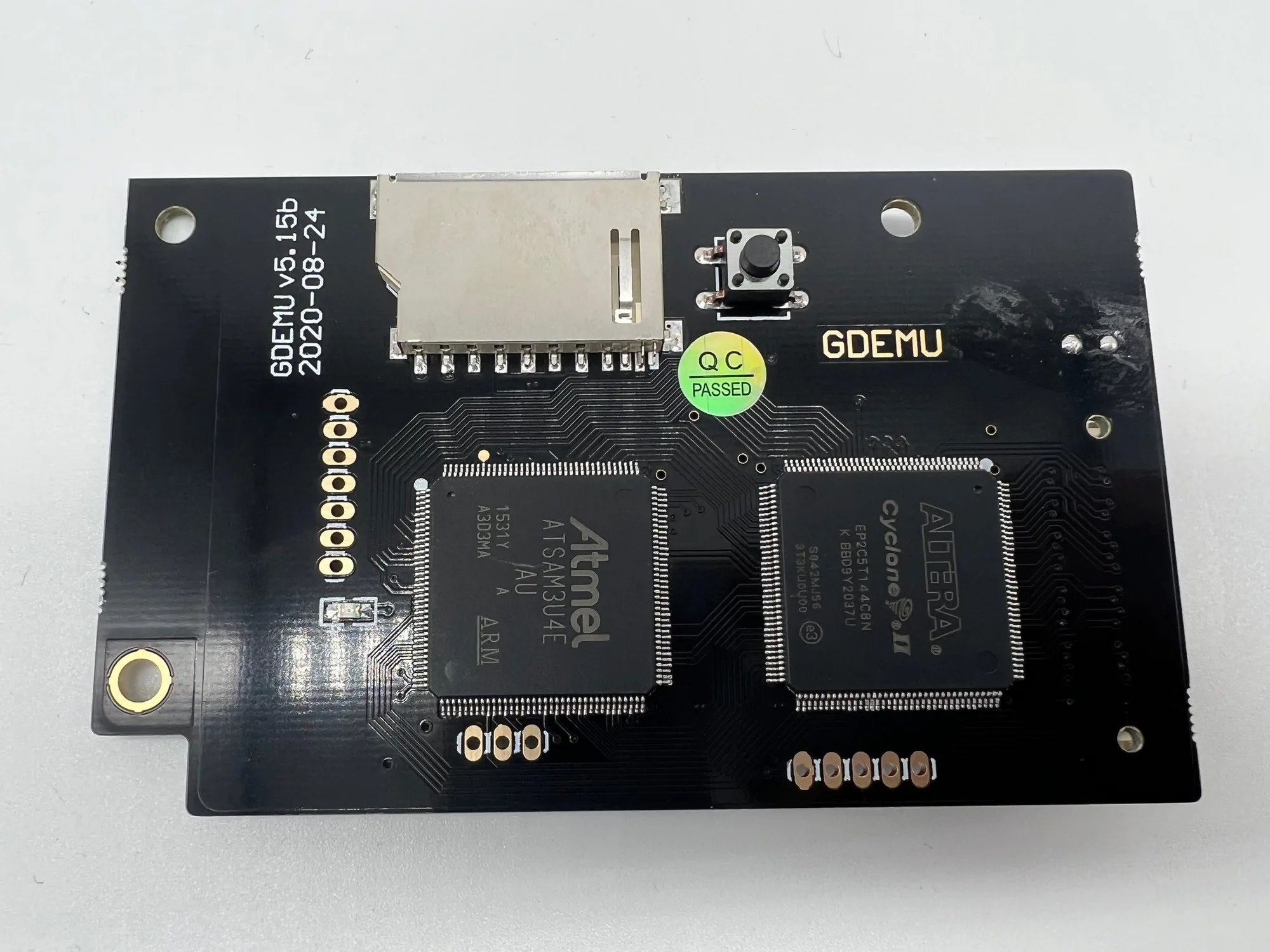
A disc drive costs nothing today but can cost time and sourcing effort later when it fails. An ODE costs more up front, and the bundled M.O.D.E. with SD Card Mount by Laser Bear is the higher-effort, higher-completeness path. The 'No' option lowers the entry cost if you already own the emulator hardware. If you are also modding other consoles, note that Powr Up Gaming carries separate solutions like the GDEMU 5.15b Optical Drive Emulator for Dreamcast and the PS1 Optical Drive Emulator (ODE) Options for PlayStation, so you can standardize on one SD-card workflow across systems instead of learning a different menu for each console.
Trade-offs to weigh before you buy
- Keep the disc drive: No upfront cost and no setup, but you depend on a laser and mechanism that will eventually wear out, and spare parts are scarce. Best if your drive reads reliably and your collection is mostly discs you already own.
- Install a Saturn ODE: Removes the mechanical failure point and speeds up loading, but requires your games as files and a card-management workflow. Best if your drive is failing, you play often, or you want to preserve original discs.
- Bundle vs. bring your own kit: The M.O.D.E. with SD Card Mount by Laser Bear option is complete out of the box. The 'No' option assumes you already have an emulator and mount. Pick the bundle unless you can name the exact ODE hardware you already own.
Saturn ODE options at a glance
- Saturn ODE Options: Saturn ODE Options includes the M.O.D.E. with SD Card Mount by Laser Bear in the first option, with a 'No' option for those who already have their own setup. Choose the bundled option for a complete drop-in solution, or the 'No' option to save money if you already own compatible hardware.
- GDEMU 5.15b Optical Drive Emulator: GDEMU 5.15b is an SD card based replacement for the Dreamcast disc drive, with full CD Digital Audio support and no custom BIOS required. If you mod multiple Sega consoles, this shows the same SD-card approach exists for Dreamcast, so you can keep one library workflow.
- PS1 Optical Drive Emulator (ODE) Options: PS1 Optical Drive Emulator (ODE) Options lets you specify whether you provide the ODE kit or Powr Up Gaming supplies it, with accessories like an SD card mount or fan. The same bring-your-own-kit choice exists on PlayStation, which helps you decide how much of the build you want to handle yourself.
Which setup fits you?
Choose a Saturn ODE if you
- Own a Saturn with a skipping, grinding, or dead disc drive
- Play a large library, imports, or backups and want fast access without swapping discs
- Want to preserve original discs and avoid future laser repairs
Keep your disc drive if you
- Have a drive that still reads discs reliably and you mostly play originals
- Prefer the disc-tray experience and do not want to manage game files
- Are not ready to source or configure an ODE kit and mount