Quick Answer
If your SeaLife light isn't charging, the problem is usually a loose connection between the charger, USB adapter, or battery contacts—check these before replacing anything.
Why Connections Matter Most
Charging issues with Sea Dragon lights almost always trace back to a poor connection. Salt residue, corrosion, or a partially seated cable can interrupt the flow of power even when everything looks fine. Before assuming a battery or charger is dead, inspect every link in the chain: the wall outlet, the AC charger, the USB adapter, and the battery contacts.
Another common culprit is using the wrong adapter or cable. SeaLife Micro cameras and Sea Dragon lights use different charging setups, so mixing them up can lead to frustration. Always confirm you're using the correct charger for your specific device.
Diagnosis Steps
- Symptom: The light doesn't turn on or the charging indicator stays off when plugged in. Note whether the indicator shows any color—this can narrow the issue.
- Likely Cause: A loose or corroded connection between the charger, USB adapter, or battery contacts. Inspect contacts for salt or grime; clean gently with a dry cloth.
- Corrective Action: Unplug everything, reseat the battery, and reconnect the charger securely. Try a different wall outlet if possible. If the light charges, you're done—no need to replace parts.
- Stop or Choose Another Option: If the light still doesn't charge after cleaning and reseating, the battery or charger may be faulty. Consider replacing the charger kit or battery. Check the battery's condition; if swollen or damaged, dispose of it properly and replace.
Products That Help
-
Sea Dragon Photo-Video Light AC-Charger Kit (for 2-Cell 7.4V 25Wh Batteries): Sea Dragon Photo-Video Light AC-Charger Kit (for 2-Cell 7.4V 25Wh Batteries) This AC charger kit is designed for Sea Dragon lights, ensuring the right voltage and connector for reliable charging.
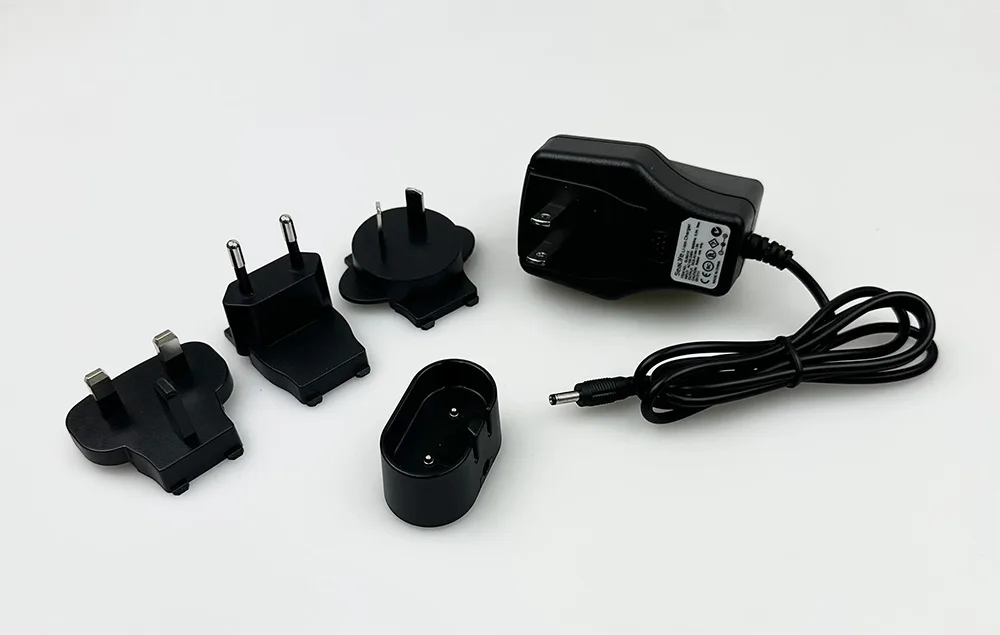
Sea Dragon Photo-Video Light AC-Charger Kit (for 2-Cell 7.4V 25Wh Batteries)
-
SeaLife Micro HD, HD+, 2.0 & 3.0 USB Adapter & Cable Kit (Type C): SeaLife Micro HD, HD+, 2.0 & 3.0 USB Adapter & Cable Kit (Type C) If you use a Micro camera, this Type-C USB adapter kit provides a proper charging connection, avoiding compatibility issues.
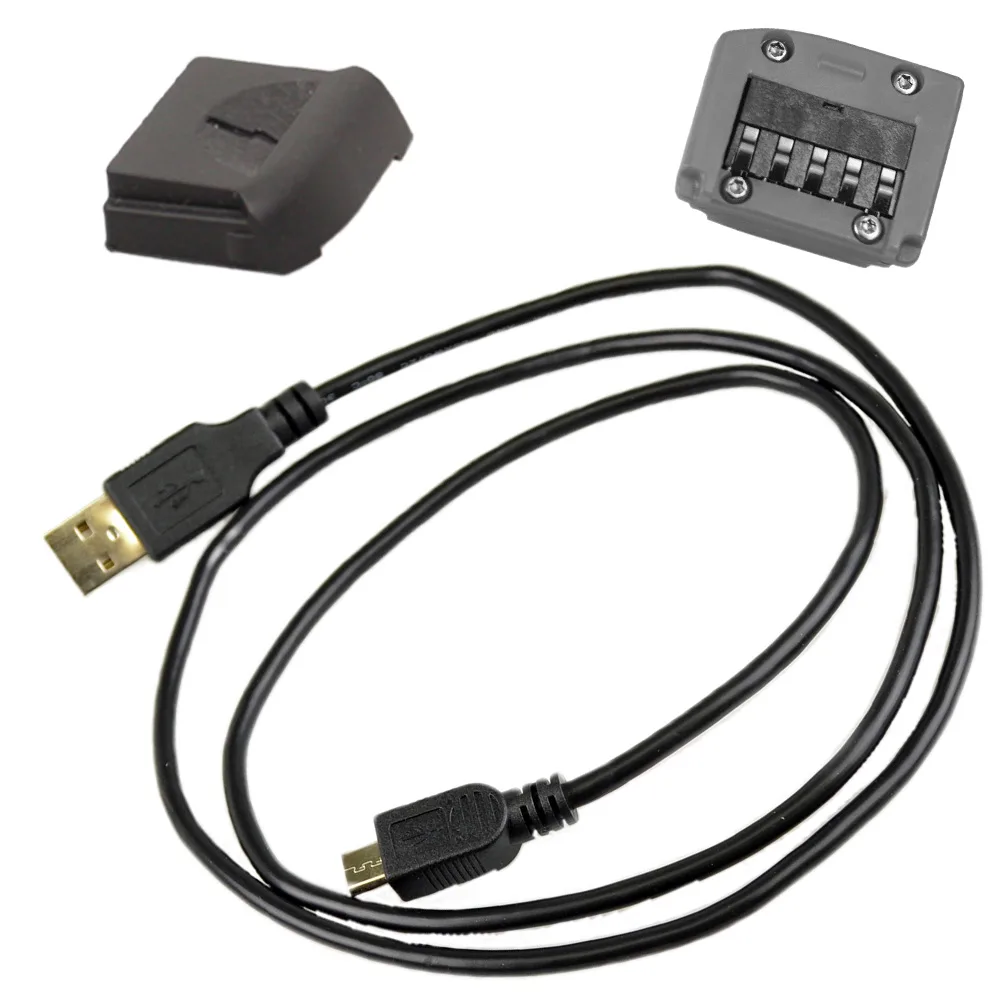
SeaLife Micro HD, HD+, 2.0 & 3.0 USB Adapter & Cable Kit (Type C)


