Quick Answer
To get the most out of the Pseudo Saturn Kai 4-in-1 cart, insert it into the cartridge slot, use the menu to select the correct mode (RAM, save, or cheat), and back up your saves to the 8MB ROM before switching games.
Why the 4-in-1 Cart Is a Practical Upgrade
The Pseudo Saturn Kai cart combines four functions in one cartridge: region unlocking, RAM expansion (1MB or 4MB), save storage, and cheat support. This means you can replace multiple separate carts with a single unit, saving both money and cartridge slot space.
Because the cart works on all region Saturn consoles (US, Japan, EUR) without any console modification, it is a straightforward plug-and-play solution for playing imported games or CD-R backups. However, note that the cart does not add a built-in ODE or replace the disc drive; it only works with the original CD-ROM drive.
Understanding the Modes and What They Do
The cart's menu lets you choose between different operating modes. The 1MB and 4MB RAM modes are required for games that use the expansion RAM (like Capcom fighting games). The save mode uses the built-in 8MB ROM to back up or copy internal save data, and the cheat mode lets you enter codes for supported games.
A common mistake is leaving the cart in the wrong mode when you start a game. Always check the menu before launching a title, especially if the game requires a specific RAM size. If a game fails to boot, re-enter the menu and switch to the correct mode.
Step-by-Step Setup and Save Management
- Insert the cart and power on: Turn off the Saturn, insert the cart firmly into the cartridge slot on the back of the console, then power on. The Pseudo Saturn Kai menu should appear automatically. If the menu does not appear, reseat the cart and check that it is fully inserted.
- Select the correct mode for your game: Use the menu to choose between 1MB RAM, 4MB RAM, save, or cheat mode. For games that need expansion RAM, select the matching size (check the game manual or online database if unsure). If a game boots to a black screen, power off, re-enter the menu, and switch to the other RAM size.
- Back up your internal saves: In save mode, choose the option to copy or back up saves from the internal memory to the 8MB ROM. This protects your progress if the internal battery dies. After backing up, verify that the save appears in the cart's save list before moving on.
- Restore saves when needed: To restore a save, enter save mode, select the backup file, and copy it back to the internal memory. This is useful when switching consoles or after a battery replacement. Always restore saves before starting a game that relies on that save, or the game may not recognize it.
- Use cheat mode for supported games: If you want to use cheats, switch to cheat mode and enter codes for the game you are playing. Not all games are supported; check the Pseudo Saturn Kai compatibility list for your title. If cheats do not work, the game may not be compatible—try without cheats rather than assuming a cart fault.
Product Facts
-
Sega Saturn Psuedo Saturn Kai 4MB 1MB 8MB Memory All in One 4 in 1 Cart: Works on all region Saturn consoles (US/Japan/EUR) with no console modification required. You can play Japanese titles on a US Saturn or vice versa without opening the console, making region unlocking hassle-free.
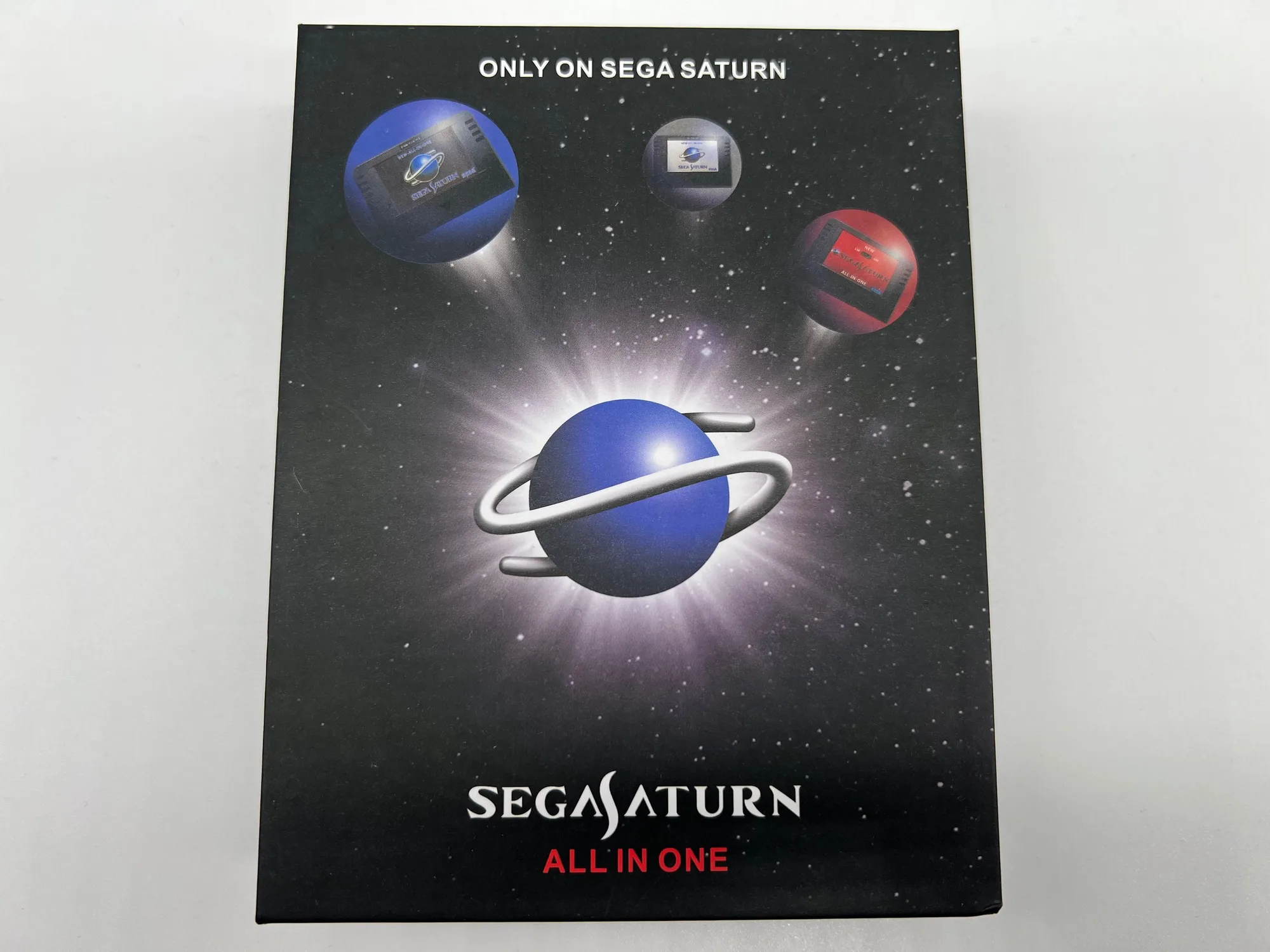
Sega Saturn Psuedo Saturn Kai 4MB 1MB 8MB Memory All in One 4 in 1 Cart
-
Sega Saturn Psuedo Saturn Kai 4MB 1MB 8MB Memory All in One 4 in 1 Cart: Built-in 1MB and 4MB RAM expansion supports games that require either size. This eliminates the need to buy separate RAM carts, and you can switch between 1MB and 4MB modes from the menu.
-
Sega Saturn Psuedo Saturn Kai 4MB 1MB 8MB Memory All in One 4 in 1 Cart: Includes 8MB saving ROM for game save functions. You can back up your internal saves to the cart, protecting them from battery failure and making it easier to move saves between consoles.