Why Use a Security Camera for Pet Monitoring
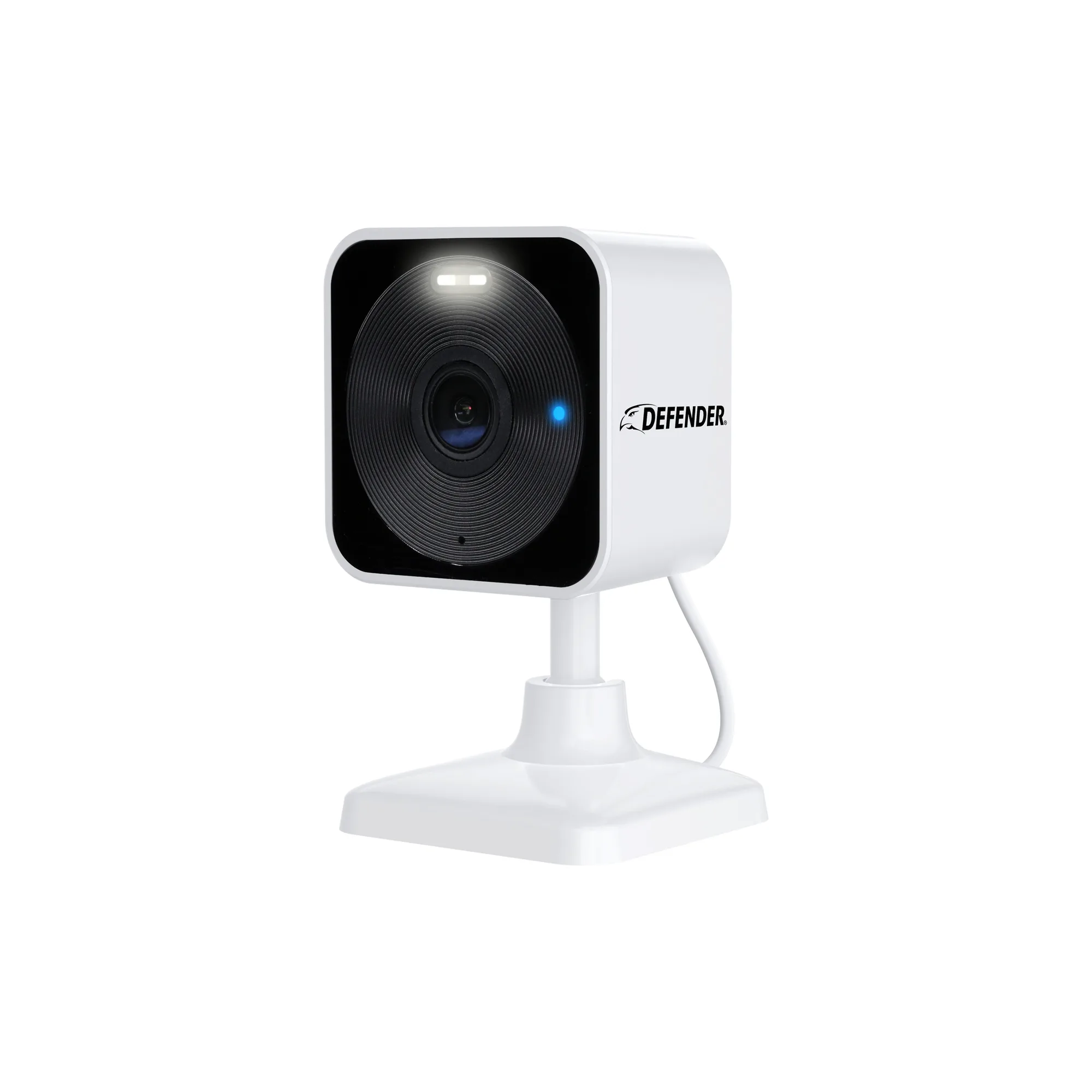
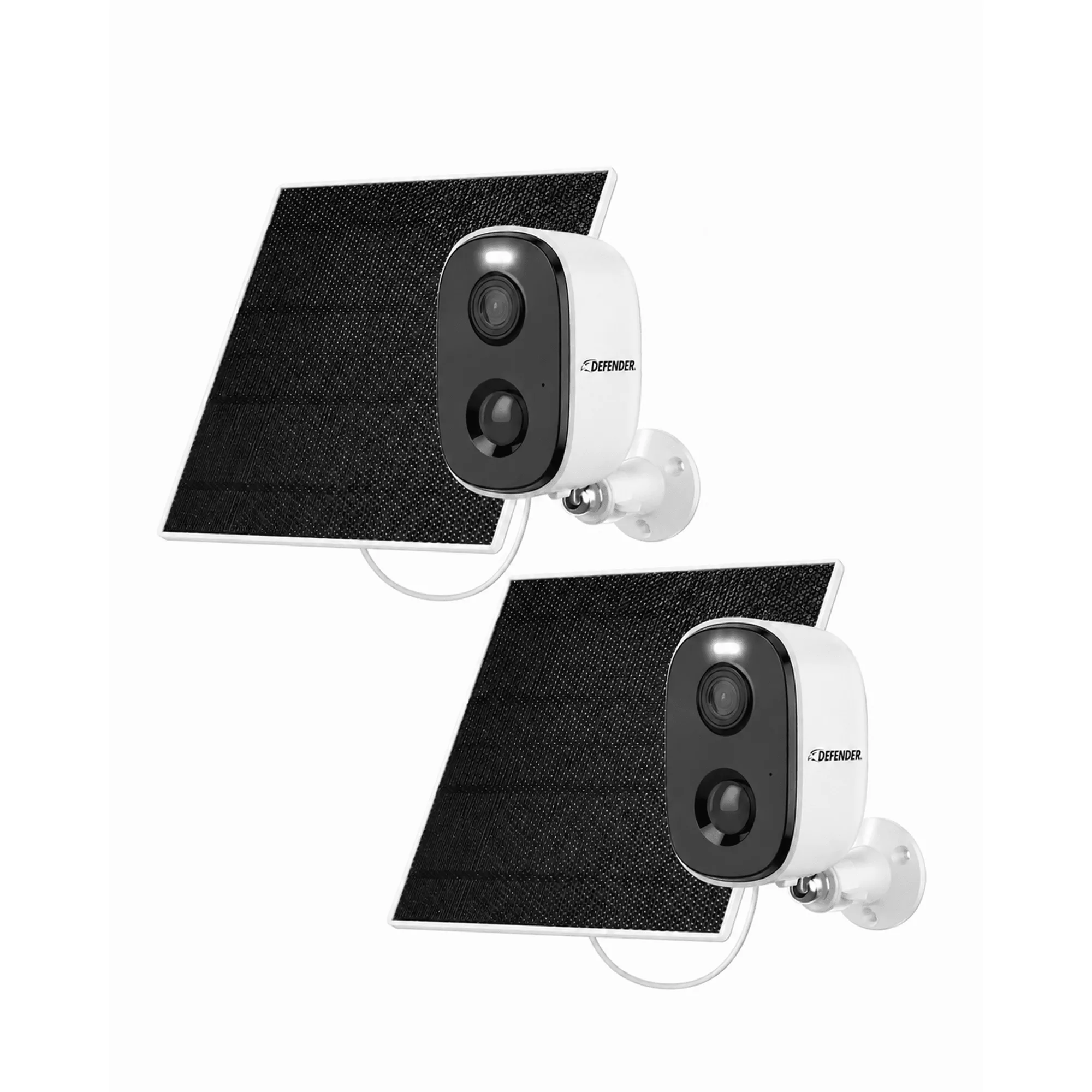
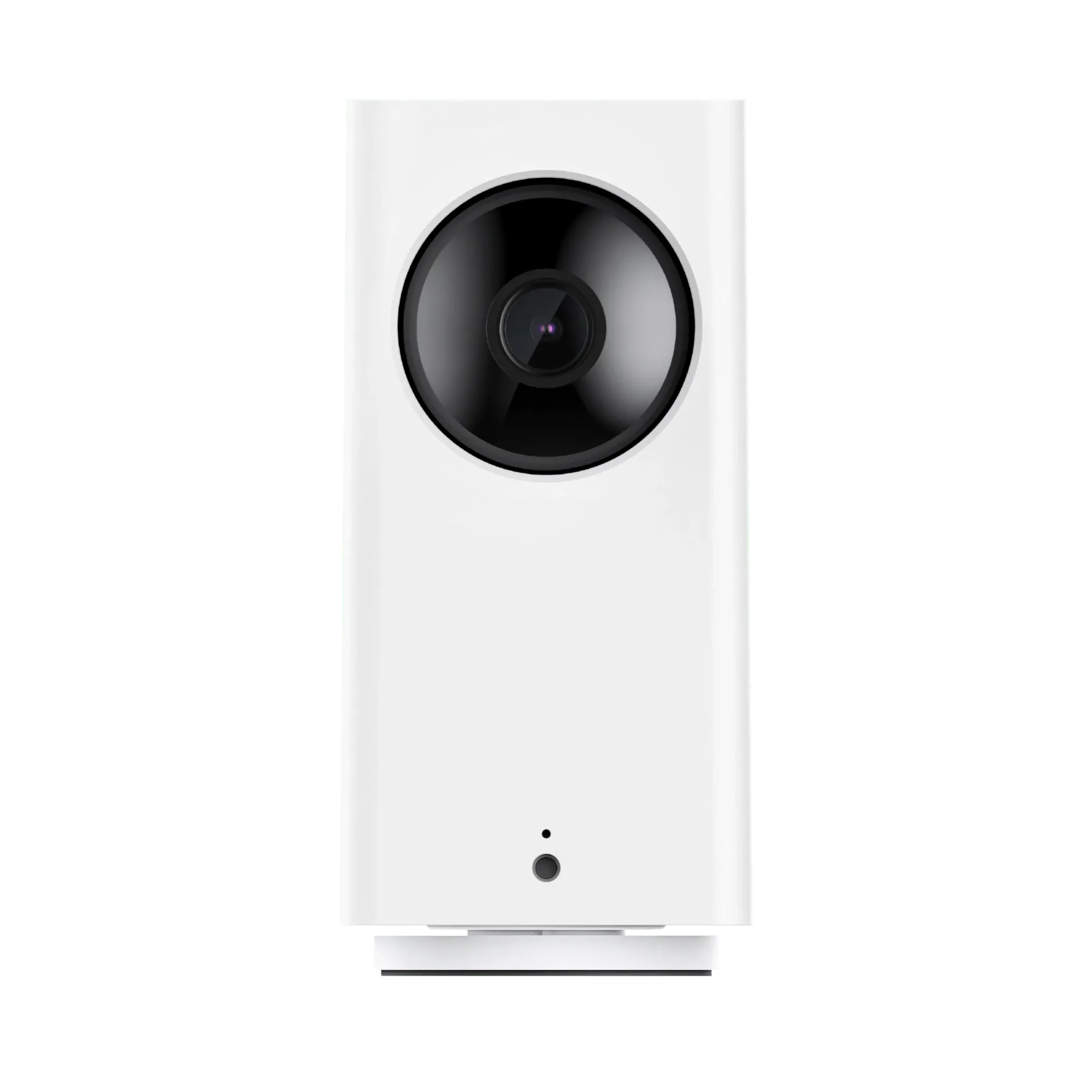
A security camera can help you check on your pets while you're away, at work, or in another room. The Defender GO 2K AI Powered WiFi Security Camera is designed for both indoor and outdoor use, making it a flexible option for keeping an eye on your furry friends. With 2K resolution and AI-powered detection, you can see clear video and get alerts when movement is detected.
This guide covers the setup process based on the supplied product information, focusing on indoor pet monitoring. Note that the manufacturer's full instructions may include additional steps not listed here.
What the Defender GO 2K AI Camera Offers for Pet Monitoring
-
Defender GO 2K AI POWERED WiFi Indoor/Outdoor Home, Business, Pet, Baby Security Camera, 4 Pack: The Defender GO 2K AI Powered WiFi Security Camera 4-Pack offers versatile indoor/outdoor monitoring for home, business, pet, or baby supervision. This confirms the camera is intended for pet monitoring, so you can use it confidently for that purpose.
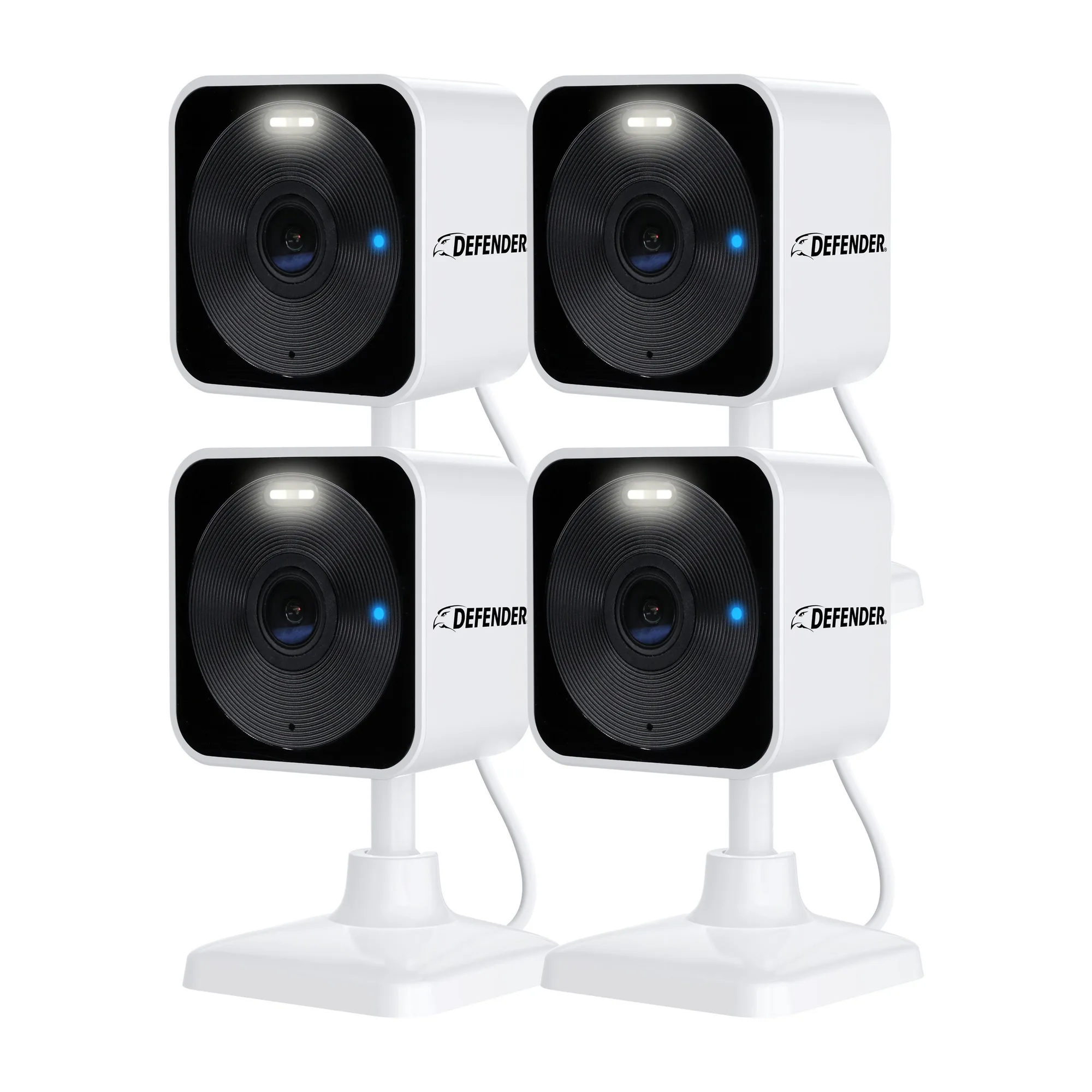
Defender GO 2K AI POWERED WiFi Indoor/Outdoor Home, Business, Pet, Baby Security Camera, 4 Pack
-
Defender GO 2K AI POWERED WiFi Indoor/Outdoor Home, Business, Pet, Baby Security Camera, 4 Pack: Each camera delivers 2K resolution and AI-powered detection, connecting via WiFi for flexible placement. 2K resolution provides clear video detail to see your pet's behavior, and AI detection can help identify people, pets, or vehicles.
-
Defender GO 2K AI POWERED WiFi Indoor/Outdoor Home, Business, Pet, Baby Security Camera, 4 Pack: WiFi connectivity enables easy setup and remote access. You can view your pet from your smartphone or computer without running cables across the room.
Step-by-Step Setup for Pet Monitoring
The following steps are based on the supplied product features. For complete instructions, refer to the manufacturer's manual.
- Choose a location: Place the camera where it has a clear view of your pet's usual area—such as a crate, playpen, or favorite spot. Since the camera is designed for indoor use, keep it away from direct rain or immersion. A shelf, counter, or wall mount (if available) works well.
- Connect to WiFi: Use the camera's WiFi connectivity to link it to your home network. Follow the app or web interface instructions to complete the connection. A stable WiFi signal is important for remote viewing.
- Enable AI detection: The camera's AI-powered detection can identify people, pets, or vehicles. For pet monitoring, configure the detection to alert you when motion is detected, especially if you want to know when your pet moves or needs attention.
- Position and test: Aim the camera so the 2K resolution captures your pet clearly. Test the live view and motion alerts to ensure the camera sees the intended area. Adjust the angle if needed.
Placement Tips for Indoor Pet Monitoring
Position the camera at a height that gives a wide view of the room without being easily knocked over. Avoid pointing it directly at windows, as bright light can affect image quality. If your pet is small, place the camera lower to capture details. The 4-pack allows you to monitor multiple rooms or pets at once.
Since the camera is also suitable for baby supervision, the same placement principles apply: keep cords out of reach and ensure the camera is stable.
What the Supplied Information Does Not Confirm
The product records do not include specific setup steps, app names, or detailed configuration menus. For exact instructions on connecting to WiFi, enabling alerts, or mounting hardware, consult the manufacturer's full documentation that comes with the camera.
Additionally, no operating values (such as recommended distance, viewing angle, or recording duration) are provided. Use the camera's adjustable features to find what works best for your space.