Quick Answer
Open the Defender Camera app, navigate to the motion settings for your camera, and enable AI detection. Then define motion zones and adjust sensitivity to reduce false alerts.
Why AI Motion Detection Matters
Standard motion detection can trigger alerts for every passing car, swaying branch, or change in light. AI-powered detection filters out these non-threatening events by recognizing people, pets, and vehicles. This means fewer false alarms and more meaningful notifications.
Indoor vs. Outdoor Considerations
The Defender GO 2K AI Powered WiFi Camera works both indoors and outdoors. For outdoor placement, you may want to set motion zones to ignore the street or sidewalk. Indoors, you can fine-tune pet detection to avoid alerts when your cat walks through the room.
Step-by-Step Setup Guide
- Open the Defender Camera App and Select Your Camera: Launch the app on your phone and tap on the camera you want to configure. Go to the Motion Detection settings menu. If you have multiple cameras, adjust each one individually; settings are not shared across devices.
- Enable AI Motion Detection: Toggle on the AI Motion Detection option. This activates the camera's ability to recognize people, pets, and vehicles. You may need to download an AI profile if prompted. AI detection may require a firmware update. Check for updates before proceeding.
- Define Motion Zones: Use the grid overlay on the live view to draw rectangles or polygons over areas you want to monitor. Areas outside the zones will be ignored. Avoid covering moving objects like tree branches in the zone to prevent false triggers.
- Adjust Sensitivity and Object Types: Set the sensitivity slider to a medium level (e.g., 70%). Then select which objects trigger alerts: people, pets, vehicles, or all motion. For pet detection, choose 'Pets' to only get alerts when a pet is detected. Start with medium sensitivity and adjust after a day of monitoring to find the sweet spot.
- Configure Alert Notifications: In the notification settings, choose how you want to receive alerts (push, email, or both). You can also set a schedule to silence alerts during certain hours. Test your alert settings by walking in front of the camera. If you don't get a notification within 10 seconds, check your phone's notification permissions.
Product Spotlight
-
Defender GO 2K AI POWERED WiFi Indoor/Outdoor Home, Business, Pet, Baby Security Camera: The Defender GO 2K AI Powered WiFi Security Camera provides clear 2K video monitoring and AI-powered functionality for smarter security monitoring. The built-in AI helps distinguish between people, pets, and objects, making motion alerts more useful and reducing nuisance notifications.
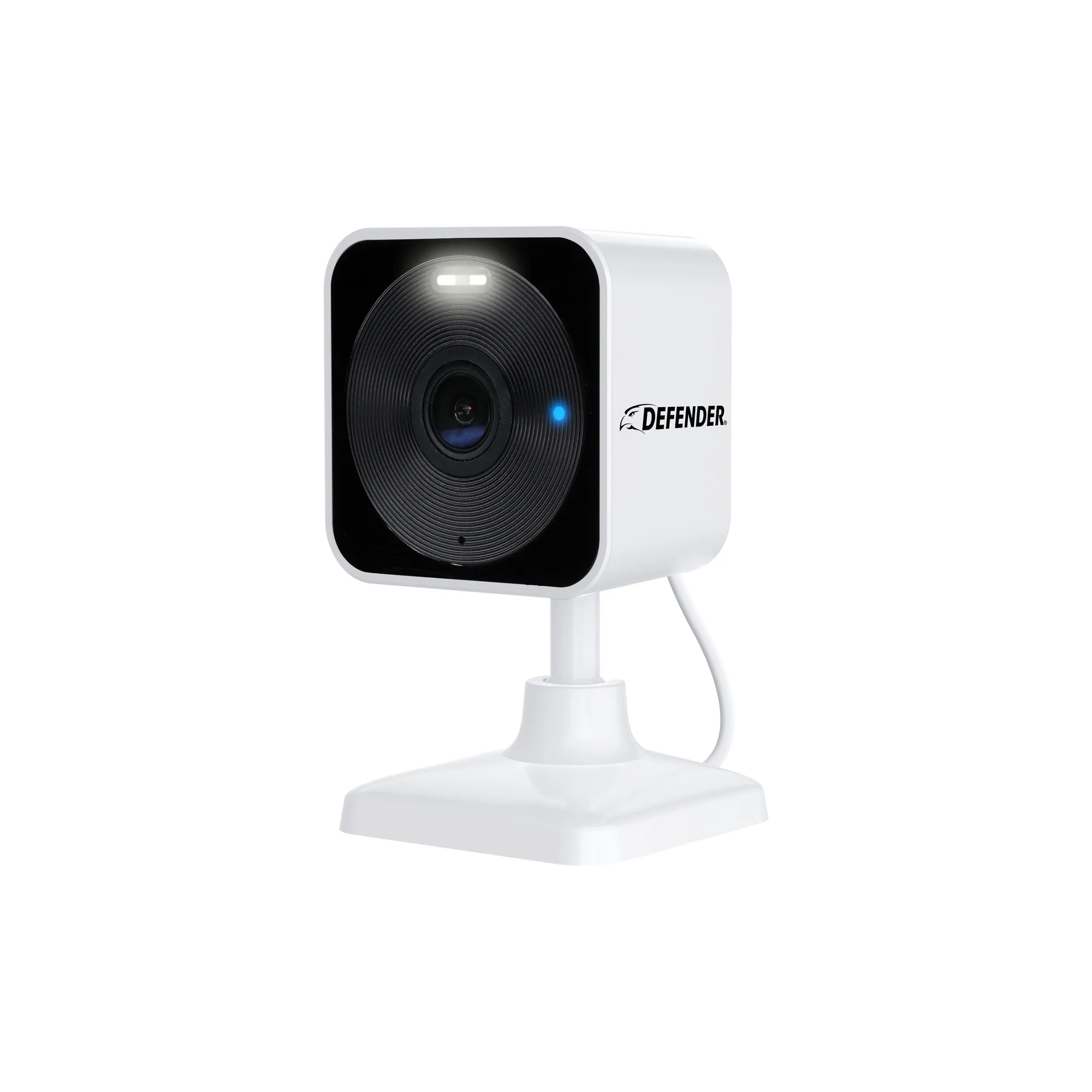
Defender GO 2K AI POWERED WiFi Indoor/Outdoor Home, Business, Pet, Baby Security Camera