Quick answer
Set up your Hollyland Solidcom H1 by first positioning the ANT01 antennas, connecting the Geo Central Station, then pairing the BPK01 beltpacks.
Antenna placement matters
The Hollyland ANT01 uses DECT 6.0 in the 1.9 GHz license-free band. For best coverage, place antennas at least 3 meters apart and at a height that avoids obstructions. A common mistake is clustering antennas too close, which can cause interference.
Central station is the hub
The Geo Central Station can manage up to 50 beltpacks and 8 ANT01 antennas. Connect it to your network via Ethernet and use the web interface to assign channels and monitor signal strength. Do not skip firmware updates—they fix stability issues.
Setup steps
- Position the ANT01 antennas: Mount each antenna at least 3 meters apart and at a height of 2-3 meters for optimal coverage. Connect them to the Geo Central Station via the provided cables. Check that antennas are not placed near metal structures or other wireless devices to avoid interference.
- Power on the Geo Central Station: Connect the central station to a power source and your network switch using Ethernet. Wait for the status LEDs to indicate a stable connection. A common mistake is plugging into a PoE switch without verifying power output—use the included power adapter if unsure.
- Access the web interface: Open a browser on a computer on the same network and enter the central station's IP address (found via DHCP or a network scanner). Log in with the default credentials (usually admin/admin). Change the default password immediately to prevent unauthorized access.
- Configure channels and assign beltpacks: In the web interface, create talk groups and assign each BPK01 beltpack to a channel. Pair beltpacks by following the on-screen instructions—usually pressing a button on the beltpack while it is near the central station. Ensure beltpacks are fully charged before pairing; low battery can cause pairing failures.
- Test the system: Have each user walk to different areas of the venue while speaking into their headset. Monitor signal strength in the web interface and adjust antenna positions if needed. If audio drops out, move the nearest antenna closer or add an extra ANT01 to cover dead zones.
Product facts
-
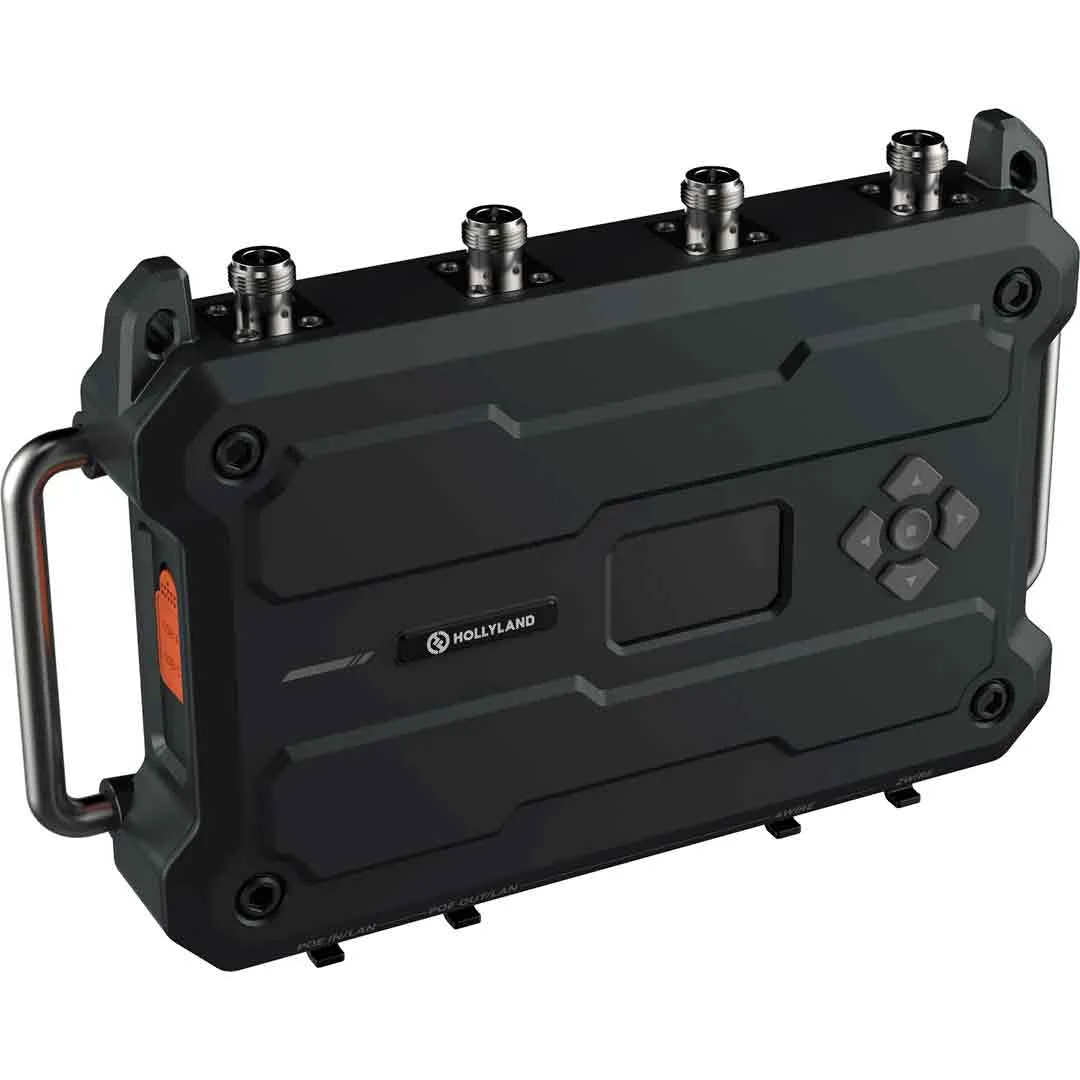
Hollyland Geo Central Station – Centrale IP pour Solidcom H1: The Hollyland Geo Central Station is a high-performance wireless communication station designed to centralize and manage audio flows for broadcast, live, and event teams. It is the core of the Solidcom H1 system, enabling coordination of up to 50 beltpacks and 8 antennas in a single setup.
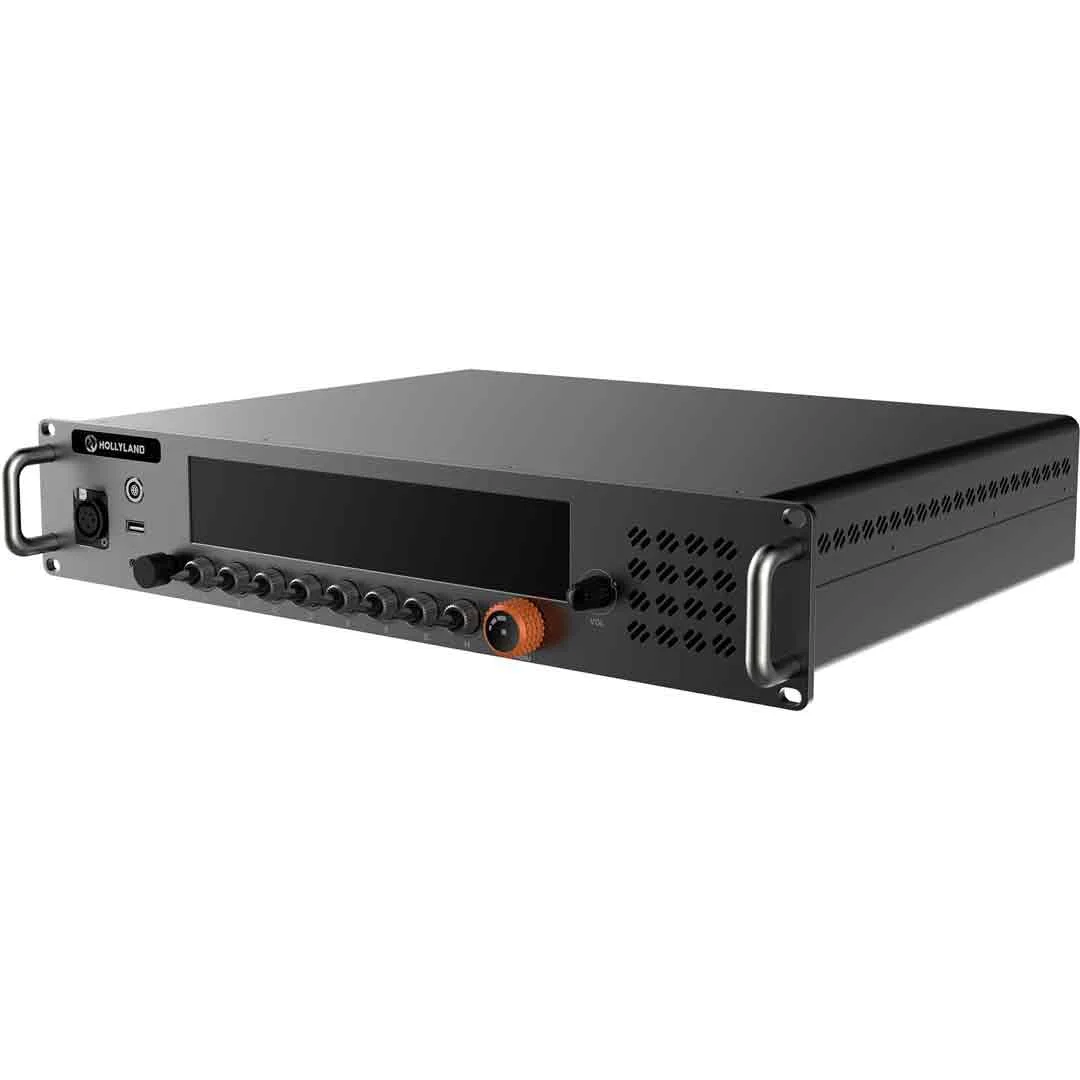
Hollyland Geo Central Station – Centrale IP pour Solidcom H1
-
Hollyland ANT01 – Antenne DECT 1.9GHz pour Solidcom H1: The Hollyland ANT01 is a professional wireless communication antenna based on DECT 6.0 technology operating in the 1.9 GHz license-free band. It ensures reliable, stable, interference-free communication in broadcast and live environments.
Hollyland ANT01 – Antenne DECT 1.9GHz pour Solidcom H1
-
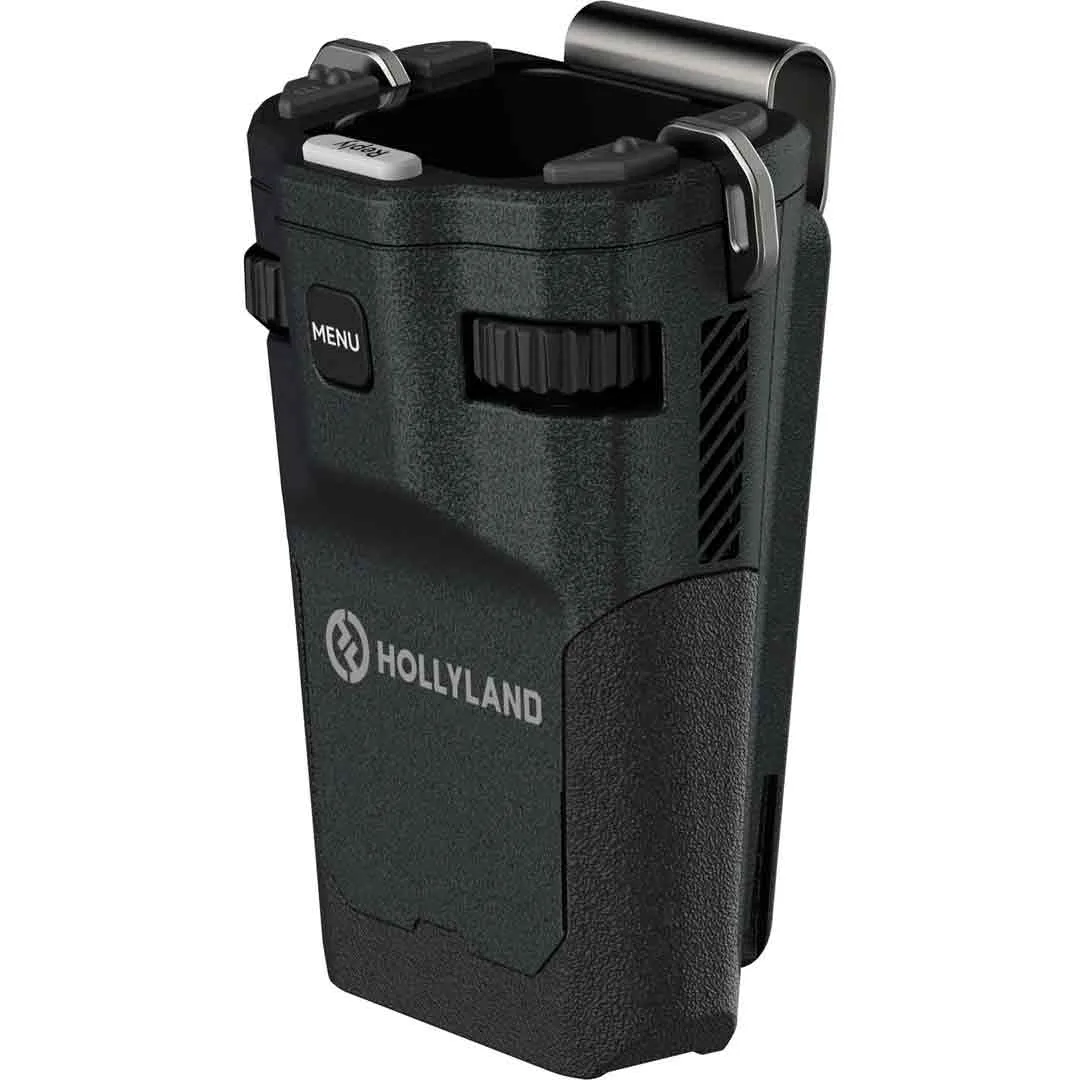
Hollyland BPK01 – Boitier Ceinture pour Solidcom H1: The Hollyland BPK01 is a professional wireless beltpack designed for seamless communication in audiovisual production, broadcast, events, and live settings. It works with the Solidcom H1 system and ANT01 antennas, allowing crew members to communicate clearly on the move.