Quick Answer
Choose the SIGMA USB Dock that matches your lens mount: the Canon EF version for EF-mount lenses, the L-Mount version for L-Mount lenses. Both enable firmware updates and focus parameter adjustments, but they are not interchangeable.
Why the Mount Matters
The SIGMA USB Dock is designed to connect a specific lens mount to your computer. The Canon EF version works only with SIGMA lenses in Canon EF mount, while the L-Mount version is for SIGMA lenses in Leica L-Mount. Using the wrong dock won't connect properly, so matching the mount is the first step.
Both docks let you update firmware and adjust focus parameters through SIGMA's dedicated software. The physical connection and software interface are tailored to each mount's communication protocol.
Firmware Updates and Focus Calibration
Keeping your lens firmware current can improve performance and compatibility. The dock connects the lens to your computer, allowing you to run the SIGMA software and apply updates.
Focus calibration is a key feature: you can fine-tune autofocus for different distances and adjust micro-adjustments. This is especially useful if you notice front or back focusing with your camera body.
Both docks offer the same core functionality, so the decision comes down to mount compatibility rather than feature differences.
Trade-Offs at a Glance
- Canon EF Dock: Best for photographers using SIGMA lenses with a Canon EF mount. It enables firmware updates and focus adjustments through SIGMA software. Check your lens mount before purchasing.
- L-Mount Dock: Best for photographers using SIGMA lenses with an L-Mount. It offers the same firmware and focus calibration features as the EF version. Ensure your camera and lens use the L-Mount standard.
- Interchangeability: The two docks are not interchangeable. Choose the dock that matches your lens mount exactly. Verify the mount printed on your lens barrel.
Product Facts
-
SIGMA USB DOCK en monture Canon EF – Station d’accueil: The SIGMA USB DOCK in Canon EF mount connects your reflex lens to your computer to update firmware and adjust parameters such as focus. If you own SIGMA lenses with a Canon EF mount, this dock lets you fine-tune autofocus and keep firmware current, improving lens performance.
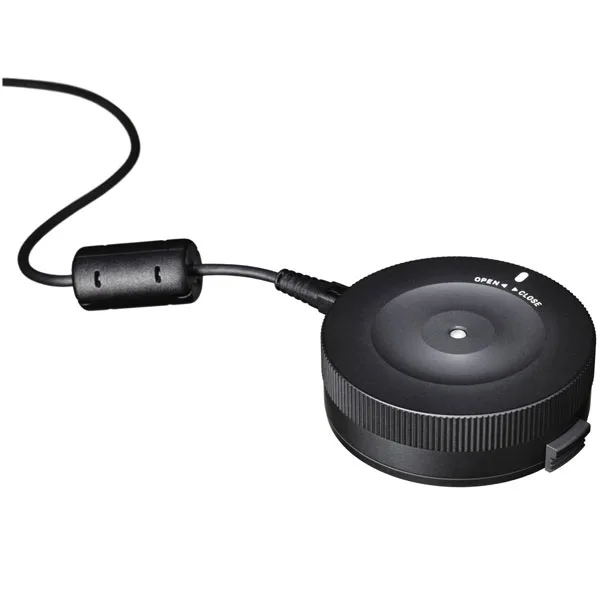
SIGMA USB DOCK en monture Canon EF – Station d’accueil
-
SIGMA USB DOCK en monture L-Mount – Station d’accueil: The SIGMA USB DOCK in L-Mount connects your lens to your computer to update firmware and adjust parameters such as focus. For SIGMA L-Mount lenses, this dock provides the same calibration and firmware update capabilities, ensuring your lens stays optimized.
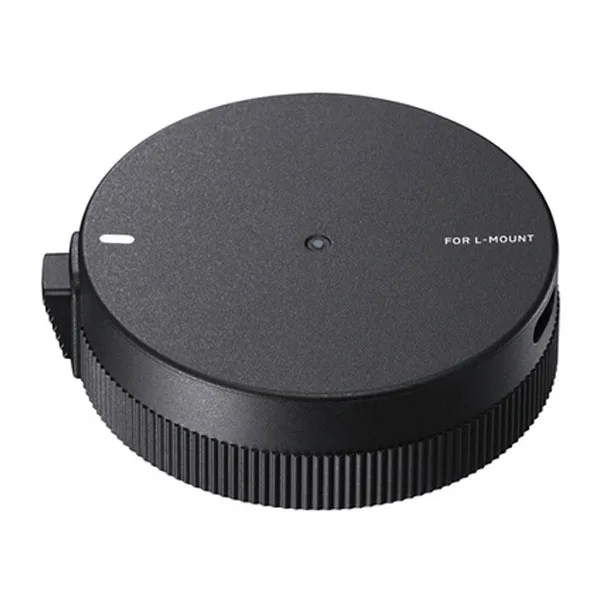
SIGMA USB DOCK en monture L-Mount – Station d’accueil
Which Dock Should You Choose?
Best for
- SIGMA lens owners with a Canon EF mount who want to update firmware and calibrate autofocus.
- SIGMA lens owners with an L-Mount who need the same calibration features for their mirrorless system.
Not for
- Photographers using lenses with a different mount (e.g., Sony E or Micro Four Thirds) – choose the corresponding dock for that mount.