If you own a Fi tracker, you know how essential it is to keep it securely attached to your dog's collar. The right silicone bands not only ensure the tracker stays put but also add comfort and durability. In this guide, we'll walk you through everything you need to know about silicone bands for Fi trackers, including sizing, compatibility, and replacement options.
Whether you're replacing a worn-out band or upgrading to a new color, understanding the nuances of Fi tracker bands will help you make an informed choice. We'll also highlight some compatible products from Säker that can enhance your tracker experience.
Understanding Fi Tracker Band Sizes
Fi trackers are designed to fit most dogs, but the band size can vary depending on your dog's neck size and the collar width. The standard Fi tracker band is designed to fit collars that are 1 inch wide, but some models may accommodate different widths. It's crucial to measure your dog's collar and the tracker's mounting area to ensure a proper fit.
When measuring, use a flexible tape measure and wrap it around your dog's neck where the collar sits. Add two finger widths for comfort. The band itself should be snug but not too tight, allowing your dog to move freely. Most Fi tracker bands are adjustable, but silicone bands are often designed for specific collar widths, so checking the specifications is key.
- Measure collar width and neck circumference before purchasing.
- Check the Fi tracker model to confirm band compatibility.
- Consider the material: silicone offers flexibility and durability.
Compatibility with Different Fi Tracker Models
Fi has released several tracker models over the years, and each may have slightly different band attachment mechanisms. The Fi Series 2 and Series 3 are popular, but older models like the original Fi Smart Collar may also be in use. Silicone bands are generally designed to fit the standard mounting slot, but always verify compatibility with your specific model.
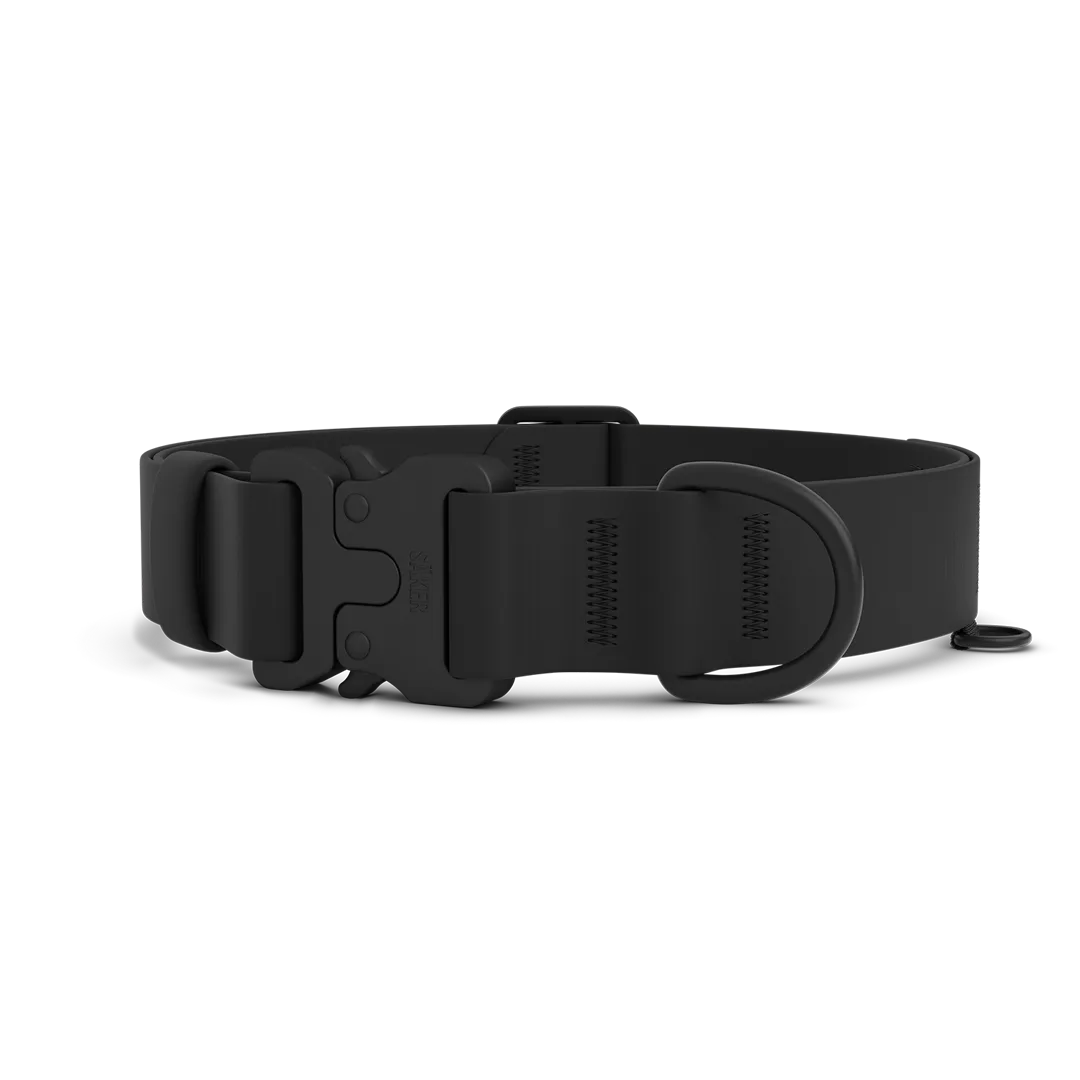
For a secure fit, consider using a harness or collar that integrates well with the tracker. For example, the KelpTM Collar Pro from Säker is designed with a dedicated tracker pocket, ensuring your Fi tracker stays in place without extra bands. Similarly, the KelpTM Collar offers a sleek design that can work with silicone bands if you prefer a DIY setup.
- Check the tracker's mounting slot dimensions.
- Look for bands that specify compatibility with your Fi model.
- Consider integrated solutions like the KelpTM Collar Pro for added security.
Choosing the Right Silicone Band Material
Silicone is a popular choice for tracker bands because it's flexible, waterproof, and gentle on your dog's fur. However, not all silicone is created equal. High-quality silicone should be durable, resistant to tearing, and free from harmful chemicals. When shopping for replacement bands, look for medical-grade or food-grade silicone to ensure safety.
Säker offers a range of collar accessories that can enhance your tracker setup. For instance, the Harness Velcro Sleeves can be used to attach accessories to harnesses, providing an alternative mounting point for your Fi tracker. Additionally, the 25mm Replacement Buckle can be used to customize collars, ensuring a perfect fit.
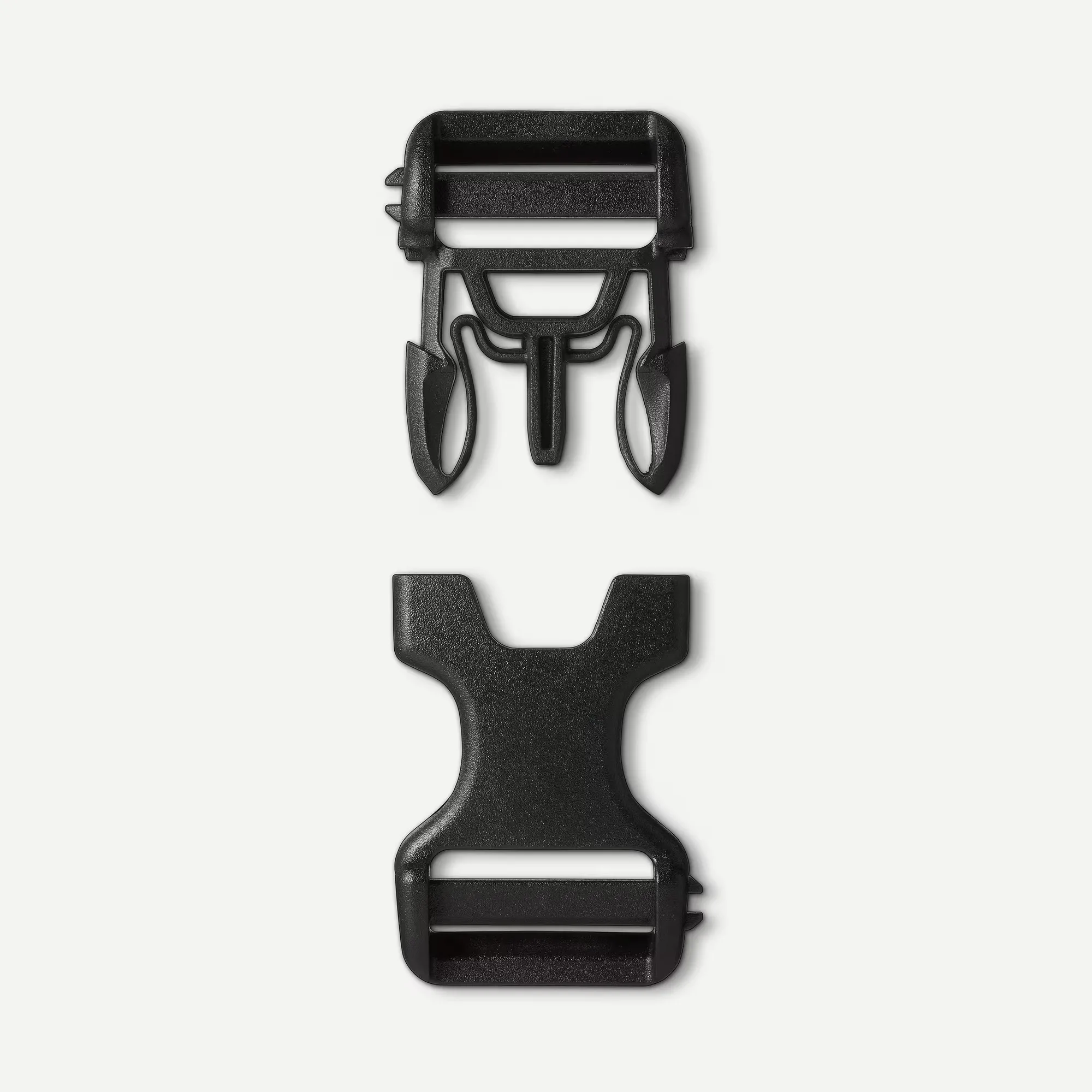
25mm Replacement Buckle
- Opt for high-quality silicone that is non-toxic and durable.
- Check for UV resistance to prevent fading and cracking.
- Consider the thickness of the band for added durability.
Replacing Your Fi Tracker Band: Step-by-Step
Replacing a silicone band is a straightforward process, but it's important to do it correctly to avoid damaging your tracker. First, remove the tracker from the current band by pressing the release tabs or sliding it out, depending on the model. Then, align the new band with the mounting slot and snap it into place. Ensure it's secure by gently tugging on it.
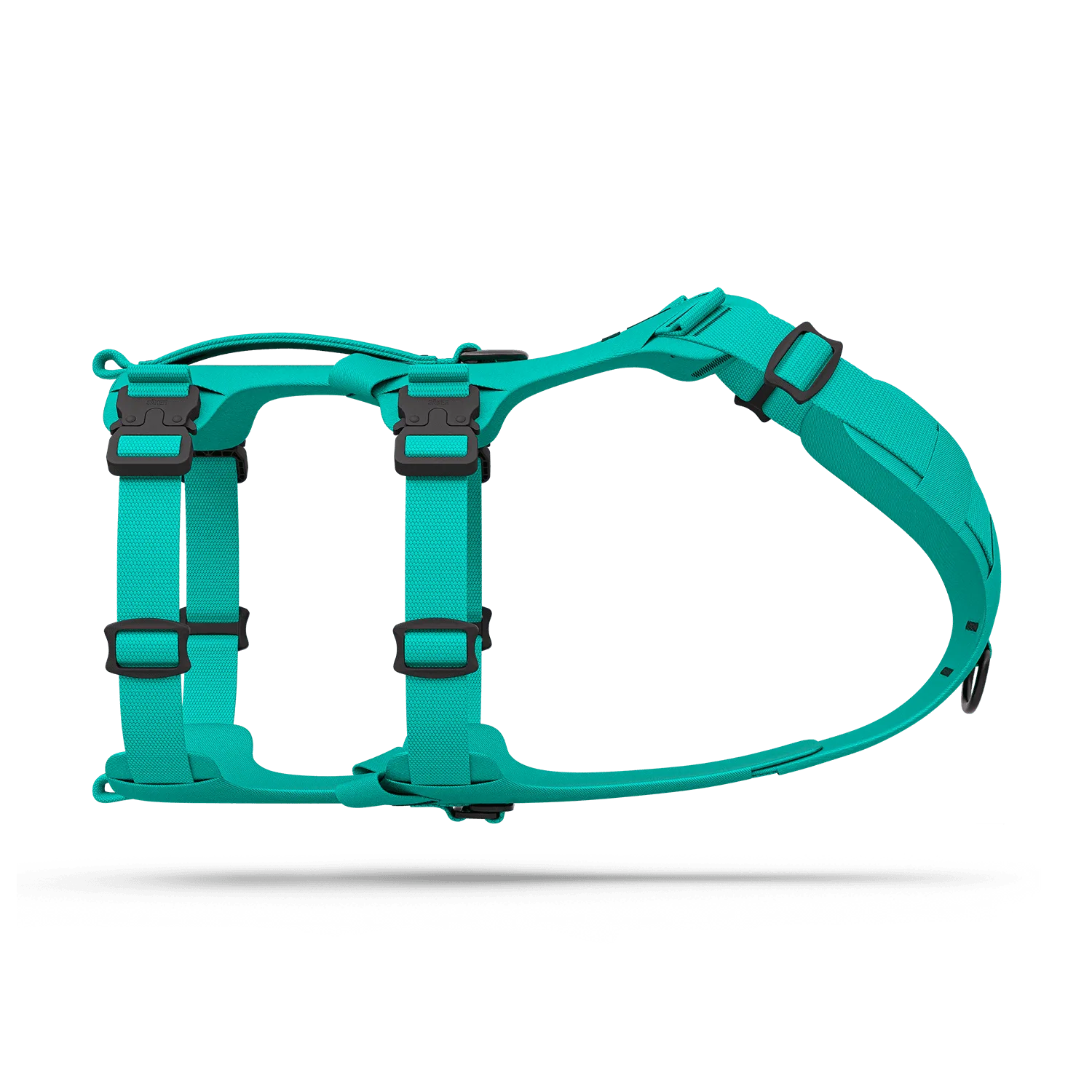
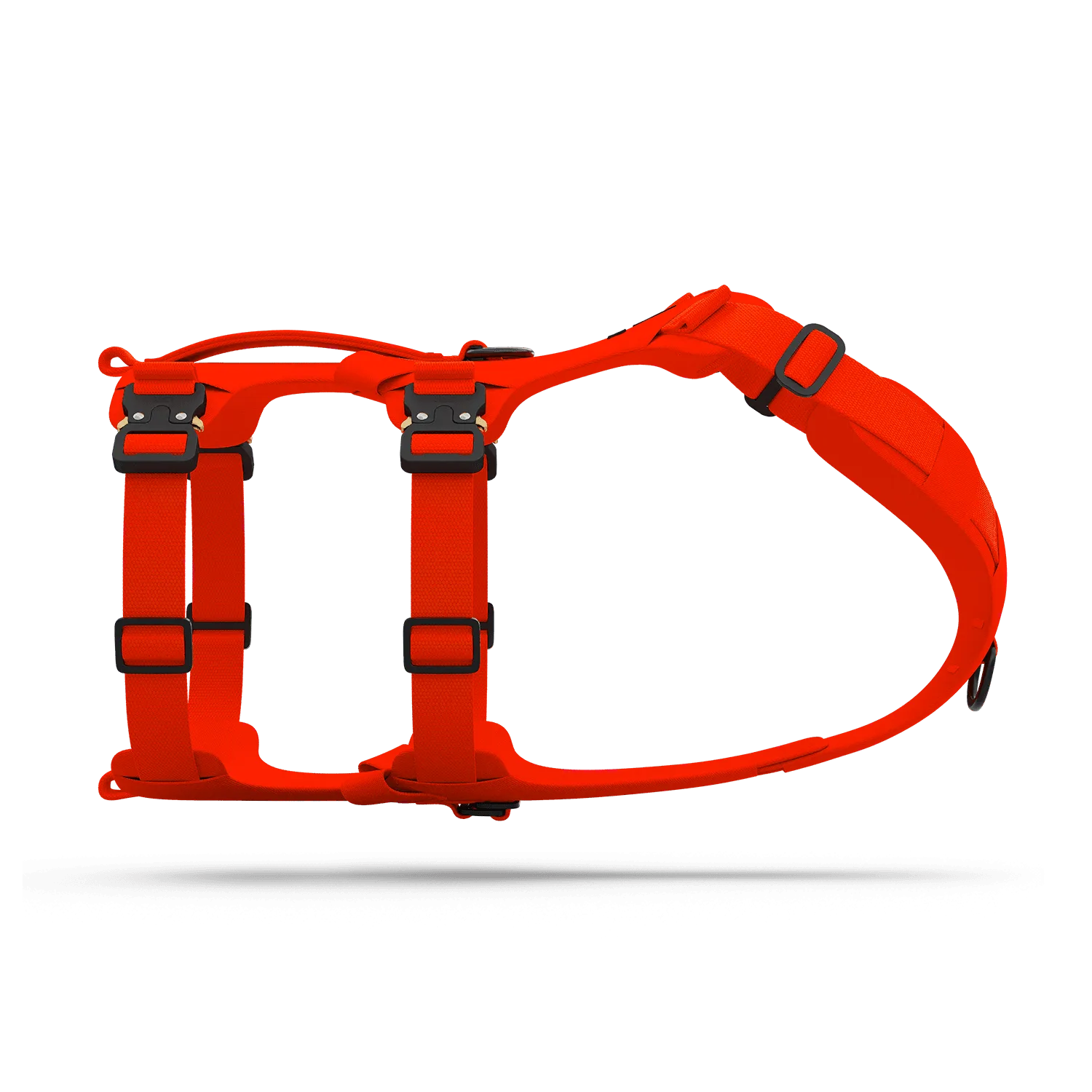
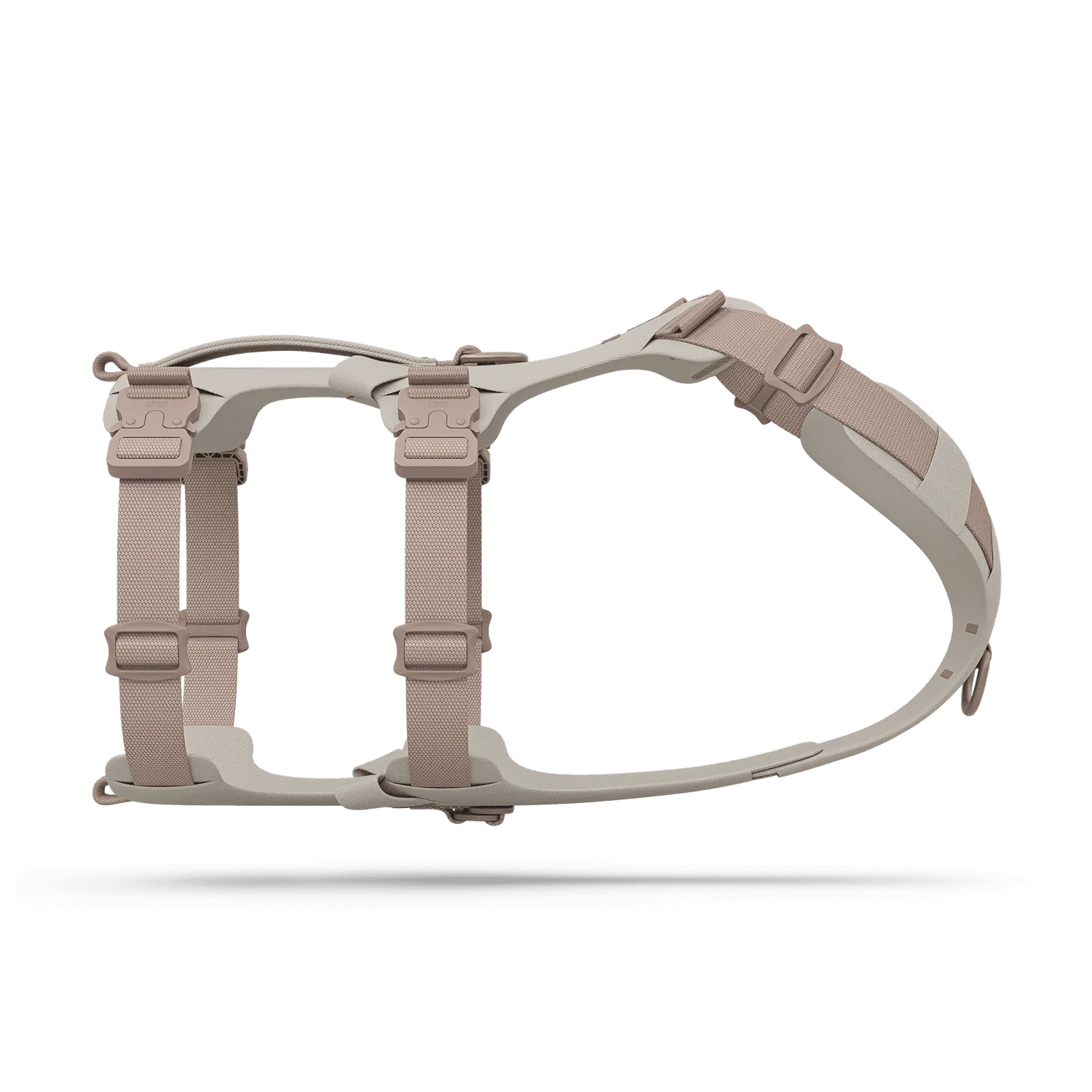
If you're using a collar that doesn't have a dedicated tracker pocket, you can attach the band directly to the collar. Some users prefer to use a harness for better weight distribution. The MuseTM harness from Säker is an excellent choice, as it provides multiple attachment points and is designed for comfort and control.
- Always power off the tracker before replacing the band.
- Clean the tracker and band area before installation.
- Test the fit by shaking the collar gently to ensure no movement.
Where to Find Replacement Silicone Bands
You can purchase replacement silicone bands from Fi's official store or from third-party retailers. However, for a seamless experience, consider bundling your tracker with compatible Säker products. For example, the KelpTM Leash is designed to work with various collar types and can be paired with your Fi tracker for a complete setup.
When buying replacement bands, always check the dimensions and compatibility with your specific Fi model. Some bands are sold in multi-packs, offering good value. Additionally, consider purchasing a spare band so you have a backup in case of wear and tear.
- Compare prices and read reviews before purchasing.
- Look for bands that come with a warranty or guarantee.
- Consider buying a spare to have on hand.
Choosing the right silicone bands for your Fi tracker is essential for ensuring your dog's safety and comfort. By understanding sizing, compatibility, and material quality, you can make an informed decision. For a reliable and stylish option, check out the KelpTM Collar Pro, which offers a built-in tracker pocket and premium materials. Explore more at Säker to find the perfect accessories for your canine companion.