Quick Answer
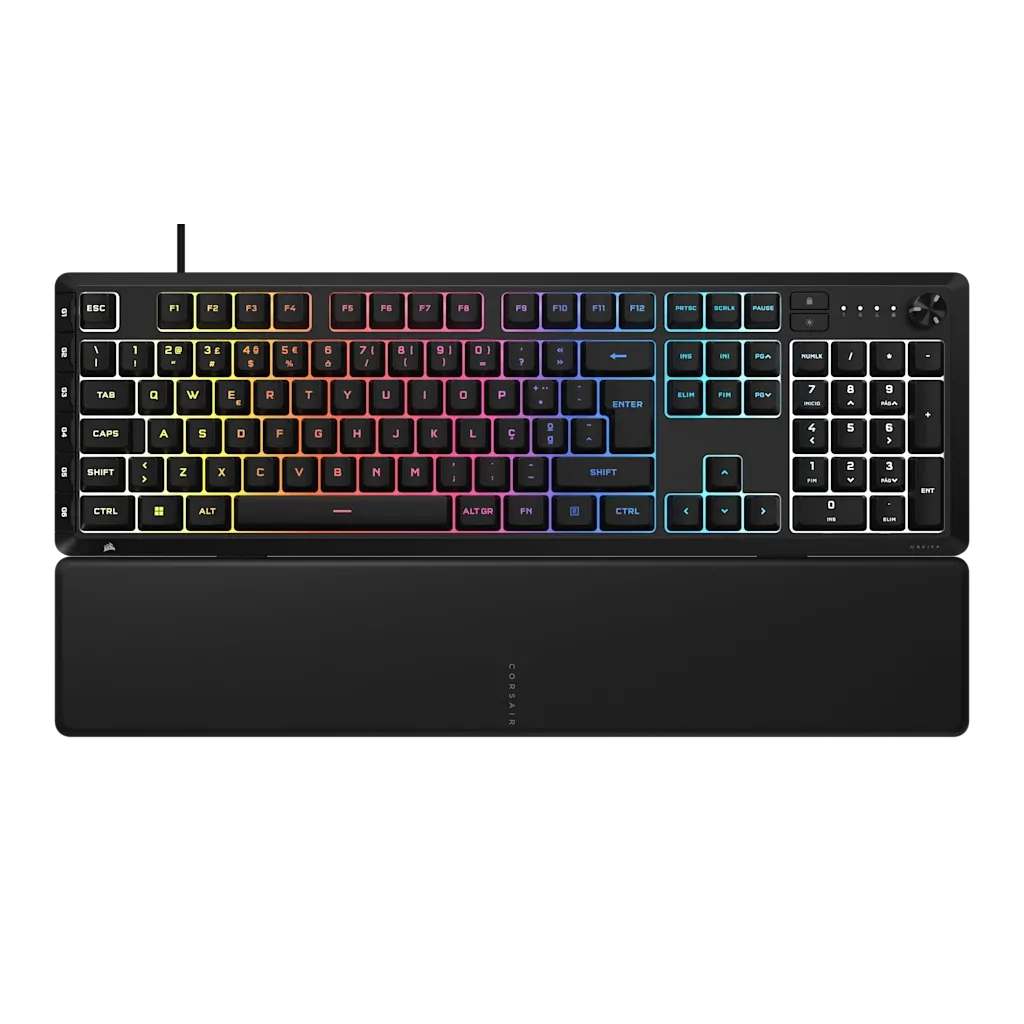
The SKIFF 100 PLUS gaming keyboard offers a fuller layout with extra macro keys, a rotary dial, and a detachable wrist rest, making it a more feature-rich choice than a standard keyboard. Regional variants (PT, CH, ES) let you pick the layout that matches your typing habits.
Why Layout Matters for Gaming and Typing
The layout of a keyboard determines where keys sit and how easily you can reach them during intense gaming sessions or long typing tasks. A standard keyboard typically sticks to the basic 104-key layout, while the SKIFF 100 PLUS adds dedicated G-keys and a rotary dial that can be programmed for in-game commands or media control.
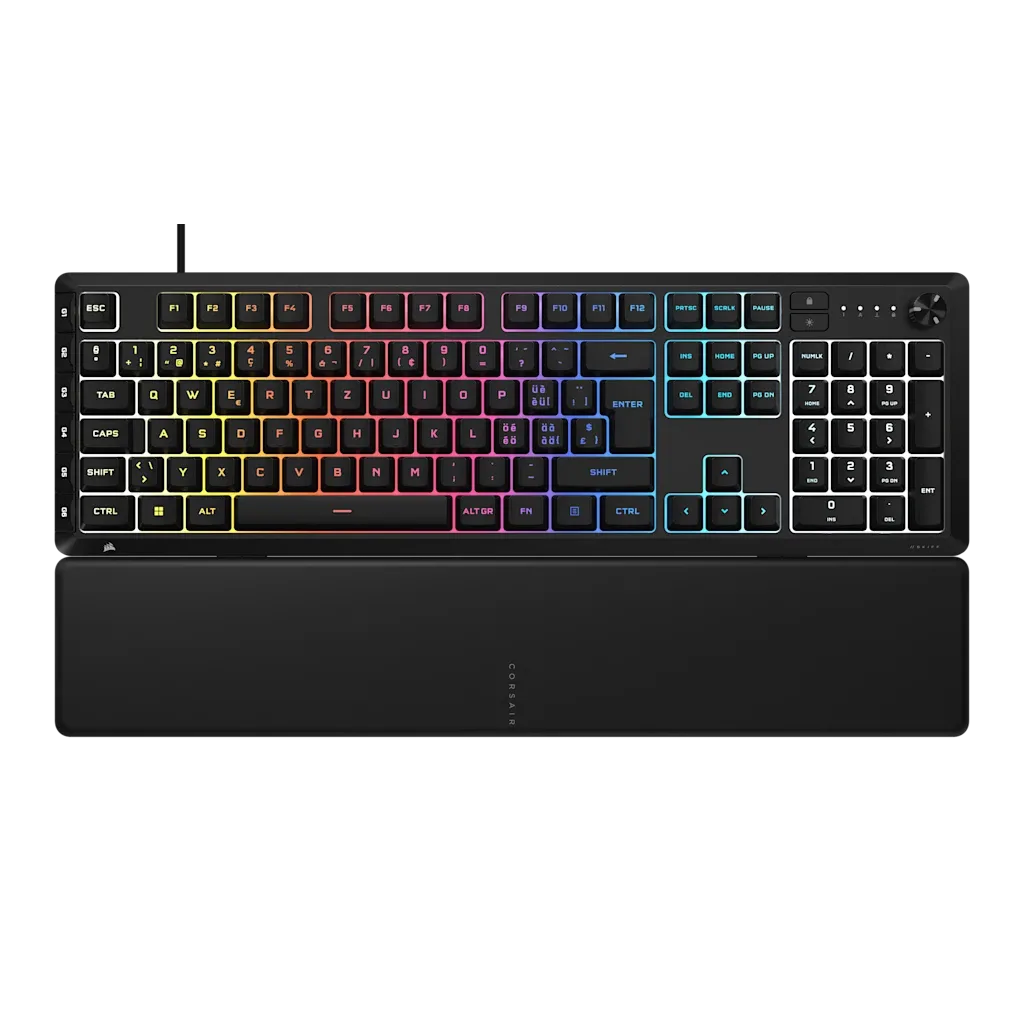
Regional variants (PT, CH, ES) adjust the key legends and special characters to match local typing conventions. If you frequently type in Portuguese, Swiss, or Spanish, choosing the right regional layout prevents frustrating key mismatches and keeps your workflow smooth.
Feature Differences That Affect Your Experience
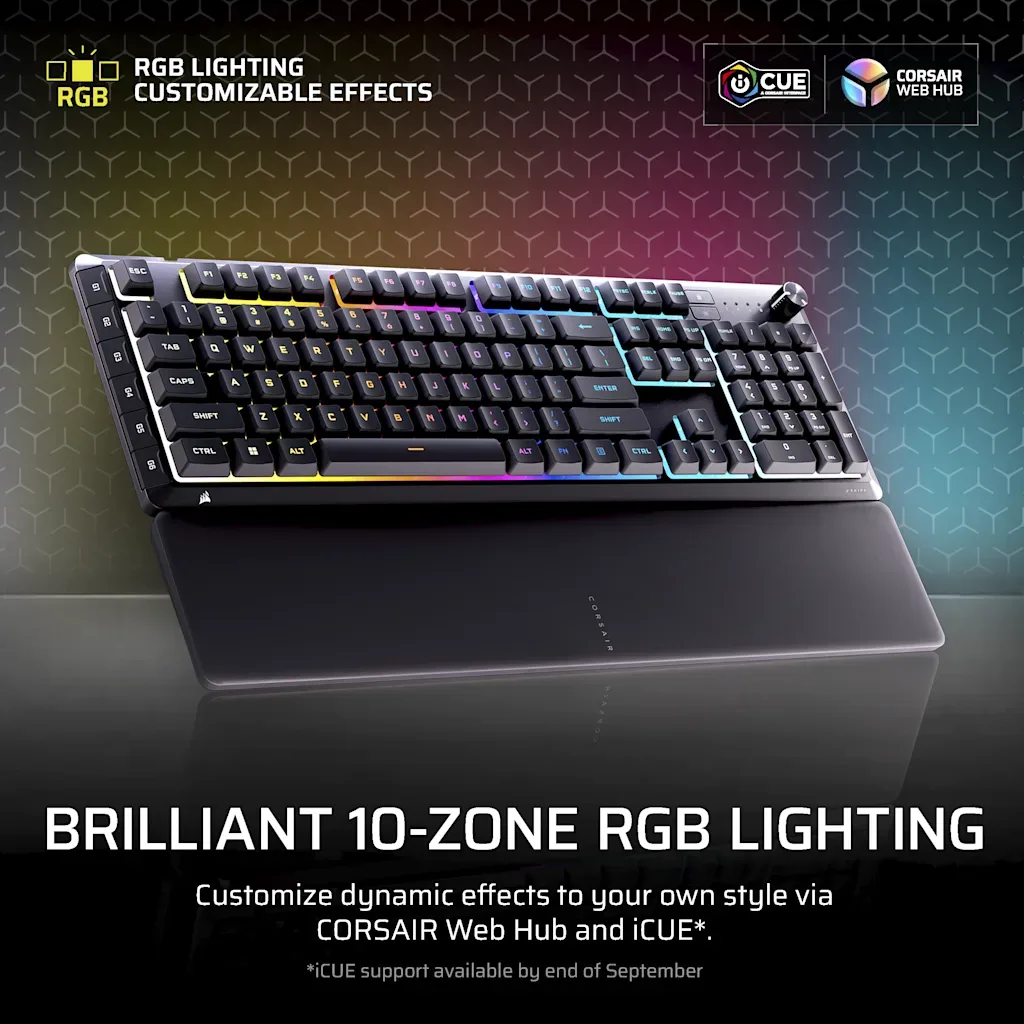
The SKIFF 100 PLUS includes 10-zone RGB lighting, which lets you customize the backlight across the keyboard. Standard keyboards often have single-color or no backlighting, so the RGB adds both style and practical visibility in low-light conditions.
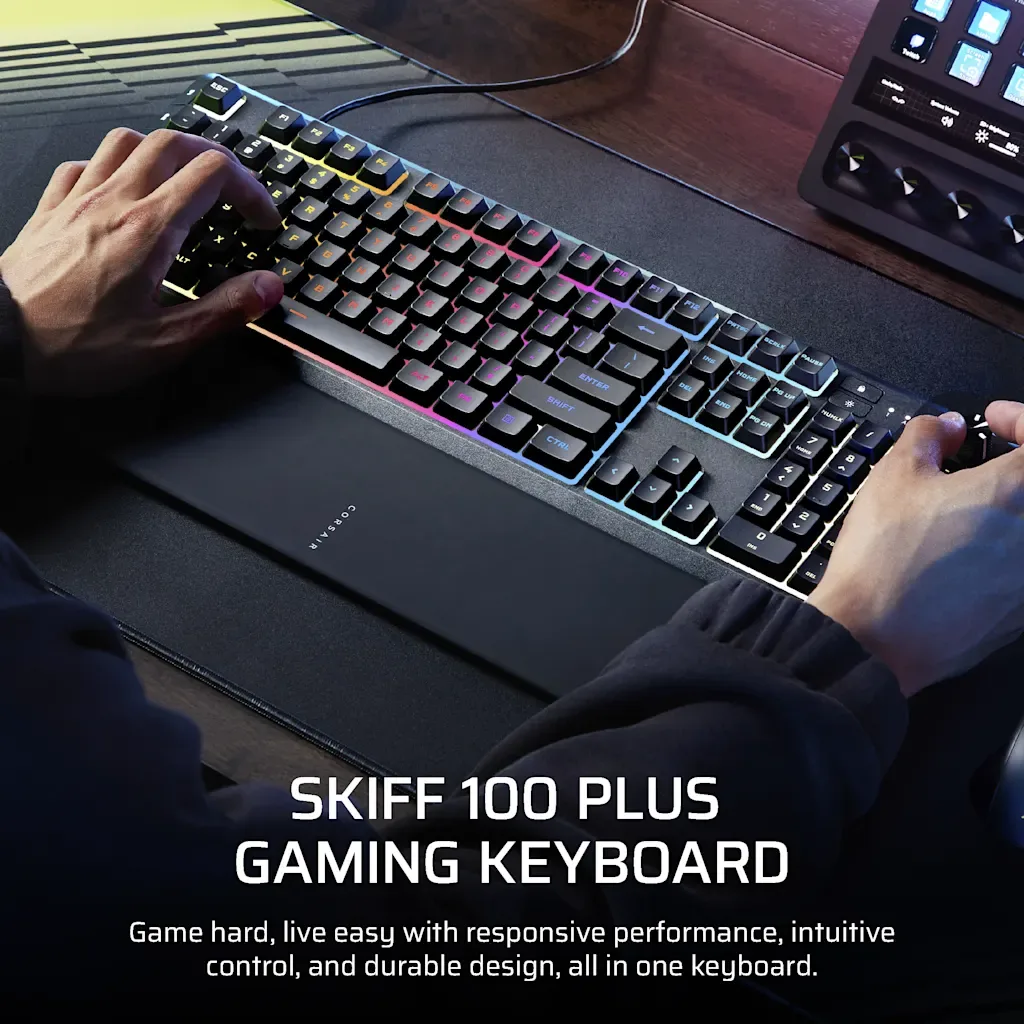
The detachable wrist rest is another standout. Standard keyboards rarely include one, so the SKIFF 100 PLUS helps reduce wrist strain during long sessions. The IP53 certification also means it resists dust and water splashes, which is a durability advantage over most standard keyboards.
Trade-Offs at a Glance
- Extra G-keys vs. Simplicity: The SKIFF 100 PLUS adds 6 G-keys for macros, but they take up space and may take time to get used to if you're coming from a standard keyboard. If you don't use macros, they might feel unnecessary. Consider whether you'll actually program the G-keys before committing.
- Rotary Dial vs. No Dial: The rotary dial is handy for volume or zoom control, but it's an extra moving part that might not appeal to everyone. Standard keyboards lack this feature, so it's a unique addition. Test the dial to see if it fits your workflow.
- Regional Layouts vs. Universal: PT, CH, and ES variants match local typing conventions, but they might not be ideal if you switch between languages often. A standard keyboard with a universal layout could be more flexible. Choose a regional variant only if you primarily type in that language.
Product Facts
-
SKIFF 100 PLUS Gaming-Tastatur (PT): The SKIFF 100 PLUS (PT) features 10-zone RGB, 6 G-keys, a rotary dial, a detachable wrist rest, and IP53 certification. This layout gives you extra macro keys and a dial for quick in-game actions, plus a wrist rest for comfort, making it a step up from a standard keyboard.
SKIFF 100 PLUS Gaming-Tastatur (PT)
-
Clavier gaming SKIFF 100 PLUS (CH): The SKIFF 100 PLUS (CH) includes the same 10-zone RGB, 6 G-keys, rotary dial, detachable wrist rest, and IP53 certification. The Swiss layout ensures the key legends match your typing needs, so you won't have to hunt for special characters.
Clavier gaming SKIFF 100 PLUS (CH)
Who Should Choose the SKIFF 100 PLUS?
Best for
- Gamers who want extra macro keys and a rotary dial for in-game commands
- Typists who prefer a detachable wrist rest for comfort during long sessions
Not for
- Users who want a compact, minimal keyboard without extra keys
- Those who need a universal layout for typing in multiple languages