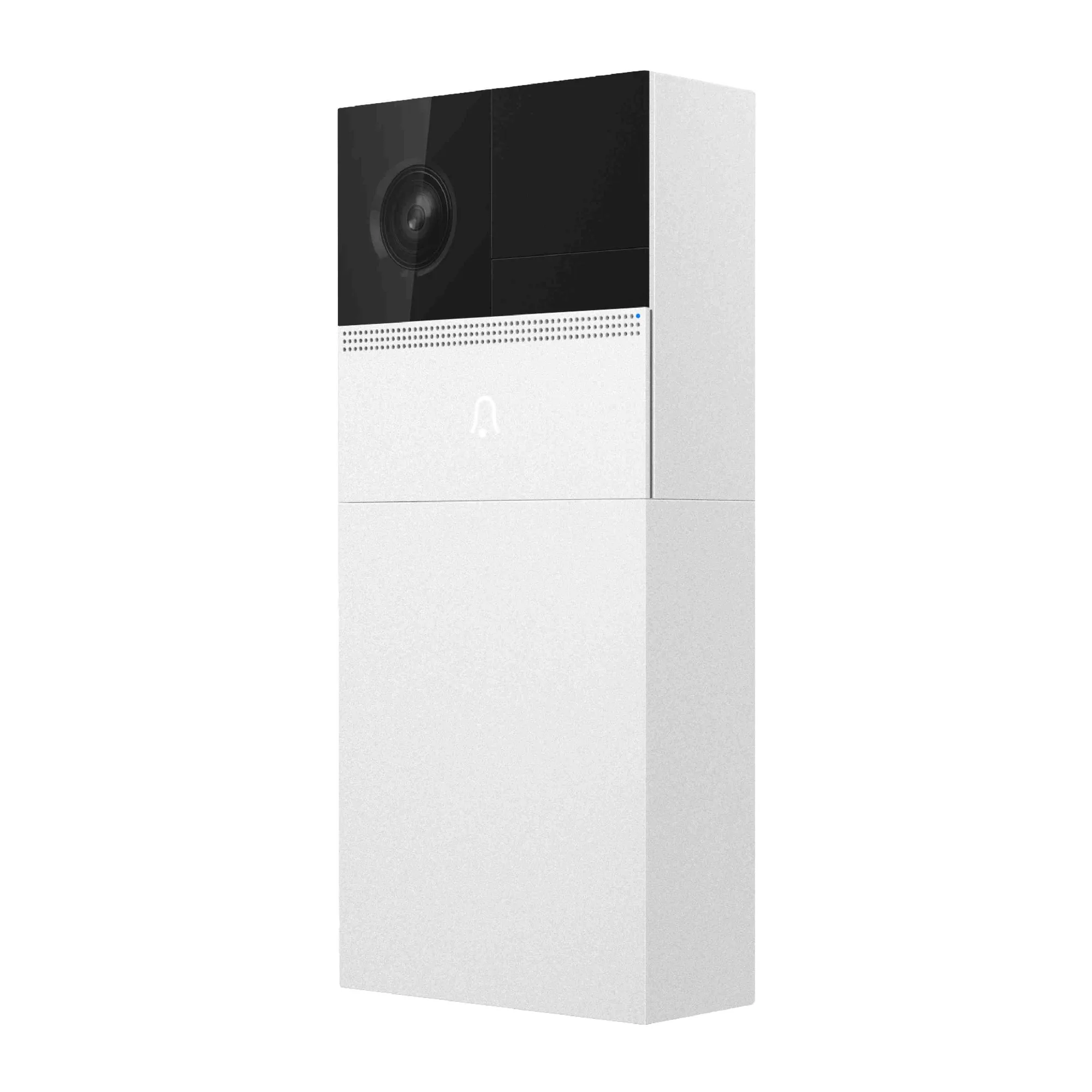
Quick answer
Mount the door bell at chest height within range of your 2.4 GHz Wi-Fi, charge the battery fully before pairing, and link the chime after the camera is online. Most setup failures come from 5 GHz networks, low batteries, or mounting too high for motion detection.
Check your Wi-Fi band and signal before you mount anything
The ISD100 Smart Bell only works with a 2.4 GHz wireless connection, so confirm your router broadcasts a 2.4 GHz band and that the door location gets a stable signal. Test with your phone at the exact spot you plan to mount. If the signal drops below two bars, move the router or pick a closer door. A weak connection causes delayed alerts and failed video loads even when setup appears successful.
Charge the battery fully and plan for weather limits
The ISD100 uses a 6,000mA rechargeable battery with 220mA standby consumption, so a full charge lasts longer between top-ups. Charge it indoors before first use. The working range is -20°C to 55°C with humidity under 90% without condensation, so avoid mounting where direct rain or sprinklers hit the unit. If your door is fully exposed, consider a sheltered angle or an overhang.
Pair the door bell to the app and set the chime
Open the app, add the device, and select your 2.4 GHz network when prompted. If pairing fails, move your phone within three feet of the door bell and retry. After the camera is online, link the chime. The chime and camera must be on the same network. Test the button once to confirm the chime sounds and the app pushes an alert. If you use an SD card for local storage up to 128GB, insert it before final mounting so you do not have to remove the unit later.
Setup steps
- Confirm 2.4 GHz Wi-Fi at the door: Stand at the mounting spot and check your phone's Wi-Fi list for a 2.4 GHz network. If you only see 5 GHz, enable a 2.4 GHz band on your router or add an access point. Checkpoint: at least two bars of signal at the door.
- Charge the battery fully: Plug the door bell in indoors until the battery indicator shows full. Do not skip this—partial charges cause pairing drops and short runtimes. Checkpoint: battery at 100% before you climb a ladder.
- Mount at chest height, sheltered from direct rain: Aim the camera slightly downward. Avoid mounting above 5 feet if you want motion detection to catch faces, not just the top of heads. Keep the unit out of direct sprinkler spray. Checkpoint: the lens points at the approach path, not the sky.
- Pair in the app on 2.4 GHz: Open the app, add the device, and select your 2.4 GHz network. If pairing fails, bring your phone within three feet of the door bell and retry. Checkpoint: the camera shows live view in the app.
- Link the chime and test: Add the chime in the same app, assign it to the door bell, and press the door bell button. Confirm the chime sounds and you get a phone alert. Checkpoint: chime rings within two seconds of the button press.
- Insert SD card and finalize: If you use local storage, insert a card up to 128GB before closing the unit. Format it in the app if prompted. Then tighten all screws and check the seal. Checkpoint: recordings play back in the app.
Product facts
- ISD100 Smart Bell - 1280 × 720 Max Picture, DC 5V, 6000mA Rechargeable Battery Smart Door Bell: Max Picture Size: 1280 × 720 You get clear identification of visitors at the door, but not 1080p—set expectations for detail when zooming in.
- ISD100 Smart Bell - 1280 × 720 Max Picture, DC 5V, 6000mA Rechargeable Battery Smart Door Bell: Battery: 6,000mA, Rechargeable; Standby Consumption: 200mA; Work Consumption: 220mA A full charge supports typical daily use, but cold weather or frequent motion alerts will drain it faster—plan to recharge every few weeks.
- ISD100 Smart Bell - 1280 × 720 Max Picture, DC 5V, 6000mA Rechargeable Battery Smart Door Bell: This device only works with 2.4 GHz wireless connection If your router is 5 GHz only, you need a 2.4 GHz band or a separate access point, or the door bell will not connect.
- ISD100 Smart Bell - 1280 × 720 Max Picture, DC 5V, 6000mA Rechargeable Battery Smart Door Bell: Storage: Support SD Card (Max: 128GB) Local storage keeps recordings without a subscription, but you must insert the card before mounting for easy access.


