Quick answer
Replace your smart vacuum's main brush when bristles are visibly worn, matted, or missing, or when you see consistent streaks and poor pickup after cleaning. Side brushes should be replaced when they are bent, frayed, or no longer sweep debris toward the main brush. If a brush won't spin, first remove hair and debris from the ends, check for obstructions, and reseat the brush. If it still won't spin, the brush or motor may need replacement.
A smart vacuum that leaves a trail of crumbs or keeps stopping mid-clean often points to one simple culprit: the brush. Both the main brush and side brush wear down with normal use, and hair, string, and carpet fibers can wrap around the ends and stop rotation. Knowing when to clean, when to replace, and when to stop troubleshooting saves you time and keeps your floors cleaner.
This guide separates symptoms from causes so you can act quickly. You'll learn what a worn main brush looks like, how side brushes fail, and the exact steps to diagnose a brush that won't spin. We'll also cover the point where replacement is the smarter choice than more cleaning, and which iView US accessories can get you back to cleaning without guesswork.
Main brush vs. side brush: what each one does and how it fails
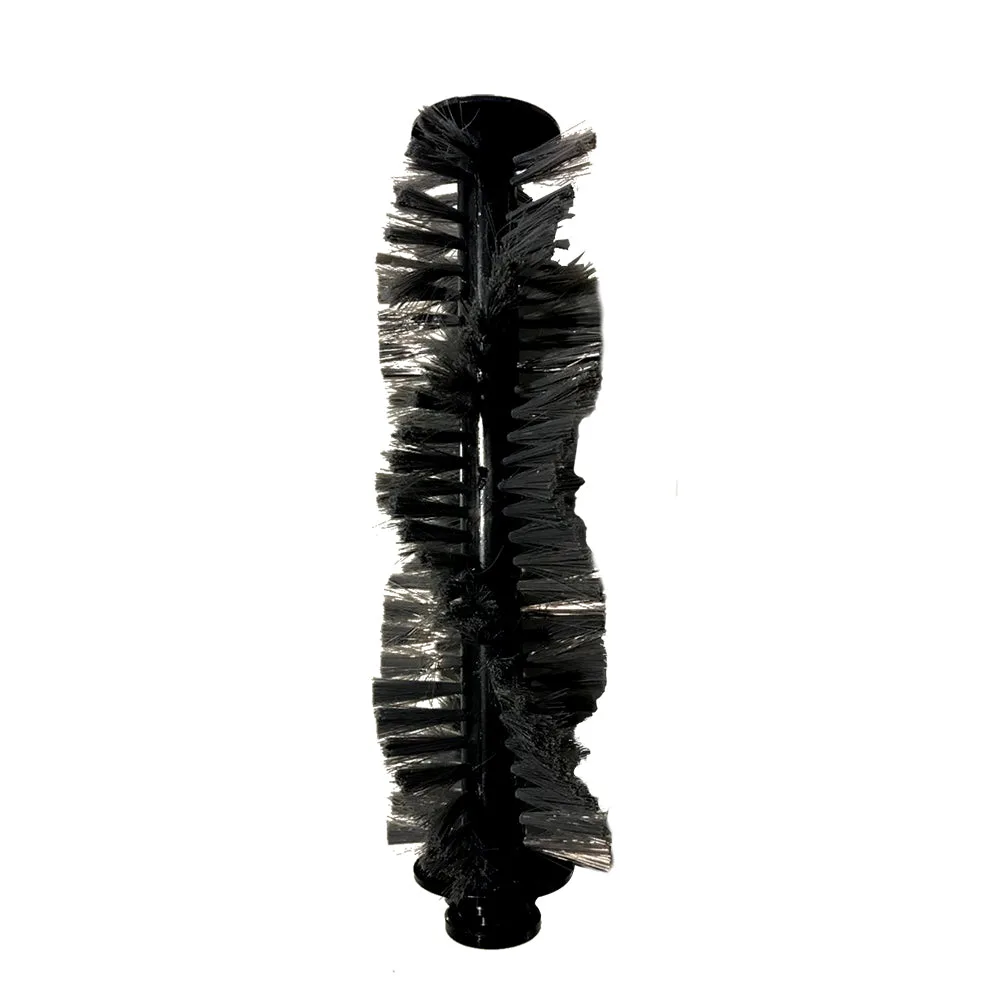
The main brush sits under the vacuum and spins to lift dirt and debris from carpet and hard floors. It fails gradually: bristles flatten, the rubber vanes crack, or hair wraps around the axle. You'll notice weaker pickup, more debris left behind, or the vacuum running longer on the same area. The side brush spins at the edge to sweep crumbs and dust into the main brush's path. It fails more dramatically, with bristles bending outward, breaking off, or tangling with hair so it stops spinning entirely.
Because these brushes work together, a problem with one can look like a problem with the other. A bent side brush might leave debris along walls, while a worn main brush leaves streaks in the middle of the room. Check both whenever you notice a change in cleaning performance. If you're unsure which brush is causing the issue, run the vacuum in a small area and watch where debris remains.
- Main brush: look for flattened, matted, or missing bristles and cracked rubber vanes.
- Side brush: look for bent, frayed, or missing bristles and hair wrapped around the base.
- Both: check for hair and string wrapped around the ends, which can stop rotation.
When to replace the main brush
Replace the main brush when cleaning no longer restores performance. If you've removed all visible hair and debris, and the brush still looks worn, with bristles that stay flattened or vanes that are torn, it's time for a new one. A good rule of thumb is to replace the main brush every 6 to 12 months, depending on how often you run your vacuum and whether you have pets or long hair in the home. Homes with heavy shedding may need a replacement closer to every 6 months.
You should also replace the main brush if the vacuum consistently leaves a strip of debris in the middle of its path, or if you see visible scratches on hard floors from a damaged brush. Continuing to use a worn brush can make the motor work harder and may reduce overall cleaning effectiveness. A replacement main brush set is an affordable way to restore pickup without buying a new vacuum.
- Replace if bristles are permanently flattened or missing after cleaning.
- Replace if the rubber vanes are cracked, torn, or separating from the core.
- Replace if streaks remain in the center of the cleaning path after a full clean.
When to replace the side brush
Side brushes are more fragile than main brushes because their bristles extend outward and catch on rug edges, cords, and furniture. Replace a side brush when its bristles are bent at sharp angles, frayed, or broken off, or when it no longer sweeps debris toward the main brush. You'll often see a side brush that spins but does little because the bristles have lost their shape. In that case, replacement is the fix, not more cleaning.
If the side brush is wrapped in hair and won't spin, remove the brush and clear the hair from the base. If the bristles spring back and the brush spins freely after reattaching, you can keep using it. If the bristles stay bent or the brush still won't spin, replace it. Side brushes are inexpensive and typically come in sets, so keeping a spare on hand is practical.
- Replace if bristles are bent at sharp angles or broken off.
- Replace if the brush spins but no longer sweeps debris inward.
- Clean hair from the base first; if it still won't spin, replace.
How to diagnose a brush that won't spin
Start by turning off and unplugging the vacuum, then remove the brush according to your model's instructions. Inspect the ends and the brush housing for hair, string, or debris wrapped around the axle. This is the most common cause of a brush that won't spin. Use scissors to cut through tangled hair, then pull it away. Don't yank, as you can damage the brush or the motor coupling. Once clean, reseat the brush firmly and test it.
If the brush still won't spin after cleaning and reseating, check for obstructions in the brush housing and confirm the brush is the correct type for your model. If the brush spins freely by hand but not when the vacuum runs, the issue may be the motor or drive belt, which is beyond a simple brush replacement. At that point, stop troubleshooting and contact support or consider a replacement vacuum if the unit is out of warranty.
- Always power off and unplug before removing a brush.
- Cut tangled hair rather than pulling it, to avoid damaging the brush ends.
- If the brush spins by hand but not under power, the motor or belt may be the issue.
Simple maintenance routine to extend brush life
A two-minute routine after every few cleaning cycles prevents most brush problems. Flip the vacuum over and check both brushes for hair and debris. Use scissors to cut away wrapped hair, and wipe the brush with a damp cloth if it's dusty. For side brushes, gently straighten any bent bristles with your fingers. This keeps rotation smooth and reduces strain on the motor.
Every month, remove the main brush and side brush completely and clean the brush housing and end caps. Check for wear: flattened bristles on the main brush, or bent and frayed bristles on the side brush. If you notice these signs, order replacements before performance drops. Keeping a spare smart vacuum brush set on hand means you can swap in a fresh brush the moment you see wear, rather than waiting for a delivery.
- Check and clear hair from both brushes every few cleaning cycles.
- Remove and clean brushes monthly, including the end caps and housing.
- Keep a spare brush set so you can replace worn brushes immediately.
Symptom-to-solution diagnosis
- Symptom: Vacuum leaves streaks or debris in the middle of its path: Likely cause: Worn main brush with flattened bristles or cracked vanes. Corrective action: Remove and clean the main brush. If bristles remain flattened or vanes are damaged, replace the main brush. If streaks continue after replacement, check the brush housing for obstructions or contact support.
- Symptom: Debris remains along walls and edges: Likely cause: Bent, frayed, or broken side brush bristles. Corrective action: Remove hair from the side brush base and straighten bristles. If bristles stay bent or broken, replace the side brush. If edges are still missed after replacement, check that the side brush is the correct type for your model.
- Symptom: Brush spins by hand but not when the vacuum runs: Likely cause: Motor or drive belt issue, not a brush problem. Corrective action: Stop troubleshooting the brush. Contact iView US support or consider a replacement vacuum if out of warranty. Do not keep running the vacuum with a non-spinning brush, as it may cause further strain.
iView US accessories that help
- Smart Vacuum Main Brush Set: Replacement main brush set for compatible iView smart vacuums; helps maintain consistent pickup and sweeping performance; easy to swap in when the original brush shows wear; genuine iView US accessory. A fresh main brush restores the pickup you had when the vacuum was new, and having a set on hand means you can replace a worn brush without waiting for a separate order.
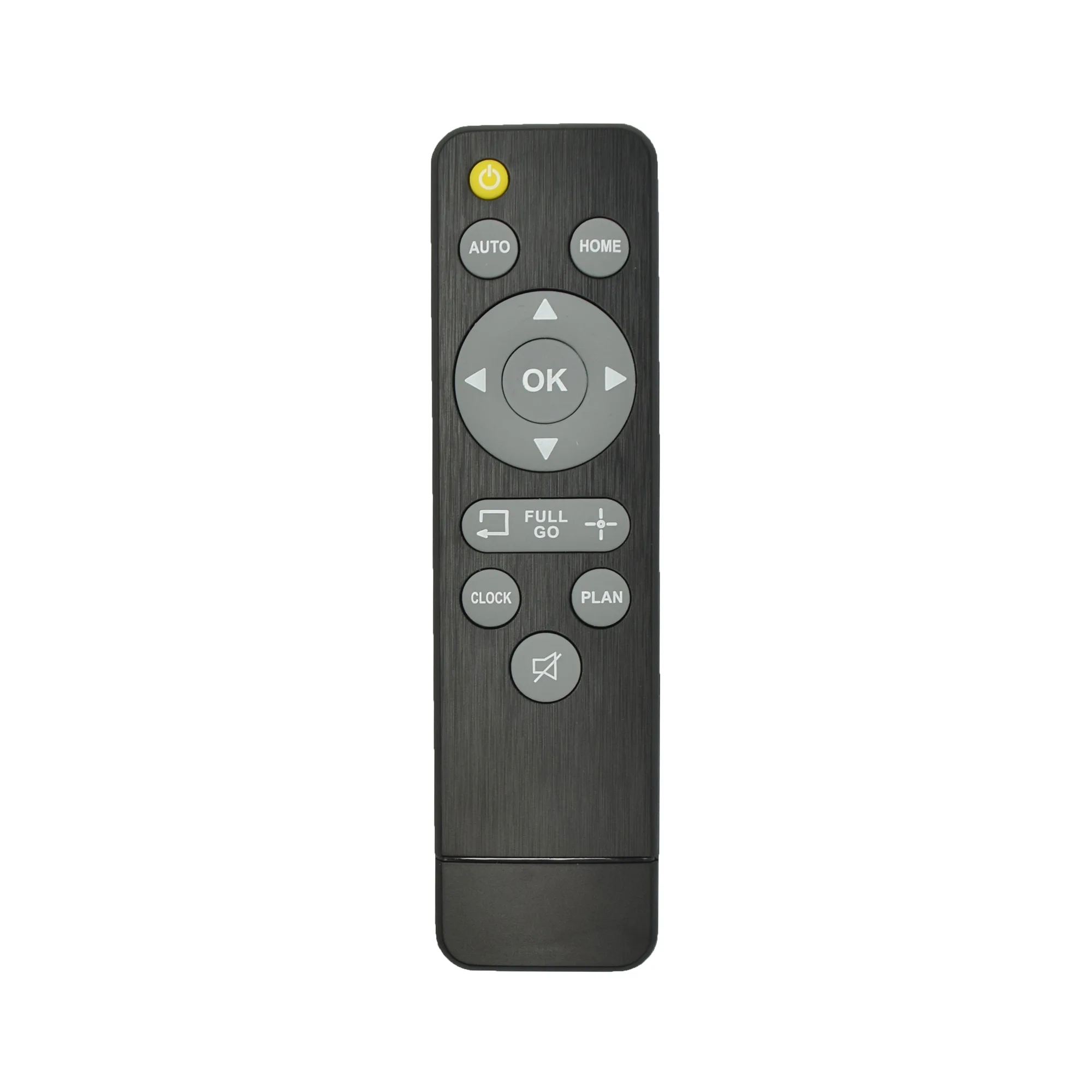
- Smart Vacuum Remote Control: Provides straightforward, remote operation for your smart vacuum; compact and easy to handle for everyday use; ideal for quick access to essential controls; compatible with select iView US smart vacuums. If you prefer not to bend down or use a mobile app, this remote gives you quick control over cleaning cycles, which is handy when you're spot-cleaning after a brush replacement.
Brush maintenance is simple once you know what to look for. Clean hair and debris regularly, replace the main brush when bristles stay flattened, and replace the side brush when bristles are bent or broken. If a brush still won't spin after cleaning, stop and seek support. With a spare smart vacuum brush set on hand, you can keep your iView vacuum cleaning effectively for longer.