Quick answer
Most smart vacuum remotes stop working because of a dead or corroded battery, a lost pairing, or blocked line of sight between the remote and the vacuum. Start with a fresh battery and a clean emitter window, re-pair the remote if your model supports it, and only replace the remote once you have confirmed the vacuum still responds to its app or onboard buttons.
Check power and the emitter window first
A remote that lights up but does nothing is usually sending a weak or blocked signal rather than failing outright. Remove the battery and look for white crust or moisture on the contacts; wipe them with a dry cloth or a pencil eraser. If the battery reads below roughly 1.2V on a multimeter, replace it rather than testing further.
Then inspect the small clear window at the front of the remote. Dust, kitchen grease, and sticky residue from cleaning sprays cut infrared output more than most people expect. Wipe it with a dry microfiber cloth and avoid pressing hard on the plastic, which can scratch the emitter lens.
Re-pair the remote to the vacuum
Some smart vacuums pair their remote the same way they pair a phone, while others ship with a remote that is already bound to the dock or base. Check your model's manual before assuming pairing is the problem, because forcing a pairing sequence on a fixed-frequency remote will not change anything.
If your vacuum does support re-pairing, put the vacuum in pairing mode first, then hold the remote's home or start button for several seconds until the vacuum beeps or the indicator changes. Keep the remote within a few feet of the vacuum during this step and stay away from other remotes, Wi-Fi routers, and fluorescent lights, which can interfere with the signal.
Rule out the vacuum, not just the remote
Before buying a replacement, confirm the vacuum itself still accepts commands. Start a cleaning cycle from the mobile app or the button on the robot. If the app works but the remote does not, the fault is almost certainly in the remote or its battery. If neither works, the problem is on the vacuum side and a new remote will not fix it.
This step saves money and prevents the frustration of a replacement remote that behaves exactly like the old one.
When replacement makes more sense than repair
Remotes are sealed units with few user-serviceable parts. Once you have replaced the battery, cleaned the contacts, and confirmed the vacuum responds to other controls, a remote that still fails is usually at the end of its life. At that point a replacement is cheaper and faster than further diagnosis.
Keep the old remote for parts only if you enjoy tinkering; otherwise recycle it responsibly and move on.
Diagnosis: symptom, cause, action, stop point
- Remote lights up but vacuum ignores it: Weak battery, dirty emitter window, or blocked line of sight between remote and vacuum. Replace the battery, clean the emitter window, and point the remote directly at the vacuum from within a few feet. If it still fails, move to pairing.
- Remote worked, then stopped after a move or new device: Lost pairing or new interference from a router, smart speaker, or another remote. Re-pair the remote if your model supports it and separate it from other wireless devices. If the vacuum responds to the app but not the remote, the remote is the problem.
- Remote and app both fail to start the vacuum: The fault is likely on the vacuum side, not in the remote. Stop troubleshooting the remote. Check the vacuum's power, dock, and app connection before buying any replacement.
- New battery and clean contacts, still no response: The remote has reached the end of its serviceable life. Replace the remote rather than repairing it. Choose a model that matches your vacuum or converter box, such as the iView US Smart Vacuum Remote Control for a smart vacuum.
Replacement options worth knowing
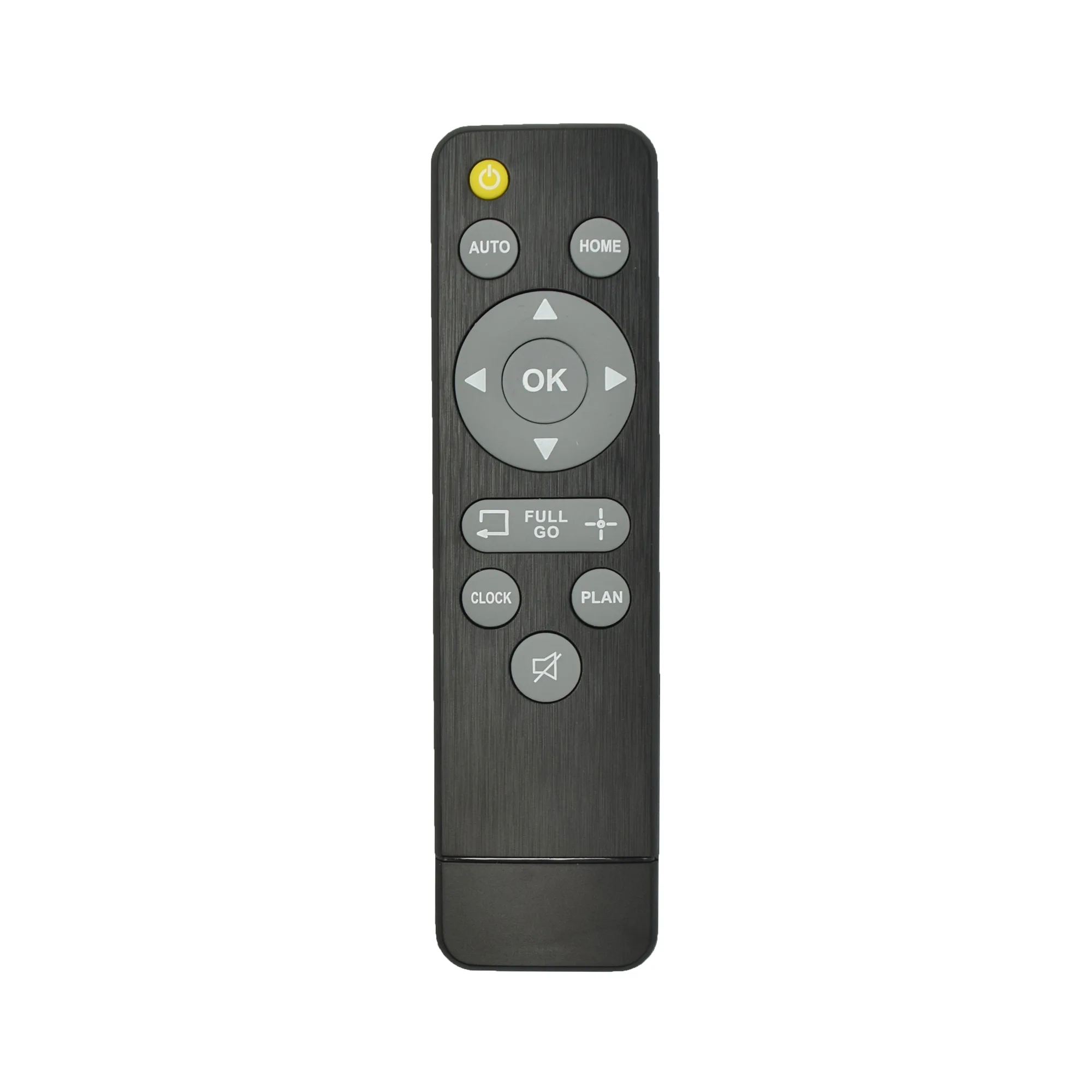
- Smart Vacuum Remote Control: This Smart Vacuum Remote Control from iView US provides straightforward, remote operation for your smart vacuum without needing to bend down or use a mobile app. A practical replacement if your original remote has stopped responding and you want quick access to essential controls without opening the app every time.
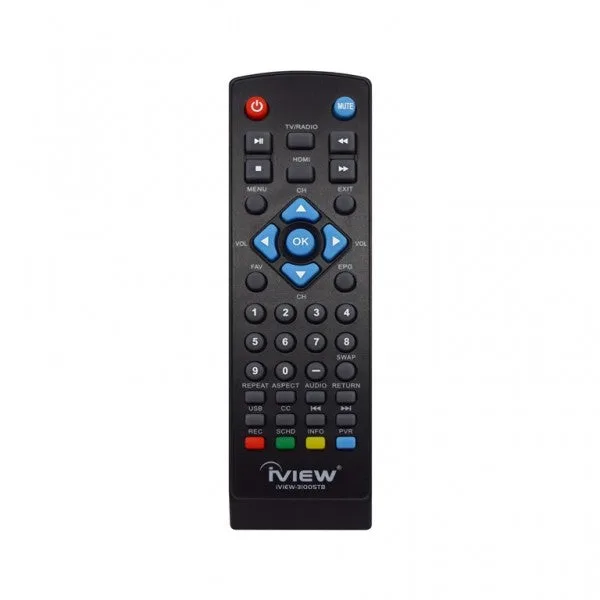
- 3100STB / 3200STB / 3300STB Remote: This remote is designed for use with the iView US 3100STB, 3200STB, and 3300STB digital converter boxes as a replacement or spare. If you are troubleshooting a 3100STB or 3300STB remote, confirm the model number before ordering, because this remote is built for those converter boxes rather than for a robot vacuum.