Quick answer
Choose a smart WiFi bulb if you want remote control, schedules, and voice commands via Alexa or Google Assistant. Stick with a regular LED if you just need reliable, low-cost lighting and don't need app or voice features. The energy savings between the two are similar, but smart bulbs add convenience at a higher upfront cost.
Energy use and efficiency
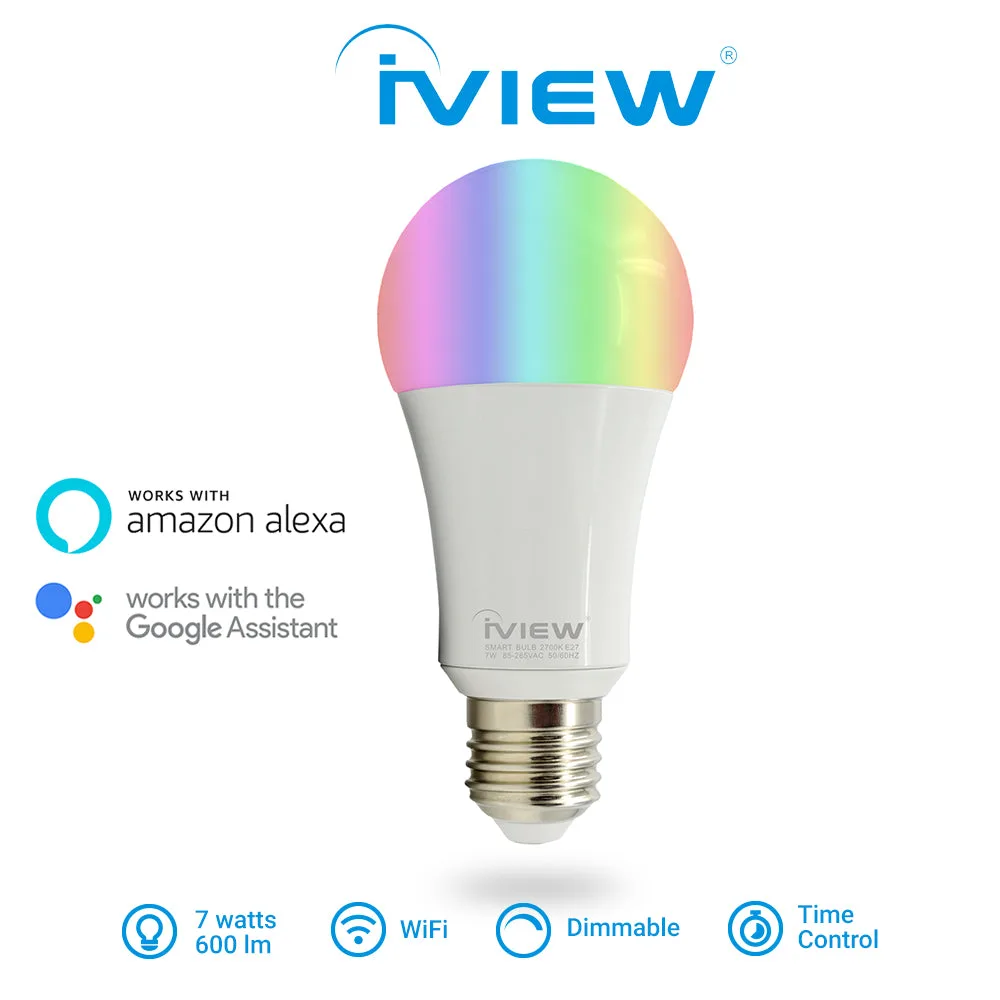
Both smart WiFi bulbs and regular LEDs use LED technology, so their energy efficiency is comparable. A typical 7W smart bulb like the iView ISB600 outputs 600 lumens—equivalent to a 50W incandescent—while a regular LED of the same wattage delivers similar brightness. The key difference is that a smart bulb draws a small amount of standby power (usually under 1W) to maintain its WiFi connection, even when the light is off. Over a year, this adds a negligible amount to your electricity bill, but it's worth noting if you're aiming for maximum efficiency.
Smart bulbs also let you set schedules and timers, so you can automatically turn lights off when not needed, potentially saving more energy than a regular LED that might be left on accidentally. However, if you rarely use automation, a regular LED is simpler and slightly more efficient.
Smart features and convenience
A smart WiFi bulb connects directly to your home network (2.4GHz WiFi) and can be controlled via the Smart Life or Tuya Smart app. This means you can turn lights on/off, dim them, and change colors from anywhere, without needing a separate hub. The iView ISB600 offers multiple colors and dimming, making it ideal for mood lighting or accenting a room. Regular LEDs offer none of these features—they are either on or off, with a fixed color temperature.
Voice control is another major advantage. Smart bulbs work with Amazon Alexa and Google Assistant, so you can say "Alexa, turn on the living room light" or set routines like "Goodnight" to turn off all lights. Regular LEDs require a manual switch or a separate smart switch to achieve similar functionality.
Compatibility and setup
Smart WiFi bulbs require a 2.4GHz WiFi network—they do not work with 5GHz-only setups. If your router broadcasts both bands, you may need to ensure your phone connects to the 2.4GHz network during setup. The iView ISB600 uses an E27/E26 socket and supports 85V-265V AC, so it fits standard US and European sockets. Regular LEDs have no WiFi dependency and work with any compatible socket, but they are not dimmable unless specifically labeled as such.
If you already have smart home devices, a WiFi bulb integrates without extra hardware. However, if your home has poor WiFi coverage in certain rooms, a regular LED may be more reliable. For outdoor or large areas, consider range: the bulb's WiFi depends on your router's reach.
Trade-offs at a glance
- Upfront cost: Smart WiFi bulbs cost more—around $12-20 each—while regular LEDs are $2-5. The smart bulb's price includes WiFi chip, color options, and app integration. If budget is tight, regular LEDs win on price. Smart bulbs pay for convenience, not lower cost.
- Standby power draw: Smart bulbs use a tiny standby current (under 1W for WiFi, even when off. Regular LEDs use zero standby. Negligible for most homes, but pure efficiency fans should stick with regular LEDs.
- Voice control vs manual: Smart bulbs respond to Alexa/Google commands, set schedules, dim, change colors. Regular bulbs only on/off via switch. If you already use voice assistants, smart bulbs are natural fit. Otherwise, regular LEDs are simpler.
- WiFi dependency: Smart bulbs require a stable 2.4GHz WiFi network. If your router fails or network is spotty, the bulb may not respond. Regular LEDs work regardless. For reliable basic lighting, regular LEDs are more reliable in areas with poor WiFi.
Product facts
- ISB600 7W, 600lm, E27/E26 Smart Multi-Color LED WiFi Light Bulb, Works with Alexa & Google Assistant: 7W LED, 600 lumens (equivalent to 50W), E27/E26 socket, 17000-hour lifespan, built-in WiFi, works with Alexa and Google Assistant, multiple colors and dimmable. This bulb matches the brightness of a standard 50W incandescent but adds app control, voice control, and color options. The 17000-hour lifespan means years of use before replacement.
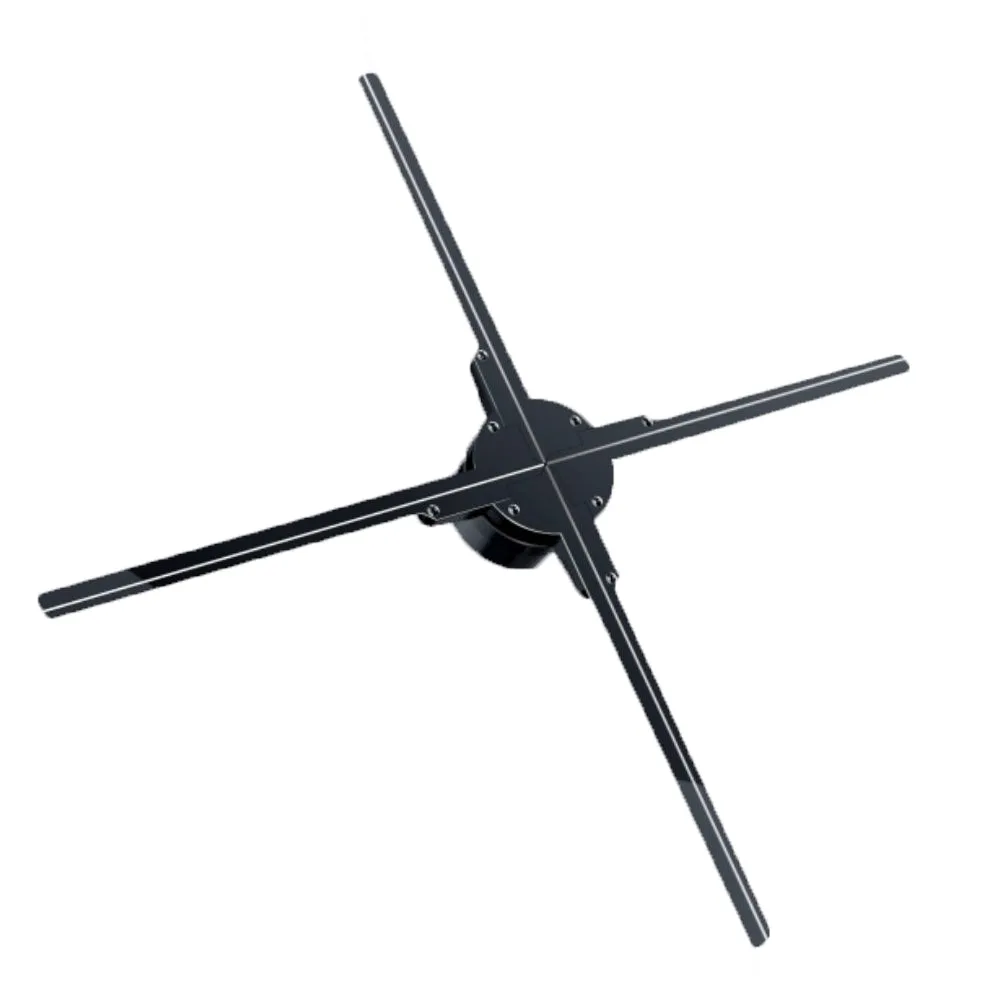
- 3D Hologram Fan - Four-Blade 3D Fan with 720pcs LED Beads for Business Advertisement: 3D Hologram Fan with 720pcs LED beads, 1600×720 resolution, 160° viewing angle, 36W power, supports MP4/AVI/GIF/JPG playback via MicroSD or WiFi. While not a standard bulb, this shows another smart LED application—displaying 3D holographic images for business ads. It uses LEDs for light output but serves a completely different purpose than general lighting.
Which one should you choose
Best for
- Smart home enthusiasts who want remote control and voice commands
- People who use Alexa or Google Assistant and want to automate lighting schedules
- People who want color options and dimming without buying separate smart switch
Not for
- People who only need basic lighting without any smart features
- Homes with unreliable 5GHz-only WiFi or no 2.4GHz band
- Those on a tight budget who don't need voice control