Quick answer
Choose a smart WiFi socket by matching its load rating to the appliance you will plug in, then decide whether you need USB charging built in. For most US lamps, fans, and small electronics, a 10A smart plug rated for 1,100 watts at 110V is enough. If you want to control two devices and charge a phone from the same wall area, a smart socket twin pack with a 5V 2.1A USB port is the more practical buy.
Start with the load, not the app
The most common smart plug mistake is buying by app features first and checking wattage later. A 10A smart plug load rating means the socket is designed for a maximum of 10 amps. In a US home on 110V, that works out to 1,100 watts max, which covers lamps, fans, chargers, coffee makers on timers, and holiday lighting. It does not cover space heaters, window air conditioners, or anything that pulls close to a circuit's limit for long periods.
Check the label on the device you plan to control. If it lists watts, keep the total under the socket's rating with some headroom. If it only lists amps, multiply by 110 to estimate watts. When a device is borderline, split it onto a separate smart plug rather than daisy-chaining or using an extension strip behind the socket.
USB ports change where the socket earns its keep
A smart plug with USB port is useful in bedrooms, kitchens, and desks where you already have a phone or tablet charger sitting in an outlet. The USB side typically runs independently of the smart outlet, so you can keep a lamp on a schedule while the USB port stays live for charging. That matters because some buyers want the USB port always available and only the AC side controlled remotely.
Pay attention to the USB output rating. A 5V 2.1A port charges most phones at a normal rate but is not a fast-charge brick. If your phone needs higher-wattage charging, keep your existing charger and use the smart socket only for the AC device.
WiFi band, hub, and voice control basics
Most affordable smart sockets connect over 2.4GHz WiFi and do not require a hub. That is convenient, but it also means they will not join a 5GHz-only network. If your router broadcasts both bands under one name, you may need to temporarily separate them during setup. Once connected, the socket works with Alexa and Google Assistant for voice on/off and scheduling through the app.
A hub-free socket is simpler, but it depends on your WiFi staying up. If your internet goes down, local schedules stored in the app may still run on some models, but voice control and remote access will not. For critical devices, keep a manual fallback.
Twin packs: convenience or clutter?
A smart socket twin pack usually costs less per socket than buying two singles and is the right call when you already know two locations you want to automate, such as two lamps in one room or a lamp and a fan. The trade-off is that both sockets share the same model and app, so you cannot mix a high-wattage socket with a low-wattage one in the same pack.
If you only have one device to control today, a single socket keeps things simple and avoids unused hardware. If you are likely to add a second device soon, the twin pack is the better value and saves a second setup session.
Decision rules for buying a smart WiFi socket
- Rule 1: Match watts before features: Add up the wattage of everything you plan to plug into one socket. If the total is under 1,100W and the device is not a heater or motor-heavy appliance, a 10A smart plug is suitable. Over 1,100W or continuous high draw: choose a different solution, not a smart plug.
- Rule 2: Buy USB only if you will use it: A smart plug with USB port earns its place when a phone, tablet, or small accessory charges in the same outlet. If you already have a dedicated charger you like, skip the USB model and save the difference. USB is a convenience feature, not a performance upgrade.
- Rule 3: Confirm 2.4GHz before setup day: Check your router band and app compatibility before the socket arrives. Hub-free sockets still need a 2.4GHz network and a compatible app. If your network is 5GHz-only, plan how you will connect before unboxing.
- Rule 4: Choose twin pack only with two real locations: A twin pack lowers the per-socket price, but only if you have two devices you actually want to automate. Otherwise a single socket is the cleaner buy. Two lamps, two fans, or a lamp and a charger: twin pack. One device: single.
Product facts worth knowing
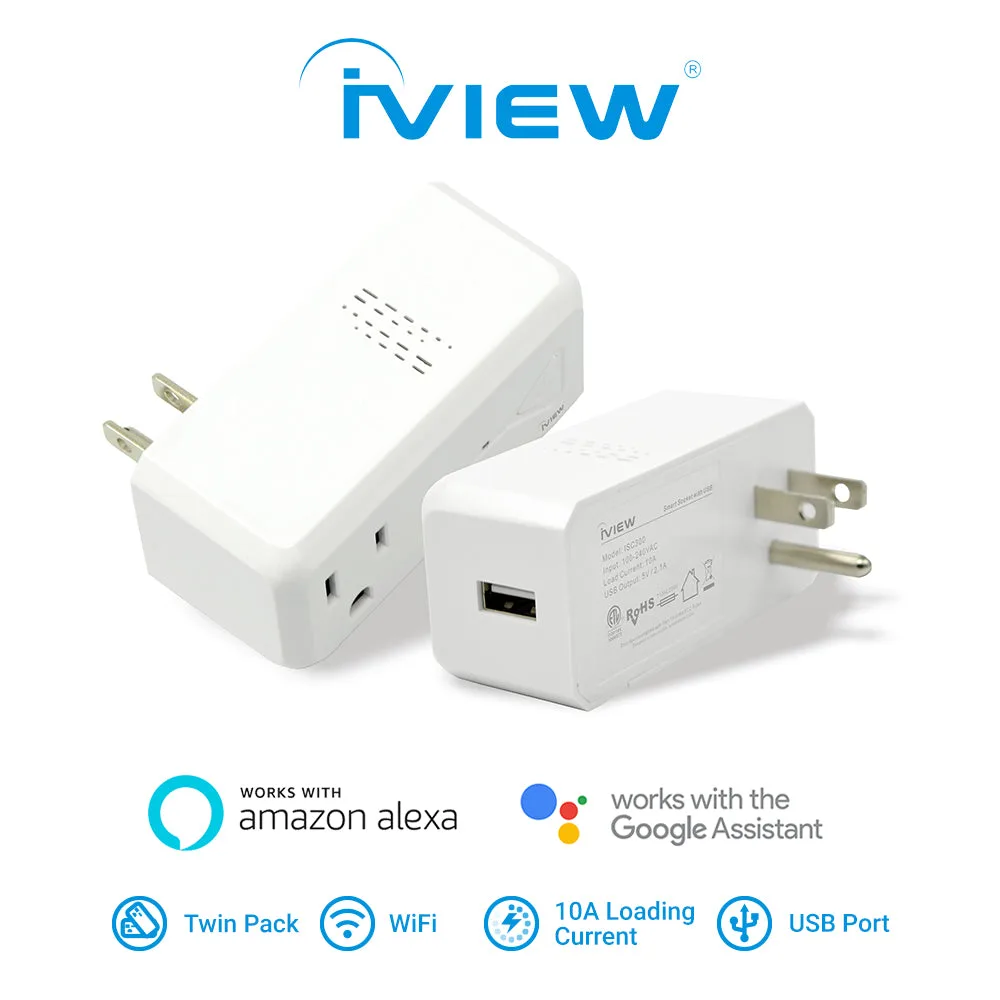
- ISC300 1100W Load Max, 10A Smart WiFi Socket & Plug w/ 5V 2.1A USB Port (Twin Pack): 10A smart WiFi socket with 1,100W max load for USA (110V × 10A), 5V 2.1A USB port, 2.4GHz WiFi, no hub required, works with Alexa and Google Assistant, available as a twin pack. This is the practical choice for lamps, fans, and small electronics where you also want a USB charging point. The 1,100W ceiling tells you exactly what not to plug in.
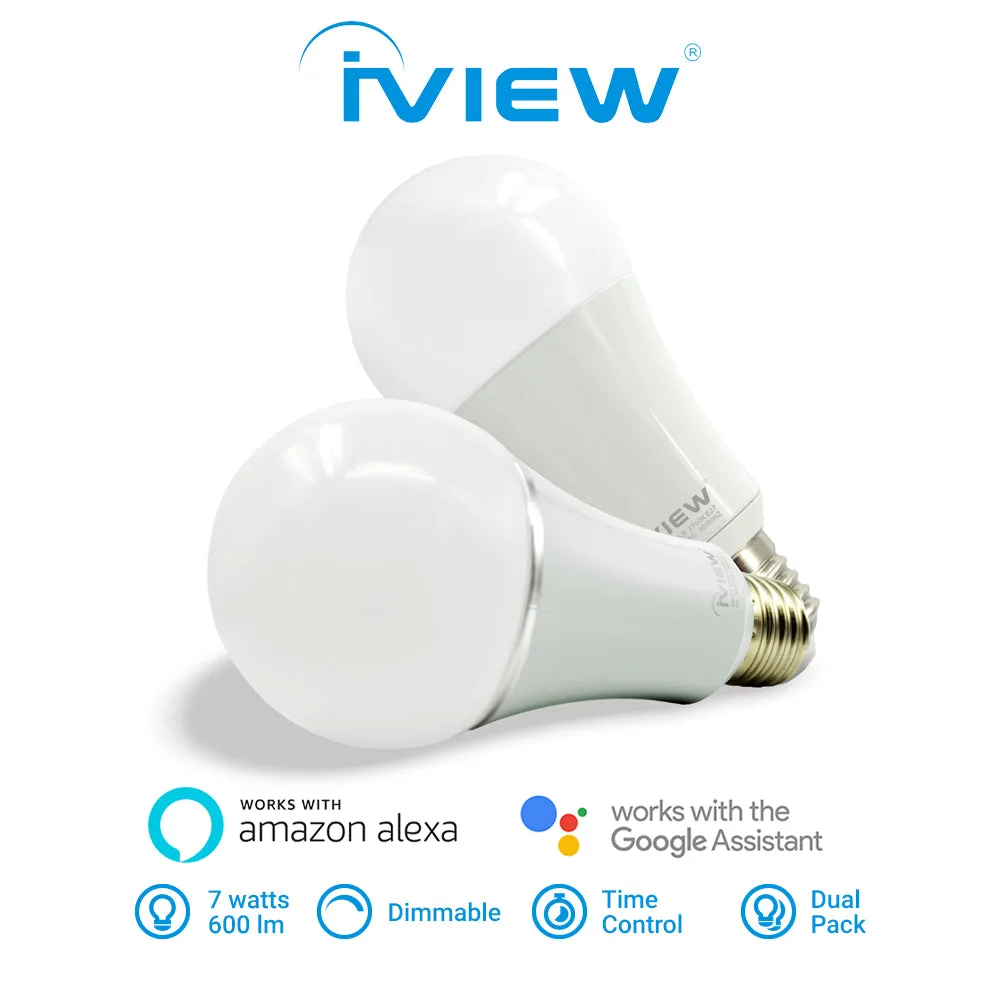
- ISB600-2 7W 600lm E26 Smart Multi-Color LED WiFi Bulb works with Alexa and Google Assistant (2-Pack): 7W 600lm E26 smart multi-color LED WiFi bulb, 2-pack, works with Alexa and Google Assistant, 2.4GHz WiFi only. If your goal is scheduled or color lighting rather than switching an existing lamp, a smart bulb replaces the bulb instead of the socket and avoids the load-rating question entirely.
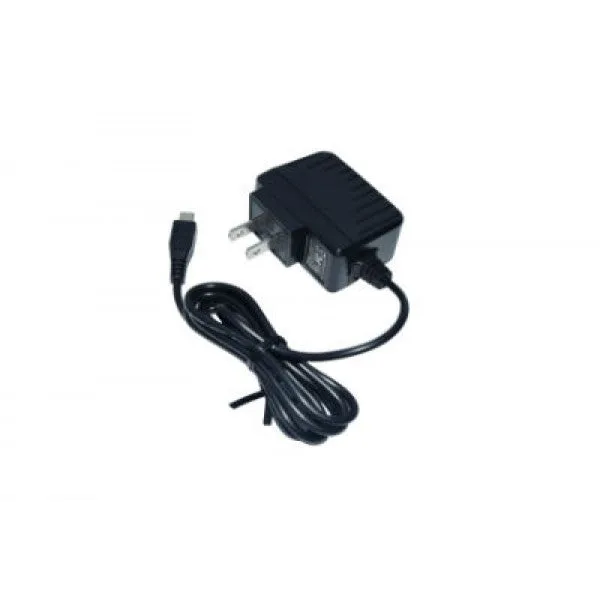
- i700QW / 733TPC / 744TPC / 766TPC / 910TPC / M7 Charger - Affordable 5V/1500mAh Output, UL Certified Replacement Micro USB Adapter: UL certified Micro USB adapter with 5V/1500mAh output for select iView tablet models. A reminder that not every USB charger is interchangeable. Match the adapter to the device model rather than assuming any 5V output will do.
Who this is for
Best for
- Renters and homeowners who want app and voice control for lamps, fans, and small electronics without rewiring
- Buyers who want a USB charging point and a controlled AC outlet in the same wall plate
- Anyone automating two nearby devices and comparing a twin pack against two single sockets
Not for
- Space heaters, window AC units, or any appliance that exceeds a 10A / 1,100W load
- Homes with a 5GHz-only WiFi network and no way to enable 2.4GHz
- Buyers who need fast charging from the USB port rather than standard 5V 2.1A output