Quick answer
Most solar security cameras that stop charging are not broken. The panel is shaded, dirty, or angled wrong, the charging cable has worked loose, or cold weather has cut usable battery capacity. Check panel placement and cable seating first, then watch the battery percentage for two sunny days before you consider a hardware replacement.
Check panel placement before anything else
A solar panel needs direct sun for most of the day, not just a bright sky. If your camera sits under an eave, behind a tree that has grown since installation, or on a north-facing wall, the panel may produce only a trickle of power. That is enough to slow battery drain but not enough to recharge a depleted cell.
Watch the panel at three times: mid-morning, noon, and mid-afternoon. If any of those checks shows shade across the panel face, move the panel or the camera. Even a few hours of direct sun is usually better than a full day of filtered light.
- Angle the panel toward the equator-facing sky for your region.
- Keep the panel face clear of leaves, dust, and bird droppings.
- Avoid mounting where a wall or roof casts a shadow during peak sun hours.
Inspect the charging cable and connector
The cable between the panel and the camera is the most common point of failure. Wind, snow load, and routine cleaning can pull the connector loose or bend the pins inside the plug. Unplug it, look for corrosion or debris, and reseat it firmly until it clicks or seats fully.
If the camera has a charging indicator light, watch it for a full minute after reseating. No light during direct sun points to a cable or connector problem rather than a panel problem.
Understand cold-weather battery drain
Lithium batteries lose usable capacity in cold weather, so a camera that charged fine in summer may report a lower percentage or charge more slowly in winter. This is normal behavior, not a defect. The camera may also draw more power for heating or for maintaining a wireless signal in poor conditions.
If your camera has 24/7 recording enabled, cold weather plus continuous recording can outpace what a small solar panel replaces in a short winter day. Switching to motion-triggered recording during the coldest months usually restores the balance.
Reduce unnecessary power draw
Every feature you leave on competes with the panel for power. Live view sessions, frequent push alerts, and high-brightness spotlights all pull from the same battery. If the camera is not charging, temporarily disable the features you use least and see whether the battery percentage climbs on the next sunny day.
For cameras that support 24/7 recording, consider whether that mode is necessary for every camera in the set. Motion-triggered recording on the cameras covering low-traffic areas often frees enough power to keep the busy cameras running continuously.
- Shorten live view sessions.
- Turn off spotlights or sirens you do not need at night.
- Lower motion sensitivity in areas with constant movement like tree branches.
When to stop troubleshooting and choose another option
If the panel is in full sun, the cable is seated, the weather is mild, and the battery still drops for three consecutive sunny days, the panel or battery has likely failed. At that point, further cleaning and repositioning will not help.
For a camera that cannot get reliable sun where you need it, a wired or PoE camera is the honest answer. Solar works well in open, sunny locations, but it is the wrong tool for a deeply shaded entryway or a north-facing wall.
Charging diagnosis by symptom
- Battery drops only on cloudy days: The panel is working but undersized for the camera's current draw. Reduce features or accept seasonal variation. Normal behavior, not a fault.
- Battery drops every day, sun or not: Check panel shade, panel angle, and cable seating in that order. If all three are correct and the drop continues for three sunny days, the panel or battery has likely failed. Stop troubleshooting and replace the panel or camera.
- Camera reports charging but percentage never rises: The camera is drawing more than the panel supplies. Disable 24/7 recording or spotlights and recheck after one full sunny day. If the percentage still does not climb, the battery is the likely limit.
- No charging indicator in direct sun: The fault is between the panel and the camera. Reseat the connector, inspect for corrosion, and test with a known-good cable if you have one. No indicator in full sun points to cable or panel failure, not battery drain.
Solar camera specs that affect charging
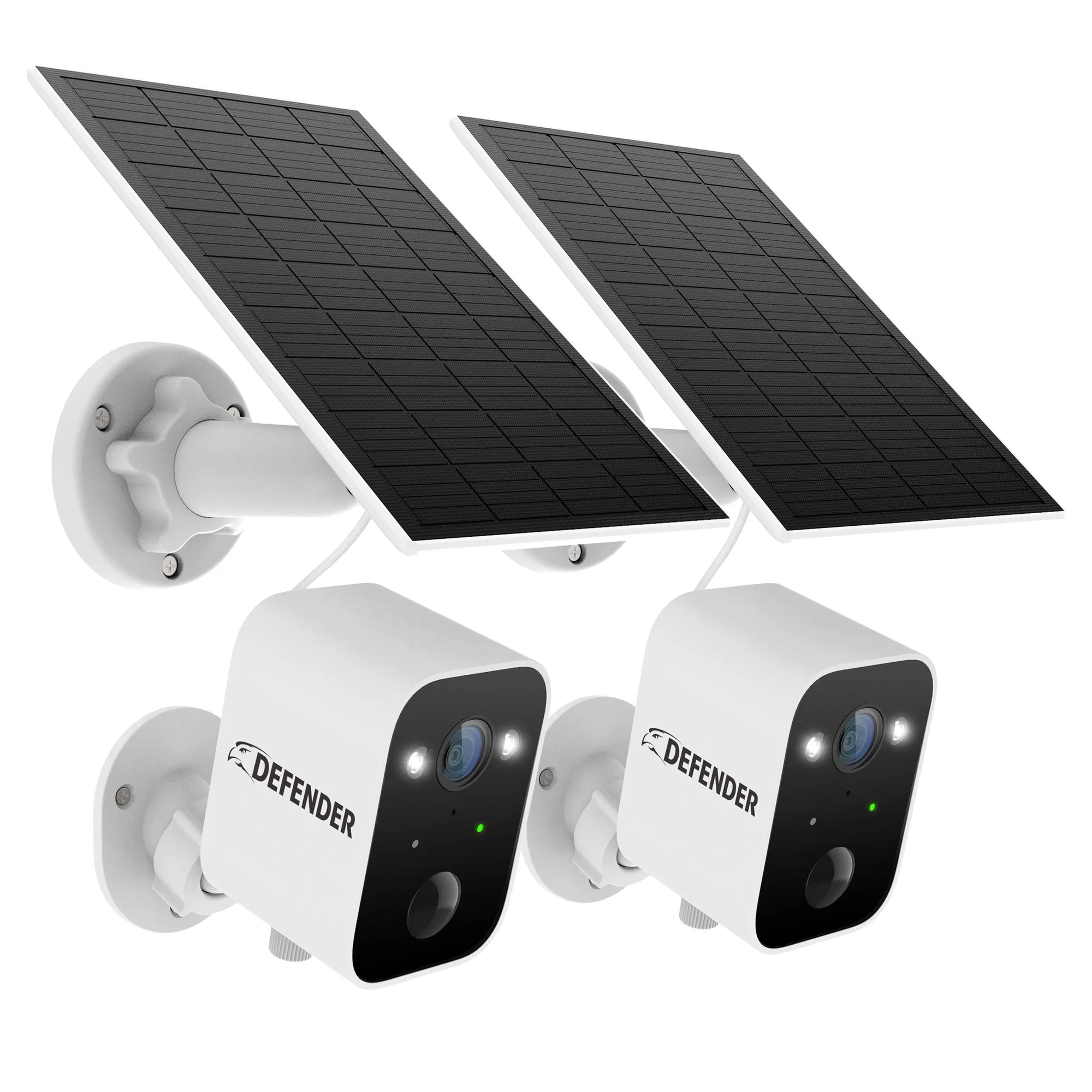
- Solar Powered 4K AI EverWatch Wireless Security Camera, 3W Solar Panel, 2 pc: Two-pack of wireless security cameras, each with a 3W solar panel and 4K resolution. A 3W panel per camera is sized for maintenance charging, so placement in direct sun matters more than it would with a larger panel.
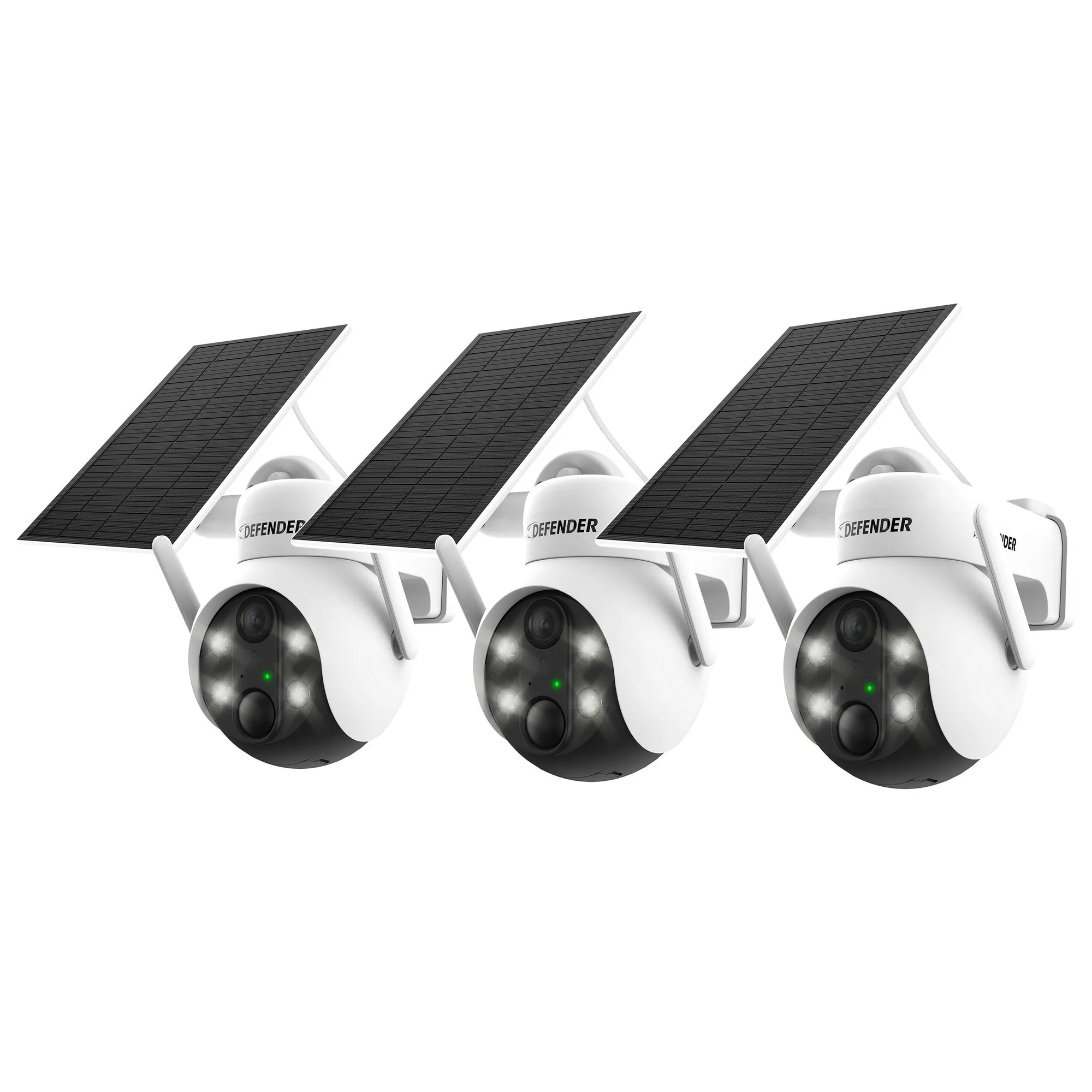
- Solar Powered 4K AI EverWatch PTZ Wireless Camera with 3W Solar Panel, 3 pc: Three-camera PTZ set with a 3W solar panel per camera and remote pan, tilt, and zoom control. PTZ motors draw extra power when you pan or zoom, so frequent manual PTZ use can outpace a 3W panel in low-sun conditions.
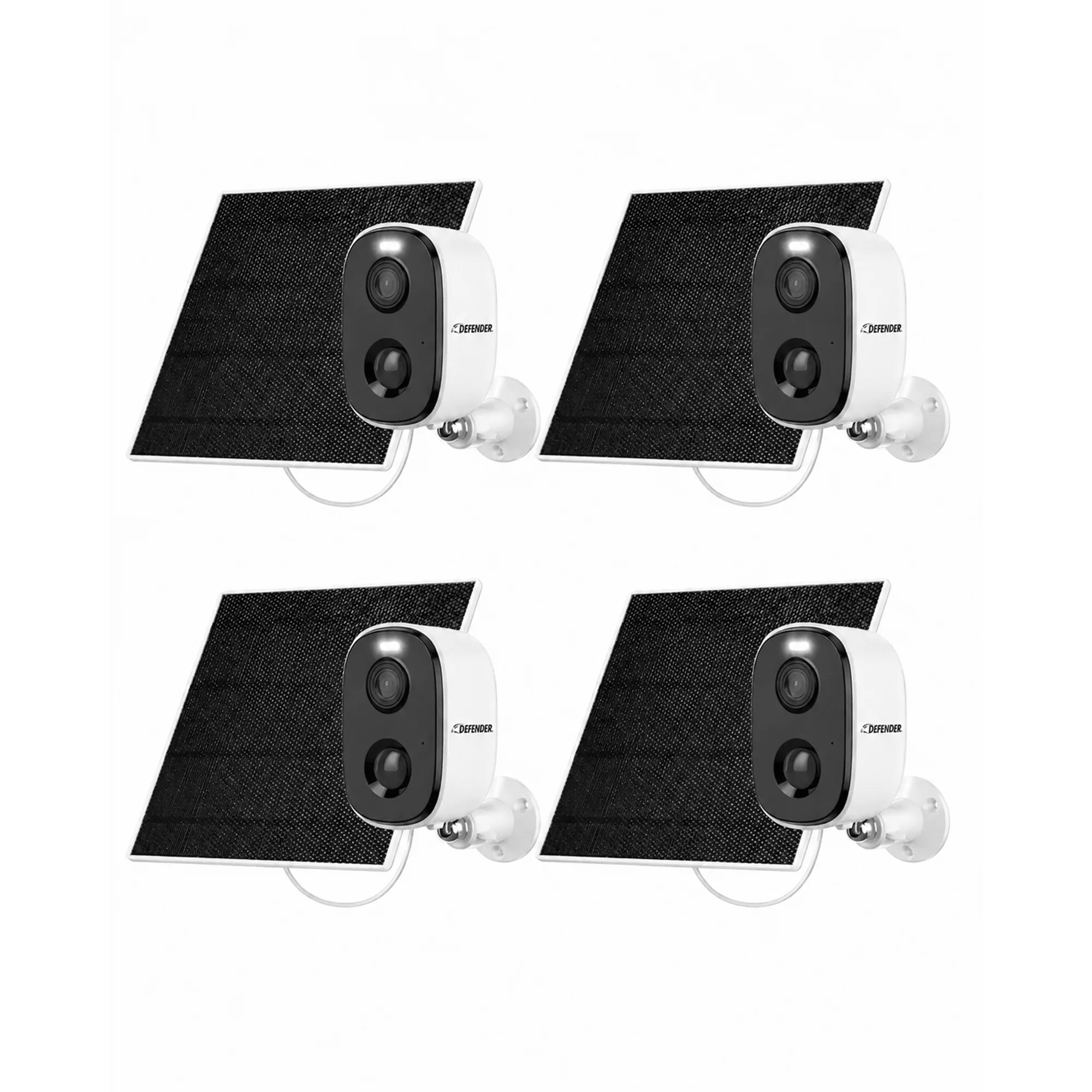
- Defender AI GO 24/7 Recording 2.5K Wireless Camera with Solar Panel, 4 Pack: Four-pack of 2.5K wireless cameras with built-in solar panels and 24/7 recording support. 24/7 recording is the heaviest continuous draw in this lineup, so these cameras benefit most from full-day sun and from switching to motion-triggered recording when charging lags.