Quick answer
To speed up charging on your wireless station, focus on perfect alignment, remove thick cases, and ensure your charger is plugged into a high-wattage adapter.
Why alignment matters more than you think
Wireless charging coils need precise alignment for efficient power transfer. Even a few millimeters off can slow charging significantly or cause intermittent connection. Most modern stations, including the ARIA 3-in-1 Wireless Charging Station, use magnets to help guide your phone into the sweet spot, but you still need to center the device manually.
The case thickness trade-off
Thick or non-standard phone cases are the most common culprit behind slow wireless charging. Cases over 3mm thick or those with magnetic attachments, metal elements, or credit card slots can block the Qi signal entirely or reduce its efficiency. For fastest charging, remove the case or switch to a slim, Qi-compatible one.
Steps to faster wireless charging
- Center your device on the charging pad: Place your phone so the charging coil aligns with the station's coil. Look for an LED indicator or charging confirmation on your screen. A common mistake is assuming magnetic pull means perfect alignment—always double-check the charging symbol.
- Remove thick or non-compatible cases: Take off any case thicker than 3mm, or one with metal, magnets, or credit card slots. If you must keep a case on, test with a thin, Qi-certified one. A common checkpoint: if your phone gets warm while charging, the case is likely blocking the signal. After removing the case, verify the charging speed by checking the time remaining estimate on your phone.
- Use a high-wattage power adapter: Plug your wireless station into a wall adapter that supports at least 18W (or the wattage specified by your station). Avoid USB ports on computers or older chargers. A common mistake is using a low-power adapter that can't deliver full speed, resulting in slow or intermittent charging.
- Avoid charging multiple devices simultaneously: If your station supports multiple devices, charging two or three at once splits the available power, slowing each one. For the fastest single-device charge, place only your phone on the pad and skip the other slots. When you need a quick top-up, charge one device at a time for maximum speed.
- Keep the charging surface clean and cool: Wipe the pad with a dry microfiber cloth to remove dust or debris. Avoid charging in direct sunlight or near heat sources. Overheating can cause the station to reduce power to protect your battery, slowing the process.
Featured product
-
ARIA 3-in-1 Wireless Charging Station: Compatible with iPhone 12 and newer models with built-in MagSafe technology for secure alignment. MagSafe magnets help you center your phone correctly every time, reducing the guesswork that slows down charging.
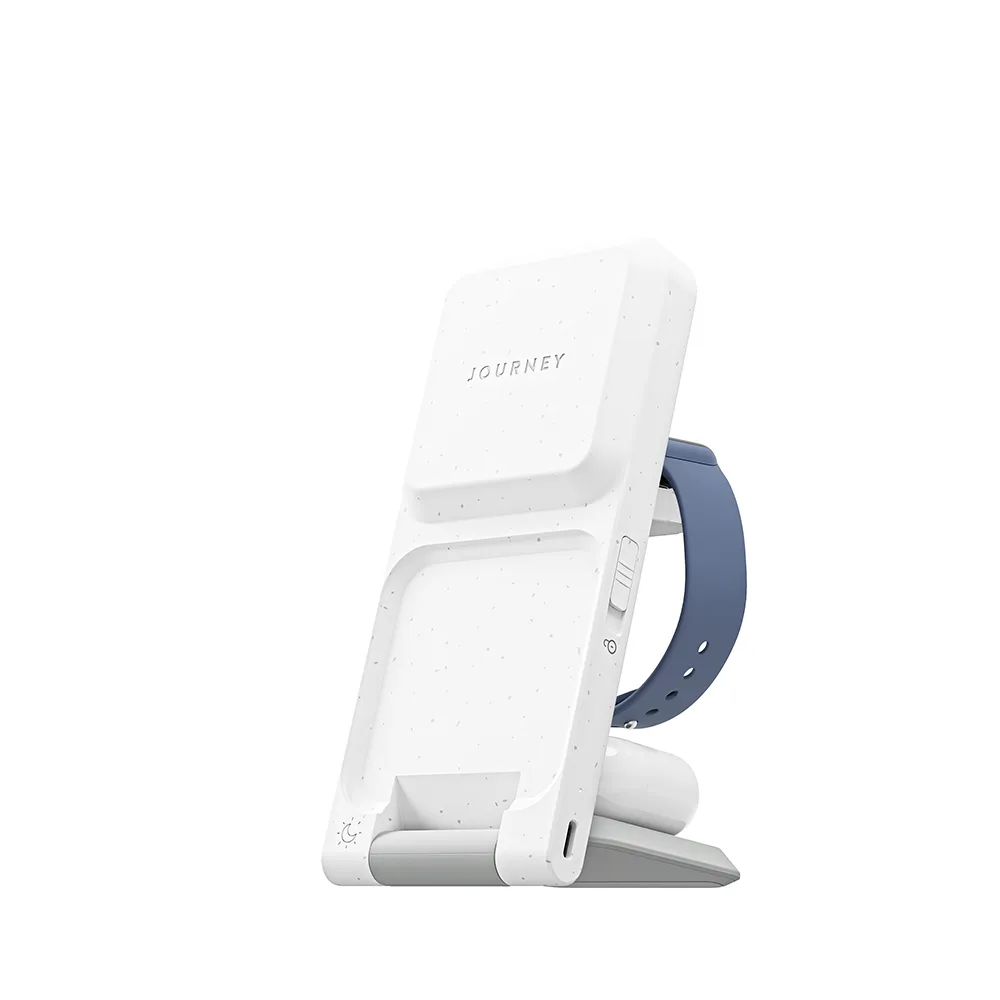
ARIA 3-in-1 Wireless Charging Station