Quick answer
Installing the SquareHood X100 Series Adapter Ring is straightforward: screw it onto the camera's 49mm filter thread, then attach your lens hood or cap. The key is to start by hand and avoid cross-threading.
Why use an adapter ring?
The SquareHood X100 Series Adapter Ring bridges the gap between your Fuji X100 camera and a SquareHood lens hood. It provides a 49mm filter thread that matches the camera's native thread, allowing you to attach hoods, filters, or lens caps securely. Without it, many hoods won't fit properly or may loosen over time.
This ring is compatible with all Fuji X100 series cameras, including the X100VI and X70, and works with both the original Fuji lens cap or aftermarket caps. It's a small part that makes a big difference in stability.
Common installation mistakes
The most frequent error is not aligning the threads before tightening. The adapter ring has fine threads that can easily cross-thread if you apply force too early. Always start by hand and turn counterclockwise until you feel the threads click into place, then turn clockwise to tighten.
Another mistake is over-tightening. The ring only needs to be snug—hand-tight is sufficient. Using tools can damage the threads or the camera body.
How to install the SquareHood Adapter Ring
- 1. Clean the camera's filter thread: Use a soft, lint-free cloth to remove any dust or debris from the 49mm thread on the front of your X100 lens. This prevents particles from scratching the threads or causing a loose fit. Skipping this step can lead to a gritty feel when screwing on the ring.
- 2. Align the adapter ring with the thread: Hold the adapter ring so its threads face the camera. Gently place it against the lens thread and rotate it counterclockwise until you feel a slight click—this means the threads are aligned. Then turn clockwise to start threading. If you feel resistance immediately, stop and realign. Forcing it can cross-thread and damage the camera.
- 3. Hand-tighten until snug: Continue turning the ring clockwise by hand until it is snug against the camera body. Do not use pliers or other tools. The ring should be secure but not overly tight. Over-tightening can make removal difficult and may stress the lens mount.
- 4. Attach your lens hood or cap: Once the adapter ring is in place, screw your SquareHood lens hood or lens cap onto the ring's outer threads. Again, hand-tighten only. Check that the hood is aligned properly (if it's a square hood, ensure it's level). If using a square hood, verify the orientation before tightening fully—some hoods have a specific top side.
- 5. Test the fit and check for wobble: Gently try to rotate the hood or cap. There should be no movement. If it wobbles, remove the hood and check that the adapter ring is fully seated. Re-tighten if needed. A loose hood can fall off during use, so this check is important before heading out.
Product details
-
SquareHood X100 Series Adapter Ring: Designed to work on the Fuji X100 series cameras (including the X100VI) with a 49mm filter thread. Compatible with both the original Fuji lens cap or our lens caps. This ensures the ring fits your camera's native thread without adapters, and you can keep using your existing lens cap.
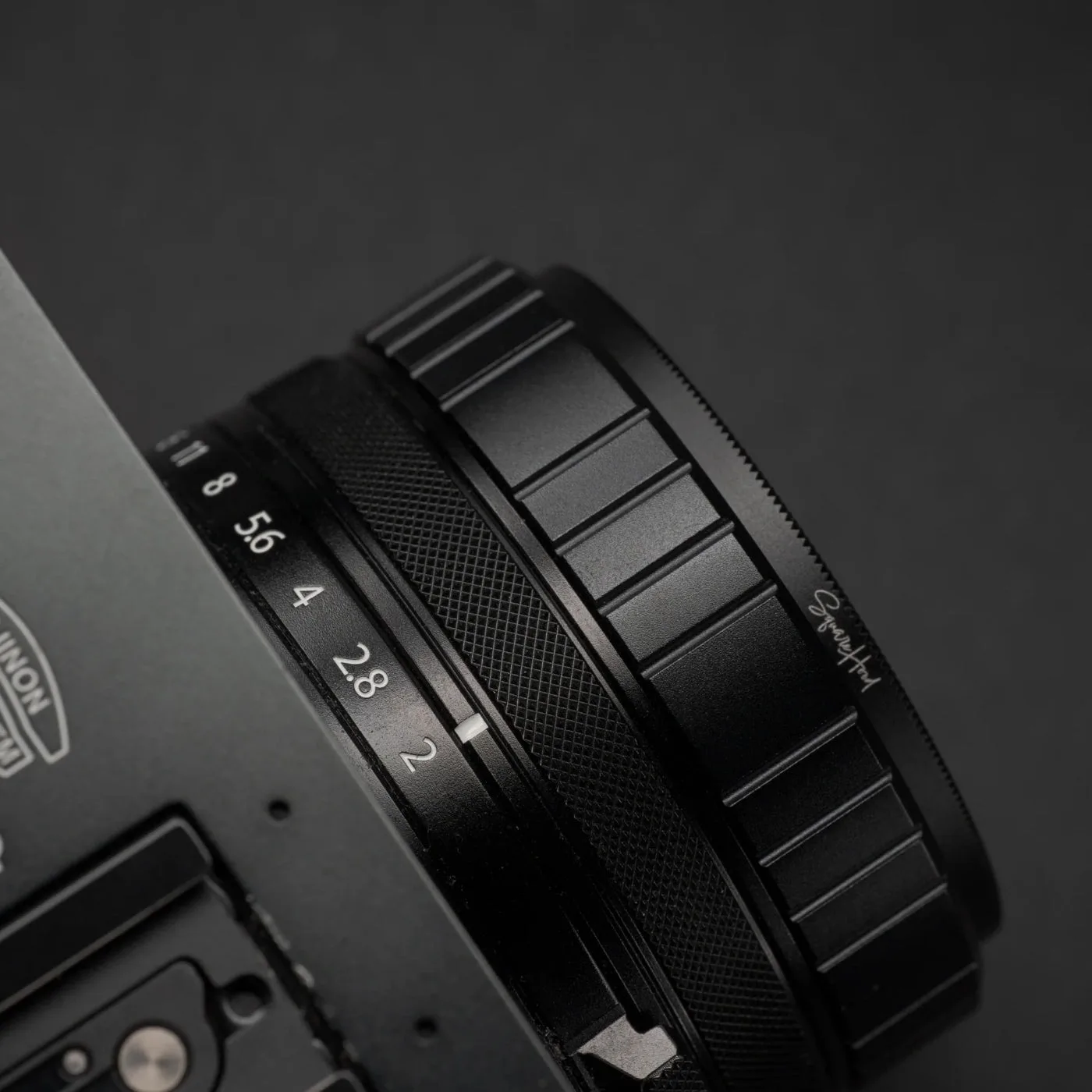
SquareHood X100 Series Adapter Ring


