Quick answer
If Star Ocean The Second Story R crashes or runs poorly on your Nintendo Switch 2, start by checking for system and game updates, then verify your save data and storage health.
Why updates matter first
Both the Nintendo Switch 2 system software and Star Ocean The Second Story R receive periodic patches that address stability and performance. Installing the latest versions often resolves common crashes without further steps.
When to check save data
Corrupted save files can cause freezes or crash loops. If the game becomes unstable after a specific save point, suspect the save file rather than the game itself. Restoring a backup or starting a new save can isolate the issue.
Diagnosis checklist
- Symptom: Game crashes to home screen or freezes during play. If crashes occur only after a specific event, note the scene or action.
- Likely cause: Outdated game patch or system firmware, or a corrupted save file. Check for updates first; if no updates available, suspect save corruption.
- Corrective action: 1. Update Nintendo Switch 2 system software. 2. Update Star Ocean The Second Story R via the game tile options. 3. If still crashing, delete and reinstall the game (your save data is preserved unless you manually delete it). 4. If the problem persists, try loading an earlier manual save or start a new game to confirm the cause.
- Stop or choose another option: If none of the above steps resolve the crash, contact Nintendo Support for further assistance. Do not attempt to modify system files or use third-party tools.
Game details
-
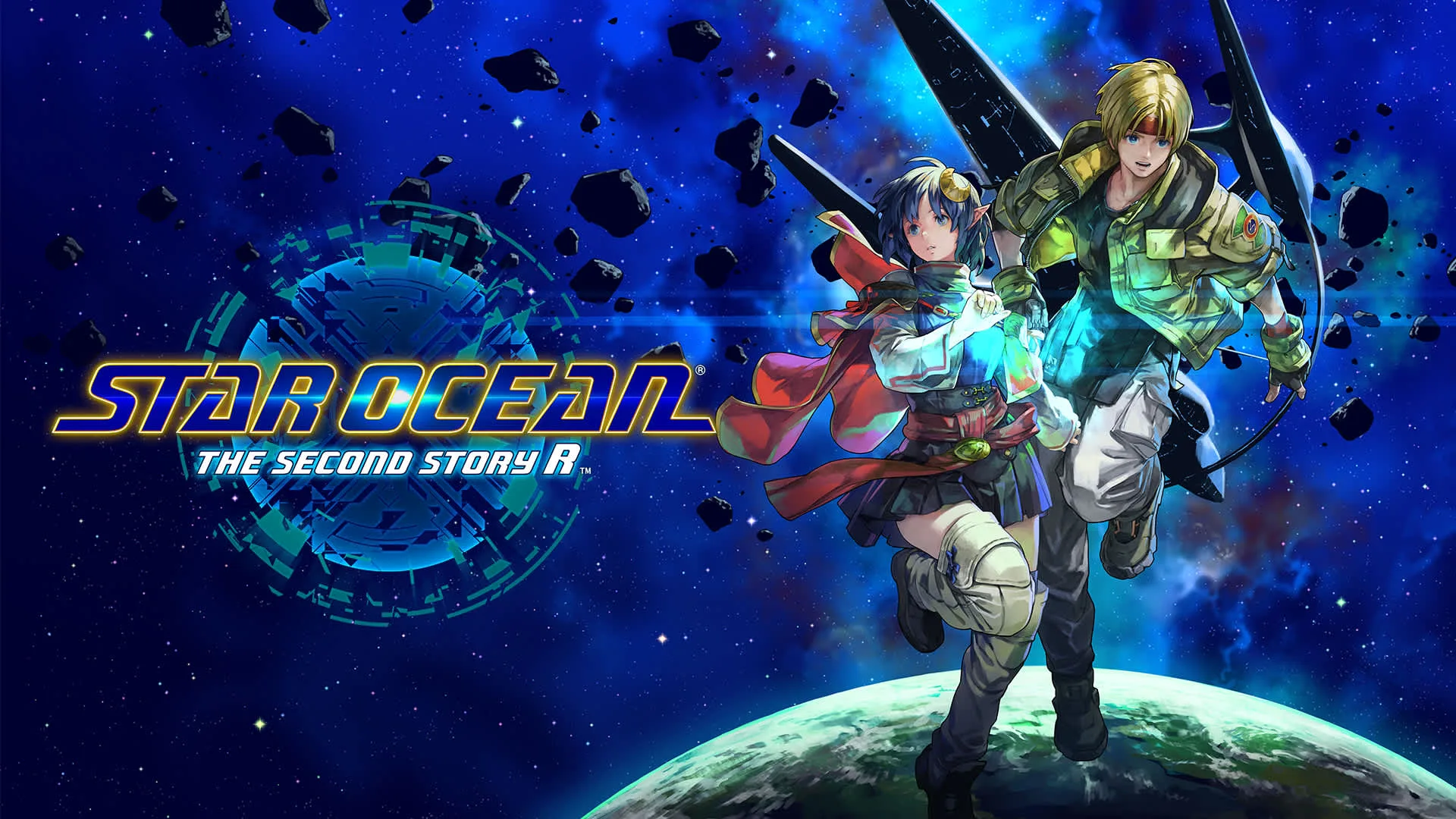
STAR OCEAN THE SECOND STORY R: STAR OCEAN THE SECOND STORY R is available for Nintendo Switch 2 with a unique 2.5D aesthetic that fuses 2D pixel characters and 3D environments. The hybrid 2.5D style can occasionally cause visual glitches on certain hardware configurations, making it useful to know the game's graphical foundation when troubleshooting.
STAR OCEAN THE SECOND STORY R