Quick Answer
Setting up Star Realms Command Deck: The Unity is straightforward. You play as Biolord Walsh using a custom 12-card personal deck and a Legendary Commander card. The deck supports head-to-head play against another Command Deck or a raid boss mode where you take on two players with standard personal decks.
What's in the Box
The Unity pack contains 18 cards. You get one Legendary Commander card: Biolord Walsh, and a 12-card custom personal deck that includes Cluster Viper, Laser Drone, Protopod, and other Blob-Machine Cult hybrid cards. The remaining cards are for setup and rules reference.
Game Modes Overview
You can play The Unity in two ways. In a standard duel, face another Command Deck using your custom decks. Alternatively, play as a raid boss against two players using standard Star Realms personal decks. The raid boss mode gives you extra starting health and special abilities, making it a fun asymmetric challenge.
Step-by-Step Setup Guide
- Unpack and Separate Cards: Open the pack and separate the Legendary Commander card (Biolord Walsh) from the 12-card personal deck. Set aside the rules card for reference. Common mistake: shuffling the Commander card into your deck. Keep it separate—it starts in your command zone.
- Prepare Your Personal Deck: Shuffle the 12-card personal deck (Cluster Viper, Laser Drone, Protopod, etc.) and place it face down as your draw pile. This is your starting deck for the game. Checkpoint: verify you have exactly 12 cards. Missing cards can unbalance the game.
- Set Up the Trade Row: If playing standard Star Realms, shuffle the main deck and lay out the trade row as usual. The Unity deck does not replace the trade row—it only replaces your starting deck. Common mistake: thinking The Unity is a standalone game. You need the base Star Realms Deckbuilding Game for the trade row and scoring.
- Choose Your Game Mode: Decide whether to play head-to-head against another Command Deck or as a raid boss against two standard players. In raid boss mode, you start with extra authority and can use special gambit-like abilities. Raid boss mode is not recommended for first-time players. Try a standard duel first to learn your deck.
- Start Playing: Draw your opening hand of 5 cards from your personal deck. Place Biolord Walsh in your command zone. Follow normal Star Realms turn order. Your goal is to reduce your opponent's authority to zero. Remember: your personal deck reshuffles when empty. Keep track of your deck size to plan your purchases.
Product Facts
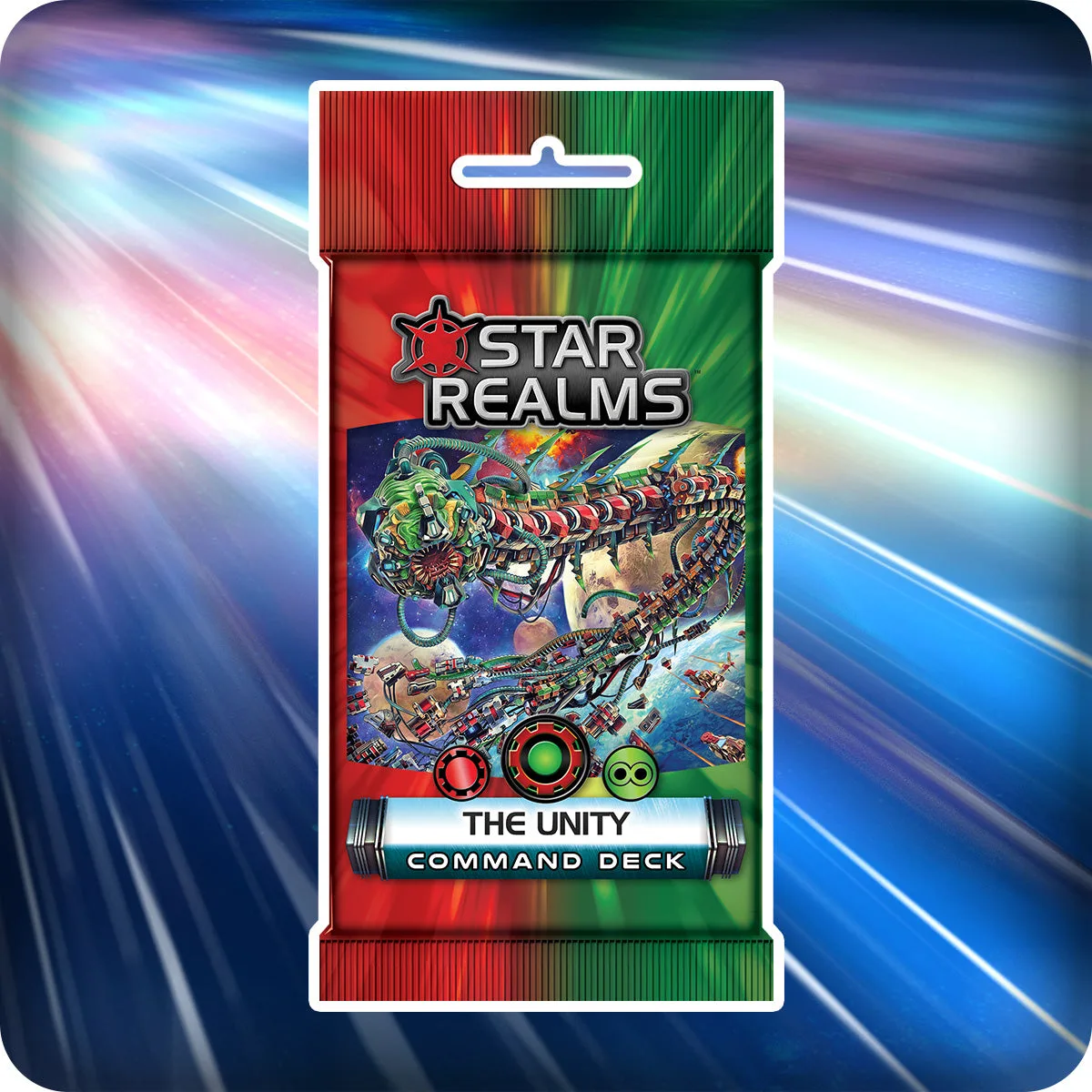
- Star Realms Command Deck: The Unity: Play as Biolord Walsh. Dominate the galaxy with super-bases built with Blob biotech melded with Machine Cult nanotech! Battle against another Command Deck, or play as a raid boss taking on two players using standard personal decks! This pack contains 18 cards for use with Star Realms Deckbuilding Game. This explains your unique commander ability and the two supported play styles, so you know what to expect before you open the pack.