Quick answer
Choose an embossing folder when you want a raised, dry-embossed pattern that fills a card panel edge to edge. Choose a stencil when you want to add colour through a design with ink or paste. Choose a stamp when you need crisp, repeatable images and fine line art. Many card makers combine all three: emboss for texture, stencil for colour, and stamp for focal images.
How each tool creates texture
An embossing folder presses paper between two plates to create a raised design. The Crafter's Companion 6" x 4" Embossing Folder - Butterfly Collage fills a 6" x 4" card from edge to edge with detailed butterflies. You can use it as a backdrop or cut out a section for a dimensional topper. Adding colour to the raised design with inkpads brings the pattern to life.
A stencil is a thin sheet with cut-out areas. You apply ink, paste, or paint through the openings to build colour and pattern. Stencils give you control over placement and intensity, but they do not create a raised texture on their own unless you use a dimensional paste.
A stamp is a carved or moulded surface you press onto paper with ink. Stamps excel at fine line art, sentiments, and repeatable images. They do not emboss the paper; they apply colour in a controlled shape.
Colour, dimension, and detail: what each tool does best
Embossing folders win for all-over raised texture. The Butterfly Collage folder gives you a consistent, detailed pattern across a full card front. You can leave it uncoloured for a subtle look or add ink to the raised areas for contrast.
Stencils win for layered colour and blended backgrounds. You can mask areas, build gradients, and switch colours quickly. The trade-off is that stencils require a bit more planning to keep edges clean and avoid bleeding under the stencil.
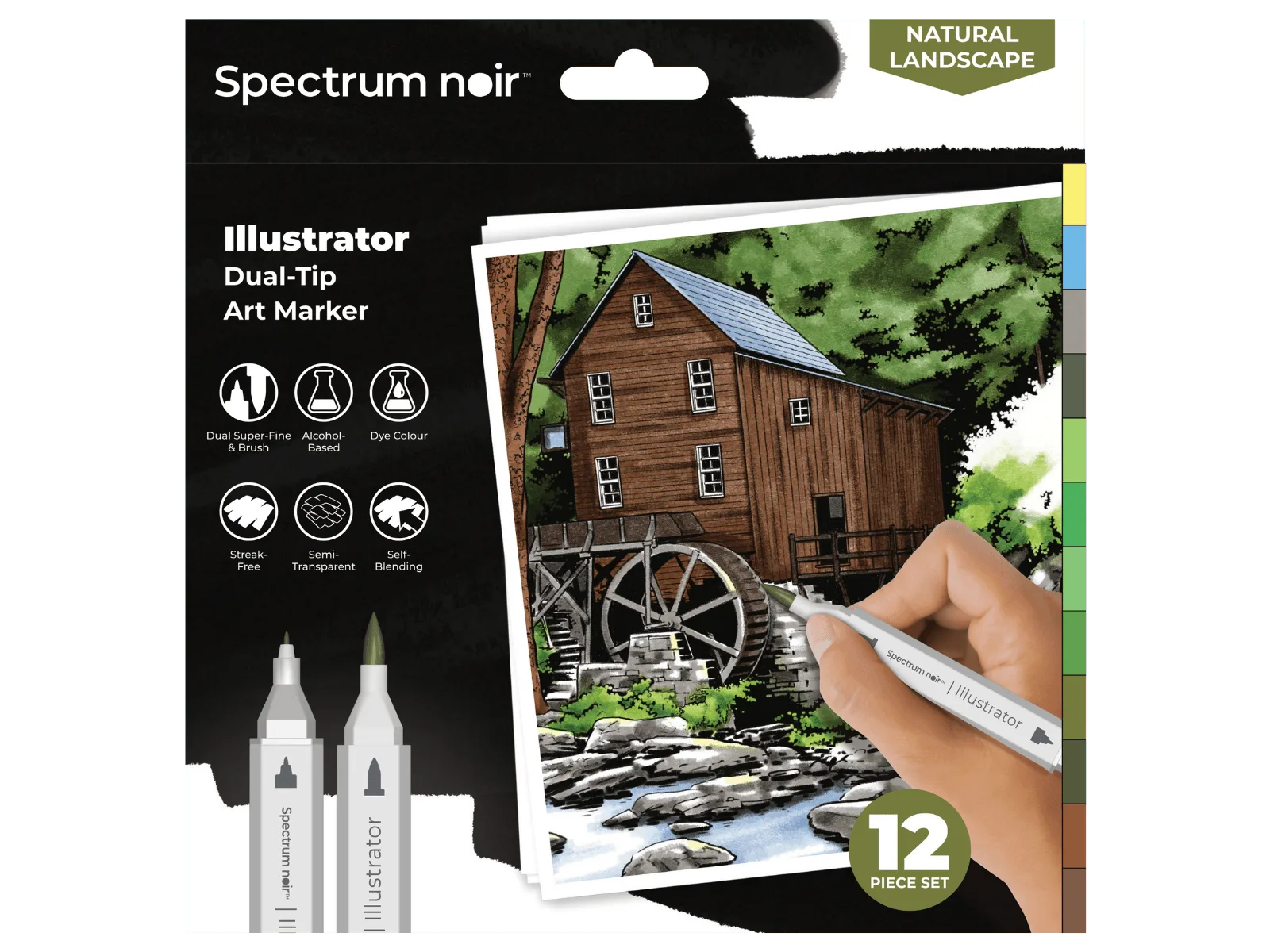
Stamps win for precision and repeatability. If you need the same image on twenty cards, a stamp gives you identical results each time. For colouring stamped images, the Spectrum Noir-Illustrator 12pc-Natural Landscape brush-markers offer controlled curves and expressive flicks with a dual-tip design: a super-fine nib for detail and a flexible Japanese brush for broader strokes.
Practical trade-offs: time, mess, and versatility
Embossing folders are fast and clean. You run the folder through a die-cutting machine and you are done. No drying time, no mess. The limitation is that you are locked into the folder's design; you cannot easily change the pattern or scale.
Stencils are versatile but can be messy. You need to secure the stencil, apply medium evenly, and clean it promptly. Dimensional pastes add drying time. However, stencils let you mix colours and create custom backgrounds that no folder can match.
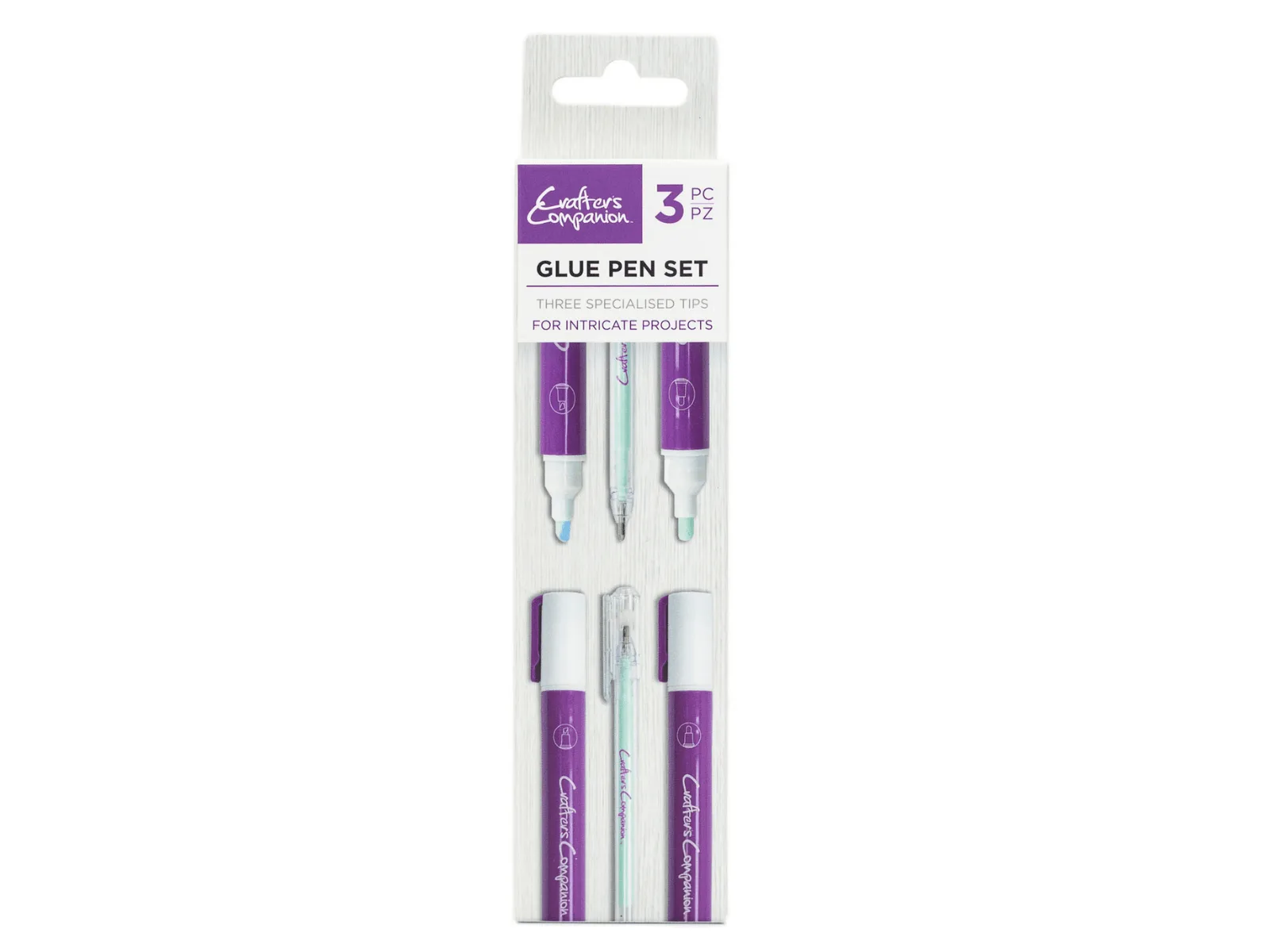
Stamps are the most flexible for images but require ink, acrylic blocks, and cleaning. They are ideal for sentiments and focal points. For techniques like gilding or foiling, a glue pen such as the Glue Pen Set 3 Pack gives you precise, controlled application. The glue appears blue when applied so you can see your design before adding foil, glitter, or gilding flakes. It dries tacky, which is exactly what you need for those decorative finishes.
Combining tools for better cards
You do not have to pick just one. A common workflow is to emboss a background with a folder, then use a stencil to add colour over the raised pattern. Stamps can then add a sentiment or a focal image on top.
Another approach: stamp and colour an image, cut it out, and mount it on an embossed panel. The texture from the folder makes the stamped image pop. If you use a glue pen for foiling, you can add metallic accents that catch the light and complement the embossed texture.
Trade-offs at a glance
- Embossing folder: Creates raised texture across a full panel; no ink or drying time needed. Limited to the folder's design. Best for quick, consistent backgrounds and all-over patterns.
- Stencil: Adds colour through cut-out shapes; allows blending and layering. Can be messy and requires securing. Best for custom coloured backgrounds and mixed-media effects.
- Stamp: Applies precise images and sentiments; repeatable and detailed. Needs ink and cleaning. Best for focal images, line art, and text.
Tools that support these techniques
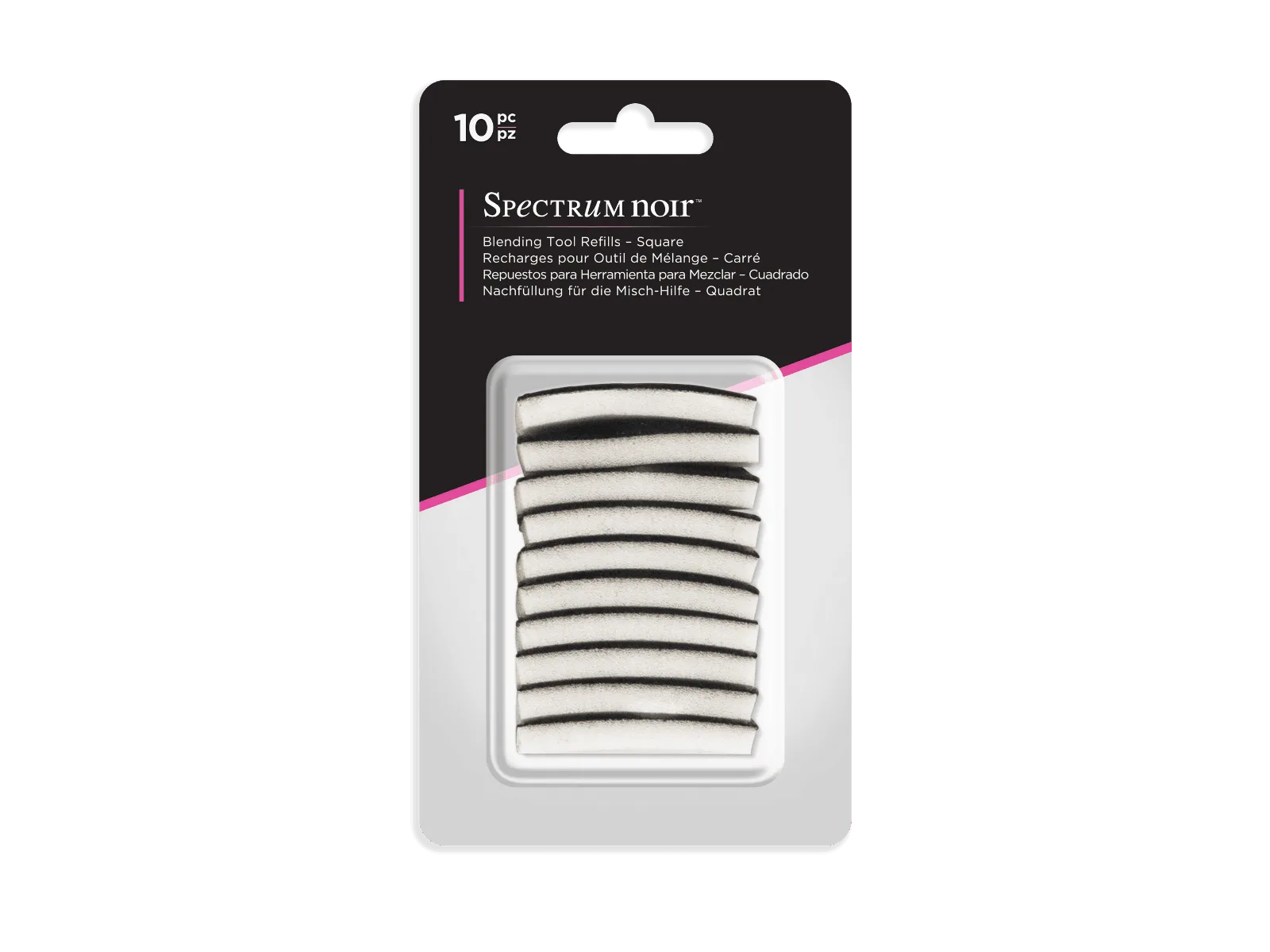
- Spectrum Noir Blending Tool Refills - Square 10PC: Square Blending Tool Refills designed for use with the Round Blending Tool; soft foam pads help prevent colour contamination when switching between inks, paints, and colouring mediums. If you blend ink through stencils, having fresh foam pads keeps your colours clean and your blends smooth.
- Spectrum Noir-Illustrator 12pc-Natural Landscape: Spectrum Noir-Illustrator 12pc-Natural Landscape brush-markers are dual-tipped with a super-fine nib and a flexible Japanese brush, made from high-grade vinyl polymer with a reinforced inner core. These markers give you both detail and broad strokes for colouring stamped images or adding accents to embossed designs.
- Glue Pen Set 3 Pack: Glue Pen Set 3 Pack applies glue precisely; the formula appears blue when applied and dries tacky, ideal for gilding, foiling, and glitter work. Use these pens to add foil or glitter accents to stencilled or stamped areas without messy glue bottles.
Which texture tool should you choose?
Choose this if
- You want a fast, clean raised pattern for card fronts or backgrounds: embossing folder.
- You want to build custom colour blends and layered backgrounds: stencil.
- You need crisp, repeatable images and sentiments: stamp.
- You enjoy combining techniques for dimensional, mixed-media cards: use all three.
Avoid this if
- You need a specific stamped image but only have an embossing folder.
- You want a raised texture but only have a stencil (unless using dimensional paste).
- You dislike cleaning ink or paste from tools and surfaces.