Quick answer
Stick your Toor stickers on clean, dry, smooth surfaces for best adhesion. Use the steps below to place knife case stickers and gear box stickers without bubbles, peeling, or crooked alignment.
Why sticker placement matters for gear boxes and knife cases
A well-placed sticker on a knife case or gear box shows your personality and brand loyalty, but a crooked or peeling sticker can make even high-end gear look sloppy. The key is surface preparation and careful application.
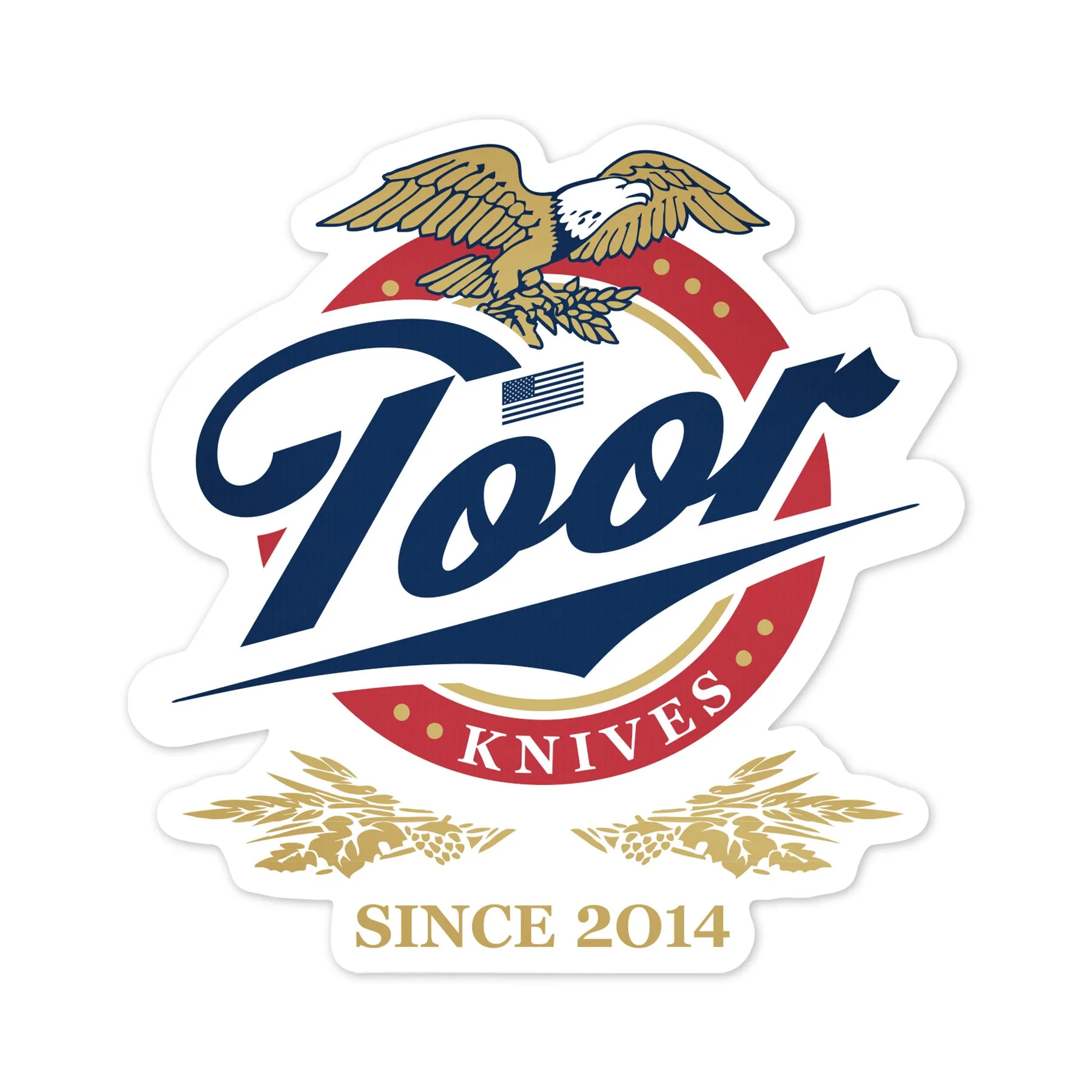
Die-cut stickers like the Toor Time Sticker (4.3” x 4.5”) and the Toor Logo Sticker (3.0” x 3.0”) have no background border, so alignment is more critical — any tilt is immediately visible.
Trade-offs: hard case vs. soft case vs. vehicle window
Hard plastic or metal knife cases hold stickers well if cleaned properly. Soft cases (nylon or canvas) can cause stickers to peel over time due to flexing. Vehicle windows are ideal for UV-resistant stickers like the '65 Collection M81 Camo Logo Sticker, but avoid placing stickers on rear defroster lines.
If you plan to remove or reposition a sticker later, consider a temporary mounting method like a magnet sheet behind the sticker for hard cases.
How to place knife case stickers step by step
- Clean the surface thoroughly: Wipe the area with isopropyl alcohol (70% or higher) and a lint-free cloth. Let it dry completely for 30 seconds. Oils, dust, or moisture will prevent the adhesive from bonding. Skipping this step is the #1 cause of peeling within a week.
- Position the sticker before removing the backing: Hold the sticker (still on its backing paper) over the target area. Use masking tape to hinge one edge if you want a guide. Step back and check alignment from two feet away — not close up. Once the backing is removed, repositioning is nearly impossible without damaging the sticker.
- Apply from center outward to avoid bubbles: Peel the backing halfway, align the exposed half, and press it down with a credit card or squeegee. Slowly peel the remaining backing while pressing outward. Work from the center toward the edges. If a bubble forms, lift the nearest edge and re-press; don't try to pop it with a pin on die-cut stickers.
- Let the adhesive cure for 24 hours: After application, avoid touching the sticker or exposing it to rain, direct sun, or extreme cold for at least 24 hours. The adhesive needs time to flow into the surface pores for maximum bond strength. Using the case immediately or washing the vehicle can cause edges to lift before the cure is complete.
Stickers featured in this guide
-
Toor Time Sticker: Die cut, measuring 4.3” x 4.5”. Slap this on your range case, laptop, or on the back window of your vehicle. Its larger size works well as a centerpiece on a knife case lid or laptop cover, but the larger surface area requires extra care to avoid air bubbles.
Toor Time Sticker
-
Toor Logo Sticker: Die cut, measuring 3.0” x 3.0”. Slap this on the back window of your vehicle. The compact square fits neatly on smaller gear boxes or as a corner accent on a larger case, making alignment easier for beginners.

Toor Logo Sticker
-
'65 Collection M81 Camo Logo Sticker: Die cut circles, measuring 3.0” x 3.0”. M81 Camo design — a simple salute to the era’s most iconic camo. The circular shape is forgiving for rotation mistakes, and the camo pattern hides minor dust or scratches better than solid-color stickers.