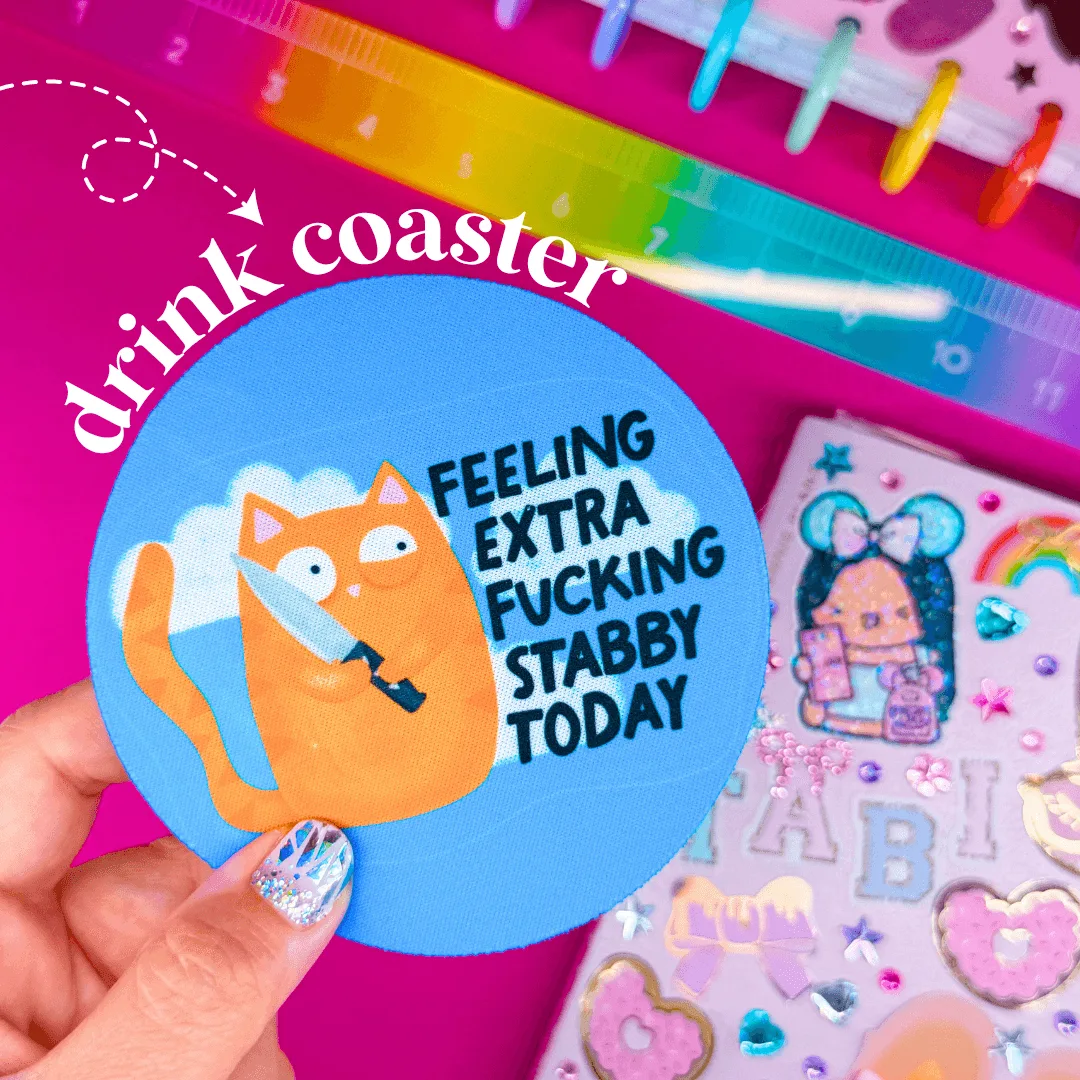
Quick Verdict
If you want a bold look that’s easy to spot from a distance, a 3‑inch sticker wins. For subtle branding or limited surface area, the 1‑inch option keeps the laptop sleek while still adding personality.
When decorating a laptop, sticker size directly influences how much of your design is seen and how it interacts with the device’s surface. Small (around 1‑inch) stickers blend into the background, while large (about 3‑inch) stickers dominate the lid and become a visual focal point.
Beyond pure visibility, size affects durability, placement flexibility, and the overall aesthetic of the laptop. This guide walks through the trade‑offs so you can choose the optimal sticker dimensions for your workflow and style.
Visibility Impact
A 3‑inch sticker covers roughly nine times the area of a 1‑inch sticker, making logos, text, or artwork much easier to read from afar. This is especially useful for brand promotion, team identification, or simply catching the eye in a coffee shop. However, larger stickers are more exposed to wear on edges, especially on laptops that travel frequently.
A 1‑inch sticker, while subtler, can still be highly visible if placed on a high‑contrast background or paired with bright colors. Its small footprint means it’s less likely to peel or get caught on bags, extending its lifespan on the go.
- Large stickers excel for bold statements; small stickers excel for minimalist looks.
Aesthetic Considerations
Large stickers can dominate a laptop’s visual field, creating a themed look that ties together other accessories like mousepads or phone cases. If your design includes intricate details, a bigger size preserves legibility. Conversely, a small sticker works well as a decorative accent, allowing you to layer multiple designs without overcrowding the surface.
Think about the laptop’s existing color and texture. A glossy black lid pairs nicely with a bright, large sticker for contrast, while a matte pastel surface may benefit from a small, delicate design that doesn’t clash.
- Match sticker size to laptop surface texture for optimal adhesion.
Sticker Size Trade‑offs
- Visibility: Large stickers are easily seen from a distance; small stickers are only noticeable up close. Choose large for branding, small for subtle flair.
- Surface Coverage: Big stickers occupy more surface area, potentially hiding laptop logos or ports. Measure your laptop lid before committing to a large design.
- Durability: Edges of large stickers endure more handling stress; small stickers are less likely to peel. If you travel often, a smaller sticker may last longer.
Real‑World Sticker Examples
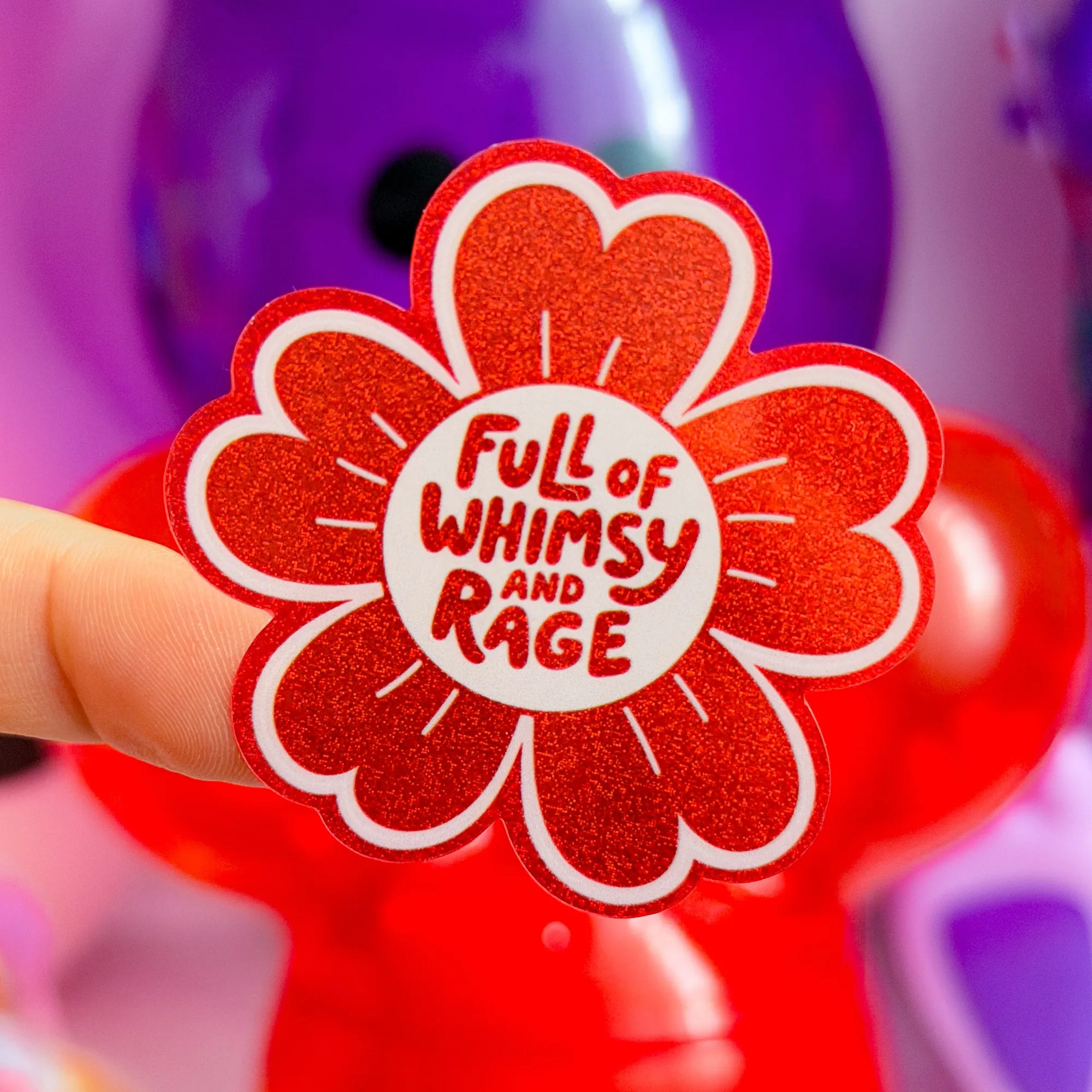
- Waterproof Sticker - Full Of Whimsy And Rage: Each design varies in size but is approx. 2" tall or wide. Sticker is protected with UV laminate - durable against rain or shine! The sticker is heavy duty, but still flexible and easy to use on water bottles, planner covers, laptops, etc. At ~2", this sticker sits between the small and large extremes, showing how a medium size balances visibility and flexibility on a laptop.
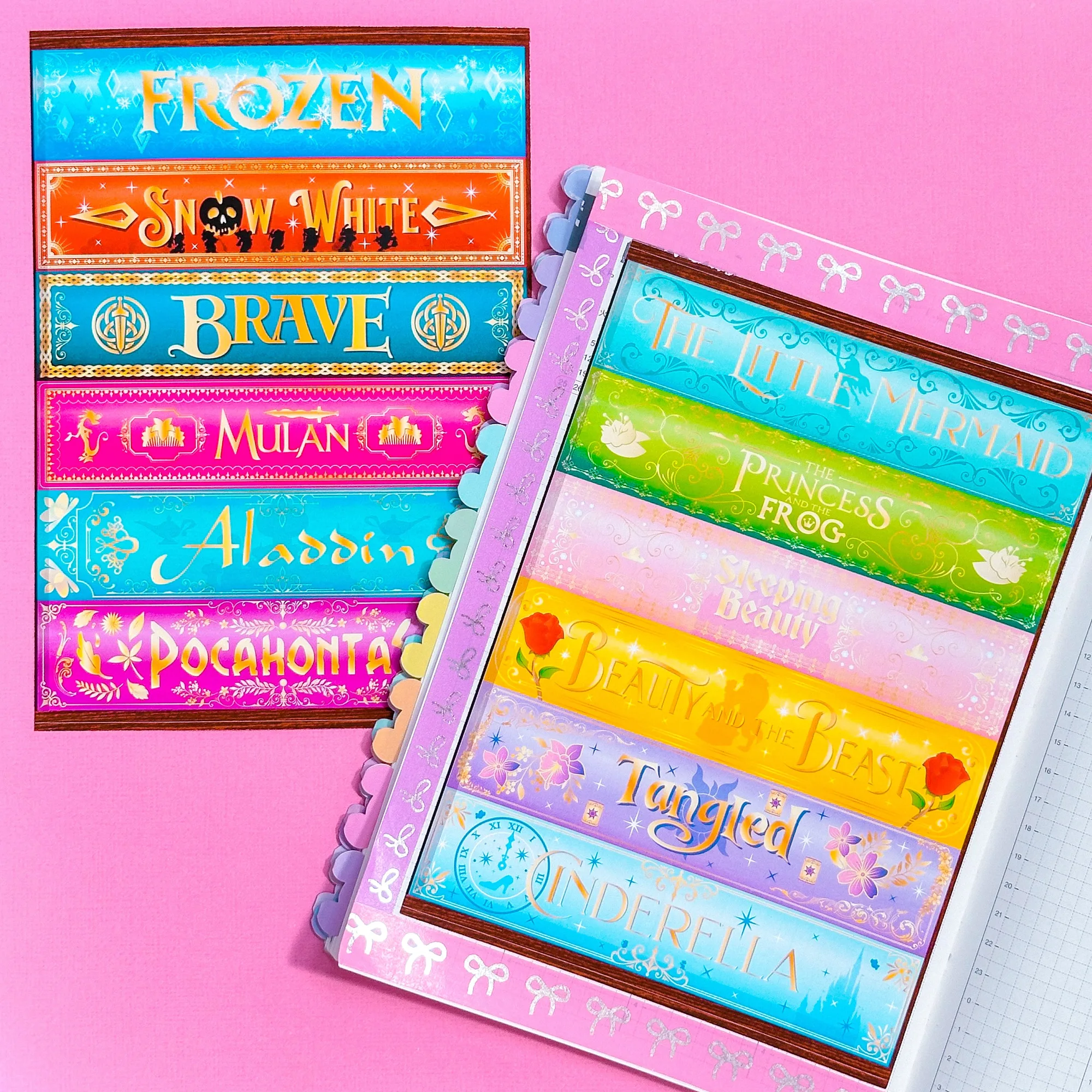
- Princess Storybook Collection - 5x7 Full Page Sticker Set: Sticker size: B6 - 5" x 7". All stickers are printed on Premium, Weatherproof Sticker paper so they are super vibrant and buttery smooth. A 5" x 7" sheet demonstrates the impact of a truly large format: it creates a statement piece that can cover most of a laptop lid, but requires careful placement to avoid covering vents or ports.
Choosing the Right Size
Best for
- Students who want a subtle logo on a compact laptop
- Minimalist users who prefer a clean, uncluttered look
Not ideal for
- Businesses needing bold, eye‑catching branding on shared devices
- Laptops with limited lid space or many built‑in vents
Ultimately, the right sticker size hinges on how you balance visibility, aesthetics, and durability. Test a small sample first if you’re unsure, and scale up to a larger format when you need maximum impact.