Quick Answer
Use class icon stickers on your DM screen to create a visual party tracker, quick-reference zone, or encounter board. This method keeps information visible without cluttering your notes.
Why Class Icons Work on a DM Screen
Class icon stickers turn your DM screen into a functional dashboard. Instead of shuffling papers or squinting at notes, you can glance at a sticker and instantly recall which character it belongs to, what their key stats are, or what they're currently doing.
The main trade-off is space. A DM screen already holds tables, rules, and initiative trackers, so stickers need a dedicated zone. If you cover too much surface, you'll lose room for essential references. Keep stickers confined to a border or a corner section.
Choosing the Right Sticker Placement
Placement depends on how you run combat. If you track initiative on the screen, put class stickers in initiative order. If you prefer tracking conditions or story hooks, group stickers by narrative relevance.
A common mistake is sticking them randomly. A scattered layout looks chaotic and defeats the purpose. Pick a consistent pattern—left to right, top to bottom, or by party role—so the stickers read like a chart, not a collage.
How to Organize Your DM Screen with Class Stickers
- Choose a Dedicated Sticker Zone: Pick a section of your DM screen that won't interfere with your main reference tables. A top border or a side column works best. This zone is only for stickers, so you never cover important rules. Keep the zone clear of other notes to avoid overlap.
- Match Stickers to Player Characters: Assign one class sticker per player character. If you have multiple characters of the same class, add a small label or use different stickers to tell them apart. This makes the screen a true party roster. If two players share a class, add a tiny name tag or colored dot to avoid confusion.
- Arrange by Initiative Order: Place the stickers in your standard initiative order, from highest to lowest. This turns your sticker zone into a visual initiative tracker. When combat starts, you can mentally run down the line without flipping pages. Update the order only when a character's Dexterity or feat changes.
- Add Quick-Reference Notes Around Each Sticker: Use a dry-erase marker or small sticky notes to jot key stats, conditions, or reminders next to each sticker. The sticker anchors the character, and the note holds the details you need in the moment. Wipe and rewrite notes between sessions to keep information current.
- Rotate Stickers for Different Campaigns: If you run multiple groups, keep a set of class stickers and swap them as needed. Since vinyl stickers are durable, you can reposition them without losing adhesive quality. Store unused stickers on a backing sheet to keep them ready for the next session.
Stickers That Fit Your Table
-
Sticker - Artificer: The Artificer Sticker is a high-quality vinyl sticker designed for characters who blend magic and technology. If your party includes an artificer, this sticker gives you a clear visual cue for their gadgets, infusions, and arcane inventions.
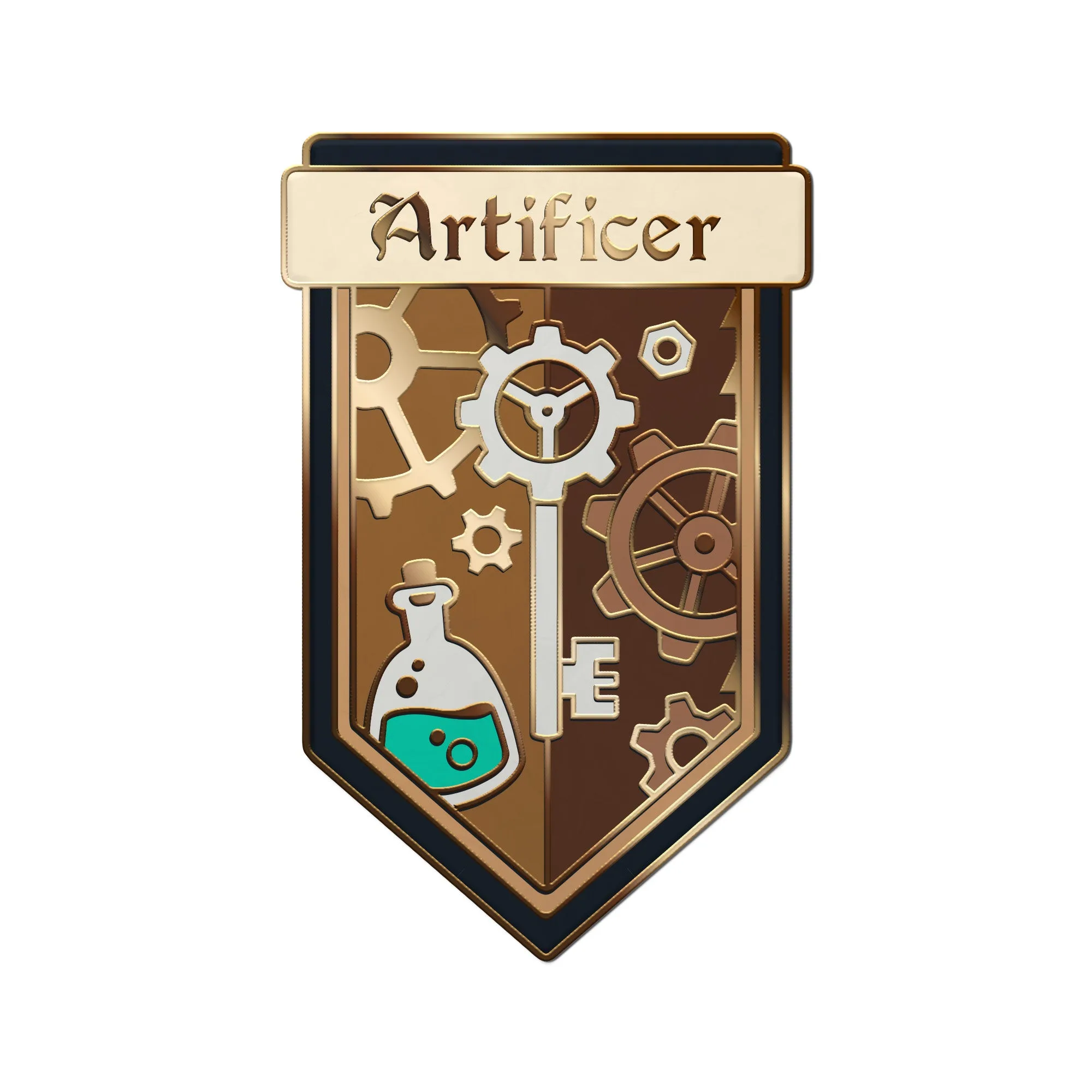
Sticker - Artificer
-
Sticker - Fighter: The Fighter Sticker is a high-quality vinyl sticker for characters who master combat and lead the charge. Use it to mark the party's frontliner on your screen, making it easy to track who's holding the line in combat.
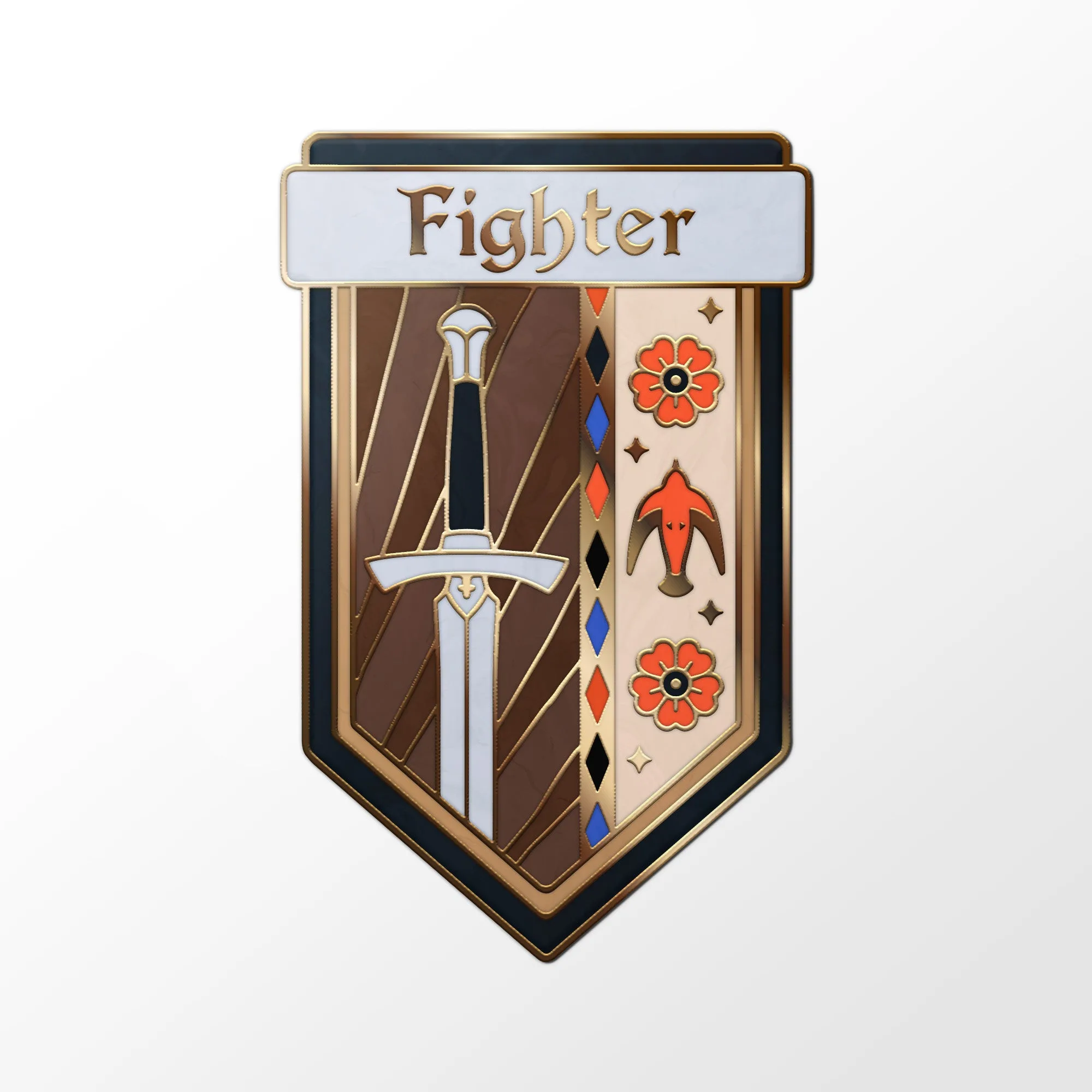
Sticker - Fighter
-
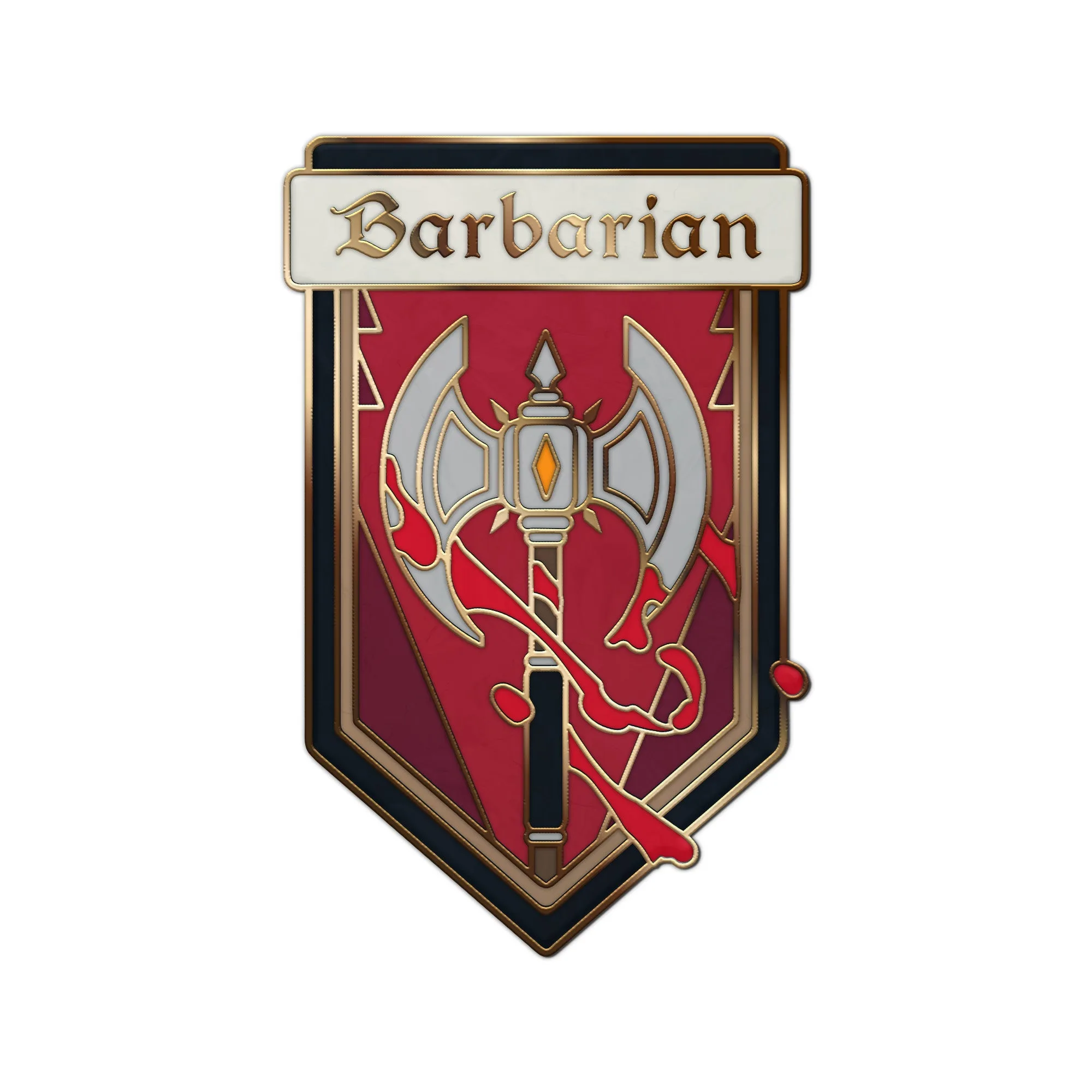
Sticker - Barbarian: The Barbarian Sticker is a high-quality vinyl sticker for characters who charge into battle with raw power. A quick visual reminder of the barbarian's rage and reckless attacks helps you pace encounters and remember their key features.