Quick answer
Installing Strider Mini Grips is a simple swap that adds a splash of color and a fresh feel. With the right technique, you can do it in minutes and keep them looking great for seasons.
Why choose Strider Mini Grips?
Strider Mini Grips are designed specifically for Strider 12 Sport and 12 Pro models, so you get a perfect fit without any guesswork. They come in a rainbow of colors, letting your child personalize their ride easily.
When to replace the grips
Check grips regularly for wear, especially if your child rides often or leaves the bike outdoors. Cracks, looseness, or a slippery feel are signs it's time for a swap. Replacing them early prevents discomfort and keeps the bike safe.
How to install Strider Mini Grips
- Remove the old grips: Twist and pull the old grip off the handlebar. If it's stuck, use a small flathead screwdriver to gently pry the edge, then slide it off. Work carefully to avoid scratching the bar. Common mistake: pulling too hard can damage the handlebar end. Go slow.
- Prepare the new grip: Apply a small amount of rubbing alcohol or soapy water inside the new grip to lubricate the rubber. This helps it slide on smoothly and sets as it dries. Don't use oil or grease—they can weaken the grip's hold over time.
- Slide the grip onto the bar: Push the grip onto the handlebar end, twisting slightly as you go. Ensure it's fully seated and the end is flush with the bar. Wipe away any excess lubricant. Check that the grip doesn't spin freely after installation. If it does, it's not fully seated.
- Let the grip set: Allow the grip to dry and set for at least 30 minutes before letting your child ride. This ensures the rubber bonds properly to the handlebar. Riding too soon can cause the grip to shift or come off.
Product facts
-
Strider Mini Grips: Compatible with Strider 12 Sport and 12 Pro models only. These grips are not universal, so confirm your bike model before purchasing to avoid a mismatch.
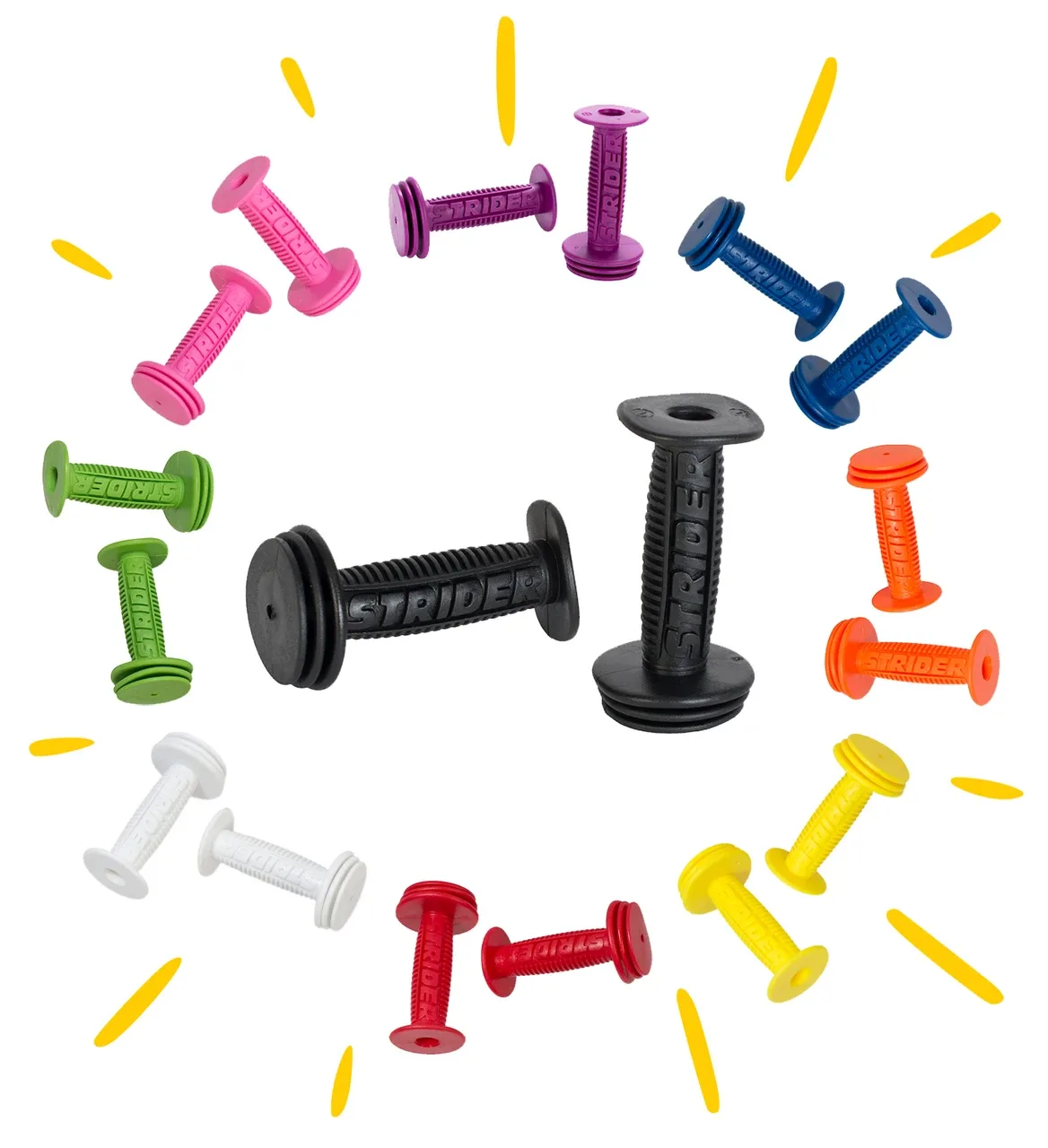
Strider Mini Grips