Quick answer
Place your studio monitors at ear level, forming an equilateral triangle with your listening position, and keep them away from walls to avoid bass buildup.
Why placement matters more than gear
Even high-quality near field monitors like the Presonus Eris E3.5 can sound inaccurate if placed incorrectly. Reflections from nearby surfaces and uneven bass response from corner placement will mislead your mixing decisions. Getting the physical setup right is the cheapest upgrade you can make.
Step-by-step placement guide
- 1. Set up an equilateral triangle: Measure the distance between your two monitors and sit so your head forms the third point of an equilateral triangle. The tweeters should be at ear height, aimed directly at your ears. Common mistake: placing speakers too wide or too narrow, which ruins stereo imaging.
- 2. Keep monitors away from walls: Position each monitor at least 8–12 inches from the wall behind it. Corner placement exaggerates low frequencies, making your mix sound bass-heavy elsewhere. Checkpoint: if your mix sounds thin on other systems, your monitors may be too close to a wall.
- 3. Decouple speakers from the desk: Use foam isolation pads or rubber feet to prevent vibrations from transferring to your desk. Desk resonance can muddy midrange clarity and fool your ears. Common mistake: placing monitors directly on a hollow desk without isolation.
- 4. Angle tweeters toward your ears: Turn each monitor slightly inward so the tweeter fires directly at your listening position. This ensures you hear the highest frequencies clearly, especially in near field setups. Checkpoint: if high frequencies sound dull, you may be sitting outside the sweet spot.
- 5. Test with familiar reference tracks: Play tracks you know well and listen for exaggerated bass, missing details, or an unbalanced stereo image. Adjust placement in small increments until the sound matches your reference. Common mistake: trusting the first setup without verifying with known material.
Product spotlight
-
Presonus Eris E3.5-3.5" Near Field Studio Monitor (Pair) (E3.5): The Presonus Eris E3.5 delivers studio-quality sound in a compact design with front-panel 1/8” input for mobile devices. Their small size makes them easy to reposition, but you still need to follow placement rules to get accurate monitoring.
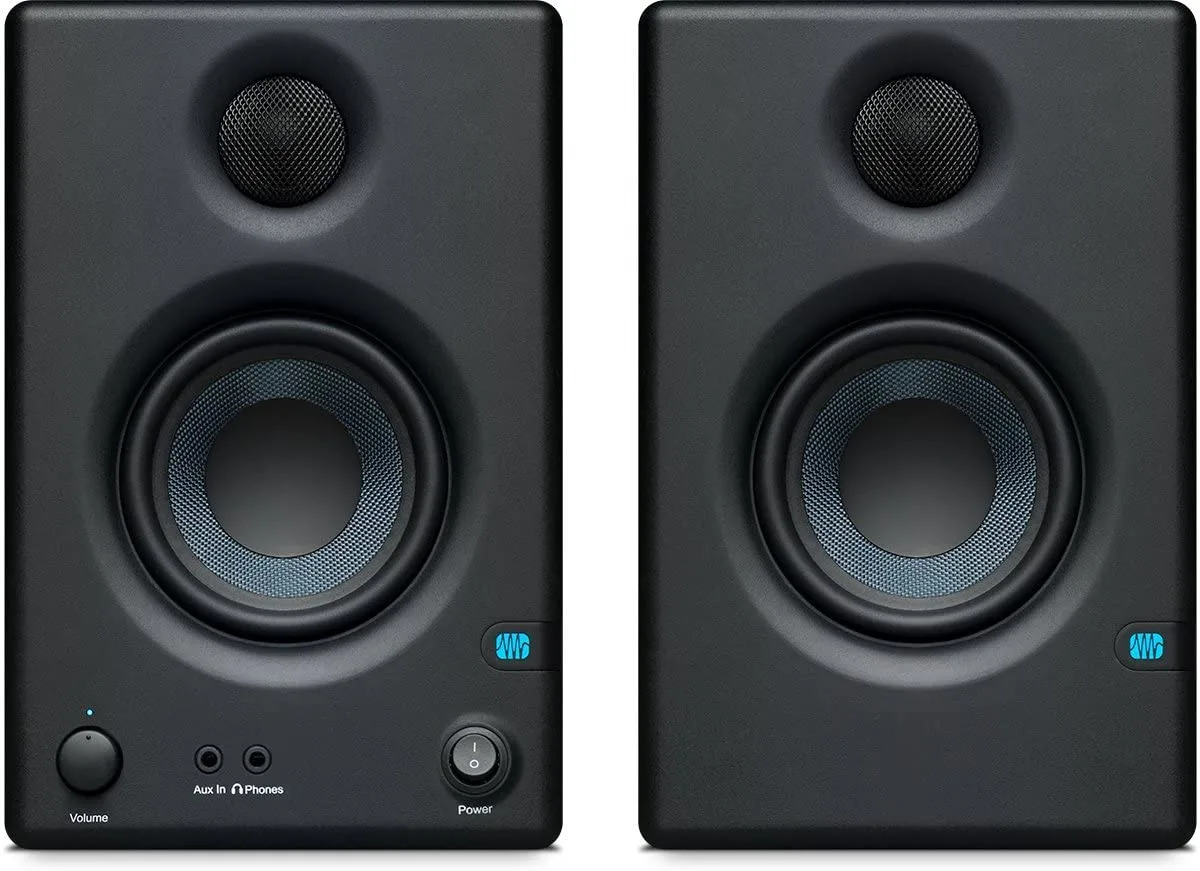
Presonus Eris E3.5-3.5" Near Field Studio Monitor (Pair) (E3.5)