Start With the Obvious: Is the Bulb Seated Correctly?
Before diving into wiring or internal components, check the bulb. A loose bulb is one of the most common reasons a table lamp won't turn on. For the Omni table lamp, the light module rotates 360°, so ensure the bulb hasn't worked loose during adjustment. If your lamp uses a removable bulb, try reseating it firmly. If the bulb appears damaged or burnt out, replace it with a compatible LED or incandescent bulb of the correct wattage (check the lamp's label or manual for specs).
Inspect the Cord Set and Plug
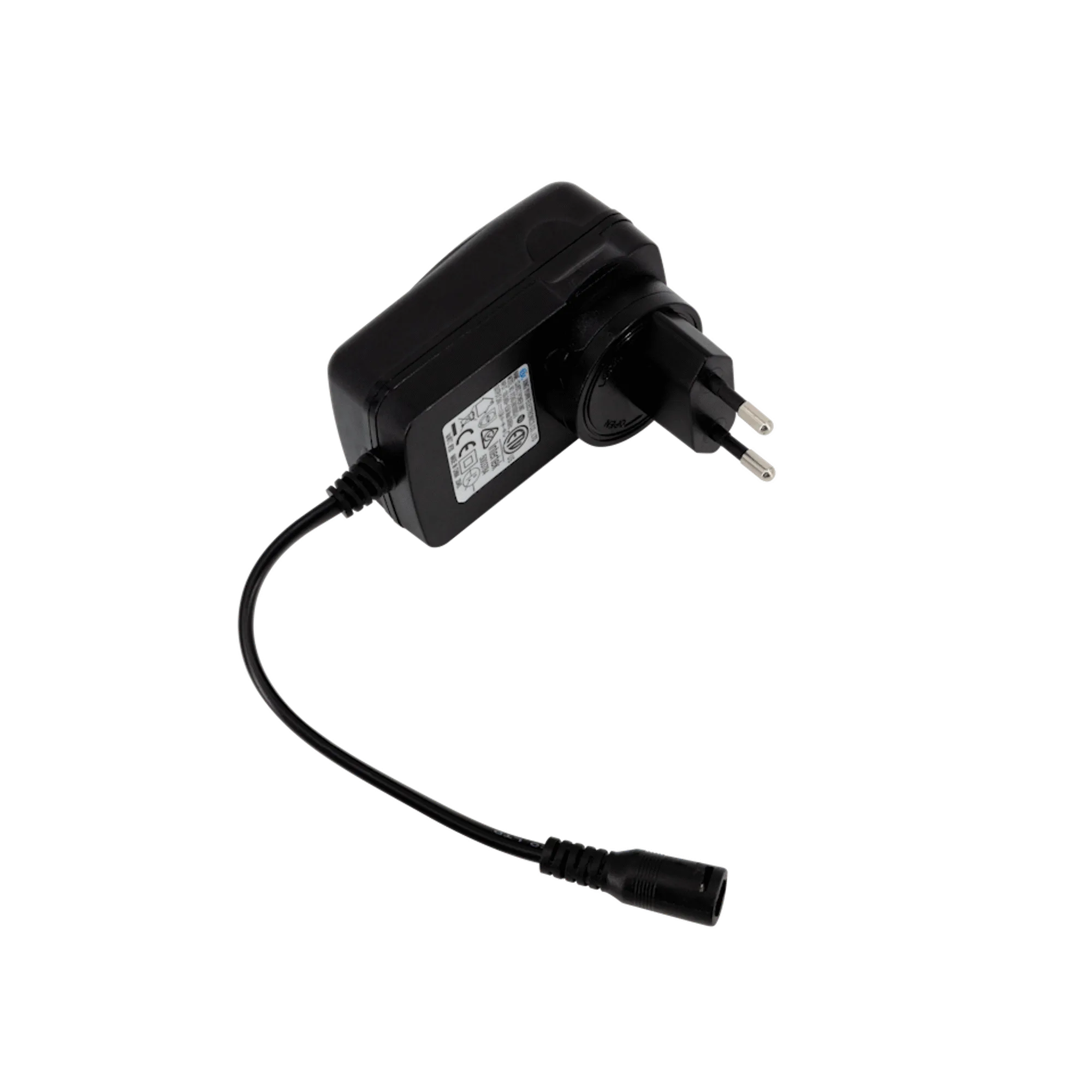
If the bulb is fine, the next likely culprit is the power cord. Examine the entire cord set for visible damage, kinks, or cuts. Make sure the plug is fully inserted into the outlet. Try a different outlet to rule out a dead socket. The Omni table lamp and Asteria table lamp both use standard cord sets; if the cord is damaged, you may need a replacement cord set from the manufacturer. Do not attempt to repair a frayed cord yourself—replace it.
What the Catalog Tells Us About These Lamps
-
Omni | table lamp: Omni Table is made from aluminium, has a 360-degree rotating light module and stem, and is dimmable with a button on its base. The rotating joint can sometimes loosen internal connections. If the lamp was recently rotated, try gently rotating it back to its original position and see if power returns. The dimmer button may also be stuck—press it firmly a few times.
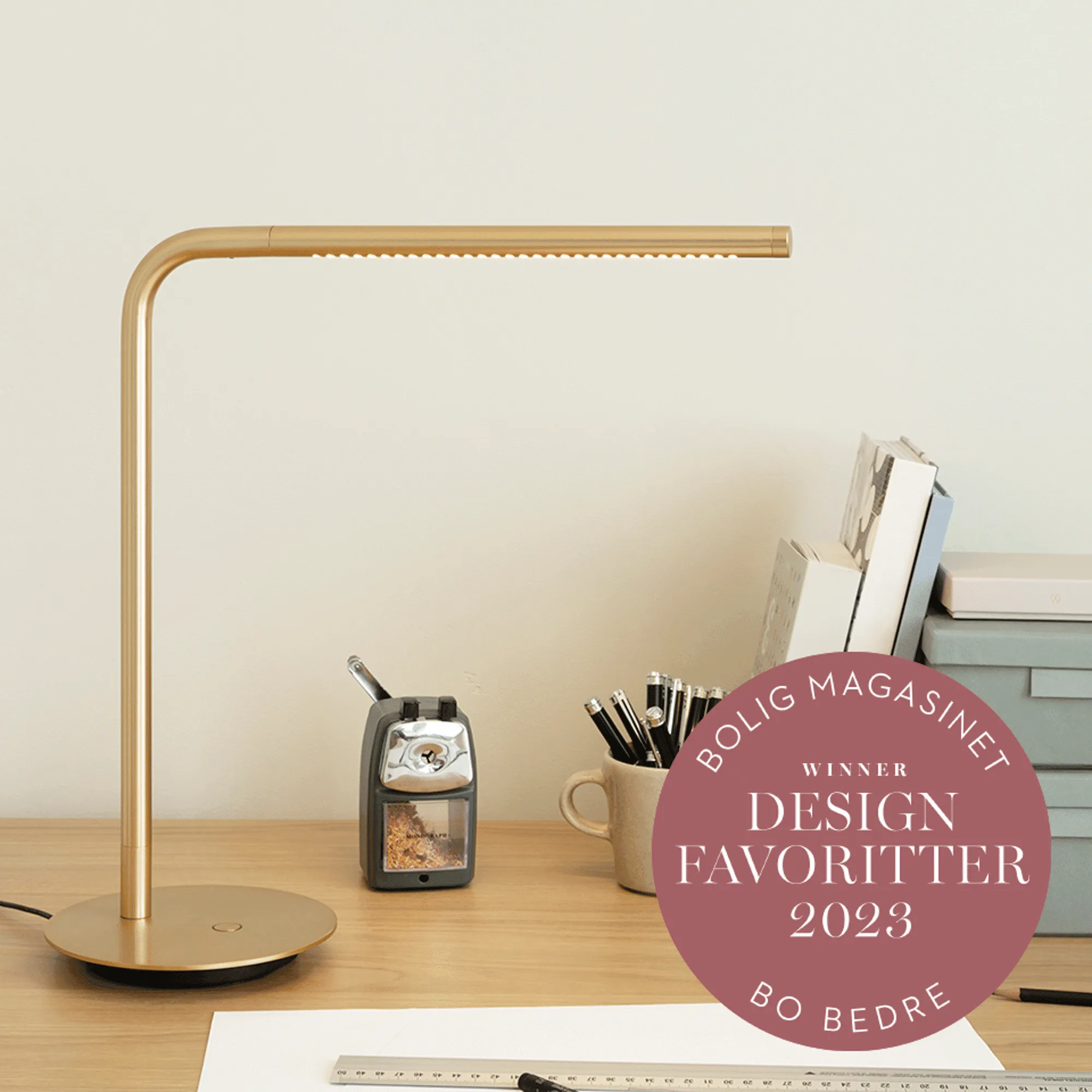
Omni | table lamp
-
Asteria | table lamp: Asteria table lamp has a built-in LED panel with a diffuser and a hidden USB port that works even when the light is off. If the light doesn't turn on but the USB port still charges your phone, the issue is likely with the LED driver or the switch, not the power supply. If the USB port also doesn't work, the problem is with the cord set or outlet.
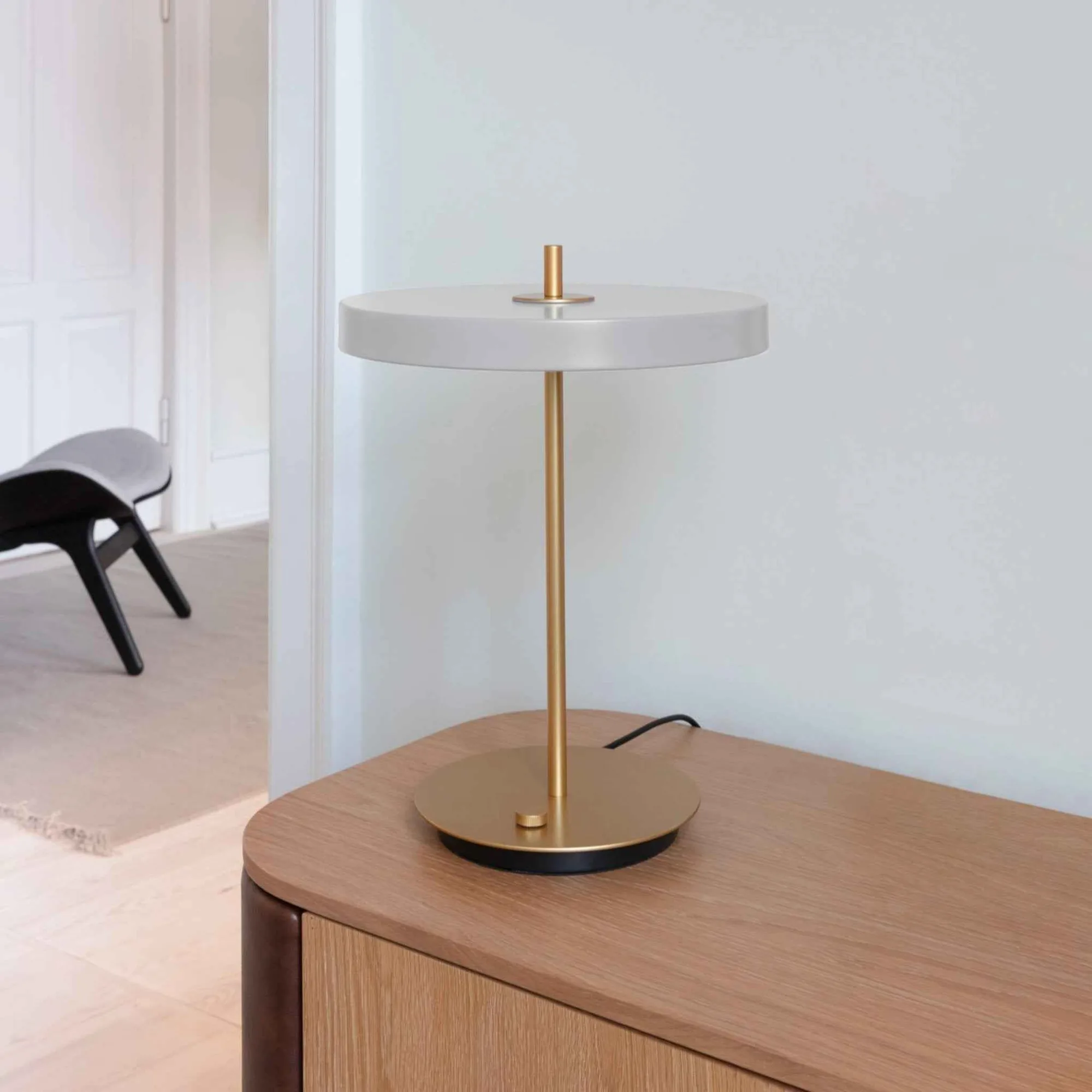
Asteria | table lamp
Check the USB Port (If Your Lamp Has One)
Both the Omni and Asteria table lamps include a hidden USB port for charging devices. For the Asteria, the USB port is described as working even when the light is off. If your lamp won't turn on, plug a phone or small device into the USB port. If the device charges, the lamp is receiving power and the problem is isolated to the light circuit—likely the bulb, LED driver, or internal switch. If nothing charges, the issue is with the power cord, plug, or outlet.
Step-by-Step Troubleshooting
- 1. Test the outlet: Plug another device into the same outlet to confirm it's working. If not, reset the circuit breaker or try a different outlet.
- 2. Check the bulb: Remove and reseat the bulb. If it's a built-in LED (like the Asteria), skip this step. If the bulb is replaceable and appears dark or damaged, install a new one.
- 3. Inspect the cord and plug: Look for cuts, fraying, or bent prongs. Make sure the plug is fully inserted. If damaged, replace the cord set.
- 4. Test the USB port (if available): Connect a device to the USB port. If it charges, the lamp has power and the issue is with the light circuit. If not, the power supply is interrupted.
- 5. Check the dimmer or switch: For the Omni, press the dimmer button several times. For the Asteria, toggle the switch on the cord or base. Sometimes switches get stuck after prolonged use.
When to Contact Support
If you've gone through these steps and the lamp still won't turn on, the issue may be internal—such as a faulty LED driver, a broken wire inside the lamp, or a defective switch. The supplied information does not include replacement parts for internal components. In that case, contact UMAGE US customer support for guidance or warranty service. Do not attempt to open the lamp housing yourself, as it may void the warranty and pose an electrical hazard.