Quick Answer
To keep your TASER device reliable, check the battery indicator monthly, replace depleted cartridges with fresh live cartridges, and practice with an inert training replica. Store the device in a cool, dry place and test it in a safe area every few months to confirm it fires properly.
Your TASER device is a critical piece of personal protection, but it only works if you maintain it. A dead battery or an expired cartridge can leave you unprotected in a moment of need. This guide walks you through practical steps for battery care, cartridge replacement, and safe handling so your device stays ready.
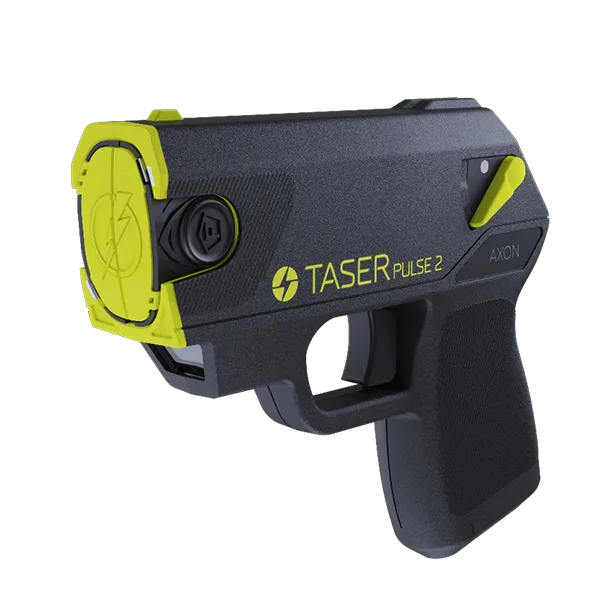
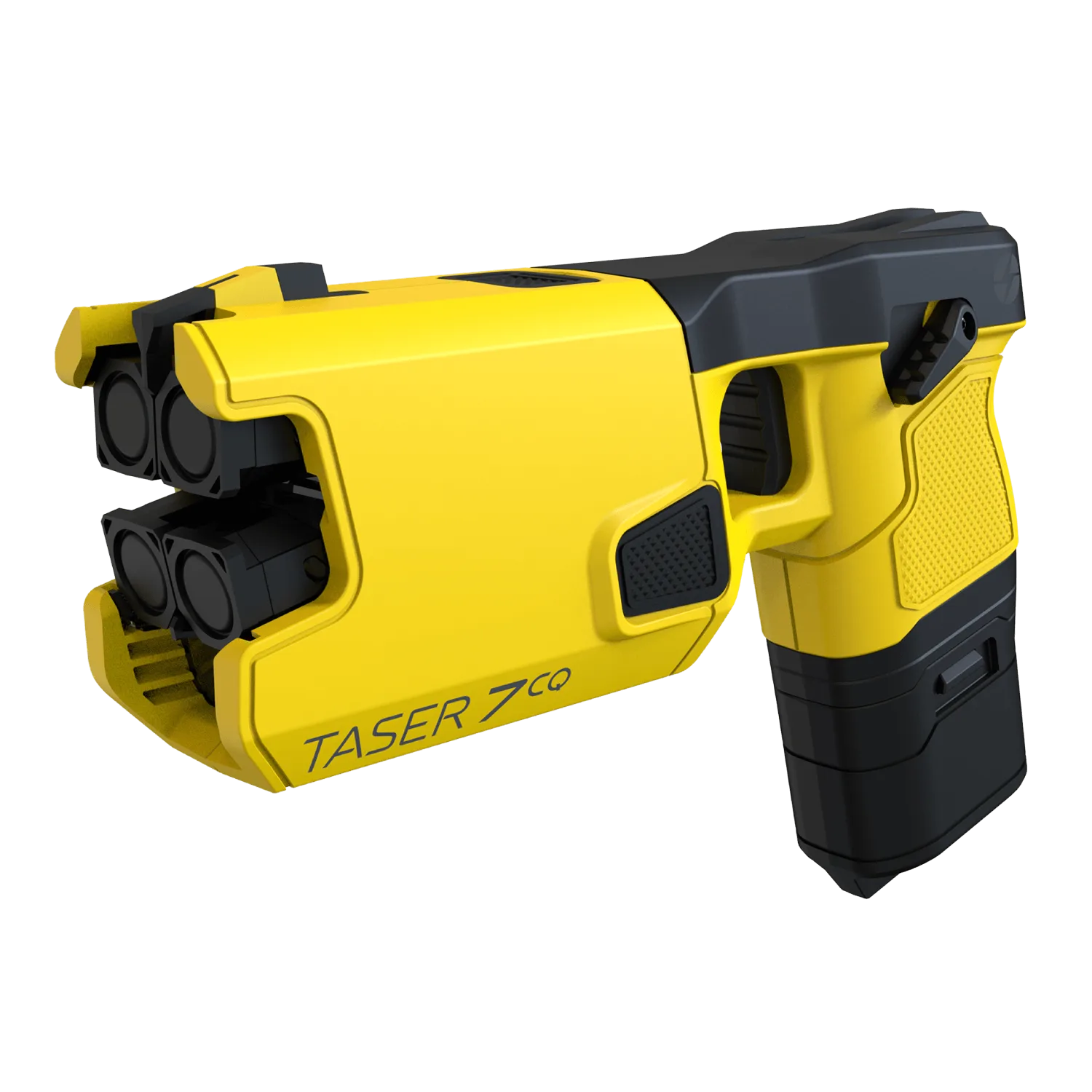
Whether you carry a TASER Pulse 2, Bolt 2, or an X-series model, the principles are the same: check regularly, replace parts as needed, and practice safe usage. Let's get into the specifics.
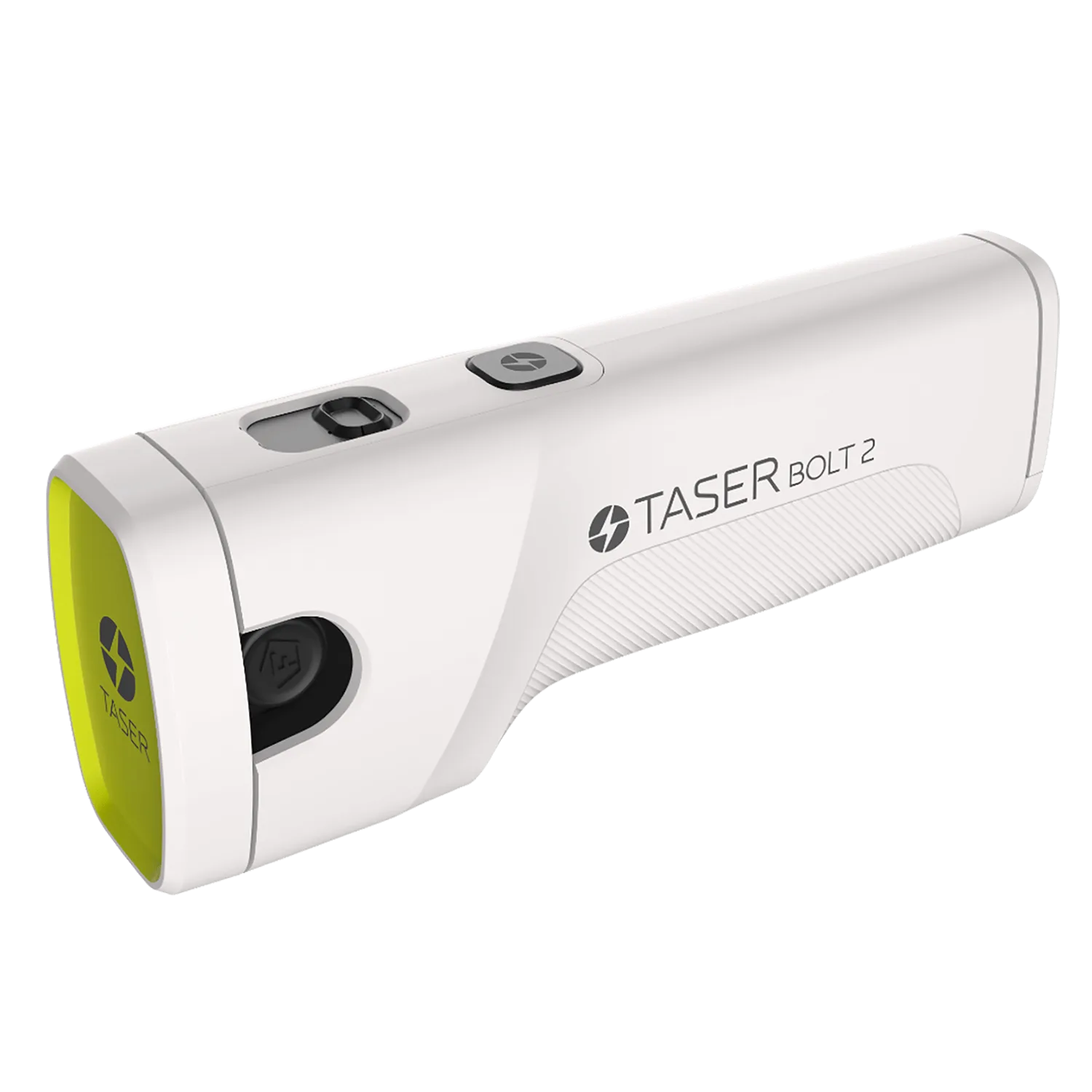
Bolt 2
Why Regular Maintenance Matters
A TASER device is a precision tool that relies on a charged battery and a functional cartridge. Over time, batteries lose charge, and cartridges can become depleted or damaged. Regular maintenance ensures that when you pull the trigger, the device performs as expected, delivering the electrical current needed to stop a threat.
Many users forget about their device until they need it. By then, it may be too late. A simple monthly check of the battery indicator and cartridge condition can prevent failures. Also, keeping a spare cartridge on hand means you never have to go without protection if you use your device in a defensive situation.
- Set a monthly reminder to inspect your device.
- Always store your TASER in a cool, dry place away from direct sunlight.
- Keep a spare live cartridge in your kit for quick replacement.
Battery Care: Know Your Indicator
Battery care is the most important part of TASER maintenance. Most models, like the Pulse series, have a battery light indicator. Green means good, yellow means 30-85% charge, and red means it's time to replace the battery. Do not wait until the red light appears—replace the battery as soon as you see yellow to ensure you have plenty of power.
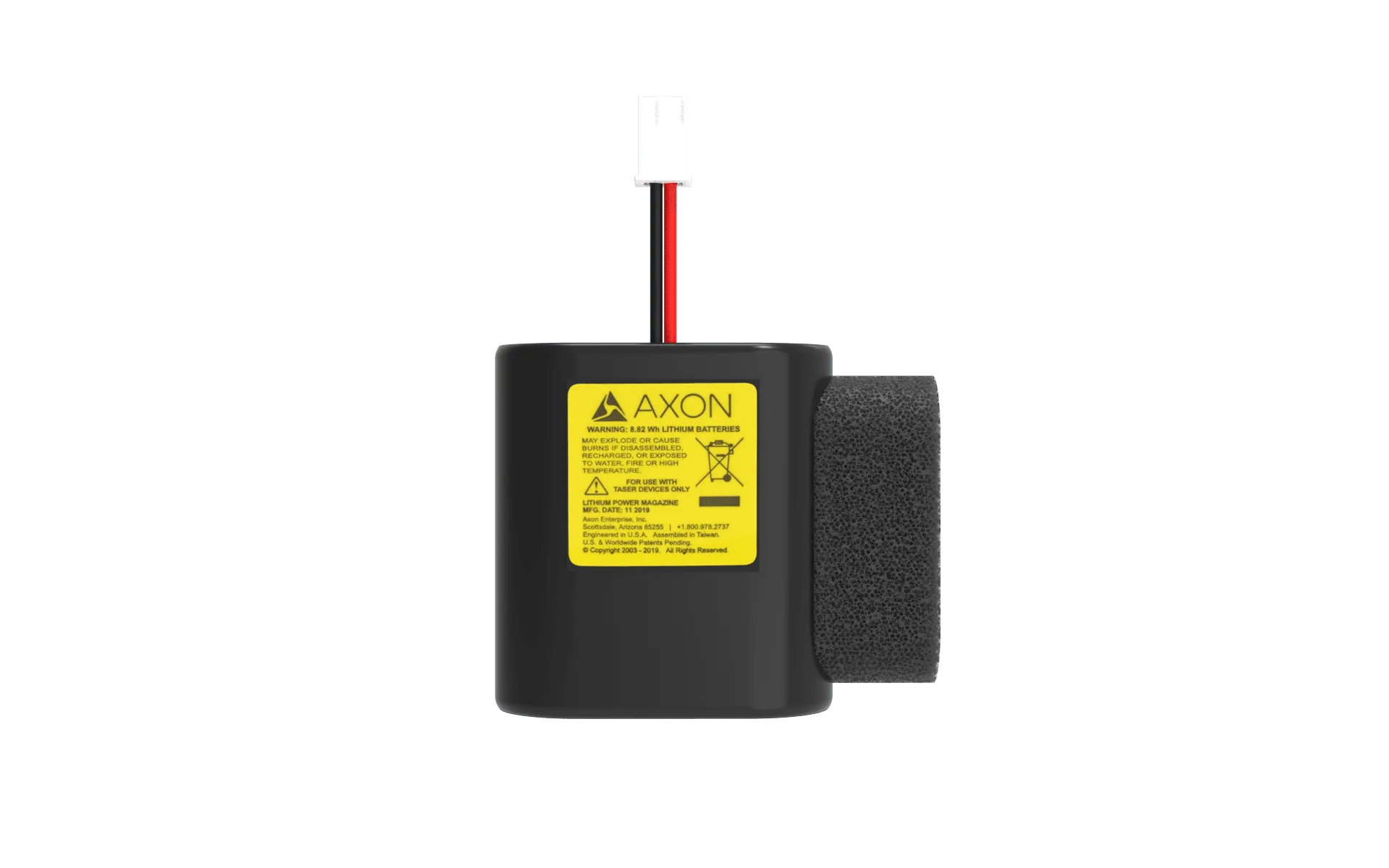
For devices like the TASER 7 CQ, the battery is a lithium energy cell that should be replaced according to the manufacturer's recommendations. Avoid leaving your device in extreme temperatures, as heat and cold can drain battery life. Also, never attempt to recharge a non-rechargeable battery, like the Pulse Battery Pack, unless the device specifically supports it.
- Check the battery indicator at least once a month.
- Replace the battery when the indicator shows yellow, not just red.
- Remove the battery if you plan to store the device for an extended period.
Cartridge Replacement: When and How
Live cartridges are the heart of your TASER's stopping power. Each cartridge deploys two probes using compressed nitrogen and insulated wires, with a maximum range of 15 feet. TASER recommends keeping extra live cartridges stocked in case of depletion, so you are never without protection.
Replace cartridges if you have used the device, if the cartridge has expired (check the expiration date), or if it has been damaged. When replacing, always ensure the device is unloaded and pointed in a safe direction. Insert the new cartridge firmly until it clicks into place. After replacement, test the device in a safe area to confirm proper function.
- Always check the expiration date on your cartridge.
- Keep a spare live cartridge in your carry bag or holster.
- After replacing, do a function test in a safe, controlled environment.
Safety Tips for Handling and Storage
Safety is non-negotiable when handling any self-defense device. Always treat your TASER as if it is loaded. Never point it at yourself or others unless you intend to use it. Store it out of reach of children and unauthorized users, preferably in a locked drawer or a holster that covers the trigger.
Use a holster like the Blade-Tech OWB Holster to carry your device securely. This holster includes a safety cover and a barrel protector to stop darts in case of accidental misfire. When storing your TASER, remove the cartridge if you won't use it for a long time, but keep a spare nearby. Also, avoid exposing the device to water or excessive moisture, as this can damage internal components.
- Always use a holster with a safety cover when carrying.
- Store your device in a dry, secure place away from children.
- Avoid dry-firing without a cartridge, as this can damage the device.
Step-by-Step TASER Maintenance Routine
- Check the battery indicator: Look at the battery light on your device. If it shows yellow or red, replace the battery with a compatible one. For Pulse series, use the Pulse Series Battery Pack. Checkpoint: Replace the battery when you see yellow to avoid being caught with a dead device.
- Inspect the cartridge: Remove the cartridge and check the expiration date and physical condition. If it's expired, damaged, or used, replace it with a fresh live cartridge. Checkpoint: Always keep a spare live cartridge in your kit.
- Test the device safely: In a safe, open area away from people and pets, insert a fresh cartridge and fire a test shot. Ensure the probes deploy correctly and the device functions. Checkpoint: If the test fails, inspect the cartridge and battery again.
- Clean and store properly: Wipe the device with a dry cloth to remove dust and moisture. Store it in a cool, dry place, ideally in a holster with a safety cover. Checkpoint: Never store with a depleted battery or an expired cartridge.
Products That Help You Maintain Your TASER
- Two-Pack of Live Cartridges for TASER X1/X26P/X26C/M26C: Each live cartridge deploys two probes using compressed nitrogen and insulated conductive wires, with a maximum deployment distance of 15 feet. TASER recommends keeping extra live cartridges stocked in case of depletion. Having a spare cartridge ensures you can quickly replace a depleted one and stay protected.
- Pulse Series Battery Pack: This durable lithium power magazine powers the TASER Pulse and Pulse 2. It is not a rechargeable battery. The battery light indicator shows green for good, yellow for 30-85% charge, and red for low battery. Knowing how to read the battery indicator helps you replace the battery before it dies completely.
- Blade-Tech OWB Holster: This Outside the Waistband Kydex holster features a universal belt clip, a barrel protector to stop darts in case of accidental misfire, and a safety cover. Compatible with TASER Pulse Series devices. A proper holster protects your device and prevents accidental discharges, keeping you and others safe.
Taking a few minutes each month to care for your TASER device can make a life-saving difference. Check your battery, inspect your cartridges, and practice safe handling. With regular maintenance, your device will be ready when you need it most.