Quick answer
The fix for tangled cables is not a bigger bag. It is a smaller, dedicated pouch with one cable per loop and a charger that stays put. For most people, a compact zip pouch plus a few reusable ties solves 90 percent of the mess. If you carry more than three devices daily, add a second pouch for power and leave the rest at home.
You reach into your bag for a charging cable and pull out a knot. Again. The problem is rarely the cables themselves. It is that they share space with keys, pens, and loose earbuds, so every trip through your bag twists them tighter.
A little structure goes a long way. This guide walks through the symptoms of a failing cable setup, the causes behind the tangles, and the corrective actions that actually hold up. You will also see where a simple pouch stops being enough and when to change your approach instead of buying more gear.
Symptom: the knot that forms before you even use the cable
If your cable comes out of your bag already knotted, the cause is usually motion plus loose ends. Cables coil around whatever they touch, and a soft bag lets them move freely. The corrective action is to give each cable a fixed shape and a fixed home. Wrap it in a loose figure-eight or a three-finger loop, secure it with a reusable tie, and place it in a pouch where nothing else can grab it.
This is the moment to stop treating your bag as a junk drawer. A dedicated cable pouch for travel does not need to be large. It needs to be closed, lightly padded, and used only for cables and small chargers. Once you separate power from everything else, the knot problem drops sharply.
- Loop cables to about the size of your palm, not tighter.
- Use one tie per cable so you can remove one without disturbing the rest.
- Keep the pouch zipped even when you are in a hurry.
Symptom: you cannot find the right charger when you need it
Digging for a specific charger usually means your tech accessories organizer has no internal order. Everything is the same shape and color, so your hand cannot tell a wall plug from a battery pack. The fix is to group by function, not by size. Put wall chargers in one compartment, cables in another, and adapters in a third. If your pouch has only one open space, use small zip pouches or elastic loops inside it.
Small device storage works the same way. A mouse, a flash drive, or a card reader should have one predictable spot. When each item has a home, you stop emptying the whole pouch onto a desk. You also notice sooner when something is missing, which matters more than most people admit.
- Assign one pocket per device type and do not mix them.
- Label or color-code ties if two cables look alike.
- Empty and repack the pouch once a week to catch strays.
Symptom: your pouch is bulging and the zipper strains
An overstuffed pouch is a sign that you are carrying duplicates or gear you never use. The cause is usually fear of being without a charger, so you pack three. The corrective action is to audit by weight and frequency. Take everything out and put back only what you used in the last two weeks. If you have not needed a second wall charger in a month, it belongs in a drawer, not in your daily bag.
This is also where the choice of pouch matters. A pouch with a flat profile and a single zip closure holds more than it looks like it should, but only if you respect its depth. If the zipper closes with effort, you have already crossed into the wrong pouch size. Stop there and either remove items or move up to a slightly larger organizer.
- Weigh your pouch in your hand. If it feels heavy, it is.
- Keep one spare cable, not three.
- If the zipper needs two hands, the pouch is too full.
Symptom: cables wear out at the connector
Fraying near the plug is rarely a manufacturing defect. It comes from repeated sharp bends at the same point, often caused by wrapping a cable around a charger or a pen. The corrective action is to change how you store it. A loose loop with a tie keeps the connector straight. A pouch that holds the loop in place prevents the bend from happening again in your bag.
If a cable is already frayed, replace it. No organization method repairs exposed wire. This is the point where you should stop trying to salvage the cable and choose a new one. Keep the old cable out of your travel pouch so you do not mix it back in by mistake.
- Never wrap a cable around a charger or adapter.
- Retire any cable with exposed wire or a loose connector.
- Store spare cables flat, not coiled tight.
Symptom: the setup works at home but fails on the road
Travel adds pressure: less space, more movement, and a greater chance of leaving something behind. The cause is usually a home setup that depends on a desk or drawer. The corrective action is to build a travel-only kit that never gets raided for daily use. Keep one pouch packed with a charger, one cable per device, and a small adapter. When you get home, refill what you used instead of unpacking everything.
A pouch with a wrist strap or a flat shape that slides into a tote makes this easier. If your current bag has no dedicated spot for a pouch, that is a sign to reorganize the bag rather than buy more cables. The goal is a setup you can grab and trust, not a collection of loose parts.
- Keep a travel pouch packed and separate from your desk setup.
- Refill after each trip, not before the next one.
- Choose a pouch that fits your bag's largest flat pocket.
Diagnose your cable mess in three checks
- Check 1: The shake test: Zip your pouch and shake it gently next to your ear. If you hear sliding and clinking, your items are loose and will tangle. Add a tie or a smaller inner pouch to hold each cable in place. If it still rattles after tying, the pouch is too big for your current kit. Move down a size or remove a device.
- Check 2: The one-hand test: Open your pouch with one hand and pull out the cable you need without looking. If you cannot, your organization is by size instead of by function. Rearrange so the most-used cable sits on top or in an exterior pocket. If one hand is not enough, stop adding cables and fix the layout first.
- Check 3: The two-week audit: Empty the pouch and put back only what you used in the last two weeks. Anything else goes into a drawer or a travel-only kit. This is the fastest way to prevent tangled cables and a bulging zipper. If more than a third of your gear fails this test, you are carrying duplicates. Choose a smaller daily pouch and keep the rest for trips.
Pouches that fit a real cable setup
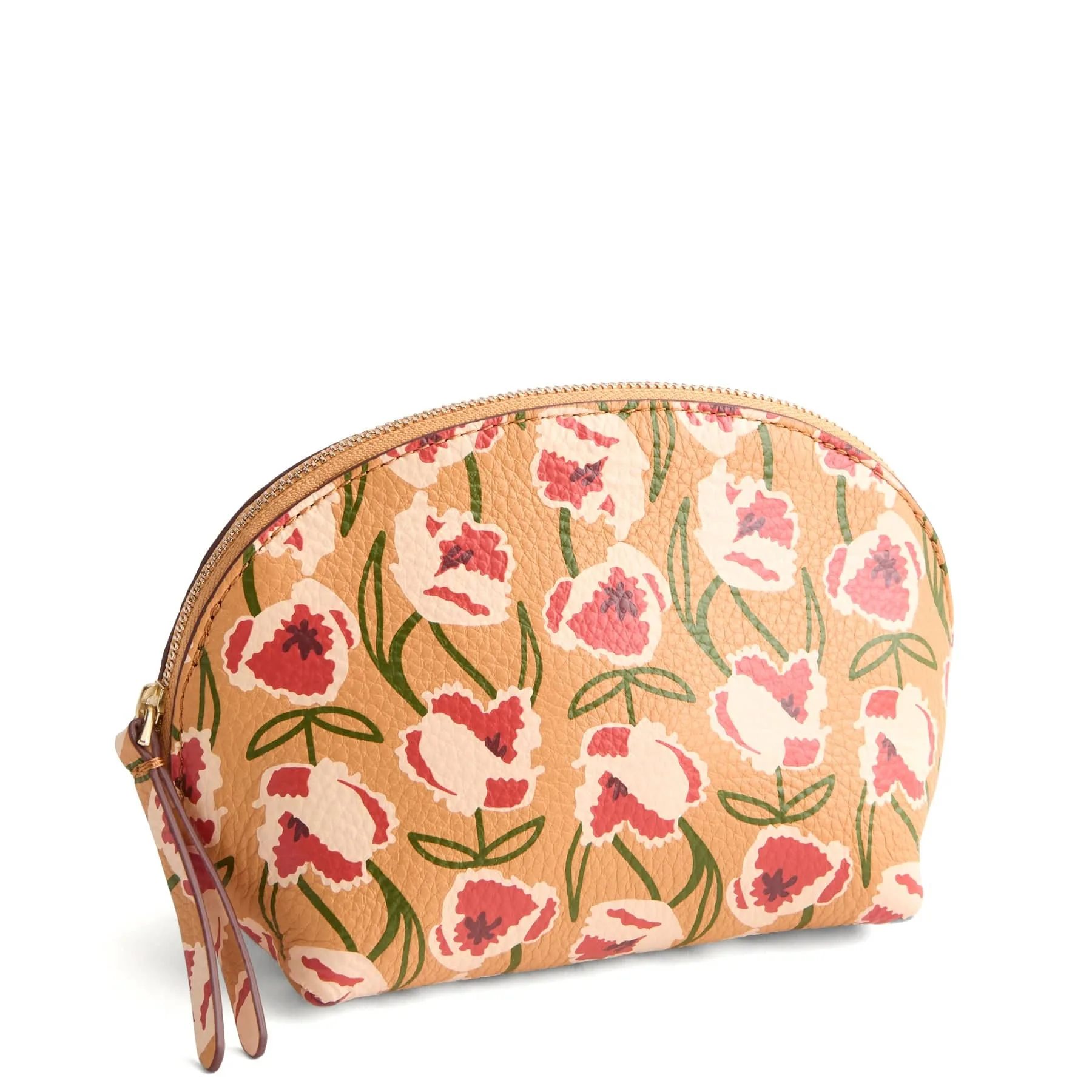
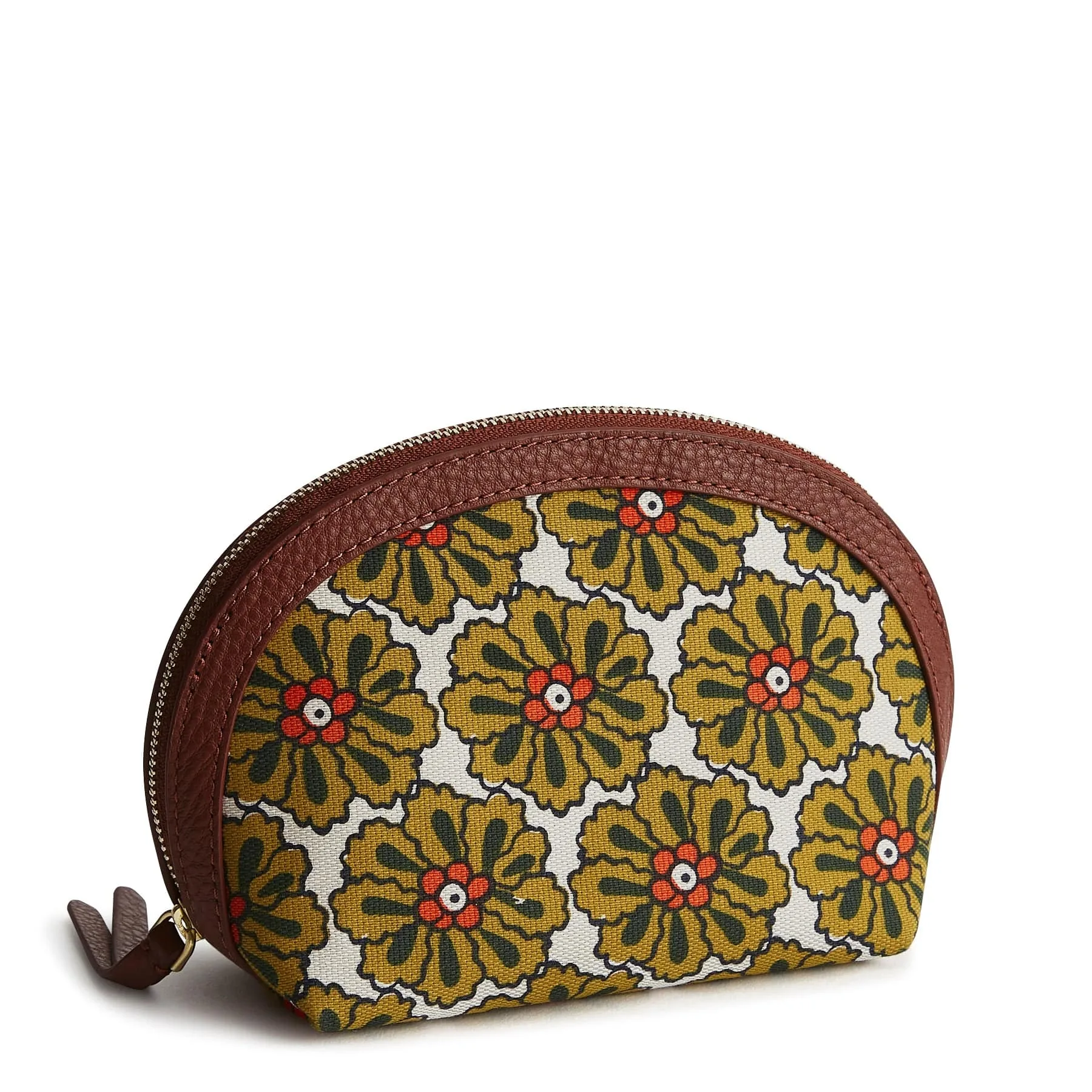
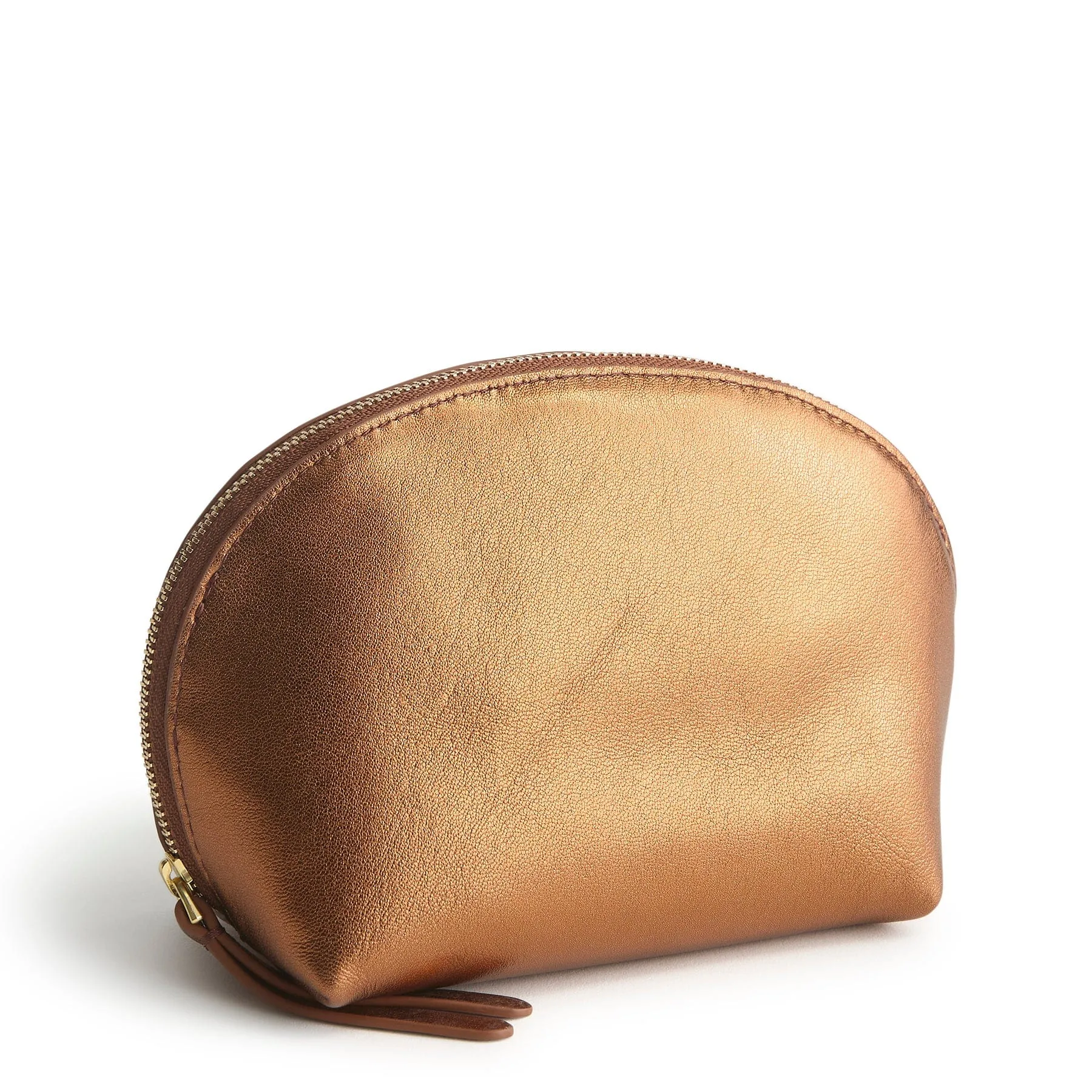
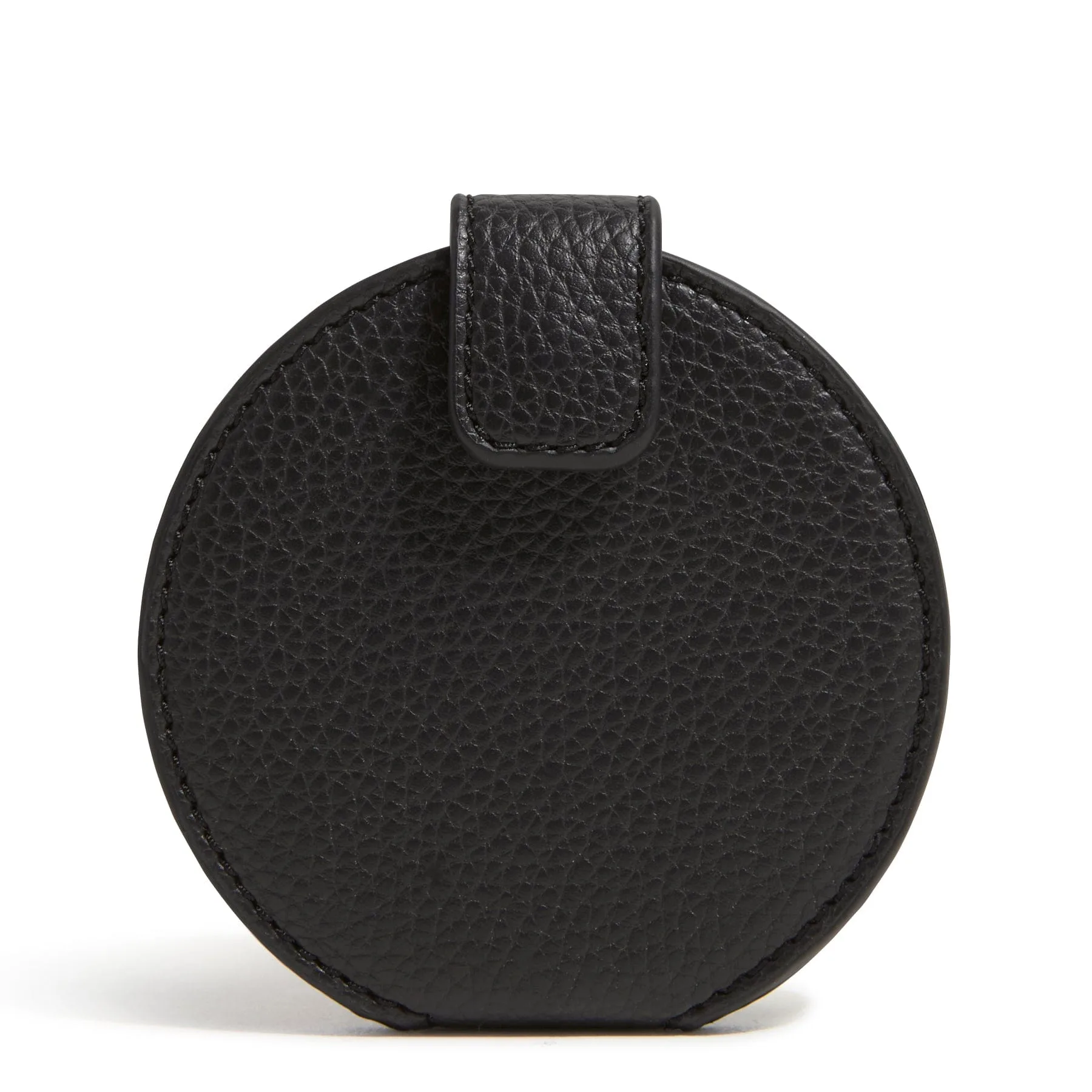
- https://verabradleyoutletex.com/products/mini-dome-cosmetic-bag-5050220072-c2d43bea390f9186d9f8af05-1639499https://verabradleyoutletex.com/products/mini-dome-cosmetic-bag-5050220073-e820e2b6d04089ca89942917-1639510https://verabradleyoutletex.com/products/mini-dome-cosmetic-bag-5021920888-1d297e8e3d833a4ecd5914d5-1639512https://verabradleyoutletex.com/products/mini-dome-cosmetic-bag-5141120612-f0925e00ddd2a409a22a69c3-1639515Mini Dome Cosmetic Bag: Dimensions: 8.0" w x 4.5" h, with a zip closure. This size holds a short cable, a wall charger, and a small adapter without becoming a black hole. The dome shape keeps the contents from settling into a single lump, and the zip closure means nothing escapes in your bag.
- Medium Cosmetic Bag: Exterior features a zip pocket. Dimensions: 9.0" w x 6.5" h x 3.0" d. Weight: 0.25 lb. The exterior zip pocket gives you a separate spot for the cable you use most, so you do not have to open the main compartment every time. At 0.25 lb, it adds almost nothing to a daily carry.
- Small Zip-Around Wallet: Interior features six card slip pockets and a zip-around closure. The slip pockets are sized for cards, but they also hold small flat items like a flash drive or a cable tie. If you want one place for a couple of tiny devices and a few cables, this keeps them from sliding around.
Cable organization is less about buying the perfect pouch and more about giving every cable a shape and a home. Start with one pouch, one tie per cable, and a two-week audit. When the zipper closes easily and you can find a charger without looking, you have solved the problem. If not, change the setup before you buy another cable.