Quick Answer
For most laptop users, a dual-mode TECKNET mouse with both Bluetooth and 2.4GHz is the most flexible choice, letting you switch between two devices without re-pairing. If you only use one computer and want a longer battery life, a dedicated 2.4GHz model is simpler and more budget-friendly.
Connectivity: Bluetooth vs 2.4GHz USB Receiver
Bluetooth is built into most laptops, tablets, and MacBooks, so you don't need to occupy a USB port. It's ideal for thin laptops with limited ports or for pairing with a tablet. The downside is that Bluetooth can occasionally have slightly more latency and may require re-pairing when switching devices, though modern versions like BT 5.0 are quite stable.
A 2.4GHz USB receiver is a dedicated dongle that offers a reliable, low-latency connection. It's plug-and-play and often more responsive for tasks like gaming or precise cursor work. The trade-off is that it uses a USB port, and the receiver can be lost if not stored properly.
Battery Life and Power Management
2.4GHz mice typically have longer battery life because the connection is more power-efficient. For example, the TECKNET Classic 2.4G wireless mouse boasts up to 30 months of battery life, which is excellent for office work. Bluetooth mice, especially dual-mode models, may use more power due to the wireless radio, but they often include auto-sleep features to conserve battery.
When choosing, consider how often you're willing to replace batteries or recharge. If you want to set it and forget it, a 2.4GHz mouse is a strong candidate. If you value multi-device flexibility, a dual-mode mouse is worth the potential battery trade-off.
Multi-Device Flexibility
If you work across a laptop, tablet, and desktop, a dual-mode mouse like the TECKNET Bluetooth Mouse with 2-in-1 connectivity lets you switch between two devices with a button press. This is a huge convenience for multitaskers who don't want to manage multiple mice.
A single-mode 2.4GHz mouse is limited to one receiver, so it's best for users who stick to one primary computer. You can still use it on different computers, but you'll need to move the receiver each time.
Portability and Convenience
For travel, a Bluetooth mouse is often more convenient because you don't need to carry a dongle. The TECKNET dual-mode mouse stores its USB receiver inside the battery compartment, so you won't lose it, and you can switch to Bluetooth when you want to keep the dongle tucked away.
A 2.4GHz mouse is still portable, but the risk of losing the receiver is a real concern. If you're prone to misplacing small items, a dual-mode mouse gives you a backup connection option.
Trade-Offs at a Glance
- Bluetooth-only vs 2.4GHz-only: If you prioritize portability and don't want to use a USB port, choose a Bluetooth mouse. If you want the lowest latency and longest battery life, choose a 2.4GHz mouse. Assess your primary device and port availability before deciding.
- Dual-mode (Bluetooth + 2.4GHz): If you need to switch between two devices regularly, a dual-mode mouse like the TECKNET Bluetooth Mouse is the most convenient. You sacrifice a little battery life for the flexibility. Consider how often you'll use the multi-device switching feature.
- Battery life vs features: A 2.4GHz mouse like the TECKNET Classic offers 30 months of battery life, which is hard to beat. Bluetooth mice may need recharging or battery replacement more often, but they offer more connectivity options. If you hate changing batteries, a 2.4GHz mouse is a safer bet.
TECKNET Mouse Options
-
TECKNET Bluetooth Mouse, 4000DPI Wireless Mice for Laptop 2-in-1(BT 5.0/3.0+2.4Ghz) Computer Portable PC Mouse Wireless with USB Receiver for Mac (USB-A+Bluetooth, Black): The TECKNET Bluetooth Mouse supports BT 5.0/BT 3.0 and 2.4GHz, and can switch between two devices with a button. This dual-mode design is ideal for users who need to move between a laptop and tablet or work across two computers without re-pairing.
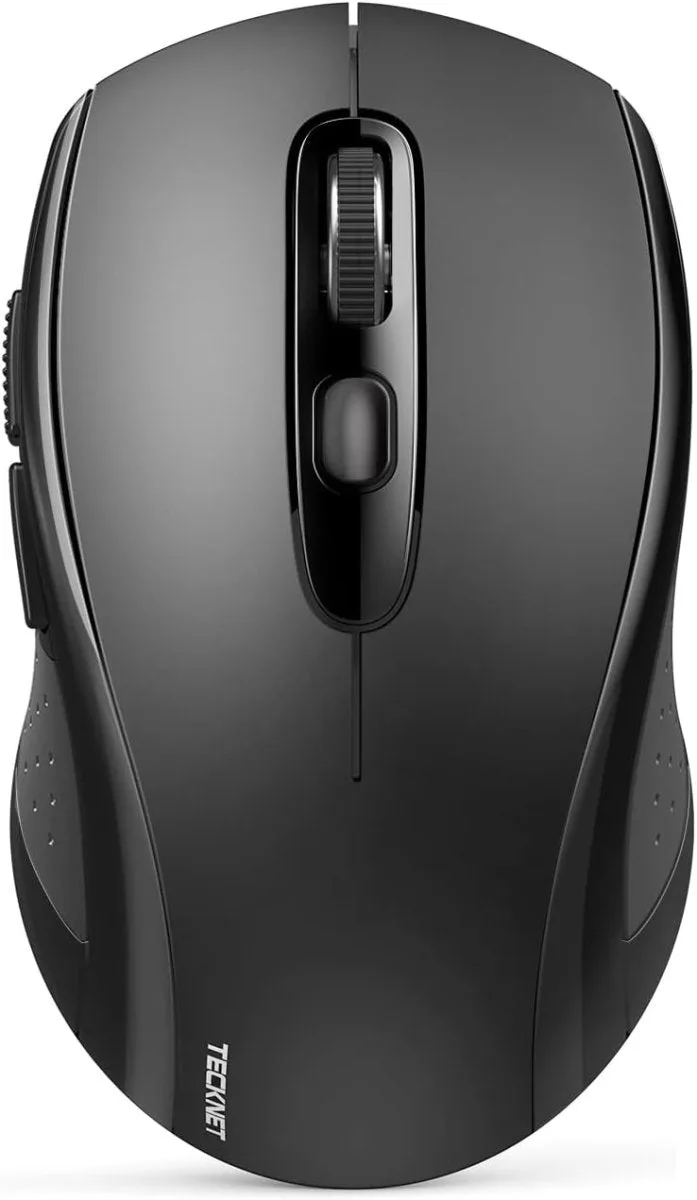
TECKNET Bluetooth Mouse, 4000DPI Wireless Mice for Laptop 2-in-1(BT 5.0/3.0+2.4Ghz) Computer Portable PC Mouse Wireless with USB Receiver for Mac (USB-A+Bluetooth, Black)
-
TECKNET 2.4G Classic Wireless Mouse for Laptop, 4800 DPI Optical Computer Mouse with 6 Adjustable Levels, 30 Months Long Battery Life Cordless USB Mouse for Notebook, PC, Office Home Work (Pink): The TECKNET 2.4G Classic Wireless Mouse offers up to 30 months of battery life and 6 adjustable DPI levels. This is a great pick for office workers who want a long-lasting, reliable mouse without the need for frequent battery changes.
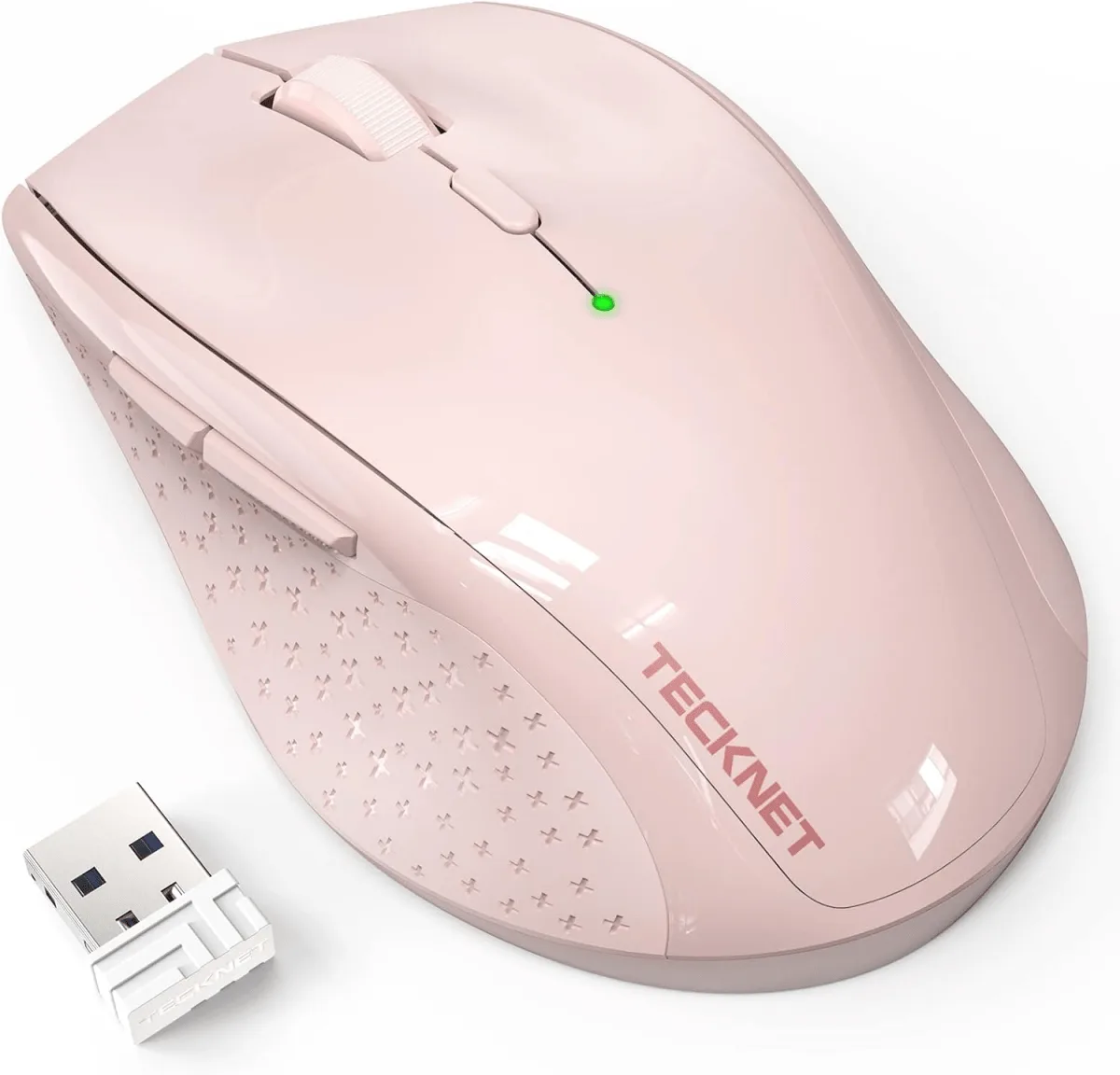
TECKNET 2.4G Classic Wireless Mouse for Laptop, 4800 DPI Optical Computer Mouse with 6 Adjustable Levels, 30 Months Long Battery Life Cordless USB Mouse for Notebook, PC, Office Home Work (Pink)
Which TECKNET Mouse Should You Choose?
Best for
- Frequent travelers who need a compact mouse without a dongle
- Users who switch between a laptop and tablet or two computers
- MacBook owners who want to free up a USB-C port
Not for
- Gamers or users who need the absolute fastest response time
- Users who want maximum battery life and only use one computer