Quick Answer
Most TECKNET solar light failures come down to one of four things: the panel isn't getting enough direct sun, the motion sensor is blocked or aimed wrong, the mode or remote setting isn't what you think, or the battery has aged out. Work through charging first, then sensor placement, then settings. If the light still won't hold a charge after two full sunny days, the battery or panel is the likely culprit and replacement makes more sense than more troubleshooting.
A solar light that worked all summer and suddenly stays dark in September is frustrating, but it's rarely a mystery. Solar outdoor lights depend on three things working together: the panel collects charge, the battery stores it, and the motion sensor decides when to release it. When any one of those steps fails, the symptom looks the same from the ground—no light, or a light that fades too early.
This guide walks through the common failures in order of likelihood, so you can rule out the cheap fixes before you spend money on a replacement. It applies to TECKNET solar wall and fence lights, including models with remote controls and RGB modes, and to most other solar motion lights with the same basic design.
Start With Charging: The Most Common Cause
If your solar outdoor lights are not charging, the light will usually run for a few minutes at dusk and then die, or not come on at all. Solar panels need direct sun, not bright shade. A panel that sits under an eave, behind a fence board, or in the shadow of a tree for most of the day may collect only a fraction of what it needs. Move the panel or the fixture so the panel faces the sun during the middle of the day, and check that nothing new—a growing shrub, a parked car, a new awning—has started shading it since installation.
Dirty panels are the second half of this problem. Dust, pollen, bird droppings, and hard water spots block light before it reaches the cells. Wipe the panel with a soft damp cloth, then dry it. Do this monthly in pollen season. If the panel has a protective film still stuck on it from unboxing, peel it off—this happens more often than people admit.
- Give the light two full sunny days with the switch in the ON position before judging it.
- Check the panel angle: it should face the midday sun, not just the sky.
- Clean the panel with water only; solvents can cloud the plastic cover.
When the Light Comes On but Dims Too Early
A solar light that dims after an hour or two is usually a charging problem, not a sensor problem. The battery simply didn't store enough to run the full night. Cloudy weather, short winter days, and a partially shaded panel all reduce the charge. In that situation, the light is behaving correctly—it's running until the battery is empty. The fix is more sun or a better panel position, not a new sensor.
If the light dims even after a full sunny day, the battery is the next suspect. Rechargeable batteries in outdoor lights lose capacity over years of daily cycling, and cold weather reduces what's left. A battery that once ran eight hours may now manage two. On models with a replaceable cell, swapping it restores performance. On sealed models, a light that only holds a short charge after two sunny days has reached the end of its useful battery life.
- Dimming that follows cloudy weather is normal; dimming after full sun is not.
- Cold nights shorten runtime on any solar light—expect less in winter.
- If your model has a replaceable battery, match the voltage and type exactly.
Motion Sensor Not Triggering: Placement and Aim
If you need to fix a solar wall light motion sensor that ignores you until you're almost touching it, the issue is usually detection range and angle, not a broken sensor. Passive infrared sensors detect moving heat across their field of view, and they work best when movement crosses the sensor rather than coming straight at it. A sensor aimed down a path sees someone walking across the beam; the same sensor aimed straight out a driveway may not trigger until the person is very close.
Temperature also matters. On hot days, when the background wall is close to body temperature, contrast drops and detection gets sluggish. This is normal for PIR technology and not a defect. If the sensor triggers constantly with no one there, look for moving heat sources in view—a hot vent, a car engine, or a swaying branch in front of the lens. Clearing the field of view usually settles both problems.
- Angle the sensor so people walk across its field, not directly toward it.
- Keep the lens clean; cobwebs and dust scatter the infrared signal.
- Expect shorter detection range on very hot days—this is a PIR limit, not a fault.
Remote and Mode Settings That Mimic a Fault
If your TECKNET solar light remote is not working, check the remote battery and the line of sight first. Many solar remotes use an infrared signal, which needs a clear path to the sensor on the fixture. A remote used from behind a wall or from too far away will fail even with a fresh battery. Point it directly at the light from a few feet away and press once—holding the button or pressing repeatedly can move the light through modes faster than you expect.
Mode confusion is the other common trap. Lights with multiple modes—steady, motion-only, and dim-plus-bright—behave very differently. In motion-only mode, the light stays off until it detects movement, which looks broken if you're expecting a steady glow. In dim-plus-bright mode, it stays at low output and brightens on detection. Confirm which mode is active before assuming the fixture has failed, and note that some models remember the last mode after a power cycle while others reset.
- Test the remote from close range with a clear line of sight.
- Cycle through modes slowly, pausing after each press to see the result.
- If one remote controls several lights, confirm you're aiming at the right fixture.
Weatherproofing and Long-Term Maintenance
IP-rated solar lights are built to handle rain, but the rating covers the sealed housing, not a cracked lens or a loose gasket. After storms, check that the panel cover and battery compartment seal are intact. Water inside the housing corrodes contacts and shortens battery life. If you see condensation behind the lens, let the fixture dry indoors with the compartment open, then reseal it before reinstalling.
Routine care is simple: clean panels monthly, clear leaves and snow from the top of the fixture, and check mounting screws each season. In freezing climates, bring removable solar lights indoors for winter if you want the battery to last. None of this is complicated, but it prevents most of the failures people blame on the product.
- Clean the panel monthly; more often in pollen season.
- Check seals after heavy storms and dry out any moisture promptly.
- Store removable fixtures indoors during hard freezes to protect the battery.
Diagnosis Checklist: Symptom, Cause, Action, Stop Point
- Light never turns on, even at dusk: Most likely the panel isn't charging: shade, dirt, a stuck protective film, or a switch left off. Clean the panel, confirm the switch is ON, and give it two full sunny days. If it still won't light after two sunny days, the battery or panel has failed—replace rather than keep troubleshooting.
- Light comes on but dims within an hour or two: The battery isn't holding enough charge. This is normal after cloudy days or in winter, but persistent short runtime after full sun points to an aged cell. Replace the battery if your model allows it; if sealed, plan on a new fixture.
- Motion sensor ignores people until they're very close: PIR sensors detect movement across their field, not straight-on approaches, and hot weather reduces contrast. Re-aim the sensor and clear obstructions. If detection is still poor in cool weather with a clear field of view, the sensor itself is the problem.
- Remote does nothing: Check the remote battery and use it from close range with a clear line of sight to the fixture. Many solar remotes are infrared and need a direct path. If a fresh battery and close-range test fail, the remote or receiver is faulty—stop cycling modes and seek a replacement.
- Light behaves oddly—wrong color, pulsing, or always off until motion: This is usually a mode setting, not a fault. Multi-mode lights include motion-only and dim-plus-bright behavior that looks broken if you expect steady light. Confirm the active mode before assuming hardware failure; if the mode won't change, the control board may be faulty.
Product Facts That Help With Troubleshooting
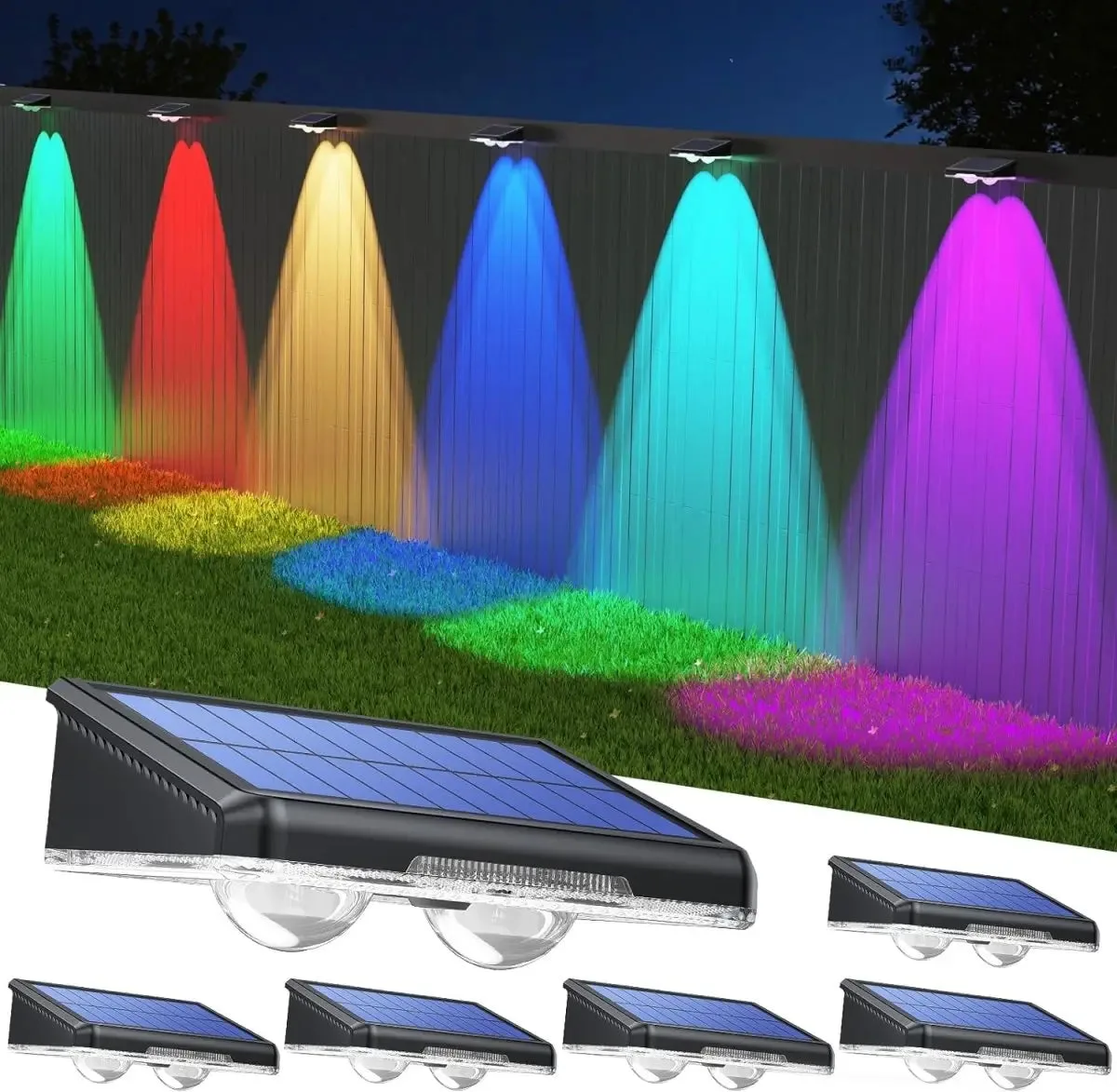
- TECKNET Solar Fence Lights Outdoor TK-SL008: Features 8 vibrant modes including 6 classic colors, warm white, and a dynamic RGB breathing mode. If your light seems stuck on an odd color or a pulsing pattern, it may simply be in RGB breathing mode rather than faulty—cycle modes before troubleshooting hardware.
- TECKNET Solar Fence Lights Outdoor TK-SL008: Engineered with two high-transparency lenses that amplify brightness and focus the beam. A dim-looking TK-SL008 may have a dirty or shaded lens; cleaning both lenses and repositioning the panel often restores apparent brightness without any repair.
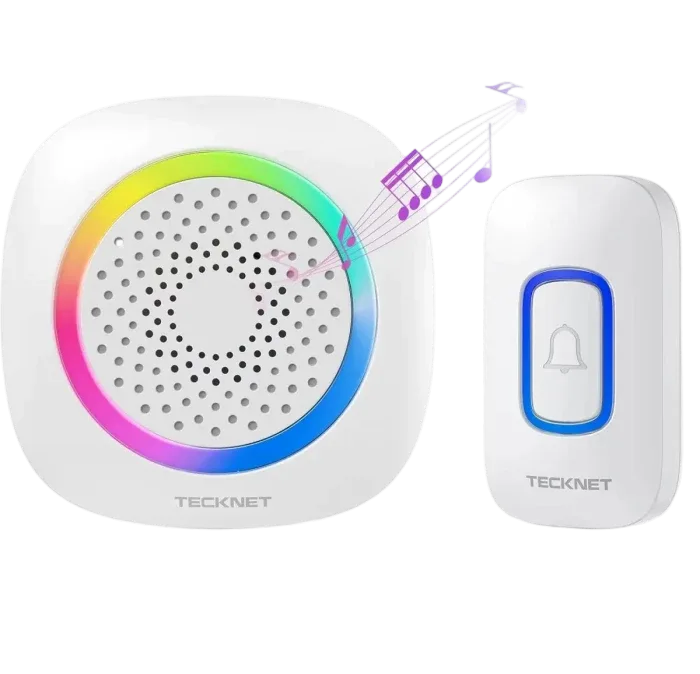
- TECKNET Wireless Doorbell Chime with RGB Light TK-WD895: Features a direct plug-in receiver requiring no batteries or wiring—simply plug it into any standard wall outlet. If you're troubleshooting a TECKNET door chime alongside your outdoor lights, remember the receiver draws power from the outlet, so a dark RGB indicator points to the outlet or pairing—not to a solar charging issue.
Work through charging, then sensor placement, then settings before you replace anything. Most TECKNET solar light problems resolve with a clean panel, a better angle, or a mode change. When a light fails after two full sunny days despite all of that, the battery or panel has reached its limit—and replacing the fixture is the practical call.