Quick answer
Most Teradek Bolt 6 dropouts come from antenna placement, channel congestion, or power delivery, not from the radio itself. Set the transmitter and receiver to the same channel group, keep antennas vertical and clear of metal, power the receiver from a regulated V-mount plate, and test range before the first take. If the link still fails at short distance, swap to a wired feed or a lower-resolution output rather than pushing a marginal setup.
Start with the symptom, not the settings
A dropout looks like a frozen frame, a black flash, or a receiver that reconnects mid-take. Before you change any menu item, note where it happens: at a fixed distance, only when the camera pans, only after 20 minutes, or only when a specific crew member walks through the line. That pattern tells you whether you are chasing an RF problem, a heat problem, or a power problem.
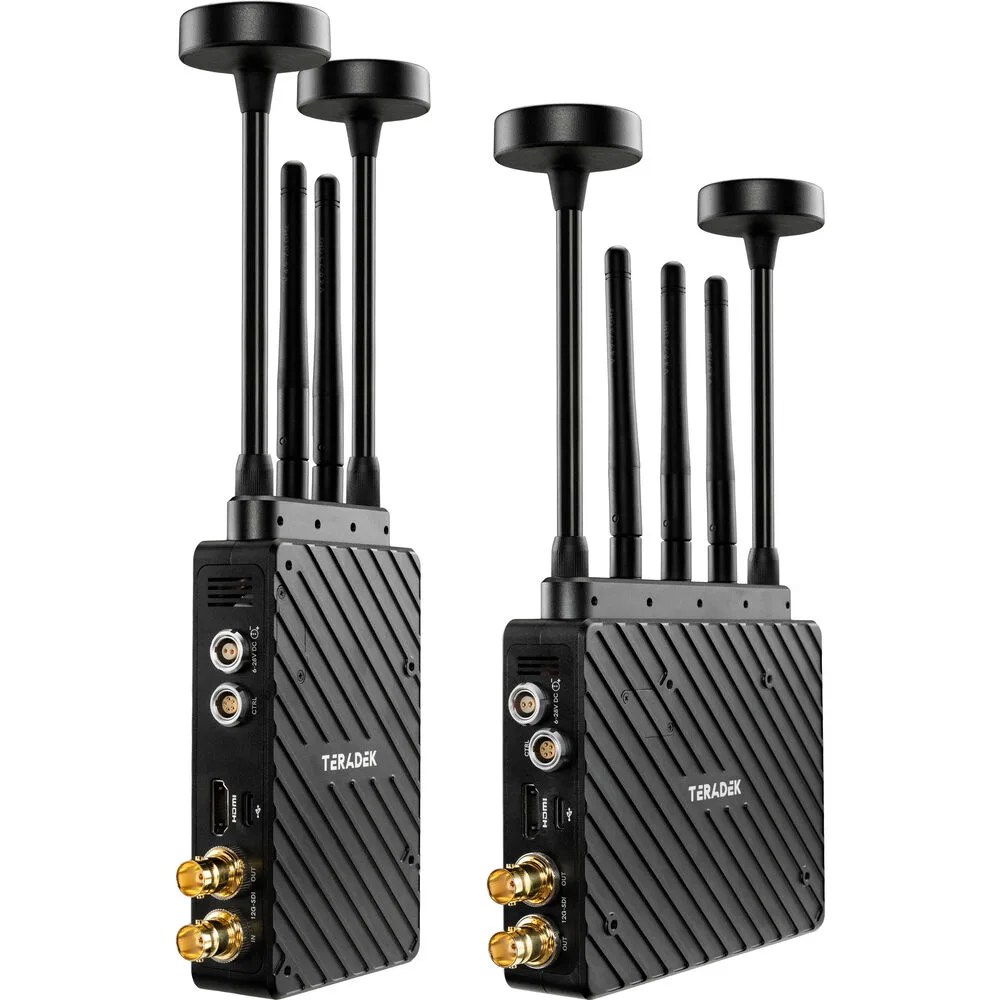
Write down the distance, the channel group, the antenna type, and the power source for each failure. A Teradek Bolt 6 XT MAX 12G-SDI/HDMI kit gives you a lot of variables, and changing three at once makes the next failure impossible to explain.
Antenna placement and line of sight
Antennas should be vertical, matched, and above the camera body where possible. Metal cages, battery plates, and monitors sitting directly against an antenna will detune it and cut usable range. If the receiver is on a cart, get it out of the bottom shelf and up to chest height.
Line of sight is not the same as clear air. A crowd standing between transmitter and receiver absorbs 5 GHz energy just as effectively as a wall. For on-set monitoring, keep the receiver path visible from the camera position and re-aim when the camera moves to a new setup.
Channel groups and interference
Bolt 6 systems use channel groups so that multiple links can coexist. If you are sharing the set with other wireless video, Wi-Fi access points, or follow-focus units, scan for a clean group rather than leaving the default. Two transmitters on the same group will fight each other, and the symptom is usually intermittent rather than constant.
Change one variable at a time. Move to a new group, walk the same path, and watch the receiver. If the dropout follows the group change, you have found the cause.
Power and heat
A V-mount wireless video kit lives or dies by its power. Voltage sag on a tired battery or a long D-Tap run can cause the receiver to reboot under load, which looks exactly like an RF dropout. Use a regulated plate, keep cable runs short, and confirm the battery can hold the load with the monitor and receiver running together.
Heat is the other slow failure. A transmitter in direct sun or a receiver in a closed cart will throttle or reset. Give both ends airflow and check the temperature after a long take. If the dropout only appears after 30 minutes, heat is the first suspect.
When to stop troubleshooting and switch approach
If the link fails at short distance with clean line of sight, fresh power, and a clear channel group, the problem is likely environmental or a hardware fault. At that point, stop swapping settings on set and move to a wired feed for the critical shot. A locked-off wired monitor is better than a take you cannot use.
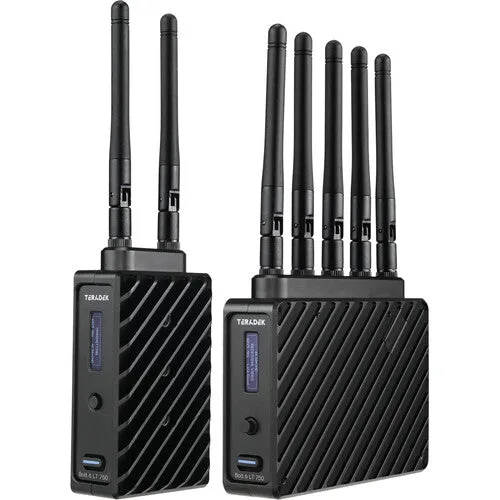
For productions that regularly need long-range 12G-SDI wireless video, a higher-tier kit with more range and more robust RF handling is the honest answer. The Teradek Bolt 6 LT 750 3G-SDI/HDMI Transmitter/Receiver Kit is a sensible starting point for mixed cinema and mirrorless rigs, with 3G-SDI and HDMI on both ends and up to 750ft line-of-sight. If your work demands the XT MAX tier, buy it for the range and features you actually need, not as a fix for a setup problem.
Dropout diagnosis: symptom, cause, fix, stop point
- Frozen frame at a fixed distance: Usually an RF or antenna issue. Check that antennas are vertical, matched, and clear of metal, then move the receiver to a higher position with a clear line to the camera. If range improves after moving the receiver, keep that position for the rest of the shoot.
- Dropouts only when the camera pans: The antenna pattern is being blocked by the camera body or a monitor. Relocate the transmitter antenna to the top of the rig and away from the battery plate. Test a full pan before rolling; if it still cuts, change the antenna position again.
- Receiver reboots or blacks out after 20-30 minutes: Suspect power sag or heat. Swap to a fresh regulated V-mount, shorten the D-Tap run, and give the receiver airflow. If a fresh battery and airflow fix it, the original power source was the problem, not the radio.
- Intermittent hits with clean line of sight and good power: Likely channel congestion from other wireless on set. Scan for a clean channel group and move the whole link to it. If every group is congested, coordinate with other departments or switch to a wired feed for the critical shot.
- Still failing at short distance after all checks: Stop adjusting settings on set. Move to a wired monitor for the take and diagnose the hardware off the clock. A usable take with a cable beats an unusable take with a wireless link.
Kit facts worth knowing before you buy
- Teradek Bolt 6 XT MAX 12G-SDI/HDMI Wireless RX/TX Deluxe Kit (V-Mount): Teradek Bolt 6 XT MAX 12G-SDI/HDMI Wireless RX/TX Deluxe Kit (V-Mount) is available at Filmgear Canada in Vancouver, with Canada-wide shipping and showroom support to confirm fit and compatibility. Buying locally means you can verify the V-mount plate, cabling, and antenna setup against your actual camera build before the first shoot day.
- Teradek Bolt 6 LT 750 3G-SDI/HDMI Transmitter/Receiver Kit: The Teradek Bolt 6 LT 750 Transmitter/Receiver Kit offers up to 750ft line-of-sight range and includes 3G-SDI and HDMI on both ends. If your monitoring distances are moderate and your rigs are mixed SDI and HDMI, the LT 750 tier may cover the job without paying for the XT MAX range.
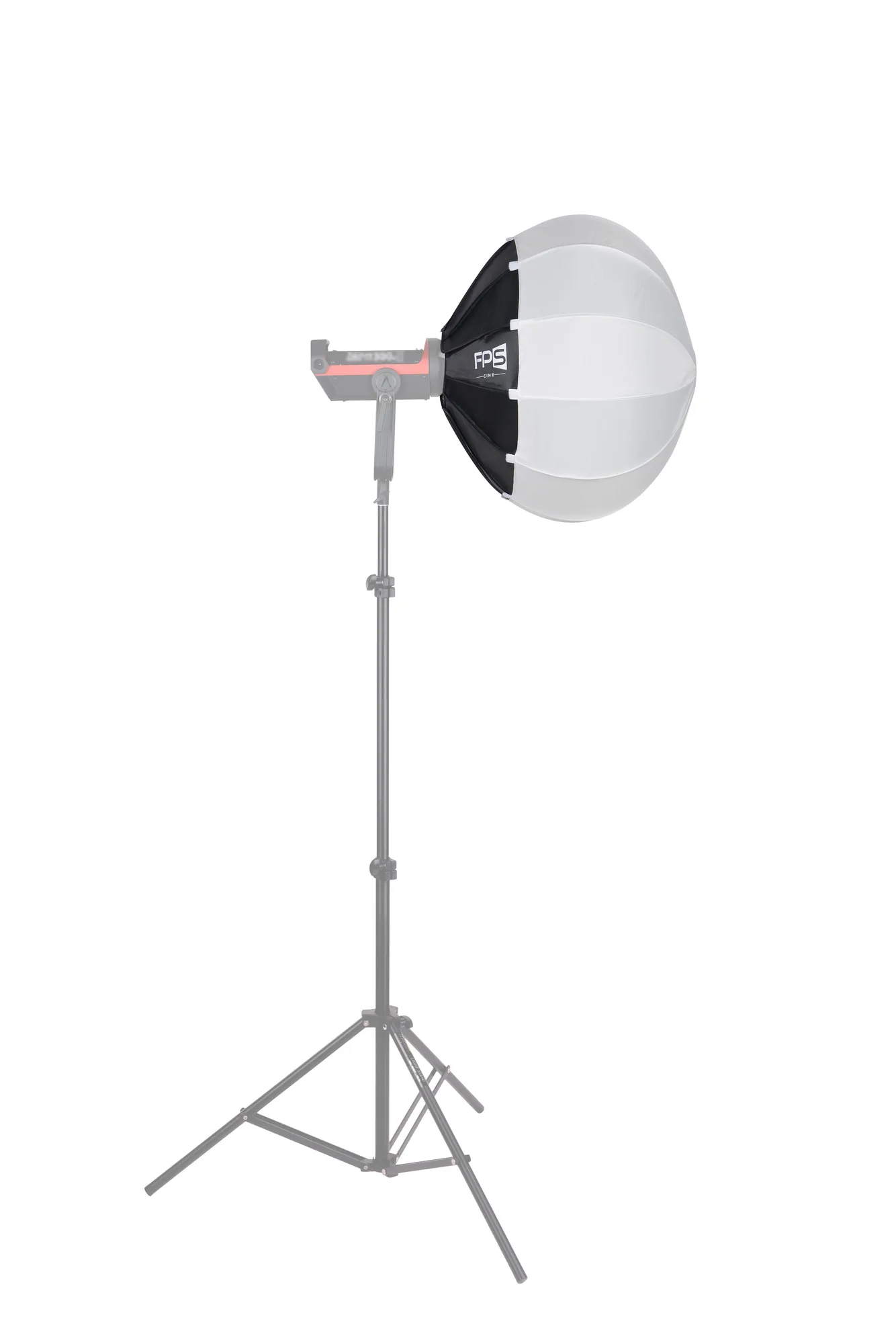
- FPS L65 65cm (26") Lantern Softbox with Quick Release / Bowens Mount: The FPS L65 65cm (26") Lantern Softbox with Quick Release / Bowens Mount throws a 360-degree wrap of soft light for ambient fill and top light. Not directly part of the wireless video chain, but on dialogue scenes it is a reminder that soft top light and a clean wireless feed solve different problems; do not try to fix one with the other.