Quick Answer
Install the Theatrus T65WL by choosing a clear wall cavity, cutting a precise opening, running speaker wire, and securing the speaker before calibration.
Why the Theatrus T65WL Fits Modern Spaces
The Theatrus T65WL is a slim in-wall LCR speaker with dual 6.5-inch woofers, designed to deliver full-range sound without bulky cabinets. Its low-profile construction lets it blend into walls, making it ideal for media rooms where floor space is limited.
Because it serves as a left, center, or right channel, you can use three of them across the front of your home theater for a matched soundstage. The tradeoff is that in-wall installation is permanent, so careful planning of the wall cavity and wiring is essential before you cut.
Planning Your Installation
Before cutting into drywall, confirm that the chosen wall section has no studs, pipes, or electrical lines behind it. Use a stud finder and check both sides of the wall. Also, decide on the ideal height: for the center channel, place it near ear level when seated; for left and right channels, align them with the screen's vertical center.
If you are running new wire, do it before mounting the speaker. Leave extra slack (about 2 feet) at the speaker location to make connections easier. Remember that in-wall installations are hard to reverse, so double-check all measurements.
Step-by-Step Setup for the Theatrus T65WL
- Choose the wall location: Select a spot between studs, at least 3 feet from room corners, and clear of obstructions. Use a stud finder to mark the cavity boundaries. Check both sides of the wall for pipes or wires before cutting.
- Cut the drywall opening: Trace the included template or the speaker's dimensions onto the wall. Cut carefully with a drywall saw, keeping the opening slightly smaller than the speaker's flange. Measure twice, cut once: a too-large hole is hard to fix.
- Run and connect speaker wire: Pull speaker wire from your amplifier to the opening, leaving at least 2 feet of slack. Strip 1/2 inch of insulation and connect to the speaker's terminals, observing polarity. Use in-wall rated wire and verify polarity before closing the wall.
- Mount the speaker: Insert the speaker into the opening and tighten the mounting screws or clamps evenly until the flange sits flush against the drywall. Avoid overtightening. Wiggle the speaker gently to ensure it is secure but not stressed.
- Calibrate and test: Run your receiver's auto-calibration or manually set the crossover (typically 80 Hz) and speaker levels. Play test tones to confirm each channel works and adjust the balance. Re-run calibration after any changes to the room or speaker position.
Product Details
-
Theatrus T65WL Dual 6.5" Slim Stack In-Wall LCR Speaker: The Theatrus T65WL features dual 6.5-inch woofers in a slim in-wall LCR design. The dual woofers provide robust bass and clear dialogue, making it a versatile choice for left, center, or right channels in a home theater.
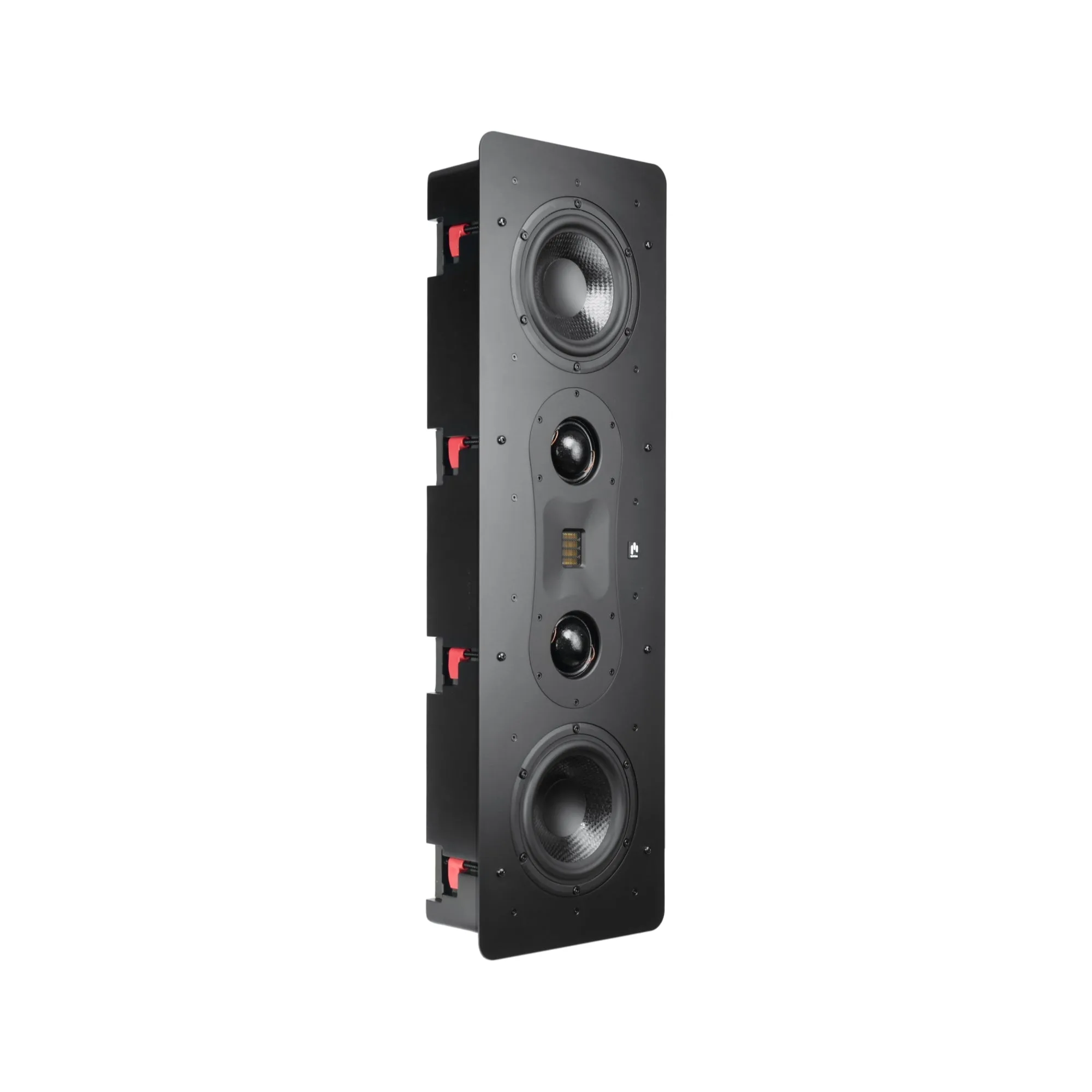
Theatrus T65WL Dual 6.5" Slim Stack In-Wall LCR Speaker