Quick Answer
Choose a Thunderbolt 5 cable if you need maximum bandwidth for demanding workflows; choose a USB4 cable if you want a budget-friendly option for everyday charging and data transfer.
Speed and Bandwidth: Where They Differ
Thunderbolt 5 cables are built for next-generation performance, delivering uncompromising speed and power through a single connection. They are designed for demanding workflows that require high data transfer rates and robust display support.
USB4 cables, on the other hand, offer solid performance for typical tasks like charging and file transfers. They may not match the top-tier bandwidth of Thunderbolt 5, but they are more than adequate for most users.
Compatibility and Certification
Thunderbolt 5 cables come with official certification, ensuring reliability, interoperability, and full next-gen bandwidth. This certification is valuable if you rely on a stable connection for professional work.
USB4 cables are generally more universal and work with a wide range of USB-C devices, but they may not support the full speed of Thunderbolt 5 ports. If you have a Thunderbolt 5 port, a certified cable is recommended to unlock its full potential.
Price and Value
Thunderbolt 5 cables typically cost more due to their advanced technology and certification. If your work involves large file transfers, video editing, or high-resolution displays, the investment is justified.
USB4 cables are more budget-friendly and are a practical choice for everyday charging and data tasks. They offer good performance without the premium price tag.
Thunderbolt 5 vs USB4: Trade-Offs
- Speed vs. Cost: Thunderbolt 5 offers higher bandwidth and faster data transfer, but at a higher price. USB4 provides adequate speed for most tasks at a lower cost. Assess your typical file sizes and workflow to decide if the extra speed is worth the premium.
- Certification vs. Universal Compatibility: Thunderbolt 5 cables are certified for guaranteed performance with Thunderbolt 5 ports, while USB4 cables are more universally compatible but may not reach full speed on Thunderbolt 5 ports. Check your device ports to ensure you choose a cable that supports the best possible speed.
- Length and Portability: Shorter cables like the 10-inch USB-C cable are convenient for travel and on-the-go charging, while longer Thunderbolt 5 cables offer more flexibility for desk setups. Consider your physical setup to choose a length that reduces clutter and meets your reach needs.
Product Facts
-
Thunderbolt 5 Pro Cable: The Thunderbolt 5 Pro Cable delivers uncompromising speed, power, and display support through a single, thoughtfully designed connection, with official certification for reliability and full next-gen bandwidth. This cable is ideal for professionals who need maximum performance and reliability for demanding workflows.
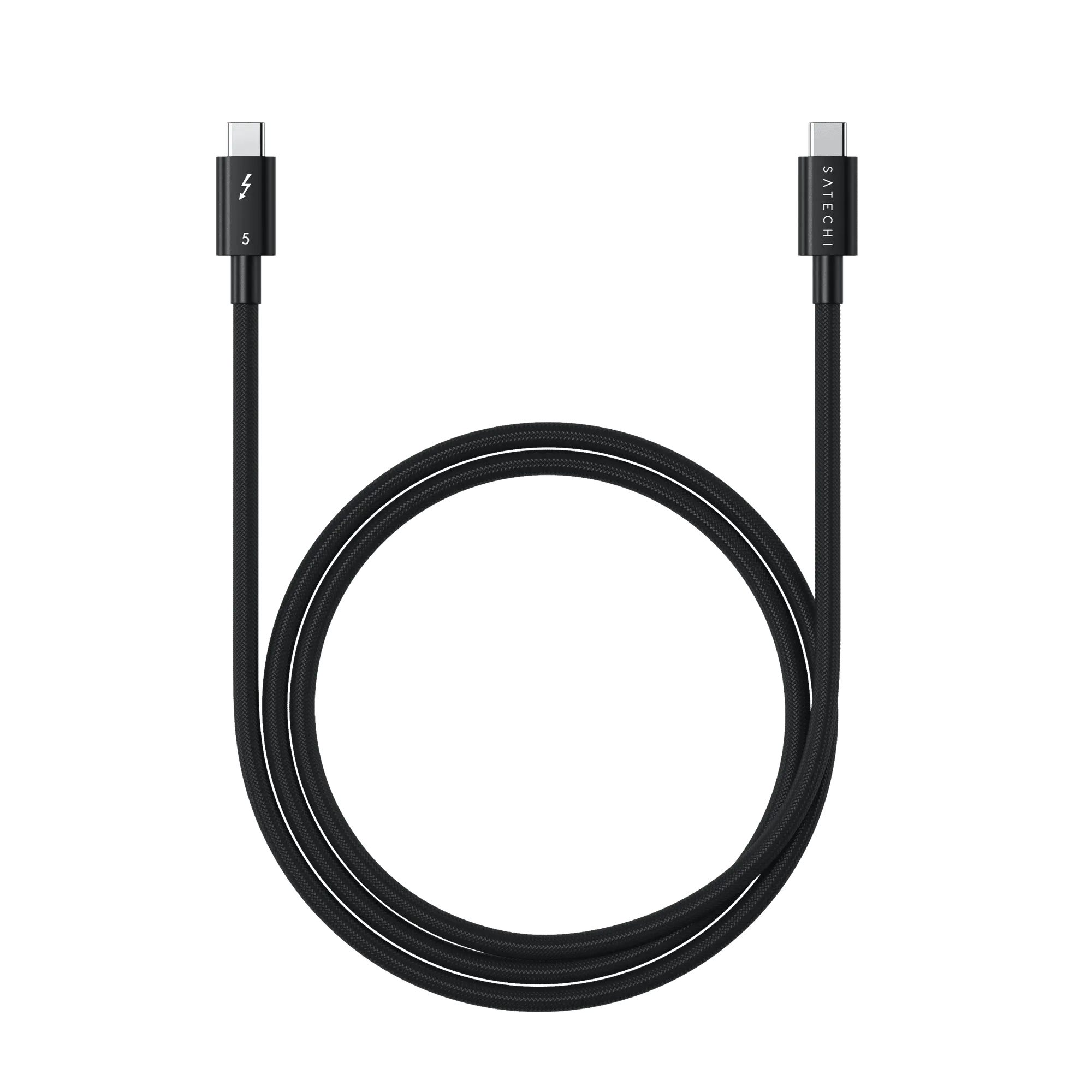
Thunderbolt 5 Pro Cable
-
USB-C to USB-C Cable - 10 Inches: The USB-C to USB-C Cable features a durable design and a shorter length for convenient on-the-go charging, pairing well with power banks and desktop chargers. This cable is a practical, budget-friendly choice for everyday charging and light data transfer needs.
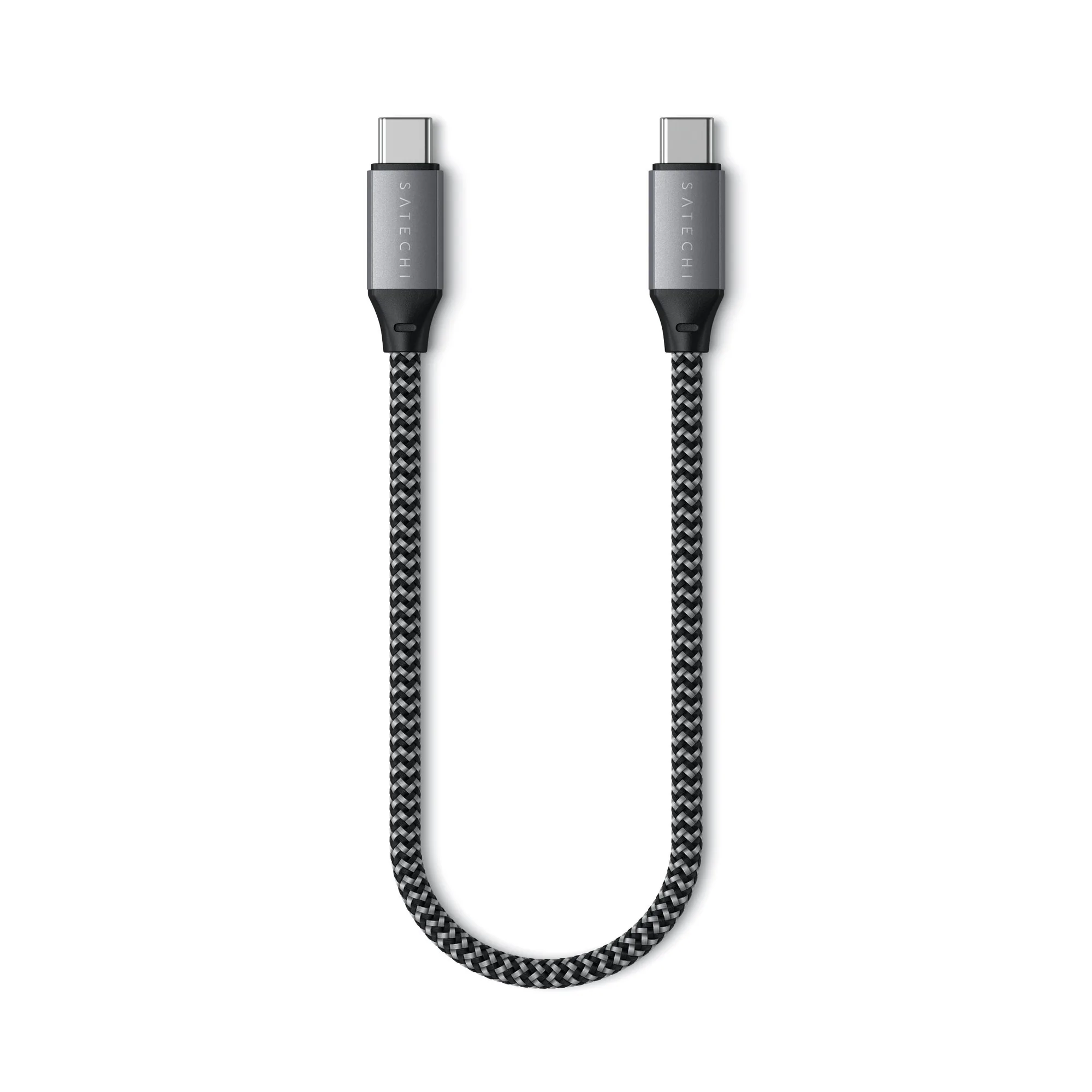
USB-C to USB-C Cable - 10 Inches
Which Cable Should You Choose?
Best For
- Professionals who transfer large files or use high-resolution displays and need maximum bandwidth
- Users with Thunderbolt 5 ports who want certified reliability and full next-gen performance
Not For
- Budget-conscious users who only need basic charging and light data transfer
- Travelers who prioritize portability and prefer a shorter, more convenient cable