Quick answer
To set up a Tonieplay game, insert the game Tonie onto the Toniebox, then press and hold the controller's home button until it pairs. After pairing, use the controller's joystick and buttons to navigate the audio adventure.
What you need before you start
A Toniebox 2 (the current model that supports Tonieplay) and a Tonieplay Game & Controller bundle. Each bundle includes a game-specific Tonie and a dedicated controller. The controller works only with that game—you cannot use one controller for multiple Tonieplay titles.
Make sure the Toniebox is charged and within 30 feet of the controller. The controller uses Bluetooth Low Energy, so walls or large furniture can reduce range. If pairing fails, move closer to the Toniebox.
Common pairing issues
If the controller does not pair on the first try, turn the Toniebox off and on again using the side switch. Then repeat the pairing steps. The controller's LED should blink slowly while searching and turn solid once connected.
If the game audio starts but the controller does not respond, the batteries may be low. The controller uses two AAA batteries (not included). Replace them and try again.
Step-by-step setup and play
- Insert the game Tonie: Place the game Tonie (the one that came with your bundle) on top of the Toniebox. The box will play an introductory audio track and begin searching for the controller. Do not place the Tonie on the box until you are ready to play—the pairing process starts immediately.
- Pair the controller: Press and hold the home button on the controller for about 3 seconds. The LED will blink. When it turns solid, the controller is paired. If it does not pair within 30 seconds, restart the Toniebox and try again. Keep the controller close to the Toniebox during pairing—Bluetooth range is about 30 feet with no obstructions.
- Navigate the game menu: Use the joystick to move through options (e.g., New Game, Continue, Settings). Press the A button to select. Follow the audio prompts to choose characters, difficulty, or game mode. If you get stuck, press the home button to pause and hear the current options again.
- Play the game: Respond to questions or make choices using the joystick and buttons. Each game has its own control scheme—listen carefully to the instructions at the start. For example, in The Quizzles, you select answers by moving the joystick left or right. You can pause anytime by pressing the home button. The game saves progress automatically when you remove the Tonie.
- End the session: When you are done, remove the game Tonie from the Toniebox. The controller will disconnect automatically. Store the controller and Tonie together to keep them paired for next time. If the controller does not reconnect next time, press the home button once—it should pair again without holding the button.
Games you can play
-
Tonieplay The Quizzles: All About Animals Game & Controller: Includes 500 quiz questions about animals in the jungle, underwater, or extreme weather. Kids restore power to the Quizzles' galaxy by guessing answers. Great for older kids who enjoy trivia and want a solo or team challenge—each round feels different because questions are drawn from a large pool.
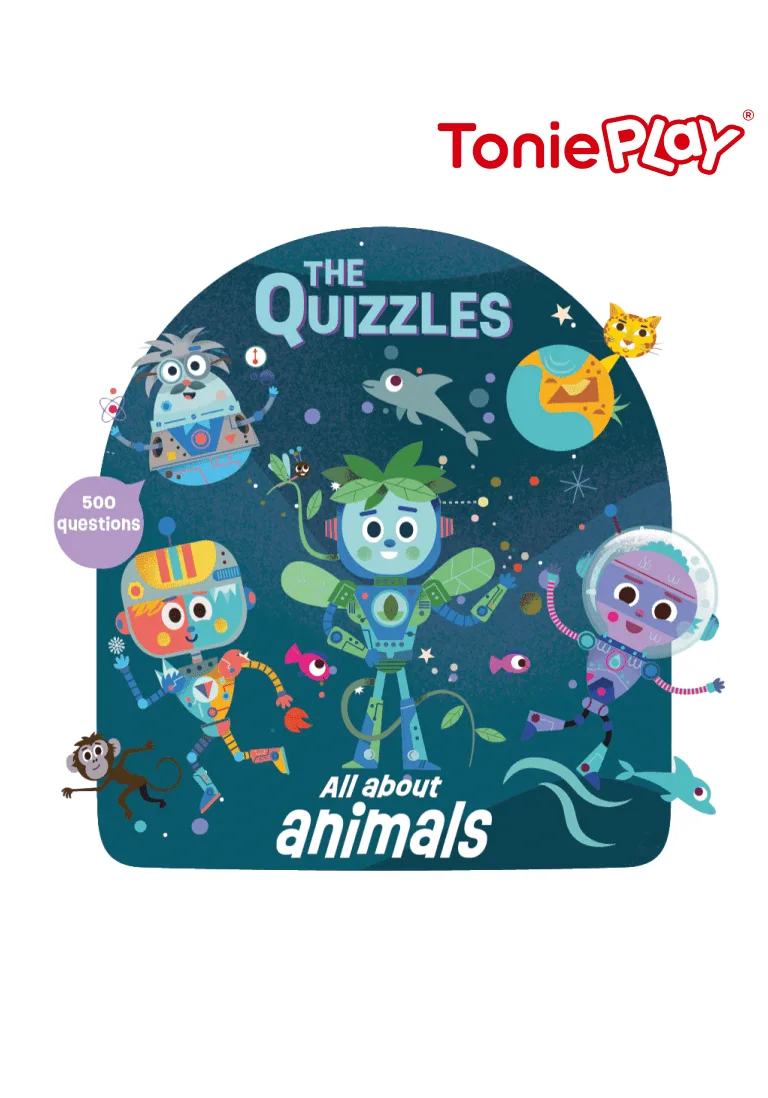
Tonieplay The Quizzles: All About Animals Game & Controller
-
Tonieplay The Game of LIFE Game & Controller: An audio game version of the classic board game where every choice shapes a new story. Uses the Tonieplay Controller instead of the iconic spinner. Perfect for families who want a screen-free, replayable life-simulation game with surprising twists—no two playthroughs are the same.
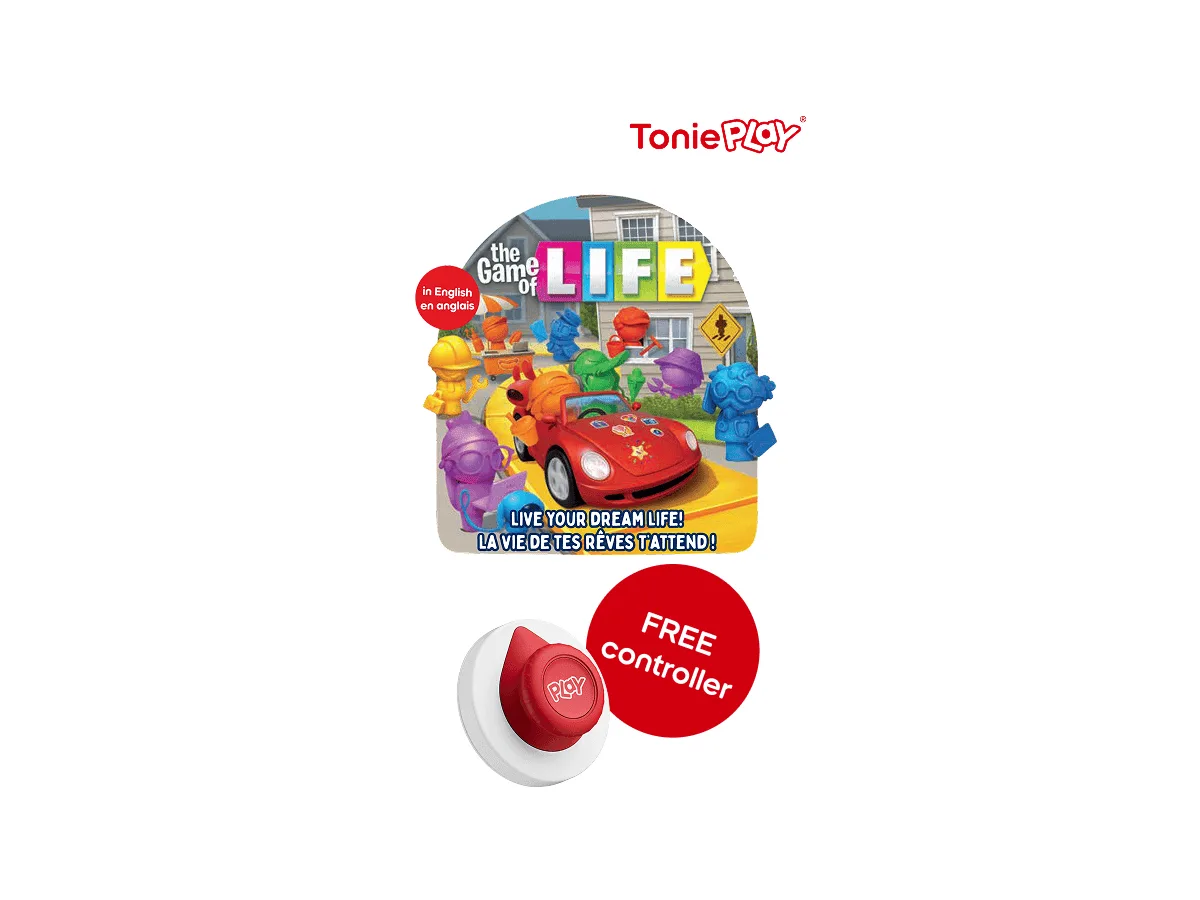
Tonieplay The Game of LIFE Game & Controller