Quick Answer
When choosing a travel charger, focus on plug compatibility, total wattage, and the ports you actually need. For most trips, a compact 100W USB-C travel adapter with multiple ports covers laptops, phones, and earbuds—just check that it supports the sockets in your destination.
Start with the Plug Type
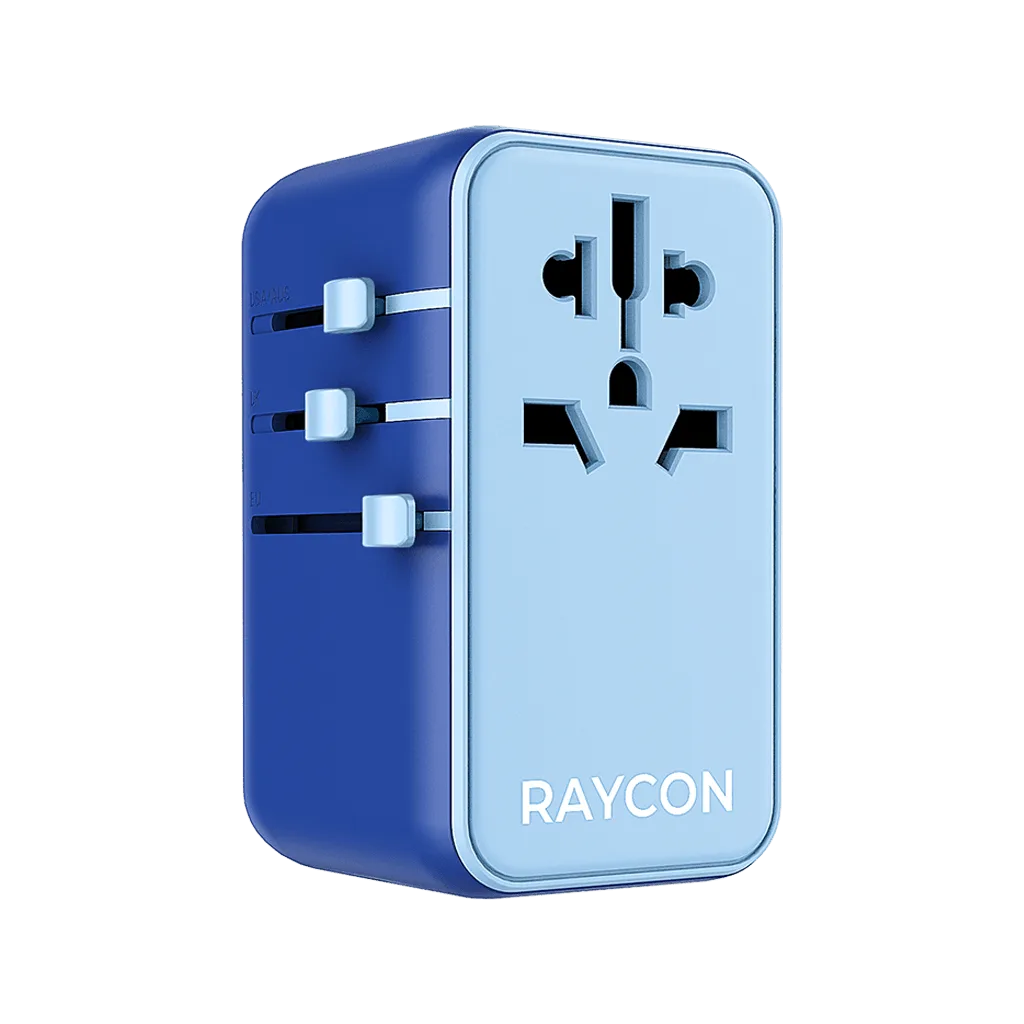
Different countries use different wall sockets, so the first thing to check is whether the charger supports the plug shapes at your destination. A travel adapter that handles JP/US, AU, EU, and UK sockets in one device means you don't need to carry separate plug heads or worry about forgetting the right one. Look for a charger that lists the regions it covers—if you often visit multiple countries, a universal option saves space and hassle.
Also consider whether the charger is a simple plug adapter or a full charger with built-in conversion. Many modern travel chargers combine both, letting you plug directly into foreign outlets without a separate voltage converter, which is convenient for USB-powered devices.
Match Wattage to Your Devices
Wattage determines how fast your devices charge. A laptop typically needs 45W to 100W, while phones and earbuds use much less. If you plan to charge a laptop, look for a charger that delivers at least the wattage your laptop requires—100W is a safe benchmark for most power-hungry laptops and can also fast-charge phones and tablets. For lighter loads, a lower-wattage charger may suffice, but it won't be as future-proof.
Keep in mind that when you charge multiple devices at once, the total wattage is shared among ports. A 100W charger can power a laptop and a phone simultaneously, but a 45W charger may slow down charging when several devices are plugged in. Decide based on your typical charging needs during travel.
Count the Ports You Need
Look at the devices you'll carry: a phone, earbuds, maybe a tablet or laptop. A charger with multiple USB-C and USB-A ports lets you charge several devices at once without carrying multiple adapters. For example, two USB-C ports and two USB-A ports cover a laptop, phone, earbuds, and a camera or smartwatch. Also check if the charger includes an extension cable—useful when wall outlets are awkwardly placed.
If you only need to charge earbuds and a phone, a smaller charger with fewer ports might be enough. But if you travel with a laptop, prioritize a charger with at least one high-wattage USB-C port and a couple of additional ports for accessories.
Consider Size and Build
Travel chargers should be compact enough to slip into a bag without adding bulk. GaN (gallium nitride) technology allows chargers to be smaller and run cooler than older silicon-based ones, which is a practical advantage when packing light. A sleek, lightweight design is easier to carry and less likely to snag in your luggage.
Also think about durability—travel gear gets tossed around. A sturdy build and secure plug prongs help the charger survive airport security and hotel rooms. While you can't always tell from photos, reading reviews or checking the brand's reputation can give you confidence.
Decision Rules for Picking a Travel Charger
- Check plug compatibility first: Confirm the charger covers the socket types of every country you'll visit. A universal adapter with JP/US, AU, EU, and UK plugs covers most destinations. If you travel internationally, choose a universal plug adapter to avoid carrying multiple heads.
- Match wattage to your biggest device: Identify the device that needs the most power—usually a laptop. Aim for a charger that can deliver at least that wattage on a single port, ideally 100W for future-proofing. If you carry a laptop, a 100W charger is a safe investment; for phones and earbuds only, a lower wattage may be fine.
- Count your ports and total power: List what you'll charge simultaneously. More ports are convenient, but remember total wattage is shared. A 100W charger with 2 USB-C and 2 USB-A ports handles a laptop, phone, and earbuds at once. If you travel with multiple devices, choose a charger with at least 3 ports and high total wattage.
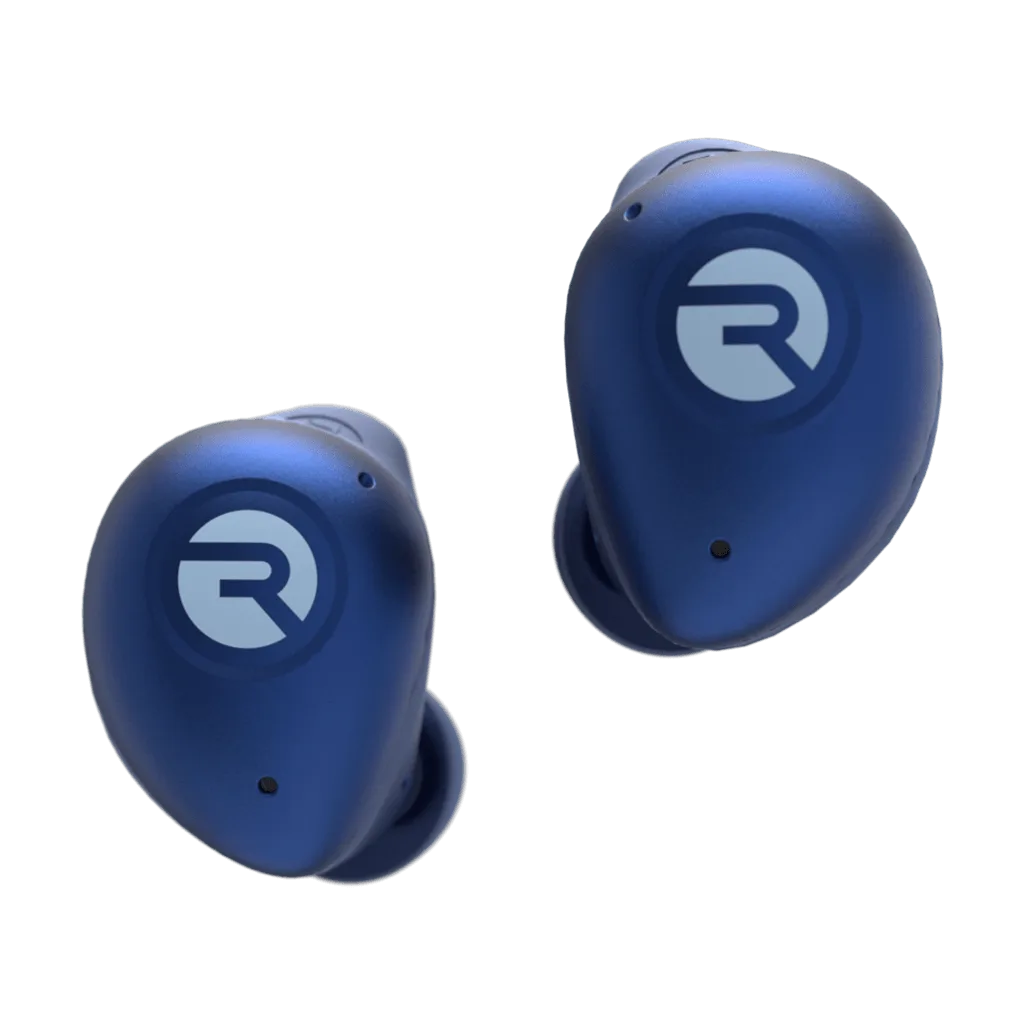
- Don't forget your earbuds: Earbuds charge via USB, so a travel charger with a USB port covers them. But also consider a protective case to keep them safe in transit, especially if your charger has limited ports. If you carry earbuds, add a protective case to your packing list for extra peace of mind.
Charging Accessories to Consider
- Magic Travel Adapter 100W: Global compatibility with JP/US, AU, EU, and UK sockets in one sleek device, plus advanced GaN technology for faster, cooler, more efficient charging. You can pack one adapter for trips to multiple regions, and GaN keeps it compact and cool—ideal for carrying in a backpack or carry-on.
- Magic Travel Adapter 100W: Power 5 devices at once with 100W single-port charging for laptops and power-hungry devices, plus 2 USB-C and 2 USB-A ports and an extension cable. The multiple ports and high wattage let you charge a laptop, phone, and earbuds simultaneously, while the extension cable helps when outlets are out of reach.
- Protective Case for Fitness Earbuds: Protective Case for Fitness Earbuds is lightweight, wireless charging compatible, and built for extra protection. When you're traveling, a protective case keeps your earbuds safe in your bag and still allows wireless charging, so they're ready when you need them.
Is a 100W Travel Adapter Right for You?
Best for
- Travelers who carry a laptop or other high-power devices and need to charge multiple items at once
- People who visit multiple countries with different plug types and want one adapter for everything
Not for
- Minimalists who only need to charge a phone and earbuds—a smaller, lower-wattage charger may be lighter and cheaper