Quick Answer
Most Sew Kind of Wonderful pattern issues stem from inaccurate cutting, pressing, or misreading the fabric requirements. Start by double-checking your ruler technique and fabric calculations. If curves seem too tight, your seam allowance is likely off—test on scraps before continuing.
Even experienced quilters hit snags with new patterns. Sew Kind of Wonderful patterns often use curved piecing and specific rulers, so small mistakes can compound quickly. But most problems have straightforward fixes if you catch them early.
This guide covers common issues quilters face with these patterns, from fabric shortages to wobbly curves. You'll learn what causes each problem, how to correct it, and when to stop and reassess rather than push through.
Curved Seams That Don't Line Up
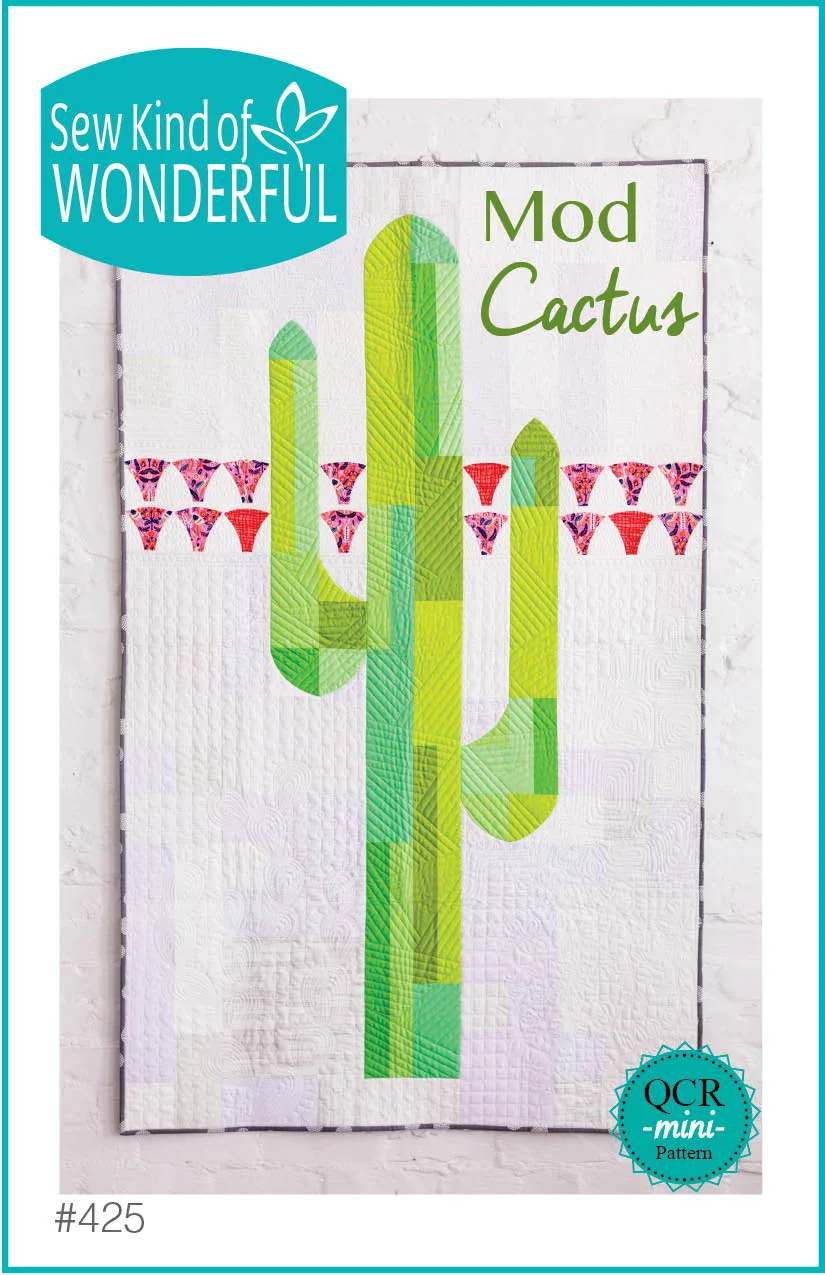
Curved piecing is a hallmark of many Sew Kind of Wonderful patterns, but it requires precise seam allowances. If your curves are puckering or the pieces don't match, the usual culprit is an inaccurate 1/4-inch seam. Even a few threads off can distort the curve. Another common cause is not using the recommended ruler—patterns like Mod Cactus specify the QCR Mini Ruler for a reason.
To fix this, sew a test block with scrap fabric first. Check that your seam allowance is consistent and that you're pressing (not ironing) the seams in the direction indicated. If the curve still won't lie flat, your fabric may be stretched—handle pieces gently and avoid pulling. If problems persist, verify you're using the correct ruler for the pattern; substitutions can throw off the math.
- Always make a test block before starting the full quilt.
- Use the exact ruler specified in the pattern, such as the QCR Mini Ruler.
- Press seams to one side as directed, using a dry iron to avoid stretching.
Fabric Requirements Don't Match Your Yardage
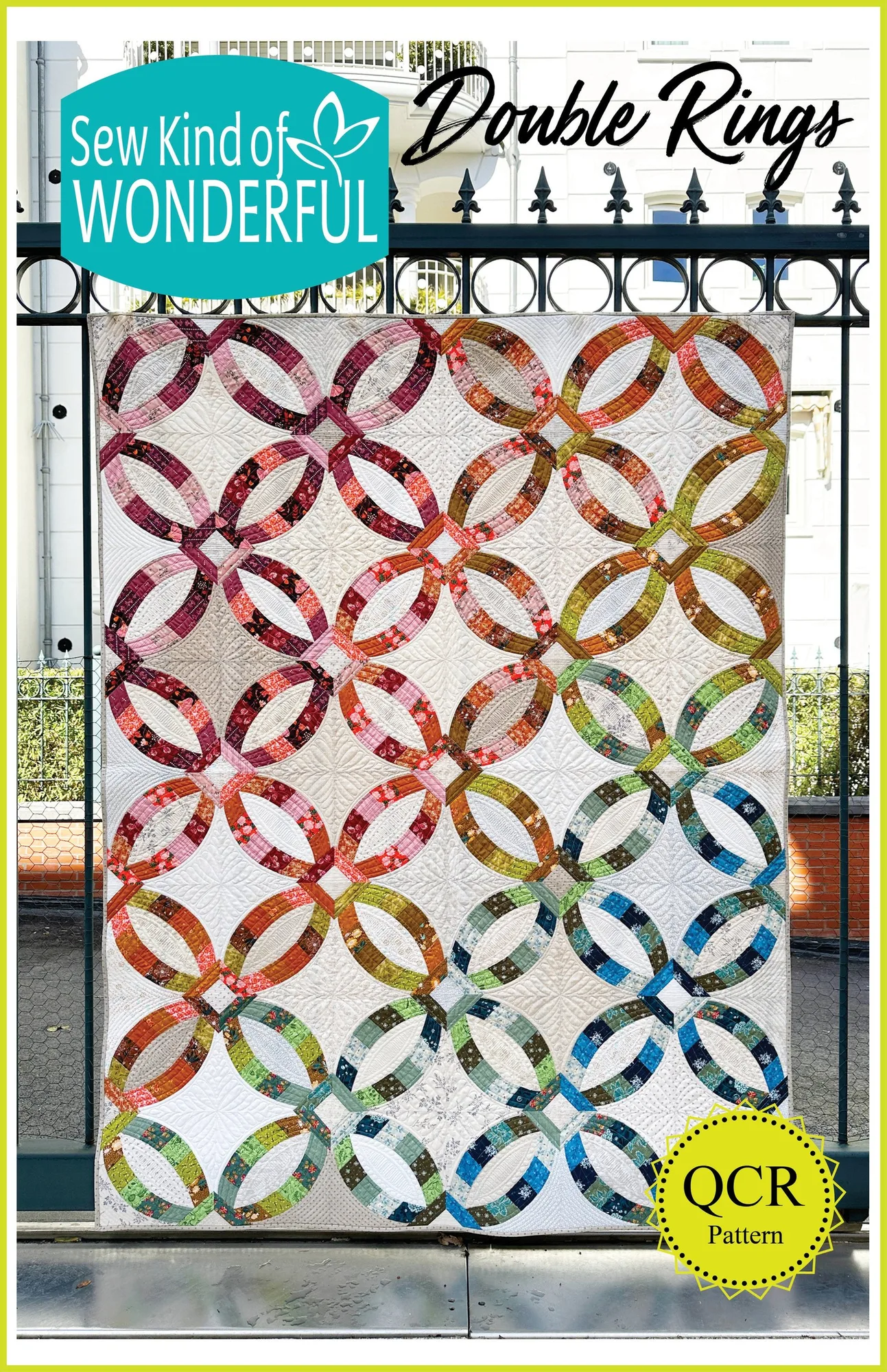
Sometimes quilters find they run out of fabric or have too much left over. This usually happens because they misread the pattern's fabric requirements or don't account for directional prints. For example, the Mod Cactus pattern calls for 4 yards of assorted low-volume background fabrics—that's a total, not each. Similarly, Double Rings uses a scrappy design, so you may need to coordinate multiple fabrics.
Before cutting, lay out all your fabrics and confirm you have the exact amounts listed. If you're substituting fabrics, recalculate based on the pattern's specifications. If you've already cut and run short, you can often piece smaller scraps into the background or borders, but this changes the look. If the shortage is severe, consider purchasing additional fabric or choosing a different pattern that better fits your stash.
- Read the fabric requirements carefully—totals vs. per-fabric amounts.
- Pre-wash and press fabrics before measuring to avoid shrinkage surprises.
- If you run short, audition scrap piecing in low-impact areas first.
Blocks Come Out the Wrong Size
If your finished blocks are smaller or larger than the pattern states, the likely cause is seam allowance again, but it could also be inaccurate cutting. Sew Kind of Wonderful patterns often rely on rulers like the Sew Square series for trimming. If you skip trimming or use a different ruler, sizes will drift.
Measure your blocks as you go. If they're consistently off by a small amount, adjust your seam allowance slightly. If they're way off, check that you're cutting with the correct ruler and not stretching fabric during cutting. Remember that many patterns include trimming steps—don't skip them. If blocks are too small, you may need to add borders or restart with new fabric.
- Use the recommended ruler for cutting and trimming.
- Check block sizes after each step, not just at the end.
- If blocks are off by more than 1/4 inch, stop and reassess your technique.
Diagnosis: Identify and Fix Your Pattern Problem
- Symptom: Curves won't lie flat: Likely cause: Seam allowance is off or you're stretching fabric. Corrective action: Test with scraps, adjust seam allowance, and press without pulling. If curves still pucker after two attempts, stop and consider using a different pattern or ruler.
- Symptom: Running out of fabric: Likely cause: Misreading requirements or directional prints. Corrective action: Recount fabric, use scraps creatively, or purchase additional yardage. If you can't match the fabric, choose a different pattern that fits your stash.
- Symptom: Blocks are wrong size: Likely cause: Inaccurate cutting or skipping trimming steps. Corrective action: Use the specified ruler, trim as directed, and measure frequently. If blocks are consistently off by more than 1/4 inch, restart with new fabric or a simpler pattern.
Patterns That Help You Avoid Common Mistakes
- Mod Cactus (Paper): 42" x 70" with 6 fat quarters assorted greens, 1 fat quarter print for flowers, 1/2 yard neutral fabric, 4 yards assorted low volume background fabrics, 3 yards backing, 1/2 yard binding, QCR Mini Ruler Knowing the exact fabric requirements helps you avoid shortages. The specified QCR Mini Ruler is essential for accurate curves, preventing many common piecing issues.
- Double Rings (Paper): Classic double wedding ring quilt updated with modern cutting and piecing techniques, scrappy design, third version of the iconic pattern This pattern's scrappy design requires careful fabric coordination. Understanding its modern techniques can reduce errors in curved piecing and block assembly.
Most Sew Kind of Wonderful pattern problems are fixable with careful attention to technique and a willingness to test as you go. Remember that patterns are guides, and sometimes the best solution is to step back, reassess, and try a different approach. Happy quilting!