Quick Answer
To keep your Twilight of the Republic game mat flat, clean, and ready for play, start by unrolling it and letting it rest under light weight for a few hours. For routine care, spot-clean with a damp cloth and mild soap, and store it rolled loosely in a dry place away from direct sunlight.
Why Proper Setup Matters for Your Playmat
A new game mat often arrives rolled tightly in a tube. If you unroll it and try to play immediately, the edges may curl up, causing cards to slide or the mat to shift during a match. Taking a few extra minutes to flatten it properly prevents frustration and protects your cards from uneven surfaces.
The Twilight of the Republic artwork is printed on a durable fabric top with a rubber base. While the material is built for repeated use, the rubber backing can retain a memory of the roll if not allowed to relax. A quick setup routine solves this without any special tools.
Common Cleaning Mistakes That Damage the Mat
Many players reach for household cleaners or toss the mat in a washing machine when it gets dirty. Both approaches can ruin the rubber backing or fade the printed design. The rubber layer is especially sensitive to heat, bleach, and harsh chemicals, which can cause it to become brittle or lose its grip.
Instead, stick to cool water and a very mild dish soap. Avoid scrubbing aggressively—gentle dabbing or light wiping is enough to lift most dust, drink spills, or snack crumbs. Let the mat air dry completely before rolling it up again.
Diagnosis: Common Game Mat Problems and Fixes
- Symptom: Mat won't lie flat; edges curl up: Unroll the mat and place it on a clean, flat surface. Stack a few heavy books or a flat box on top of the curled areas. Leave it for 2–4 hours. If the curl persists, flip the mat over and repeat on the opposite side. If curling remains after 8 total hours of weighting, the mat may have been stored too tightly for too long. Consider using a playmat tube with a larger diameter for future storage.
- Symptom: Sticky or dirty surface after a game session: Mix a few drops of mild dish soap with cool water. Dampen a soft microfiber cloth (not soaking wet) and gently wipe the affected area. Use a dry section of the cloth to remove any soap residue. Let the mat air dry flat for at least 1 hour before using or rolling. Never use bleach, alcohol, or abrasive pads. If the stain is oil-based (e.g., pizza grease), dab with a dry cloth first to absorb excess, then spot-clean.
- Symptom: Rubber backing feels sticky or leaves marks on table: This usually happens when the mat has been exposed to heat or humidity. Wipe the rubber backing with a dry cloth to remove dust. If stickiness remains, lightly wipe with a cloth barely dampened with cool water, then dry immediately with a separate cloth. Store the mat in a cool, dry place away from radiators or direct sunlight. If the rubber backing continues to mark surfaces after cleaning, the mat may have degraded. At that point, replace the mat to protect your table and cards.
Product Facts
-
STAR WARS™: UNLIMITEDPREMIUM ART SLEEVES: These premium-quality, full color printed, and standard-sized Star Wars™: Unlimited Premium Art Sleeves feature a textured matte back and clear front for excellent haptic experience and shuffle feel. Pairing your Twilight of the Republic game mat with matching art sleeves not only protects your cards but also gives your deck a cohesive, tournament-ready look.
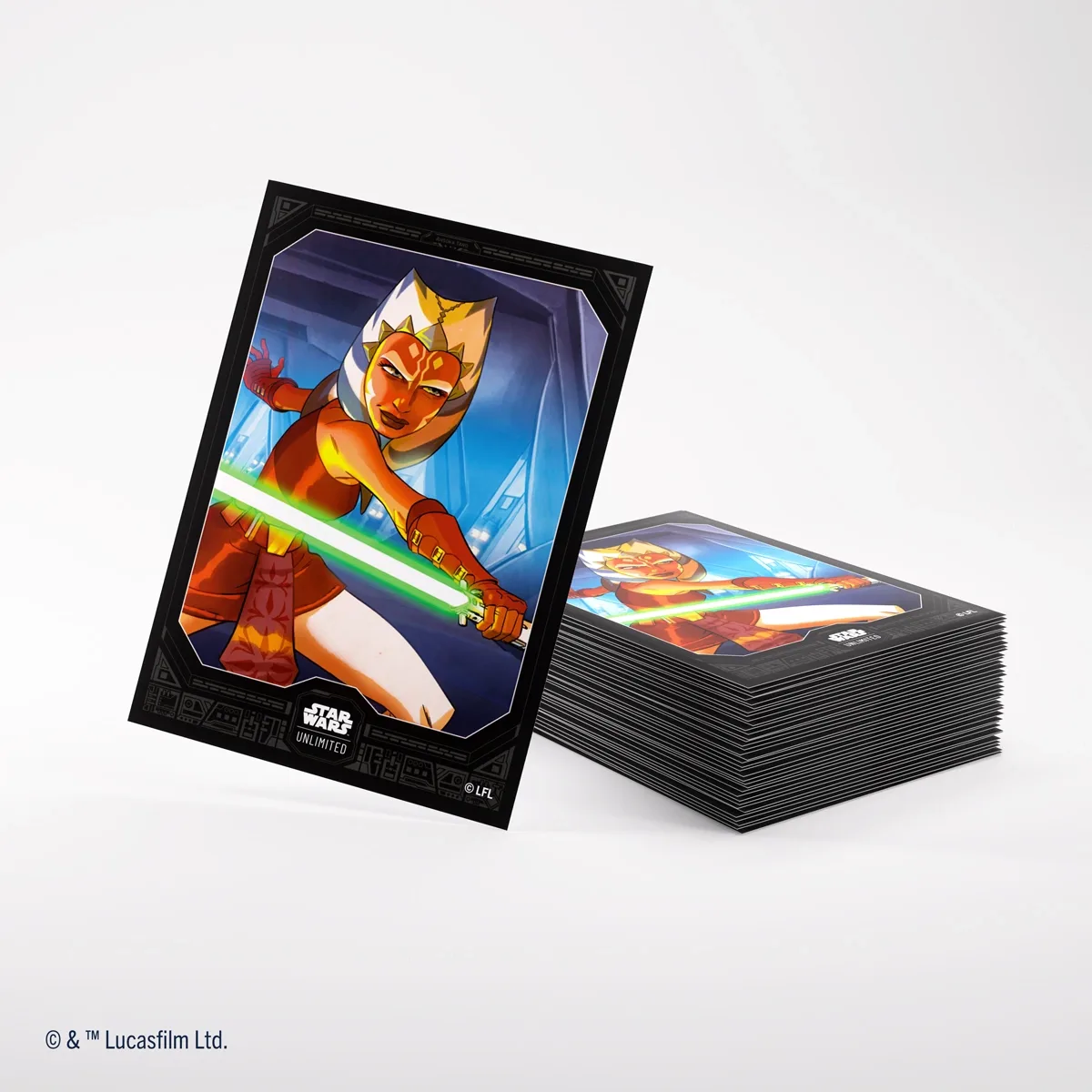
<span class="swu\_headline"><i>STAR WARS</i>™: UNLIMITED</span><br>PREMIUM ART SLEEVES