Whether you're heading to class or the office, a disorganized backpack can turn your day into a frantic search for pens, chargers, or your laptop. A well-organized pack not only saves time but also protects your gear and reduces strain on your back. In this guide, we’ll show you how to optimize every pocket and compartment using SPRAYGROUND® backpacks and accessories, so you can carry smarter, not heavier.
From the iconic A.I. PALM MIRAGE SHARK BACKPACK to the sleek ARCTIC WOLFPACK BACKPACK (DLXV), SPRAYGROUND® offers designs that blend streetwear style with practical organization. Let’s dive into the best strategies for packing your backpack like a pro.
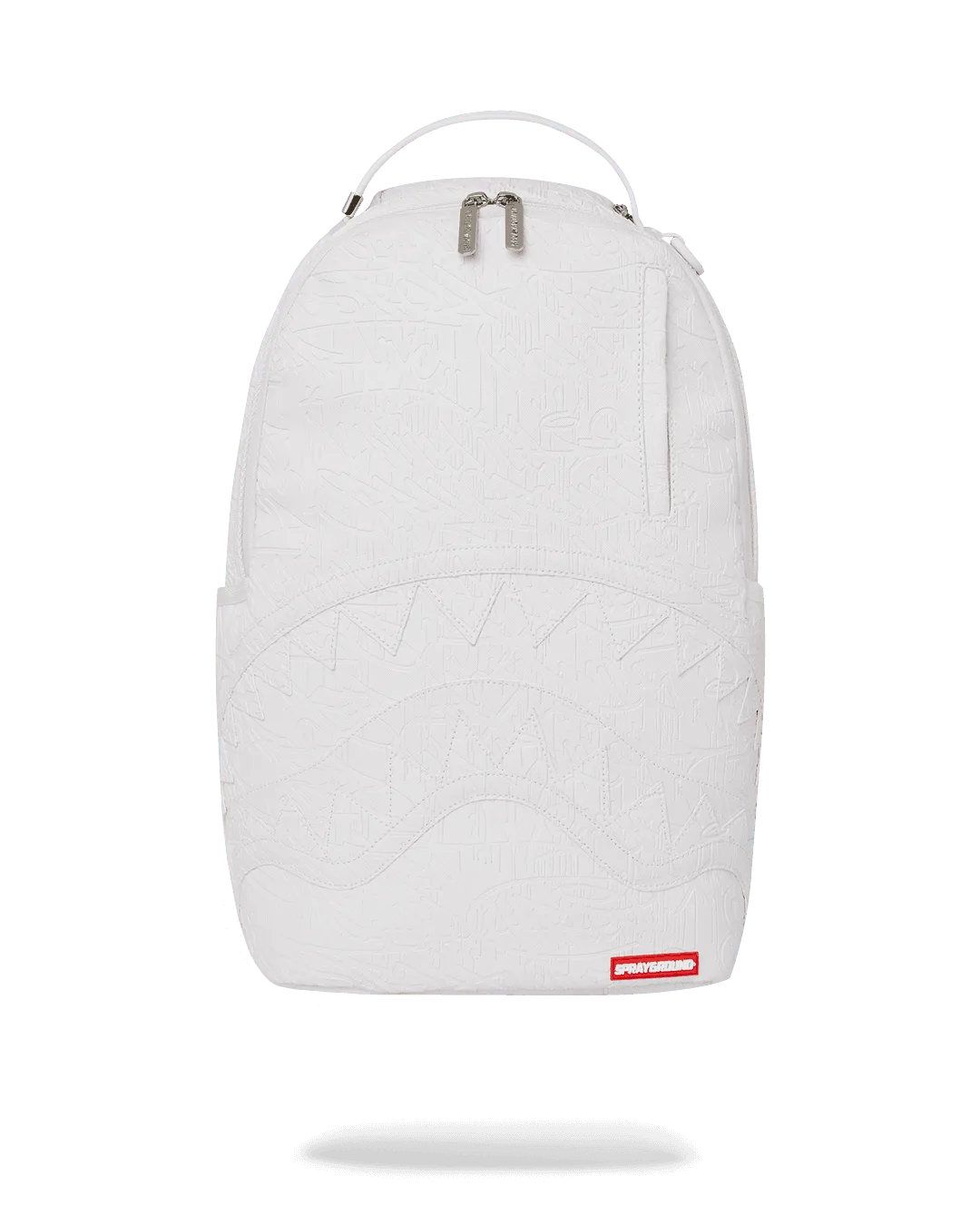
ARCTIC WOLFPACK BACKPACK (DLXV)
Why Backpack Organization Matters for Productivity and Comfort
A cluttered backpack forces you to dig for items, wasting precious minutes and causing frustration. Studies show that organized spaces reduce stress and improve focus. When your backpack has designated spots for your laptop, notebooks, and tech accessories, you can grab what you need without breaking your flow.
Beyond productivity, proper organization also prevents damage. A loose water bottle can soak your electronics, while a heavy laptop shifting around can strain your shoulders. By distributing weight evenly and using padded compartments, you protect both your gear and your body. SPRAYGROUND® backpacks are designed with multiple compartments and durable materials to help you stay organized effortlessly.
- Use the main compartment for heavy items like textbooks and laptops to keep the weight close to your back.
- Store smaller items in front pockets for easy access without unzipping the main compartment.
- Keep fragile items like glasses or a tablet in padded sleeves to prevent cracks.
Step 1: Choose the Right Backpack with Smart Compartments
The foundation of good organization starts with the right bag. Look for a backpack that offers multiple dedicated pockets, a padded laptop sleeve, and water-resistant materials. The A.I. PALM MIRAGE SHARK BACKPACK features a spacious main compartment and a separate padded laptop pocket, making it ideal for students and professionals who need to carry a 15-inch device.
For those who prefer a more streamlined silhouette, the ARCTIC WOLFPACK BACKPACK (DLXV) offers a sleek profile with hidden pockets for valuables like your phone and wallet. Its DLXV series construction ensures durability while keeping your items secure. A well-designed backpack eliminates the need for extra pouches and keeps everything in its place.
Step 2: Categorize Your Items into Zones
Divide your backpack into three zones: heavy essentials, daily access items, and emergency backups. The heavy zone (laptop, textbooks) goes in the main compartment closest to your back. The daily access zone (pens, charger, water bottle) lives in front pockets or side mesh holders. The backup zone (snacks, umbrella, first-aid kit) stays in the bottom or a secondary compartment.
For example, in the CHAMPION OF THE GALAXY SAVAGE BACKPACK, you can use the front zip pocket for your phone and keys, the side mesh pockets for a water bottle, and the main compartment for your laptop and notebooks. This zoning method prevents you from having to rummage through everything to find a single item.
- Heavy zone: laptop, textbooks, binder
- Daily access: pens, charger, wallet, phone
- Backup: snacks, hand sanitizer, portable charger
Step 3: Use Pouches and Organizers for Small Items
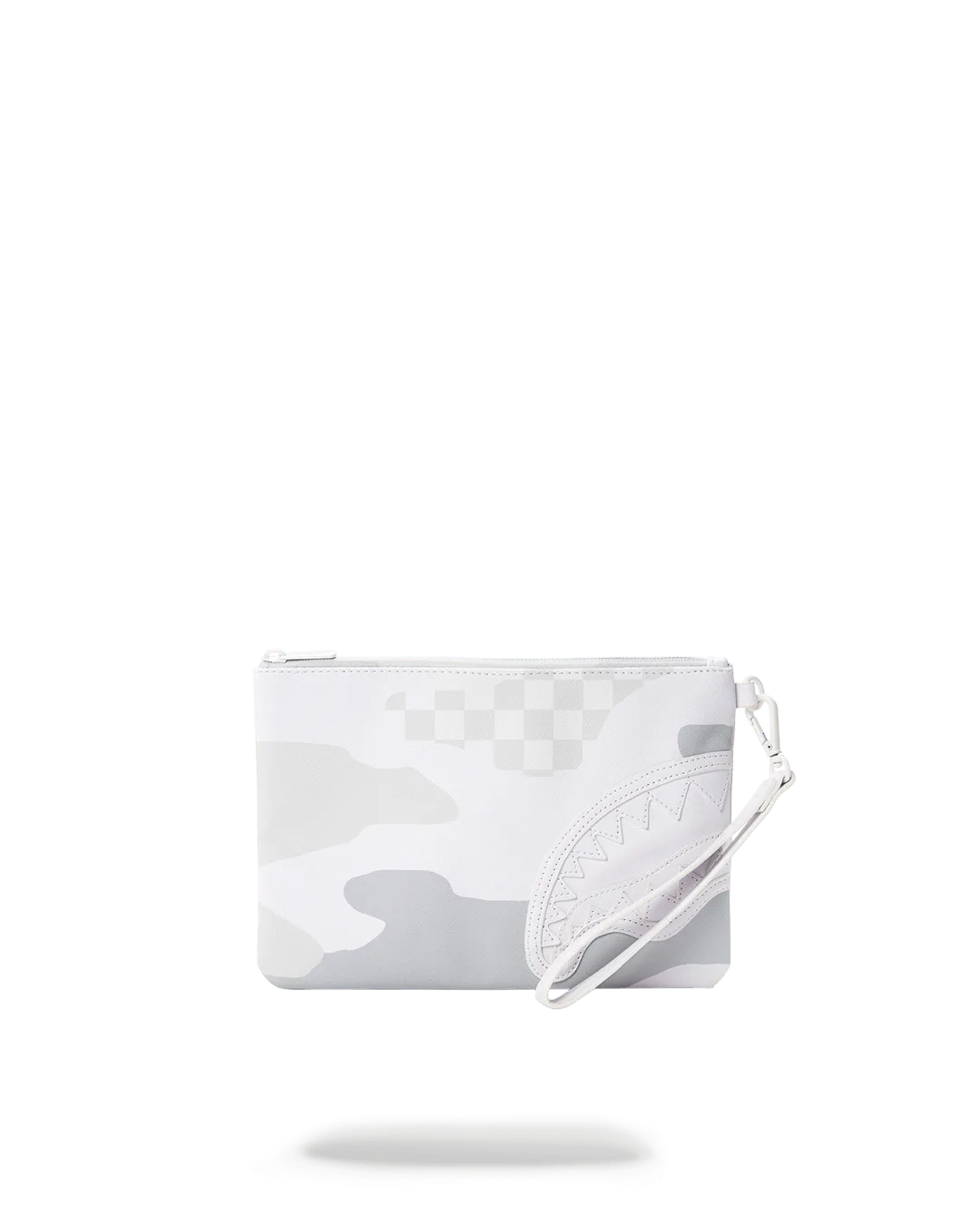
Even the best backpacks can’t tame loose cables and tiny accessories. Invest in small pouches or pencil cases to group similar items. A tech pouch for cables, a makeup bag for toiletries, and a slim case for business cards keep everything tidy. SPRAYGROUND® also offers crossover clutches and jewelry cases that double as stylish organizers inside your backpack.
For students, a dedicated pencil case prevents pens from poking through fabric. For professionals, a cardholder or small wallet can slide into a front pocket. The key is to avoid dumping everything into one compartment; instead, use color-coded or labeled pouches to speed up retrieval.
Step 4: Master the Art of Weight Distribution
Uneven weight distribution can cause back pain and poor posture. Always place heavy items like laptops and books in the main compartment, positioned against your back. Lighter items such as clothes or snacks should go toward the front. This keeps the center of gravity close to your body, reducing strain on your shoulders.
Adjustable straps are your friend. Tighten them so the backpack sits high on your back, not sagging below your waist. Many SPRAYGROUND® backpacks feature padded shoulder straps and breathable back panels for added comfort. The BAGS SECURED BACKPACK (DLXV) includes a sternum strap that helps stabilize the load during commutes.
- Heaviest items: closest to your back
- Medium items: middle compartment
- Lightest items: front pockets and side pouches
Step 5: Maintain Your Organization Daily
Organization is a habit, not a one-time setup. Spend two minutes each evening to reset your backpack: remove trash, return items to their zones, and check for forgotten papers. This daily routine ensures you start each day with a clean slate. Keep a small trash bag in one pocket for receipts and wrappers.
Rotate your backpack seasonally to prevent wear and tear. If you use a heavy laptop bag for work, consider a lighter option for weekends. The AVANT GARDEN SAVAGE backpack offers a versatile design that transitions from office to casual outings, making it easier to maintain organization without switching bags.
Organizing your backpack doesn't have to be a chore. With the right bag and a simple zoning system, you can turn your daily carry into a streamlined tool for success. Start with a SPRAYGROUND® backpack like the A.I. PALM MIRAGE SHARK BACKPACK and apply these tips to experience a clutter-free, stress-free commute. Ready to upgrade your carry? Explore the full collection of backpacks and accessories to find your perfect match.