Quick answer
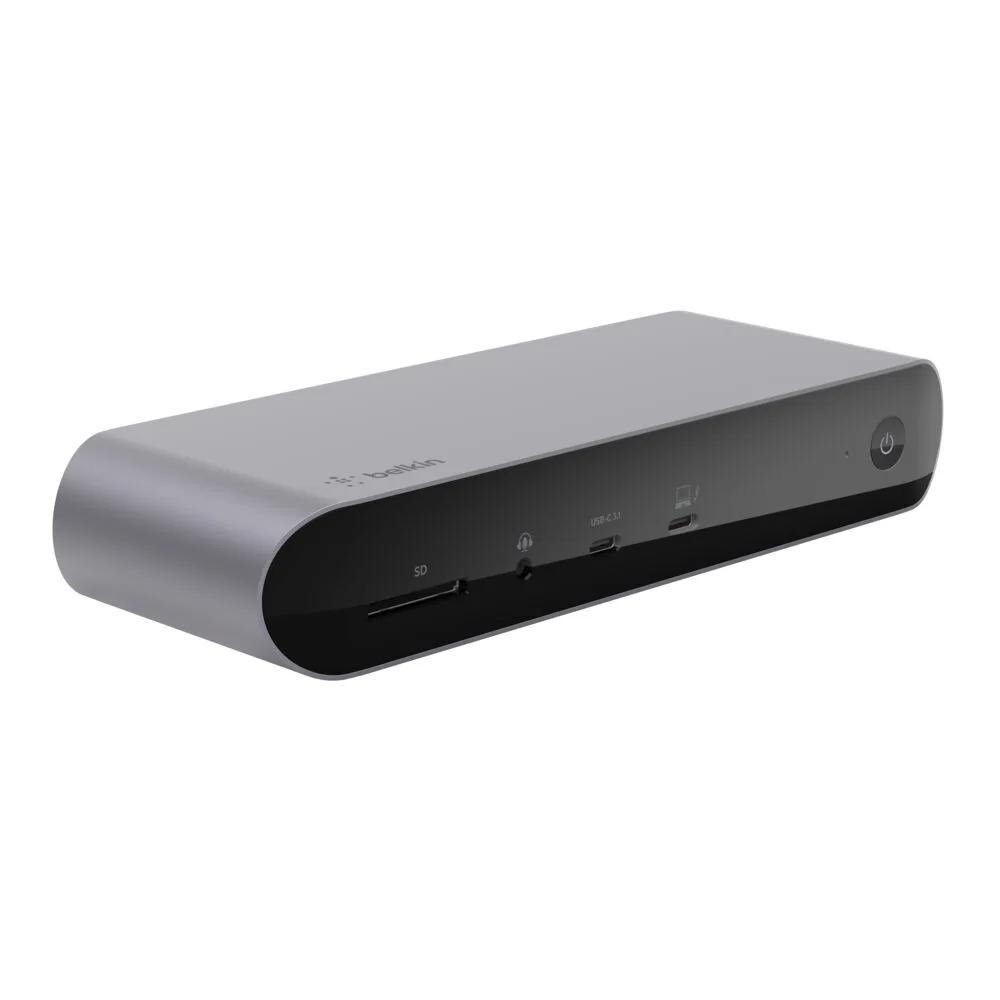
A USB-C hub is a compact, portable accessory that adds a few essential ports to your laptop, while a docking station offers more ports, multiple display outputs, and often power delivery for a full desktop experience. Choose a hub for travel and light use; pick a dock for a permanent desk setup with multiple monitors.
Port Count and Connectivity
The most immediate difference between a USB-C hub and a docking station is how many devices you can connect at once. A typical hub, like the Belkin 5-Port USB-C Hub with 4K HDMI, offers five ports, which is enough for a monitor, mouse, keyboard, and maybe one extra accessory. A docking station usually provides eight or more ports, including multiple USB-A, USB-C, Ethernet, audio, and card readers, making it ideal for a fully wired desk.
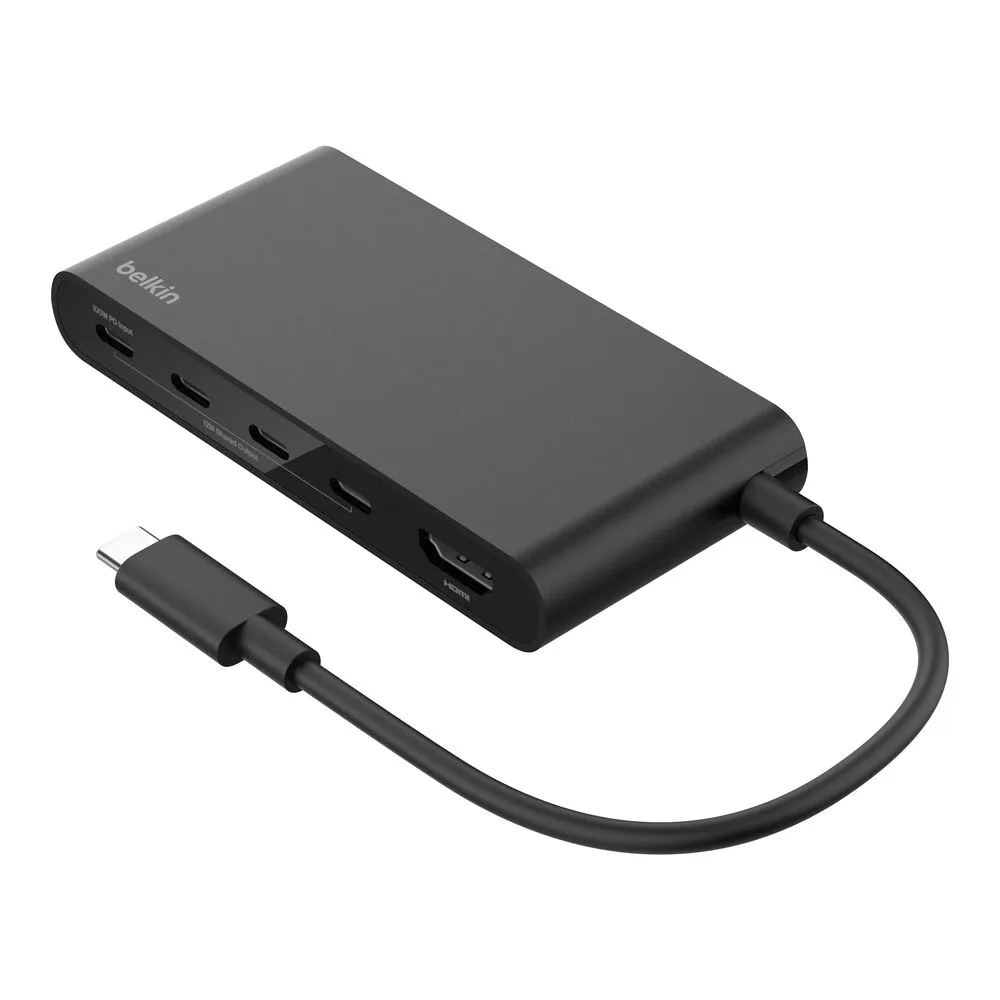
5-Port USB-C Hub with 4K HDMI
If you frequently swap between a laptop and a desktop setup, a hub’s limited ports may force you to unplug and replug devices. A dock lets you leave everything connected and attach your laptop with a single cable.
Display Support and Power Delivery
Display output is another major differentiator. Many hubs offer a single HDMI port, often capped at 4K 30Hz, which is fine for presentations or a secondary monitor. Docking stations typically support dual displays at higher resolutions and refresh rates, which is critical for creative professionals or anyone running multiple windows side by side.
Power delivery also varies. Some hubs pass through charging, but the wattage may be limited. Docking stations often include dedicated power adapters that can charge your laptop at full speed while powering peripherals. If you want a clean one-cable setup that charges your device, a dock is usually the better choice.
Trade-offs to consider
- Portability vs. functionality: Hubs are small enough to slip into a laptop bag; docks are larger and meant to stay on a desk. Choose a hub if you move between locations often; choose a dock if your laptop rarely leaves your desk.
- Single display vs. dual display: Most hubs support one external monitor; many docks support two or more. The Belkin Universal USB-C 8-in-1 Dual Display Core Hub is an exception, offering dual display in a hub form. For a dual-monitor workflow, look for a hub or dock that explicitly lists dual display support.
- Power delivery capability: Docks usually include a power adapter that charges your laptop at full speed. Hubs often rely on pass-through charging, which may be slower or unavailable. If you want to charge your laptop through the dock, verify the wattage. For a hub, expect to use your laptop’s original charger separately.
Product facts at a glance
- Universal USB-C 8-in-1 Dual Display Core Hub: 8-in-1 design provides multiple connectivity options for your devices. Dual display support allows you to connect two monitors for enhanced productivity. If you need to run two external monitors from a single USB-C port, this hub acts like a compact docking station, giving you a true multi-monitor workspace without the bulk of a full dock.
- 5-Port USB-C Hub with 4K HDMI: Features five ports to connect multiple peripherals simultaneously. Includes a 4K HDMI output for high-resolution external display support. This 5-port hub is a great travel companion: it adds the essential ports (HDMI, USB-A, USB-C) without adding weight, but it only supports one external display, so it's best for single-monitor setups.
Which one fits your setup?
Best for
- Travelers and remote workers who need a lightweight add-on for a single monitor and a few peripherals
- Users who want dual-monitor support in a compact form factor (e.g., with the 8-in-1 Dual Display Core Hub)
Not for
- Users who need to charge their laptop at full speed through a single cable (choose a docking station instead)
- Setups requiring more than five ports or multiple high-resolution displays simultaneously