Quick answer
A USB4 C-to-C cable delivers up to 40 Gbps data transfer, supports fast charging up to 240W, and works with Thunderbolt 4, Thunderbolt 3, and USB-C devices. It's the most versatile single cable for modern laptops, docks, and peripherals.
Why USB4 matters now
USB4 isn't just a speed bump over USB 3.2. It uses a smarter bandwidth management system that can dynamically split the 40 Gbps pipe between data and video signals. That means you can run a 4K display, transfer files, and charge your laptop through one cable without manually juggling ports.
The catch: USB4 cables are backward compatible with older USB-C ports, but they only reach USB4 speeds when both the cable and the host device support the standard. If you plug a USB4 cable into a USB 3.2 port, it will run at USB 3.2 speeds.
Charging and power delivery
A USB4 C-to-C cable supports USB Power Delivery (PD) up to 240W with the latest EPR (Extended Power Range) standard. This is enough to fast-charge a MacBook Pro, Dell XPS, or other high-power laptops. Older USB 3.2 cables are typically limited to 100W.
One trade-off: not all USB4 cables support 240W out of the box. Check the cable's wattage rating. The Satechi USB4 cable, for example, supports the latest USB4 protocols and is designed for high-power devices, making it a reliable choice for laptop charging.
Compatibility with Thunderbolt 4
USB4 cables are fully compatible with Thunderbolt 4 and Thunderbolt 3 ports. You can use a USB4 cable to connect a Thunderbolt 4 dock to a USB4 laptop, or vice versa, and get full 40 Gbps speeds. This is a key advantage over standard USB-C cables, which often cap at 10 or 20 Gbps.
However, if you need guaranteed Thunderbolt 4 certification (e.g., for a professional video workflow), a dedicated Thunderbolt 4 cable may offer tighter validation. For most users, a high-quality USB4 cable like the Satechi USB4 C-to-C cable provides the same real-world performance at a lower price.
Decision rules
- Choose USB4 if: You need consistent 40 Gbps speeds for external SSDs, eGPUs, or 4K/8K displays and want a single cable for data, video, and charging.
- Stick with USB 3.2 if: Your devices only support USB 3.2 (10 or 20 Gbps), you don't need high-power charging above 100W, and you want to save a few dollars. A USB4 cable will still work, but you won't see speed benefits until you upgrade your hardware.
- Consider Thunderbolt 4 if: You rely on certified Thunderbolt 4 peripherals (e.g., certain docks or RAID arrays) and need guaranteed compatibility for mission-critical workflows. For everyday use, a USB4 cable is functionally identical and often more affordable.
Product facts
-
USB4 C-to-C Cable: Features next-gen USB4 protocols for better bandwidth management and data transfer, allowing you to maximize the efficiency of connected devices such as Thunderbolt 4/3/USB-C displays, docking stations, external SSDs, eGPUs, VR devices, and 10GbE adapters. This means one cable can handle high-resolution video, fast file transfers, and charging simultaneously without needing separate cables for each task.
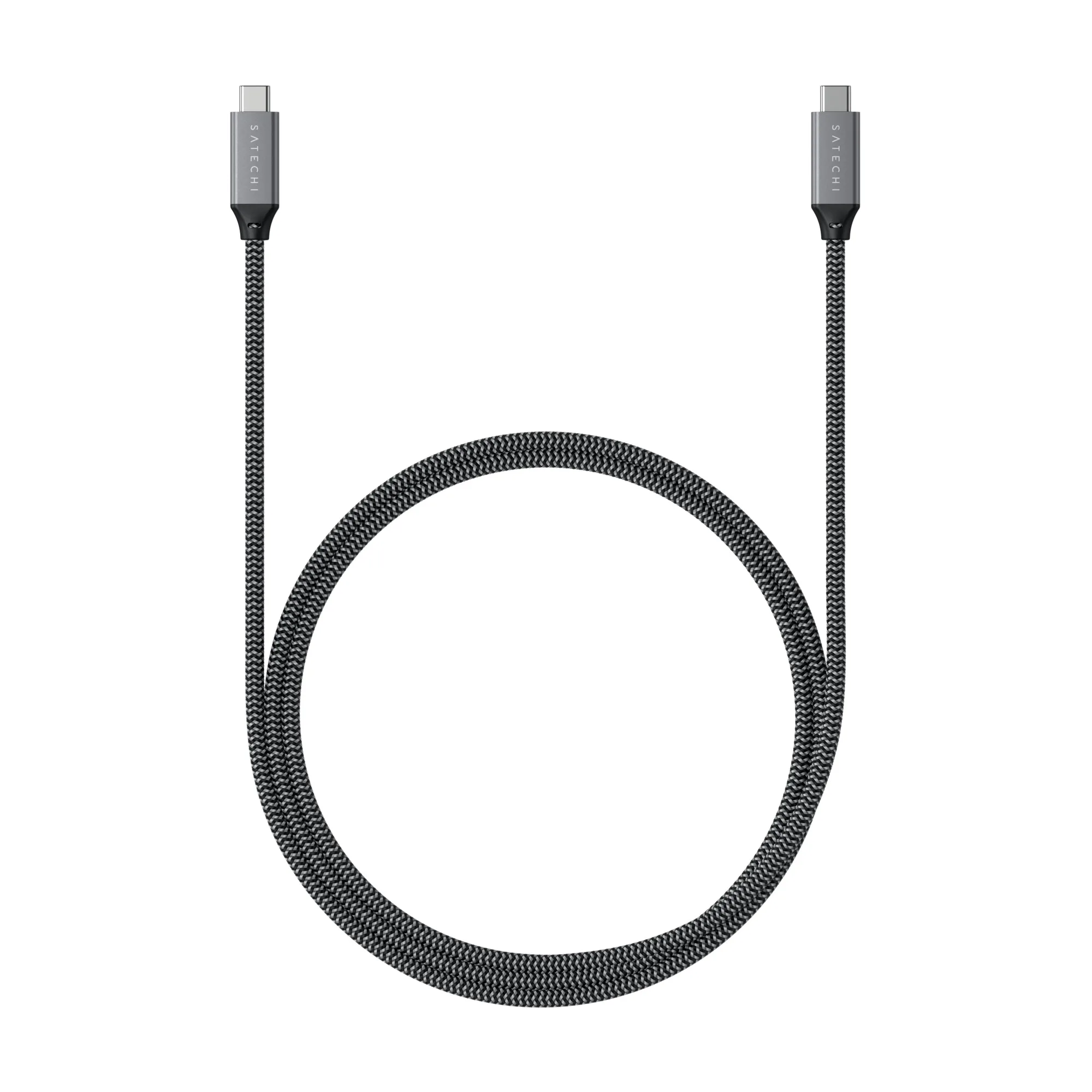
USB4 C-to-C Cable
Which cable fits you?
Best for
- Users with USB4 or Thunderbolt 4 laptops who want a future-proof cable for fast charging, data, and video
- Anyone consolidating multiple USB-C cables into one high-performance option
Not ideal for
- Users with only USB 2.0 or USB 3.0 devices who don't need high-speed data or fast charging
- Budget-constrained buyers who only need a basic charging cable for phones or tablets