Quick answer
To set up the eufy Dual Camera Bundle with HomeBase Professional S1, first connect the hub to your router via Ethernet, then power on both cameras and pair them through the eufy Security app. The entire process takes about 20 minutes.
Why the HomeBase Professional S1 matters
The HomeBase Professional S1 acts as the central hub for your dual camera system, storing footage locally and managing WiFi connections. Unlike relying solely on cloud storage, this hub keeps your video data on-site and reduces network congestion.
One common oversight is placing the hub too far from the router. For reliable operation, keep the HomeBase within 10 feet of your router during initial setup, even if you plan to move it later.
Dual-lens advantage for wider coverage
Each camera in the bundle features dual-lens capture, meaning you get a broader field of view than a single-lens camera. This is especially useful for monitoring large areas like driveways or backyards without needing extra cameras.
However, dual-lens cameras may require more careful positioning to avoid blind spots. Test the live view in the app before finalizing the mount location.
Step-by-step setup process
- Connect the HomeBase Professional S1: Plug the HomeBase into power and connect it to your router using the included Ethernet cable. Wait for the LED to turn solid blue, which indicates it's online. Do not rely on WiFi for this initial connection—Ethernet ensures a stable first link. If the LED blinks red, check the Ethernet cable or router port.
- Install the eufy Security app and create an account: Download the eufy Security app from your device's app store. Open the app and either log in or create a new account. Tap 'Add Device' and scan the QR code on the HomeBase. The app will guide you through hub registration. Keep your phone within 30 feet of the HomeBase during pairing to avoid Bluetooth dropouts.
- Power on both cameras: Remove the protective film from each camera's lens and plug them into power using the provided USB cables. Wait 1-2 minutes for the cameras to boot up—the LED will flash red initially, then turn solid blue when ready. Don't mount the cameras yet; keep them on a table near the hub for easier pairing.
- Pair each camera with the HomeBase: In the eufy app, tap 'Add Device' again and select 'Camera'. The app will search for nearby cameras. When it finds one, confirm the pairing. Repeat for the second camera. Both cameras will now appear in your device list. If a camera isn't detected, press the sync button on the camera body for 3 seconds until the LED blinks blue.
- Position and mount the cameras: Choose mounting locations that cover your desired areas—e.g., front door and back patio. Use the included mounting brackets and screws. Adjust the camera angle while watching the live feed in the app to ensure full coverage. Avoid pointing cameras directly at bright light sources, which can wash out the image.
- Configure recording and alerts: In the app, go to each camera's settings and select 'Recording Mode'. Choose between continuous recording or motion-triggered events. Set motion sensitivity to medium initially—too high causes false alerts from passing cars or animals. Test motion detection by walking in front of the camera and checking if the app sends a notification within 10 seconds.
What comes in the bundle
-
Dual Camera Bundle + HomeBase™ Professional S1: The eufy Dual Camera Bundle pairs two dual-lens cameras with the HomeBase Professional S1 hub for centralized management. You get two cameras that can cover separate zones while all footage is stored and managed from one hub, simplifying your security setup.
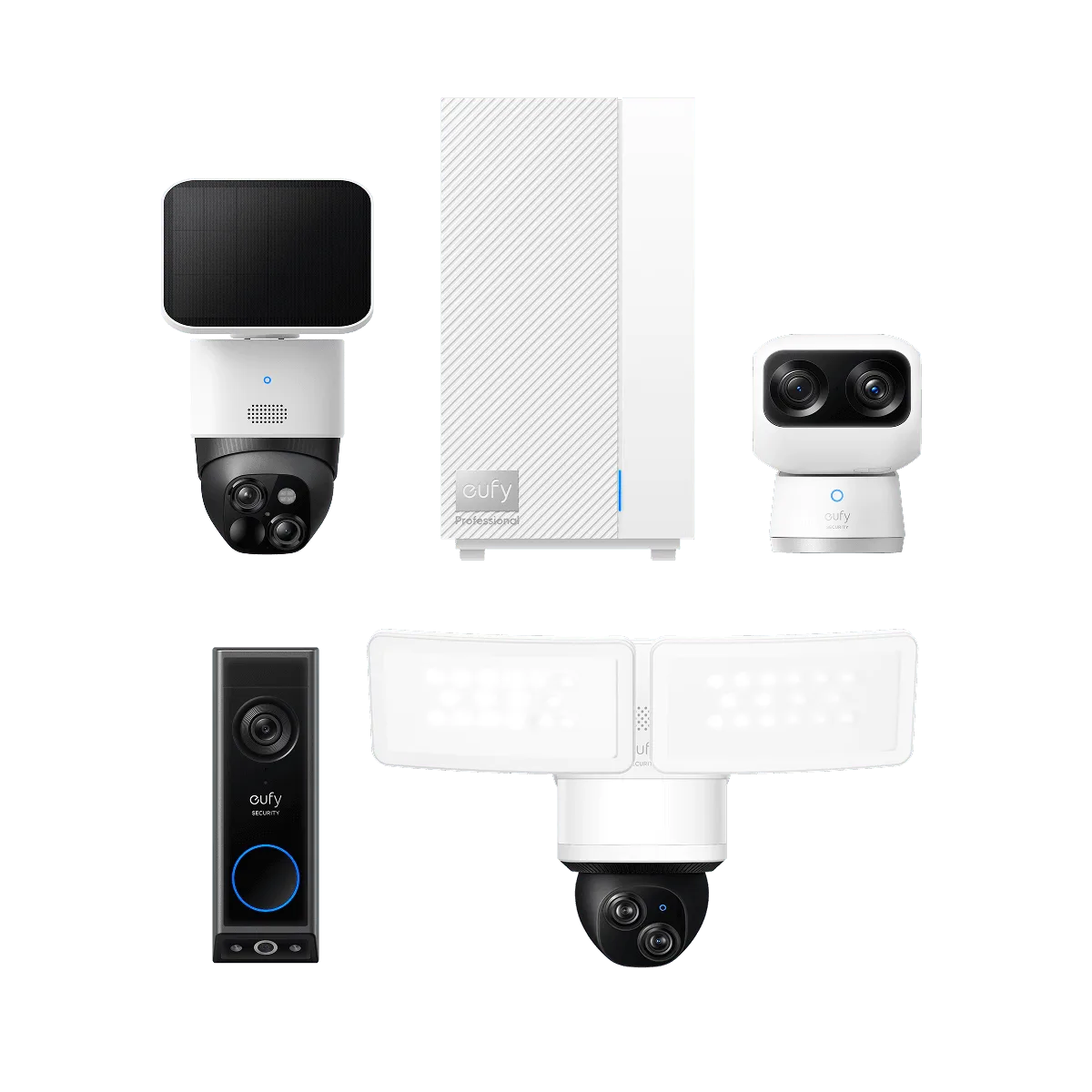
Dual Camera Bundle + HomeBase™ Professional S1