Quick answer
To use NiSi Aureus rear filters and accessories, start by mounting the clamp-on adaptor, then attach the rear filter, and finally use the Aureus Prime Tool for safe lens maintenance.
Why Rear Filters and Accessories Matter for Your Aureus Lenses
NiSi Aureus cinema lenses are precision optics designed for professional cinematography. Rear filters let you control exposure and color without adding bulk to the front of the lens, while accessories like the clamp-on adaptor and hardshell case protect your investment and speed up your workflow. The Aureus Prime Tool is specifically machined to service these lenses without damaging the reflective ring.
One trade-off: rear filters require careful handling because they sit close to the sensor. A smudge or scratch on a rear filter can degrade image quality more noticeably than a front filter. That's why using the correct tool and case matters.
Step-by-Step: Using NiSi Aureus Rear Filters and Accessories
- Mount the Clamp-On Adaptor: Align the 95–90mm clamp-on adaptor with the front of your Aureus lens and tighten the clamp screws evenly. The adaptor reduces the 95mm thread to 90mm so you can attach a standard matte box. Common mistake: overtightening the clamp screws can warp the adaptor. Tighten until snug, then stop.
- Attach the Rear Filter: Screw the rear filter into the filter thread at the back of the lens (near the mount). Use only your fingers to tighten—do not use tools. Make sure the filter is clean and free of dust before installation. Checkpoint: after mounting, look through the lens toward a light source to confirm no dust or smudges are trapped between the filter and the rear element.
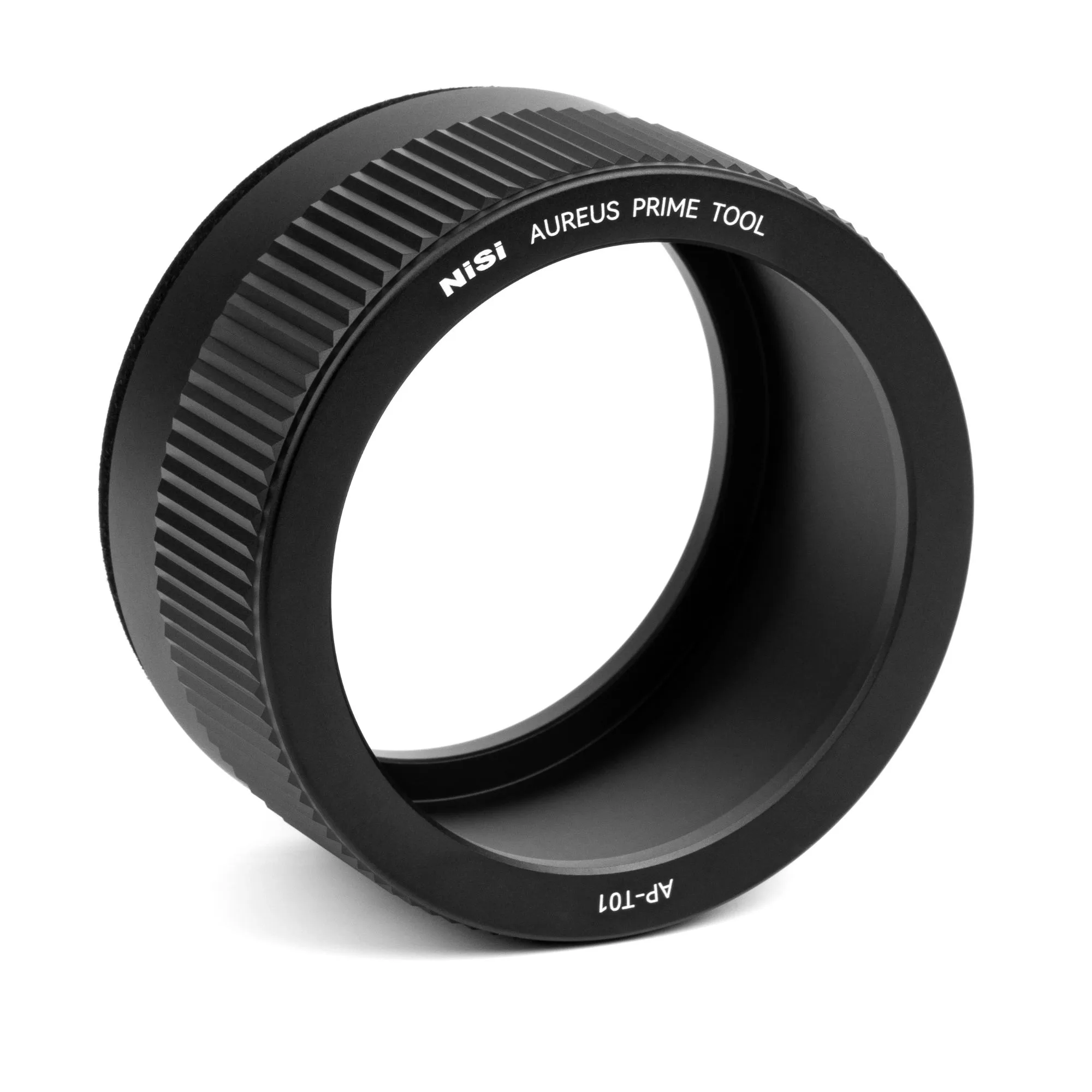
- Use the Aureus Prime Tool for Lens Maintenance: Insert the Aureus Prime Tool (AP-T01) into the notches on the top reflective flat ring. Turn counterclockwise to loosen or remove the ring, and clockwise to tighten. The soft inner surface protects the lens finish. Common mistake: using a generic spanner or pliers can scratch the ring. Always use the dedicated tool for safe maintenance.
- Store Lenses in the Hardshell Case: Place each lens in its designated foam cutout inside the NiSi AUREUS Cinema Lens Hardshell Case. Close the lid and latch securely. The case holds up to 8 Aureus lenses. Checkpoint: before closing, ensure lenses are dry and free of moisture to prevent fogging or mold during storage.
Key Products for Aureus Lens Care
-
NiSi AUREUS Cinema Lens Hardshell Case for 8 Lenses (Fits 8 x AUREUS Cinema Lenses): Purpose-built for NiSi AUREUS, this case supports 8 AUREUS lenses. Keeps your lenses organized and protected during travel, reducing the risk of damage when moving between sets.
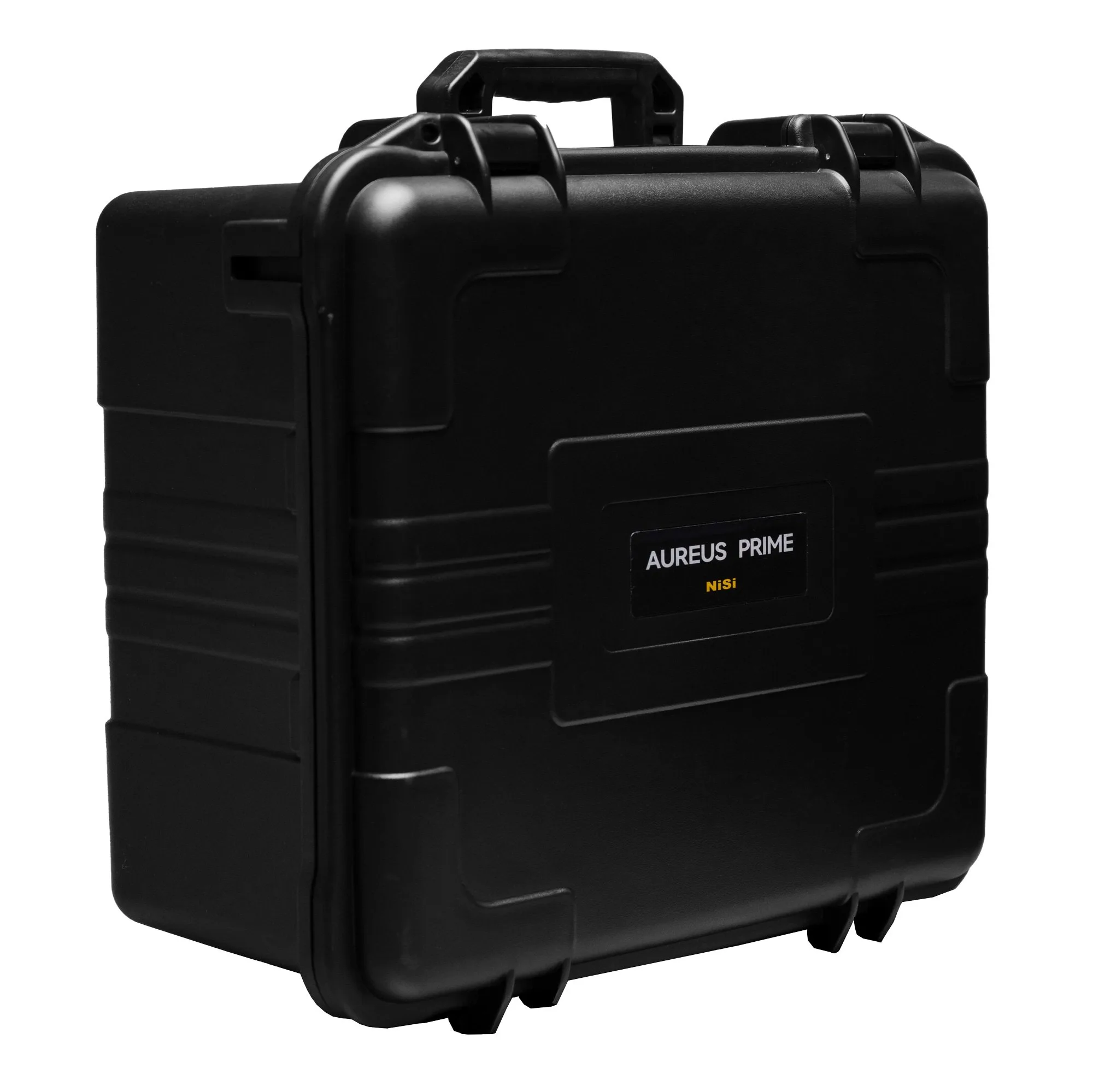
NiSi AUREUS Cinema Lens Hardshell Case for 8 Lenses (Fits 8 x AUREUS Cinema Lenses)
-
NiSi Cinema 95–90mm Clamp-On Adaptor for NiSi Aureus Cinema Lenses: 95–90mm Clamp-On Adaptor designed for NiSi Aureus Cinema Lenses, compatible with the NiSi C5 Matte Box. Lets you attach a standard 95mm matte box to the 90mm front of your Aureus lens, expanding your filter options without needing a dedicated matte box.
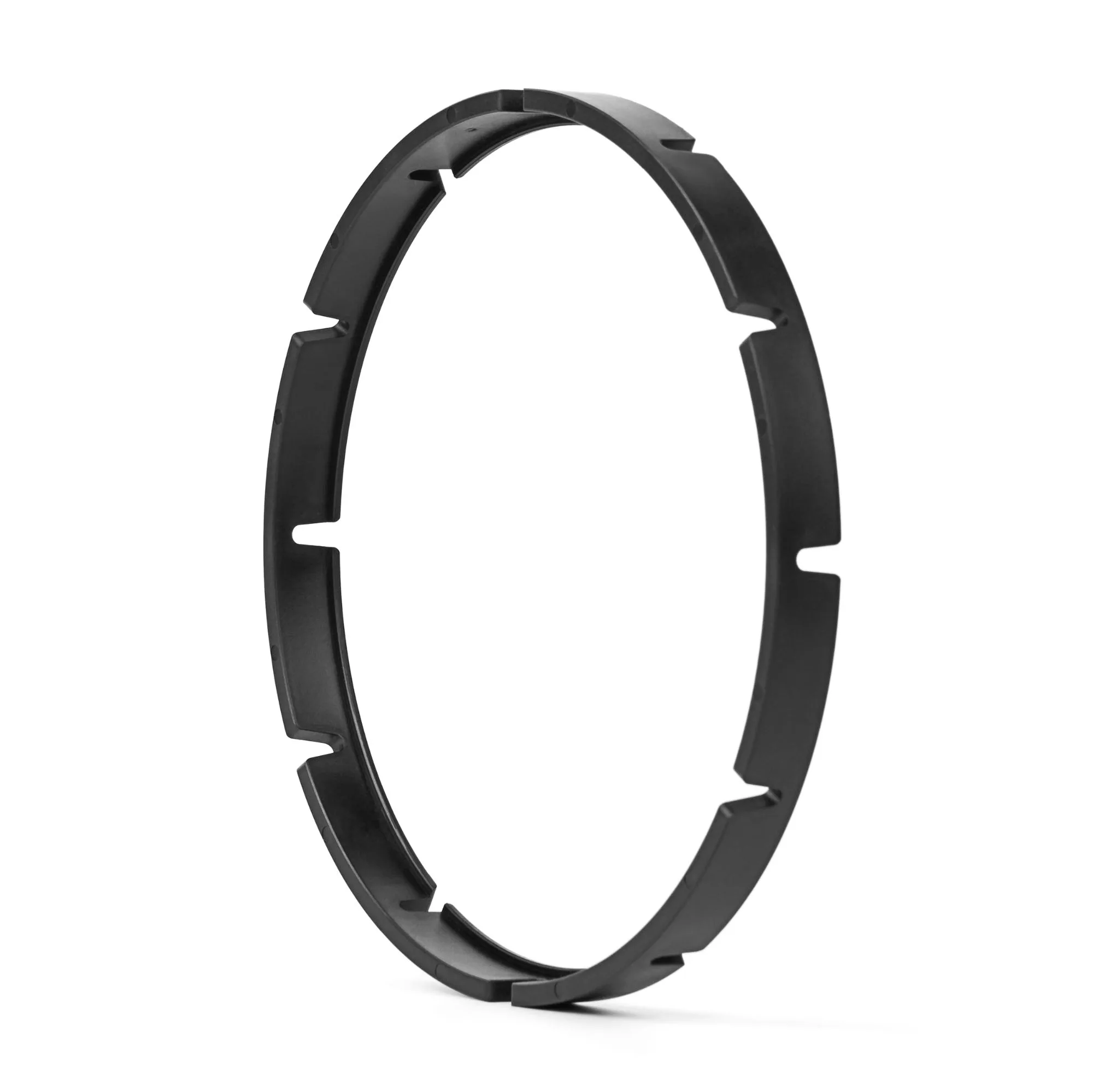
NiSi Cinema 95–90mm Clamp-On Adaptor for NiSi Aureus Cinema Lenses
-
NiSi Cinema Aureus Prime Tool (AP-T01): Untightens, removes or tightens the top reflective flat ring with a soft inner contact surface. Prevents scratches and damage when servicing the lens, making routine maintenance faster and safer than using generic tools.