Quick answer
The X pattern appears when you rotate a variable ND filter past its marked maximum density. The two polarizing layers cross and block light unevenly, creating a dark cross. Fix it by backing off to the highest marked stop, usually ND32 on a 1–5 stop filter, or switch to a fixed ND if you need more density.
What the X pattern actually is
A variable ND filter uses two polarizing layers. As you rotate the front ring, the angle between them changes and cuts more light. At a certain point the polarization crosses and the center darkens unevenly, forming an X or cross. This is normal physics, not a manufacturing fault. The pattern becomes visible when the filter is pushed beyond its designed range—often around 5 stops on a 1–5 stop VND. If you see the X, you have simply rotated too far. The fix is to reduce density until the cross disappears, then adjust your shutter speed, aperture, or ISO to compensate.
How to avoid the X pattern in the field
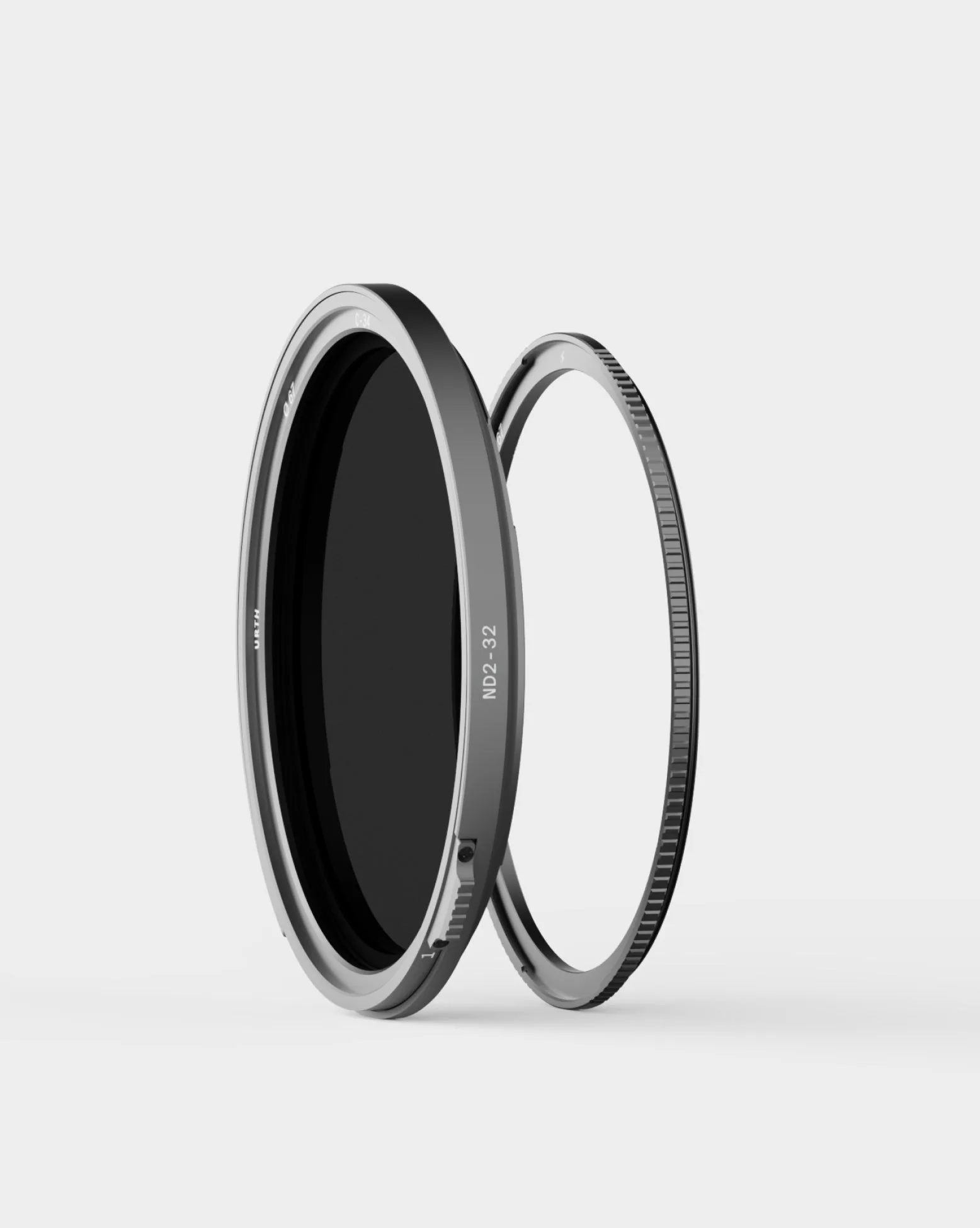
Set your exposure before rotating to the maximum. If you need more than 5 stops, use a fixed ND or stack a weaker VND with a fixed ND. Avoid stacking two variable NDs; that makes the cross worse. When using a magnetic VND, make sure the filter is seated flat and the lock ring is engaged. A tilted filter can also cause uneven darkening. Finally, check the marked stop range on your filter. A 1–5 stop VND like the Magnetic Variable ND2–32 Pro is designed to stay clean within that range; pushing past 5 stops is where the X appears.
When to stop adjusting and switch filters
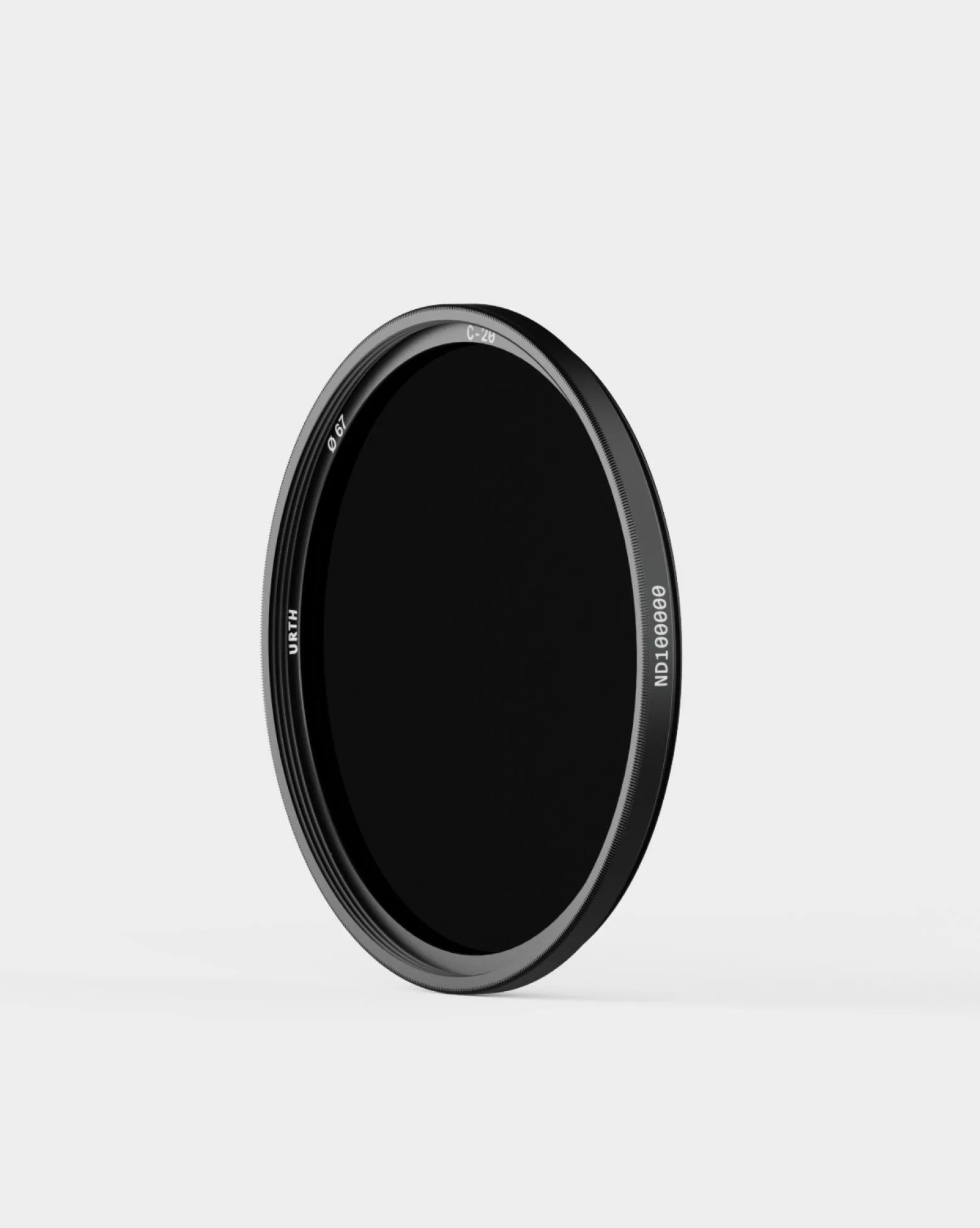
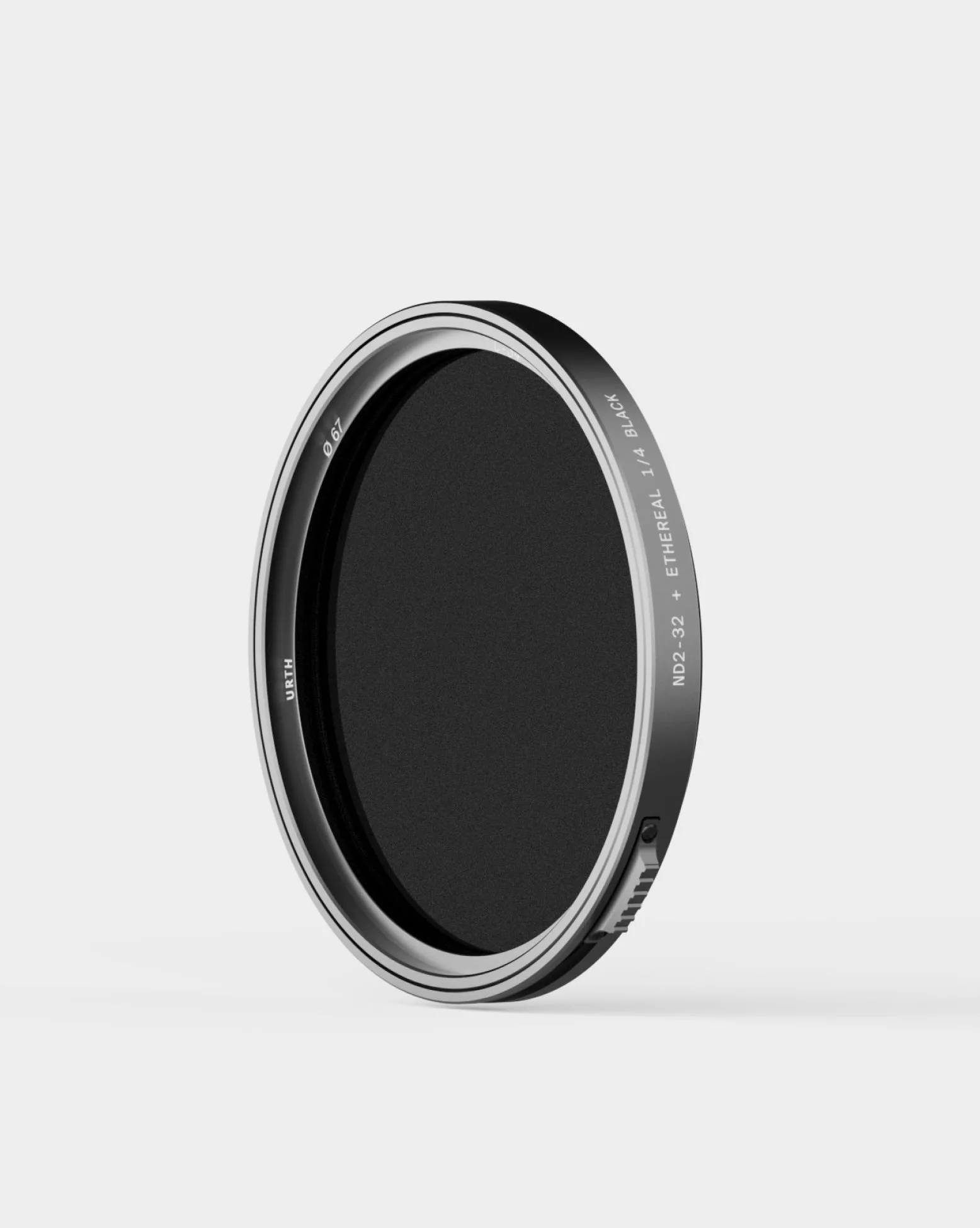
If you regularly need 6 or more stops of reduction, a variable ND is the wrong tool. Switch to a fixed ND like the Solar ND100000 Filter Plus for extreme light, or use a stronger fixed ND for long exposures. Also, if the X appears even at low density, the filter may be damaged or misaligned—contact support. For most bright-condition shooting, staying within the marked range of a quality VND such as the Variable ND2-32 + 1/4 Black Mist Filter Pro gives you clean, even density without the cross.
Diagnosis: X pattern troubleshooting
- Symptom: Dark X or cross visible in the frame: The cross is most obvious against bright, uniform backgrounds like sky or water. Check your current stop setting first.
- Likely cause: Rotated past maximum density: On a 1–5 stop VND, pushing beyond 5 stops crosses the polarizing layers and creates the X. Back off to the highest marked stop (e.g., ND32) and adjust exposure another way.
- Corrective action: Reduce density and compensate: Lower the ND strength, then use a faster shutter speed, wider aperture, or lower ISO to maintain exposure. If you still need more light reduction, switch to a fixed ND filter.
- Stop point: When to choose another option: If the X appears at low density or you consistently need 6+ stops, the VND is not suitable. Use a fixed ND or a stronger dedicated filter. For extreme light, a fixed ND like the Solar ND100000 is the safe choice.
Product facts
- Magnetic Variable ND2–32 Filter Pro: Magnetic Variable ND2–32 Filter Pro provides precise 1–5 stop light reduction with a patented VND Magnetic-Lock mount and German SCHOTT B270 glass. Its 5-stop maximum is the practical limit before the X pattern appears, so knowing the range helps you avoid over-rotation.
- Variable ND2-32 + ¼ Black Mist Filter Pro: Variable ND2-32 + 1/4 Black Mist Filter Pro combines variable light control with 1/4 black mist diffusion, using German SCHOTT B270 glass and CoraNano Max coating. The built-in diffusion softens highlights and can make the X pattern less obvious, but it does not increase the maximum stop range.
- Solar ND100000 Filter Plus: Solar ND100000 Filter Plus offers fixed 16.67-stop light reduction and blocks UV and IR light for safe solar and eclipse photography. For extreme light beyond a VND's range, a fixed ND like this prevents the X pattern entirely and protects your sensor.