Quick Answer
The most reliable way to transfer old tapes to DVD is to use a professional video conversion service that handles all formats and provides clean digital files.
Why Professional Conversion Beats DIY
Converting old tapes yourself requires a working VCR or camcorder, a capture device, and the patience to record each tape in real time. One dropped frame or tracking issue can ruin a precious moment. Professional services use industrial-grade equipment that handles worn tapes, adjusts tracking automatically, and cleans the video signal before encoding.
Another advantage is format compatibility. If you have a mix of VHS, 8mm, Mini DV, and Betamax tapes, a service can handle them all without you needing to buy multiple players or adapters.
What to Expect from a Transfer Service
Most services, including Austin Camera's Consumer Video to DVD option, accept common analog formats: VHS, SVHS, VHS-C, 8mm, Digi 8, Mini DV, and Betamax. You simply send in your tapes, and they return DVDs or a hard drive with your digitized memories. Pricing is per tape, and turnaround time varies.
Check whether the service includes basic editing (like cutting blank footage at the start or end) and whether they offer digital file downloads in addition to DVDs. This can save you from having to rip the discs yourself later.
Step-by-Step: How to Transfer Old Tapes to DVD
- 1. Identify your tape formats: Check the labels on your tapes to determine the format (VHS, 8mm, Mini DV, Betamax, etc.). Group them by format so you know what equipment or service you need. Common mistake: assuming all tapes are VHS. 8mm and Mini DV require different playback heads.
- 2. Choose between DIY and a service: If you have a working VCR or camcorder and a capture device, you can digitize tapes yourself. Otherwise, send them to a professional conversion service like Austin Camera's Consumer Video to DVD. Checkpoint: DIY is cheaper per tape but takes hours of real-time capture. A service costs more but saves time and avoids technical headaches.
- 3. Prepare your tapes for transfer: Fast-forward and rewind each tape fully to reduce tension and loosen any stuck sections. This helps prevent playback glitches. Clean the tape heads if you're doing it yourself. Common mistake: skipping the rewind step can cause the tape to snap or produce poor tracking.
- 4. Set up your capture chain (DIY only): Connect your VCR or camcorder to a computer via a USB capture device or analog-to-digital converter. Use software like OBS, HandBrake, or the capture device's own app to record the video feed. Checkpoint: test the capture settings on a short tape first to confirm audio sync and video quality before committing to a full tape.
- 5. Monitor the transfer in real time: Play the tape and watch the capture window. Pause or stop if you see static, tracking errors, or audio dropouts. Rewind and retry if needed. Common mistake: walking away during capture. A single glitch can corrupt the whole file if you're not there to catch it.
- 6. Save and back up your digital files: Once captured, save the video file in a standard format (MP4 or MOV) and store it in at least two locations: an external hard drive and a cloud service. If you received DVDs, rip them to your computer for easier access. Checkpoint: DVDs can degrade over time. Keep a digital copy on a hard drive or in the cloud for long-term preservation.
Product Facts
-
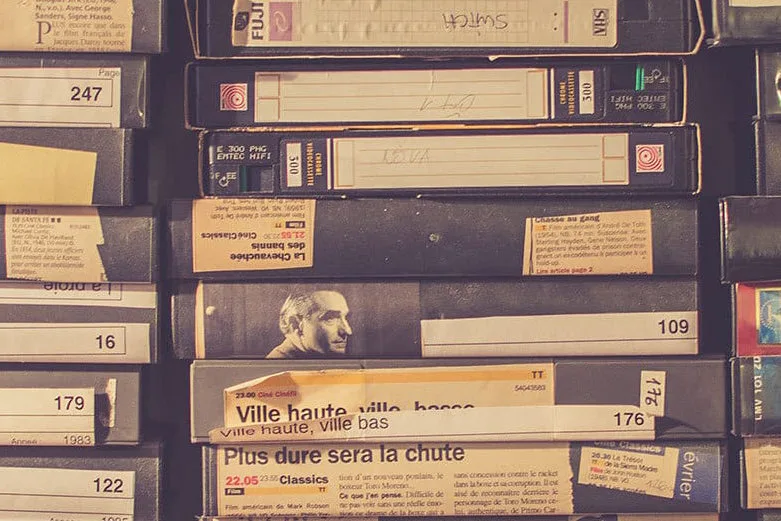
Consumer Video to DVD: Austin Camera provides high-quality video transfers from analog video tapes to DVD or hard drive. Preserve your memories by transferring your old VHS, SVHS, VHS-C, 8mm, Digi 8, Mini DV, or Betamax tapes at affordable rates. One service covers nearly every tape format you might find in a closet, so you don't need to hunt down multiple players or converters.
Consumer Video to DVD


