Quick Answer
Set up your Warhammer 40K Roleplay GM Screen by positioning it between you and the players, clipping key rule references to the panels, and using the included booklet for quick NPC stats and adventure hooks.
Why a Physical GM Screen Still Matters
Even with digital tools, a physical GM screen creates a clear boundary between the game master's notes and the players' view. It also adds atmosphere—the artwork on both the Wrath & Glory and Soulbound screens sets the grimdark tone for your session.
Choosing the Right Screen for Your System
If you run Wrath & Glory, the Warhammer 40,000 Roleplay: Wrath and Glory - Gamemaster's Screen includes a 32-page booklet with NPCs and short adventures. For Age of Sigmar: Soulbound, the Soulbound screen features art by Johan Grenier that matches that setting's aesthetic. Both are three-panel landscape screens, so setup is similar.
Step-by-Step Setup Guide
- Position the Screen: Place the three-panel screen on the table so it faces you. Angle the side panels slightly toward you to create a private workspace while still displaying the artwork to players. Check that all players can see the art but not your notes. Adjust the angle if needed.
- Clip Key Rules to the Panels: Use binder clips or small bulldog clips to attach quick-reference sheets for combat, psychic powers, or vehicle rules to the back of the screen. This keeps critical info at eye level without cluttering your play area. Avoid clipping more than two sheets per panel—too many pages will block the artwork and become hard to read.
- Organize the Booklet (Wrath & Glory Only): If using the Wrath & Glory screen, open the 32-page booklet to the NPC stats or adventure you plan to run. Place it behind the screen on a small stand or clipboard so you can reference it without flipping pages loudly. Tab the booklet pages for NPCs, adversaries, and adventures before the session to avoid mid-game page hunting.
- Hide Dice Rolls and Notes: Roll dice behind the screen when you need secret results (e.g., random encounters or hidden enemy moves). Keep a notepad behind the screen for tracking initiative, wounds, and plot threads players shouldn't see. Common mistake: forgetting to write down NPC names—jot them down as you introduce them.
- Add Ambient Lighting (Optional): Clip a small LED book light to the top of the screen to illuminate your notes without washing out the room's mood lighting. This keeps the table dark for players while you can still read stats. Use a warm or red light to match the 40K aesthetic—avoid bright white LEDs that break immersion.
Product Facts
-
Warhammer Age of Sigmar Roleplay - Soulbound - Gamemaster's Screen: The Warhammer Age of Sigmar: Soulbound Gamemaster’s Screen is a three-panel landscape screen with artwork by artist Johan Grenier. The artwork sets the visual tone for Soulbound sessions, helping players immerse in the setting.
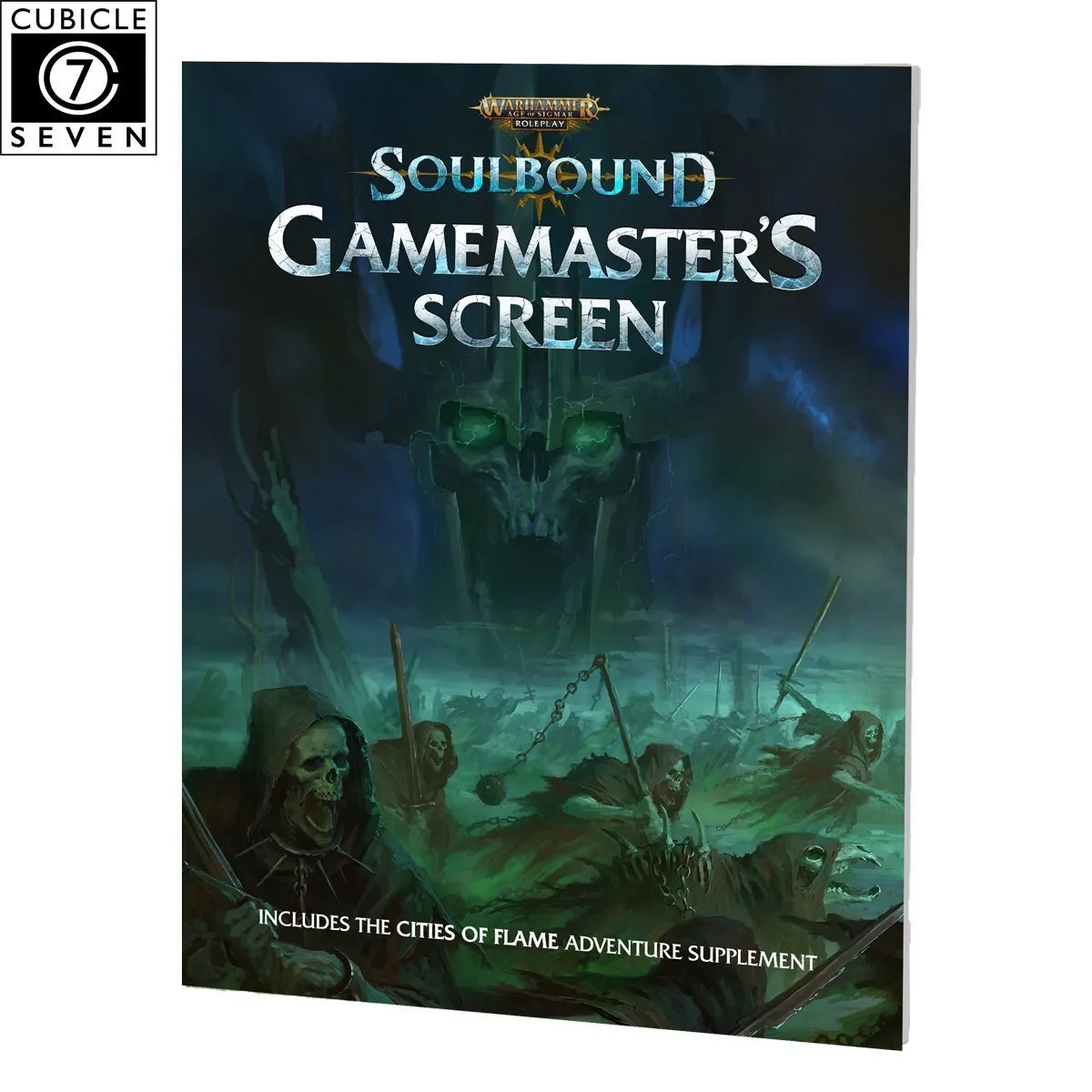
Warhammer Age of Sigmar Roleplay - Soulbound - Gamemaster's Screen
-
Warhammer 40,000 Roleplay: Wrath and Glory - Gamemaster's Screen: The Wrath and Glory Gamemaster's Screen includes a 32-page booklet packed with advice, NPCs, and short adventures. You get ready-to-use content that saves prep time and provides instant adventure hooks.
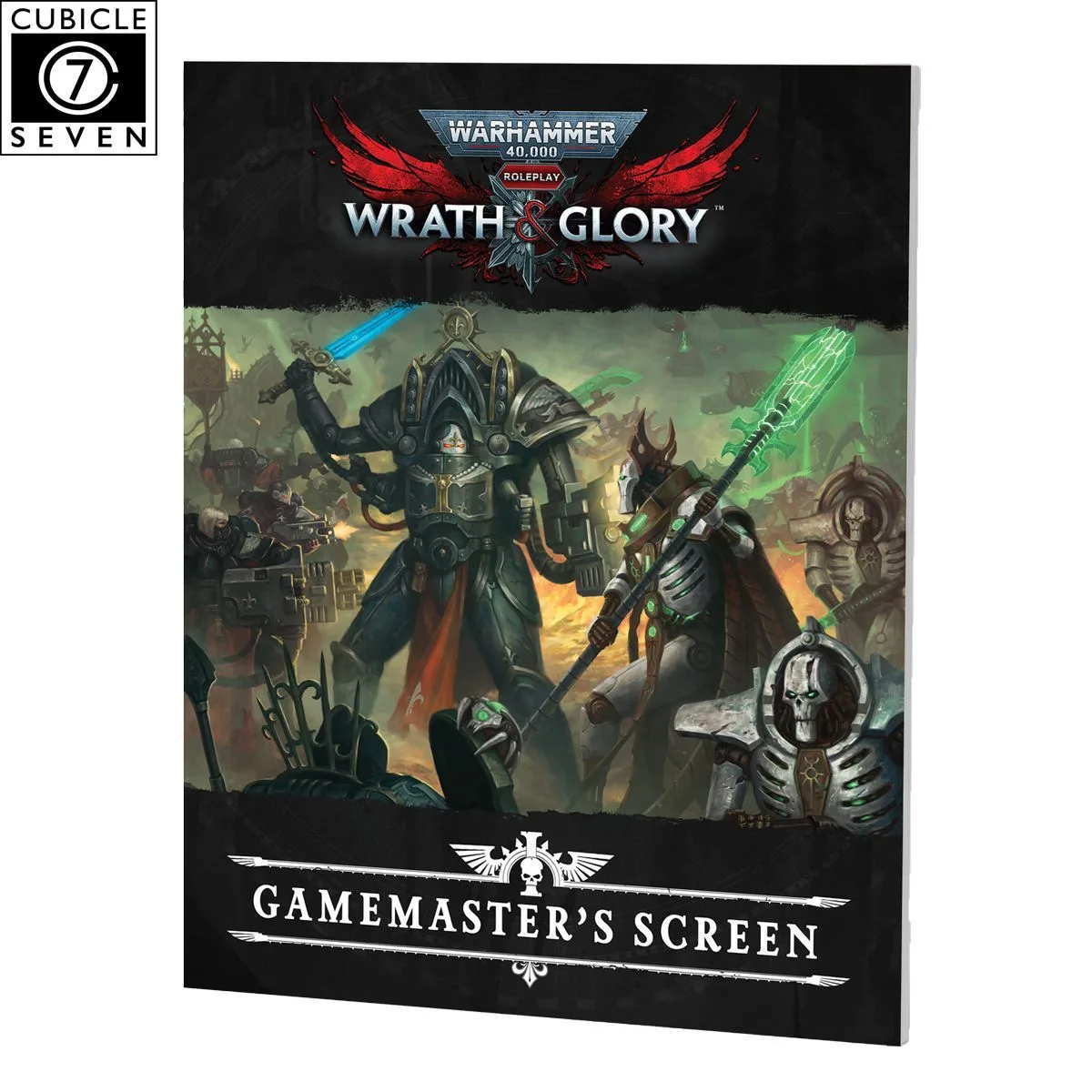
Warhammer 40,000 Roleplay: Wrath and Glory - Gamemaster's Screen


